How to Safely Eject Trapped Water from an iPhone Speaker
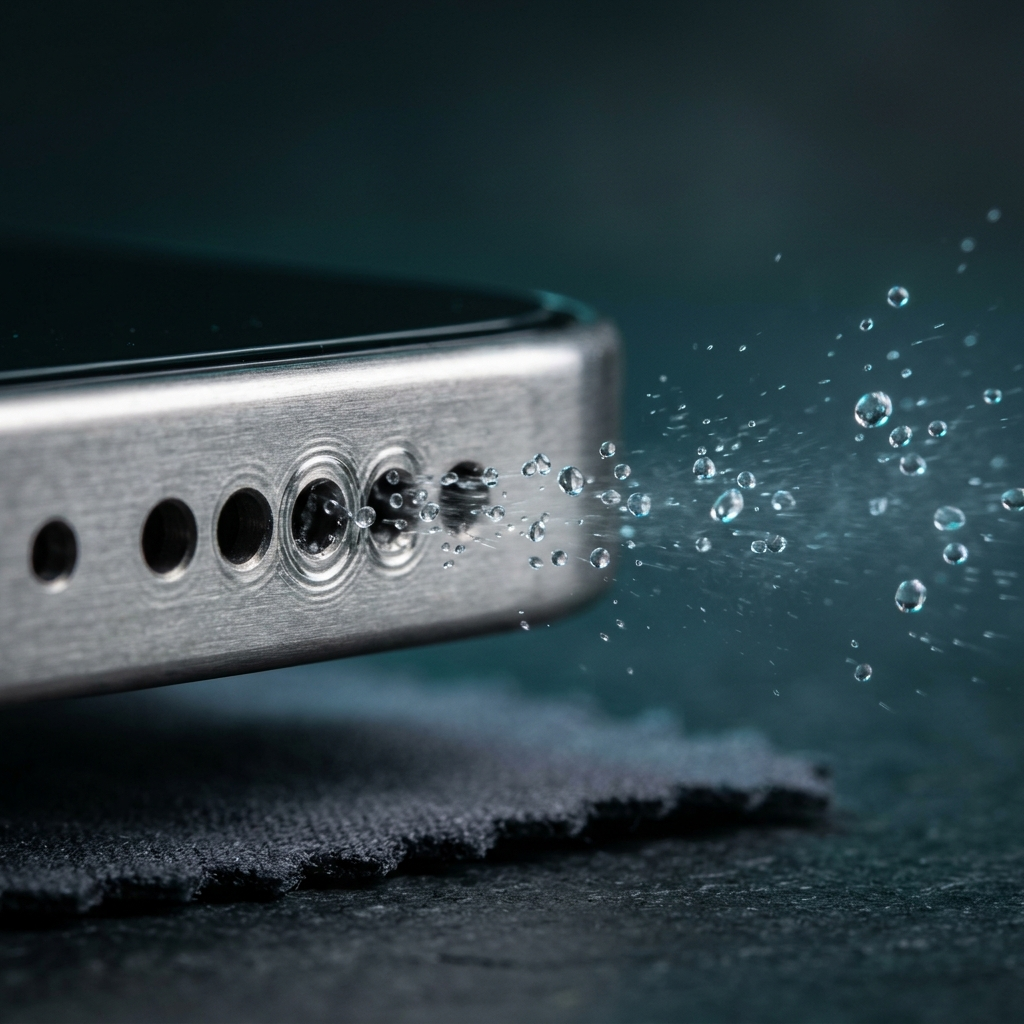
To safely remove trapped water from an iPhone speaker, position the device with the speaker grilles facing downward and play low-frequency sound waves around 165 Hz to dislodge moisture. Wipe away expelled water immediately with a clean, lint-free cloth and let the device dry in an area with steady airflow. Avoid heat sources, compressed air, and physical tools, which can permanently damage acoustic meshes or water-resistant seals.
The Mechanics of Water Retention in Smartphone Acoustic Chambers
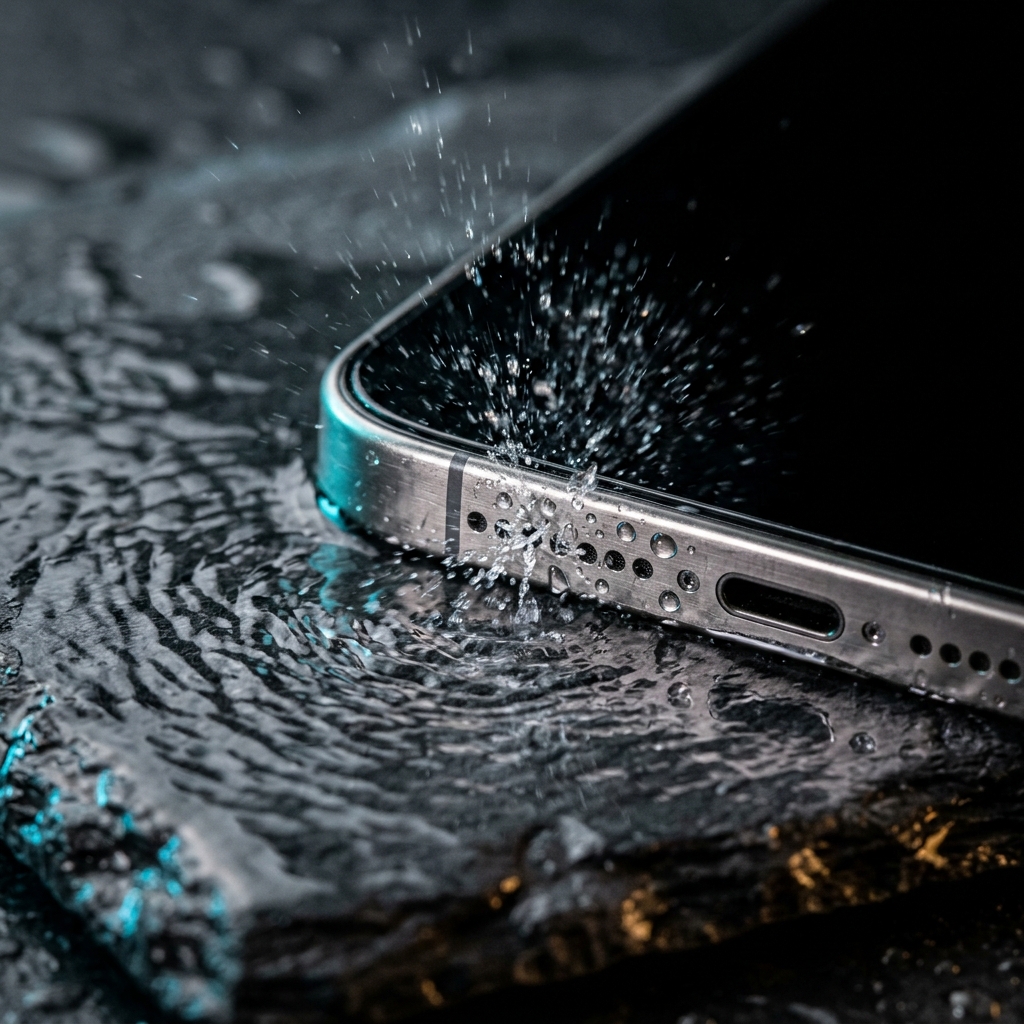
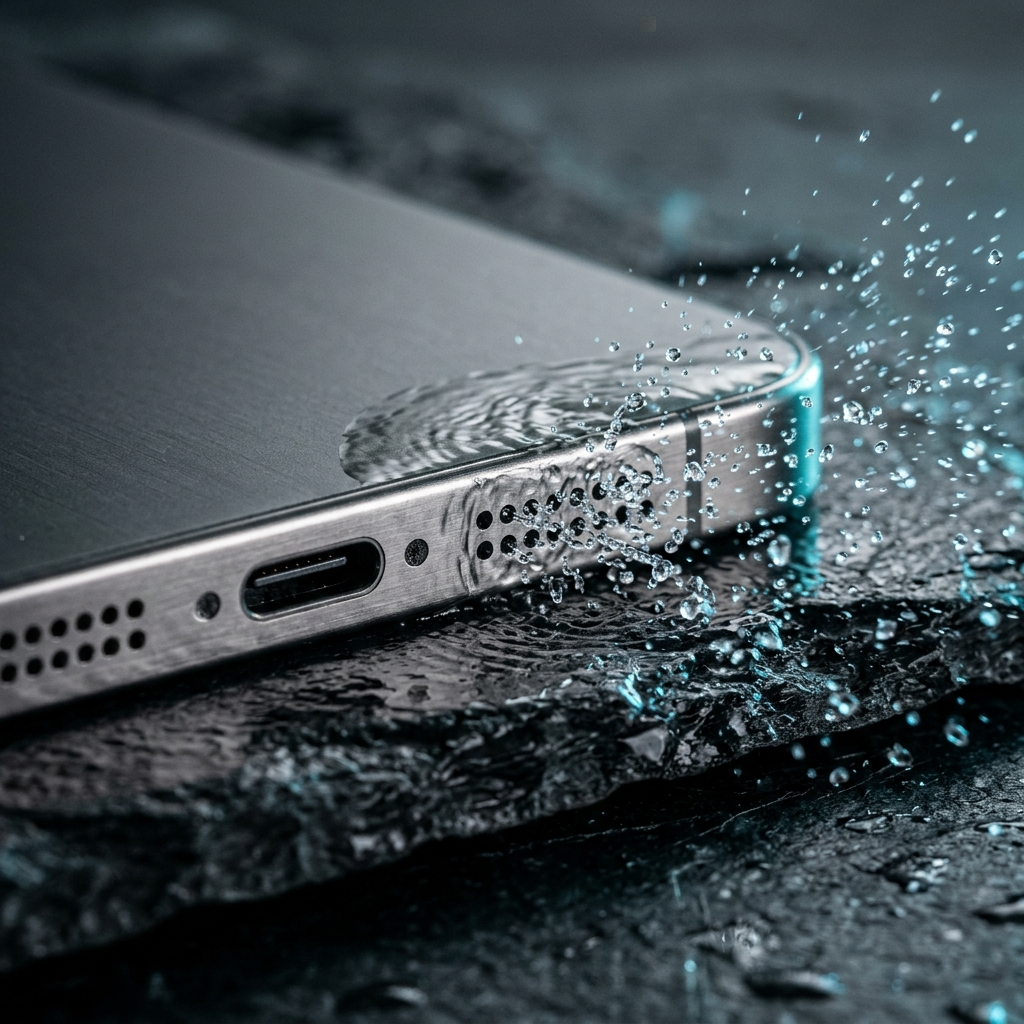
Modern iPhone models feature water-resistant enclosures, but liquid surface tension can still trap droplets within the speaker grilles. Even a small amount of trapped moisture dampens the speaker diaphragm, causing muffled playback, distortion, and reduced volume. Surface tension prevents this liquid from draining through gravity alone.
Leaving trapped moisture inside these cavities creates long-term hardware risks. Liquid can slowly migrate deeper into the assembly, and minerals from tap water, pools, or other beverages can leave corrosive deposits behind as the liquid dries. Removing water promptly helps restore audio clarity and protects internal components.
- Surface tension prevents gravity alone from draining water from fine speaker grilles.
- Trapped water dampens driver movement, creating muffled or distorted audio.
- Lingering moisture leaves mineral residues that can compromise speaker meshes over time.
Acoustic Displacement: Using 165 Hz Waves to Expel Water
A practical, non-invasive method for clearing liquid relies on sound vibrations. Apps such as Speaker Cleaner: Water Eject play loud, low-frequency sound waves around 165 Hz. This specific frequency vibrates the speaker cone and surrounding air.
These rapid vibrations break the liquid's surface tension, loosening droplets and moving them outward through the speaker openings. Unlike manual cleaning methods, sound waves move liquid without placing mechanical pressure on delicate water-resistant barriers.
Key advantages of low-frequency acoustic ejection include:
- Non-contact clearing: Moves trapped liquid without inserting objects into delicate openings.
- Surface tension disruption: 165 Hz sound waves break droplet cohesion to loosen trapped water.
- Fast sound recovery: Clears dampening from the speaker diaphragm so normal audio output can resume.
Standard Operating Procedure: Safely Clearing iPhone Speakers
To clear liquid effectively with sound, prepare and position your device properly before starting playback.
Step 1: Initial Preparation and Surface Drying
Immediately unplug any charging cables, headphones, or external accessories. Remove protective cases or covers that could trap moisture against the chassis, and gently wipe the exterior dry with a clean, lint-free microfiber cloth.
Step 2: Device Orientation and Acoustic Playback
Hold the iPhone vertically with the bottom speaker grilles tilted downward over a dry cloth or surface. Open Speaker Cleaner: Water Eject and play the 165 Hz low-frequency tone at high volume. Gravity and sound vibrations work together to move droplets outward.
Step 3: Moisture Capture and Repetition
Wipe away exiting droplets immediately as they reach the exterior to prevent moisture from entering adjacent openings. If audio remains muffled after the first run, repeat the cycle while keeping the device angled downward.
Step 4: Passive Ambient Desiccation
After running the sound cycle, place the phone on a flat surface in a well-ventilated space with steady ambient airflow. Positioning a small fan near the bottom ports helps evaporate remaining moisture without exposing internal seals to heat.
Hazardous Practices to Avoid During Water Removal
Improper drying techniques can cause more damage to an iPhone than water exposure itself. Common workarounds often damage protective seals or drive moisture deeper inside the phone.
Compressed Air and Direct Suction
Compressed air cans or blowers direct intense pressure against delicate speaker meshes. This force can rupture acoustic barriers, ruin water resistance, and push liquid directly into internal circuitry. Vacuum nozzles and mouth suction present similar risks by exposing delicate parts to uneven pressure.
External Heat Sources
Never use hair dryers, heat guns, ovens, or radiators on a wet iPhone. High temperatures can weaken structural adhesives, warp internal cables, and damage the lithium-ion battery.
Uncooked Rice and Desiccant Powders
Placing a wet device in a bowl of uncooked rice is ineffective and risks contaminating the phone. Fine starch particles and grain fragments can lodge in charging ports and speaker grilles, mixing with moisture to form a paste that is difficult to clear.
- Do not use compressed air, which can tear speaker meshes and damage protective seals.
- Avoid hair dryers, ovens, or direct heat sources that degrade adhesives and batteries.
- Do not submerge devices in rice, as starch deposits can clog openings.
Verifying Speaker Health After Water Clearance
Once the sound cycles and drying period are complete, test the speaker to confirm normal operation. Play a voice recording or familiar song at moderate volume. A cleared speaker should produce clear dialogue and treble without crackling, buzzing, or muffled tones.
If sound clears after using Speaker Cleaner: Water Eject, trapped surface water was likely the cause. If distortion persists after thorough drying, have the device checked by an authorized service technician to inspect for internal wear or mineral deposits.
Frequently Asked Questions
Low-frequency sound waves around 165 Hz create rapid vibrations within the speaker cavity. These vibrations break the surface tension holding liquid inside the grille openings, pushing droplets outward.
No. Low-frequency acoustic pulses around 165 Hz operate within standard hardware capabilities, dislodging moisture without placing mechanical strain on delicate water-resistant barriers.
No. Uncooked rice is an inefficient drying material and leaves starch dust in ports and speaker grilles. This residue can combine with moisture to form clogs that damage charging contacts and acoustic meshes.
Wipe the exterior dry, keep the phone tilted downward, and place it in front of a cool fan to aid airflow. If distortion continues after thorough drying, consult an authorized technician to check for internal residue or physical damage.