Clear Wave vs. Sonic: Which Water Ejector App Works Best?
When comparing Clear Wave and Sonic for clearing moisture from a smartphone speaker, the better choice depends on whether you prefer an automated routine or manual frequency controls. Both rely on acoustic principles rather than software tricks. Dedicated utilities, such as Speaker Cleaner: Water Eject, simplify this process by playing sustained, low-frequency tones around 165 Hz to dislodge trapped droplets.
The Mechanics of Acoustic Water Ejection
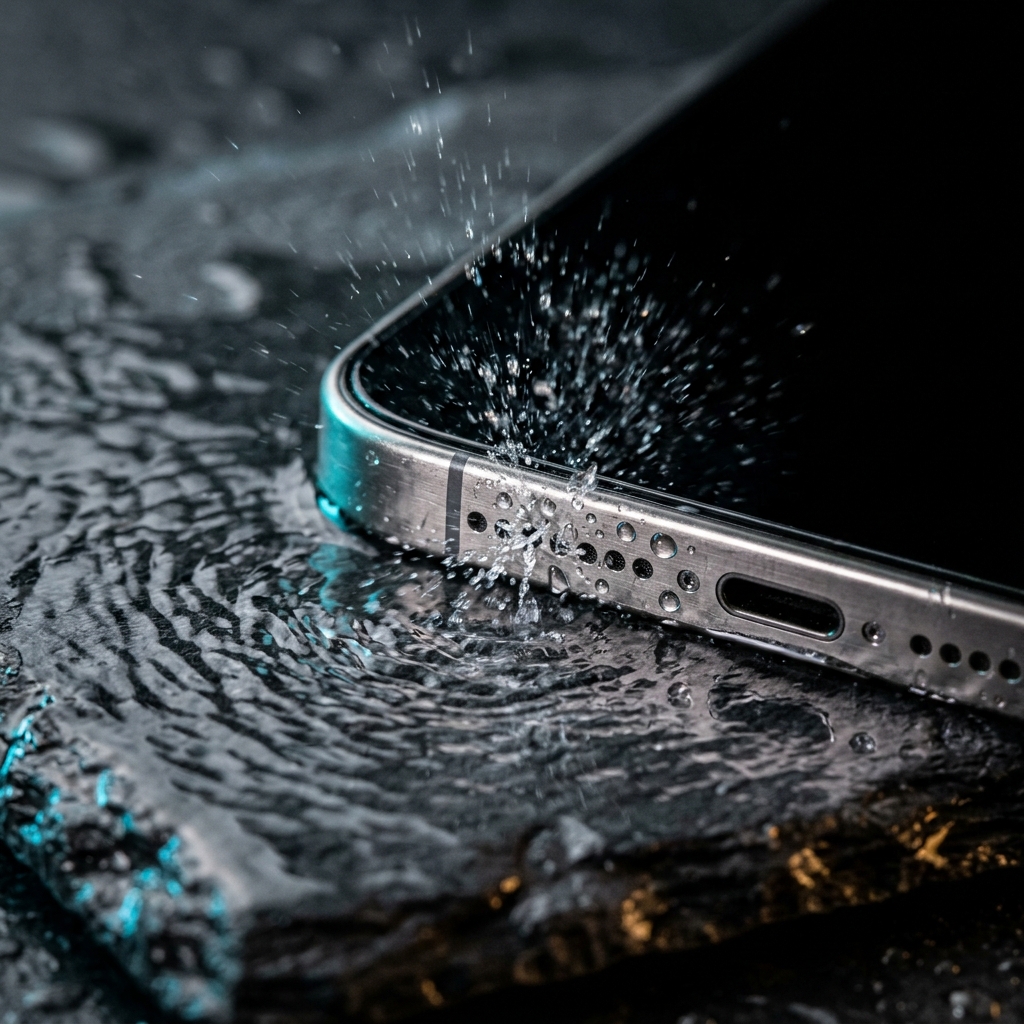
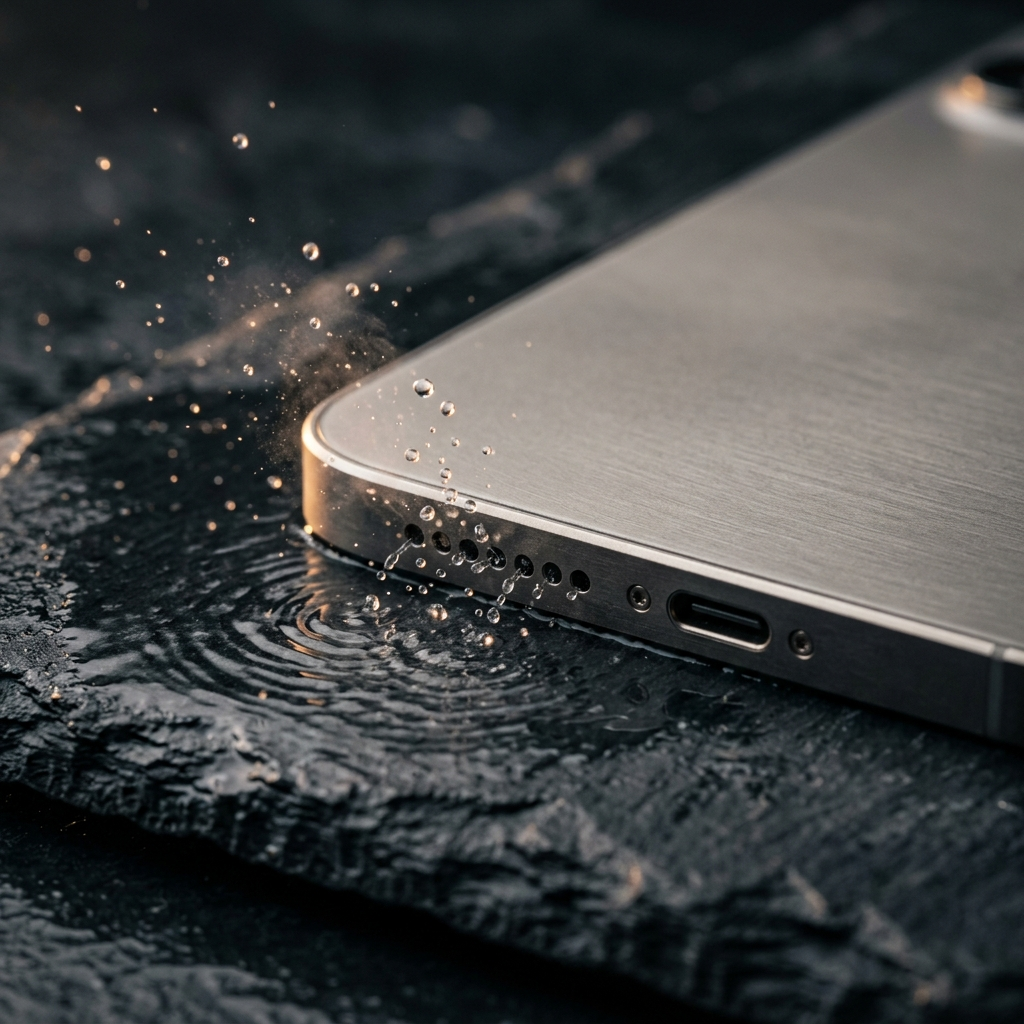
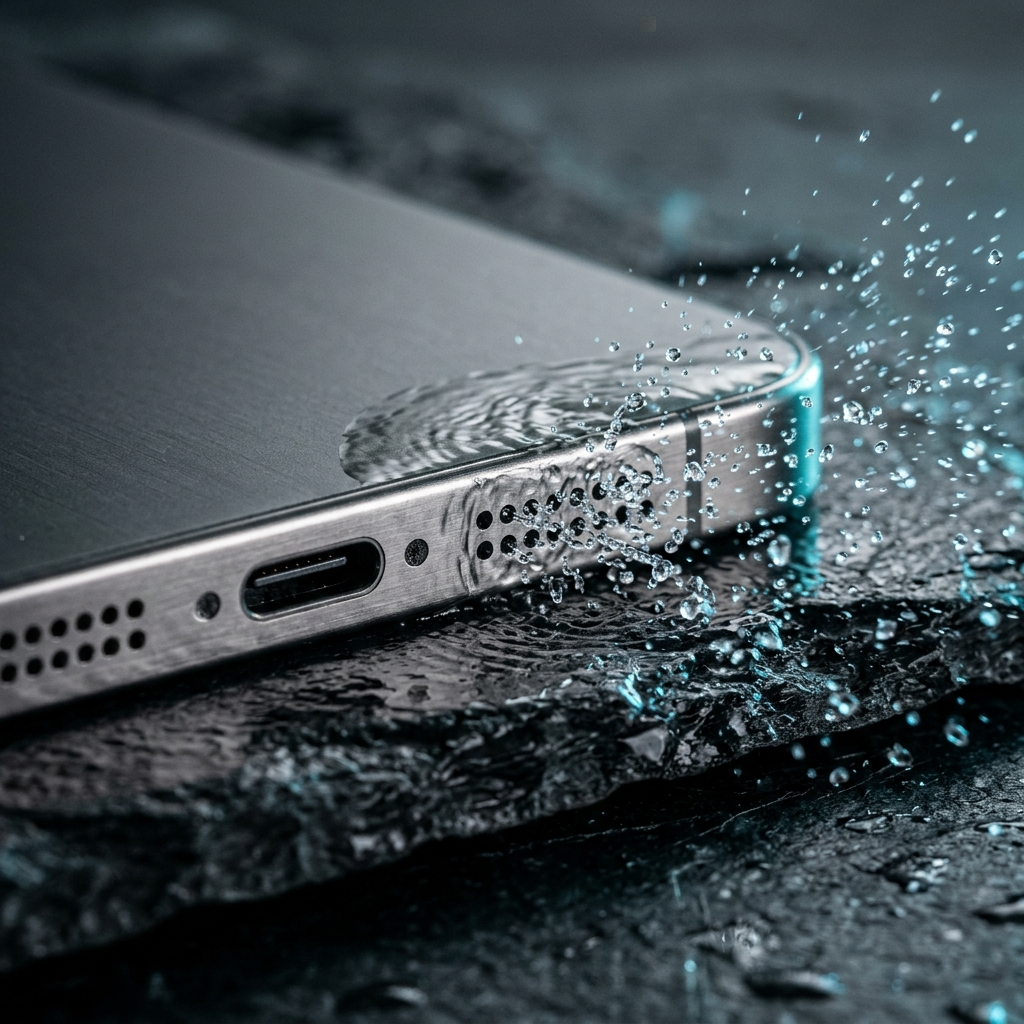
Trapped moisture in a smartphone speaker recess muffles sound by restricting speaker cone travel. Modern mobile devices typically include hydrophobic mesh that blocks water from entering the interior chassis, but surface tension often causes droplets to cling to the external grille.
Acoustic ejection uses physical vibration. Generating a low-frequency sound wave causes the speaker diaphragm to move back and forth rapidly, creating air displacement that pushes trapped water outward through the grille openings.
- Surface Tension Disruption: Low-frequency vibrations loosen droplets adhering to speaker mesh.
- Air Displacement: Diaphragm movement generates pulses of air that help drive liquid out of the speaker recess.
- Low-Frequency Range: Frequencies around 150 Hz to 180 Hz produce substantial cone movement without placing unnecessary thermal stress on miniature speaker components.
Clear Wave vs. Sonic: Functional Differences
Sonic operates as a manual tone generator. Users can select and sweep through audible frequencies across a wide spectrum. While flexible, this approach requires knowing which specific frequency induces sufficient diaphragm movement to expel liquid.
Clear Wave provides structured cycles, running automated sound routines at preset frequencies. This eliminates manual adjustment for users looking to clear moisture quickly after a spill.
Manual tone generators offer broad frequency control, while automated apps focus on preset cycle durations and frequencies tailored to clearing water.
Why the 165 Hz Frequency Standard Matters
Not all audible frequencies generate enough physical movement to expel trapped liquid. High-pitched tones produce rapid vibrations with minimal cone travel, while extremely low sub-bass tones may not generate effective directional airflow through small grilles.
Frequencies around 165 Hz create balanced mechanical vibration for compact mobile speakers. Apps like Speaker Cleaner: Water Eject focus specifically on low-frequency tones around 165 Hz to vibrate water droplets and settled dust out of the speaker opening.
- Balanced Cone Movement: A 165 Hz tone provides sufficient excursion within the speaker's safe operating range.
- Dust Clearance: In addition to liquid, sustained vibrations can help dislodge loose surface dust from speaker grilles.
- Consistent Operation: A fixed-frequency setup avoids guesswork during moisture recovery.
Step-by-Step Protocol for Water Clearance
Sound alone is less effective if the phone rests flat, as displaced water can settle back into the recess. Gravity helps direct loosened moisture out of the device.
Follow these practical steps after liquid contact:
- Disconnect Accessories: Unplug charging cables, headphones, and remove protective cases that hold trapped water around speaker cutouts.
- Dry the Exterior: Wipe down the phone's outer surfaces with a dry, lint-free cloth.
- Position the Speaker Downward: Hold the device vertically so the affected speaker faces downward toward an absorbent cloth or towel.
- Run the Low-Frequency Tone: Open Speaker Cleaner: Water Eject or a similar 165 Hz tone utility, set media volume high, and play the tone for 30 to 60 seconds.
- Check and Repeat: Check the cloth for expelled droplets. Run the cycle two to three times if the speaker still sounds muffled.
Common Misconceptions in Smartphone Moisture Recovery
Common household fixes can often create further hardware problems. Avoiding improper methods helps protect the speaker and device seals.
Placing a wet phone in uncooked rice is ineffective. Rice dust and starch can enter ports and combine with moisture to form debris that clogs speaker grilles. Similarly, applying heat with a hair dryer can damage adhesive seals and internal components.
- Compressed Air: High-pressure air can tear the protective acoustic mesh inside the speaker enclosure.
- Direct Heat: Excessive heat can degrade water-resistant seals and harm the battery.
- Air Drying Alone: Letting water evaporate naturally inside speaker cavities can leave mineral residue that affects sound clarity.
Conclusion: Selecting the Right Solution
Both Clear Wave and Sonic can generate functional audio tones, but results depend on using the right frequency. When speaker audio is muffled by water, dedicated apps like Speaker Cleaner: Water Eject simplify the task by focusing on low-frequency sound around 165 Hz. Combining targeted acoustic vibrations with downward orientation helps clear trapped moisture safely.
Frequently Asked Questions
When played at standard listening levels for short periods, low-frequency tones will not harm mobile speakers. Avoid running continuous high-volume tones for extended durations if the phone feels warm.
A frequency around 165 Hz balances physical diaphragm movement with rapid oscillation, creating enough air displacement to help break water surface tension at the speaker grille.
Low-frequency sound waves cause physical vibration that can shake loose dry dust particles from the speaker grille, though stubborn debris may require careful surface cleaning.
Keep the phone upright in a dry, ventilated area to allow residual moisture to evaporate. If muffled audio continues after the device is completely dry, have it examined by an authorized service technician.