Speaker Cleaner vs Fix My Speakers: Water Ejection Methods Compared
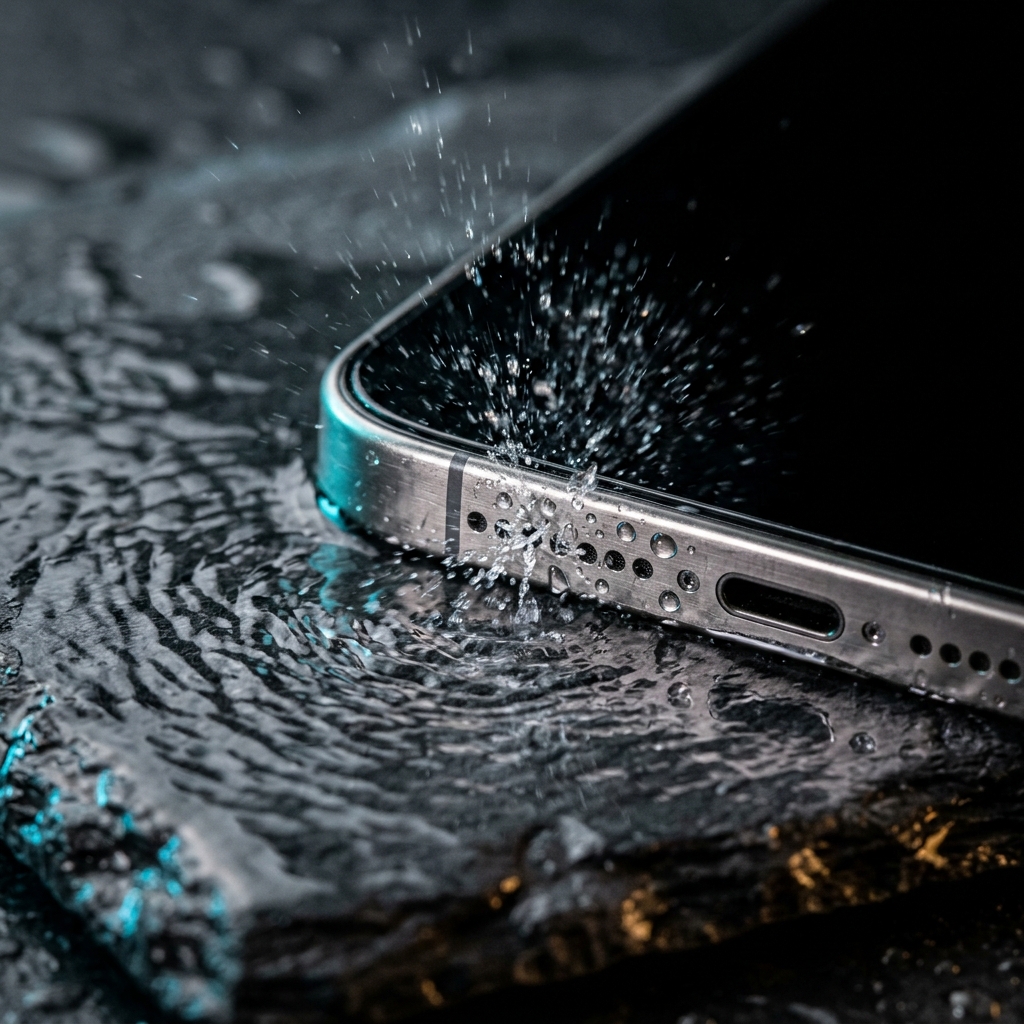
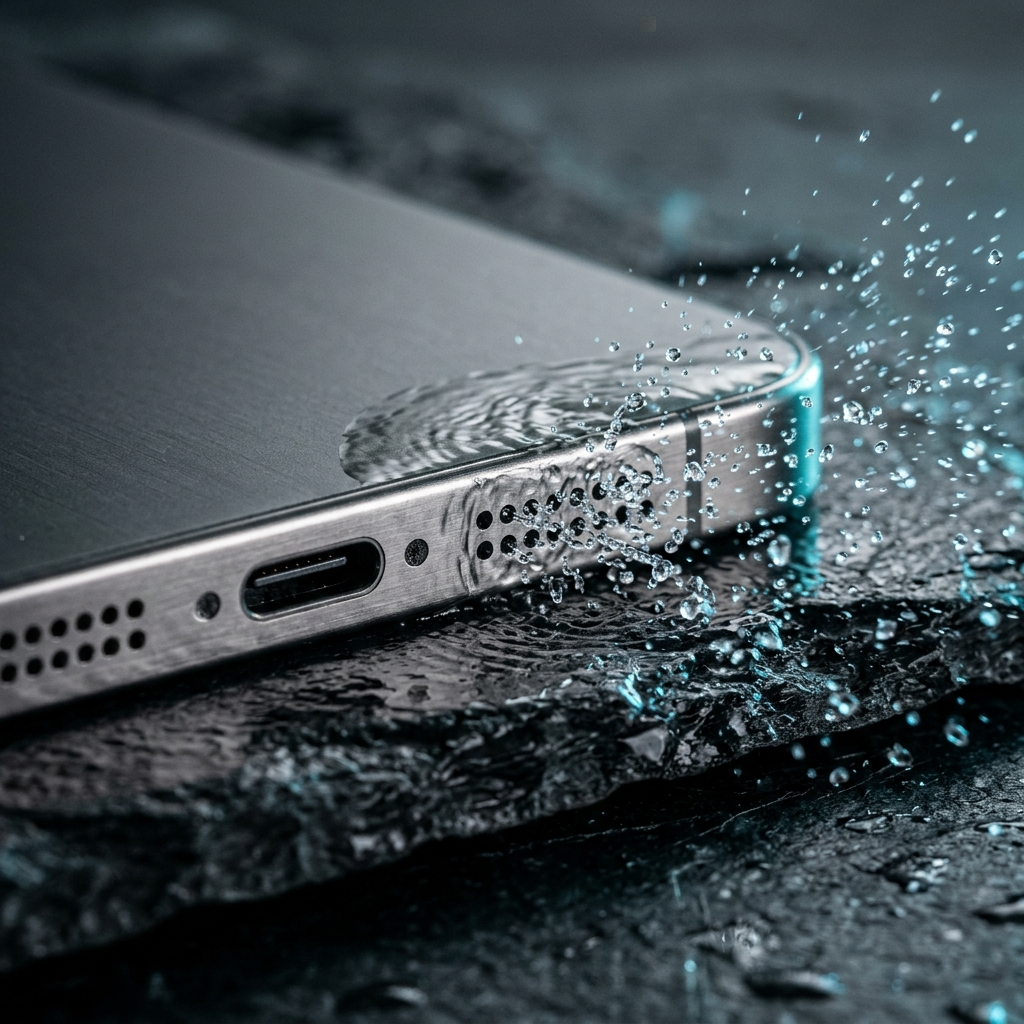
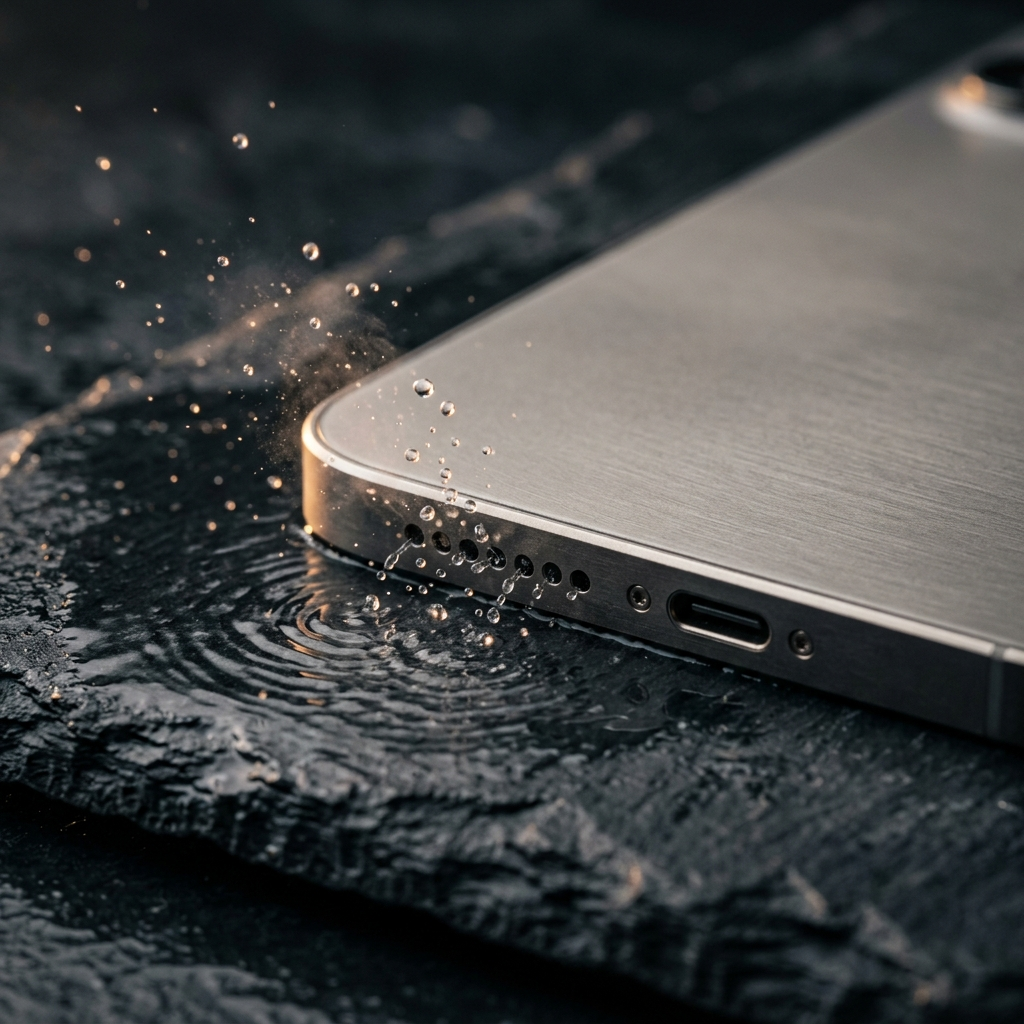
When liquid enters a smartphone speaker grille, surface tension holds moisture against the protective mesh, muffling audio output. Acoustic water ejection uses low-frequency sound waves—typically around 165 Hz—to create physical vibrations that break this surface tension and dislodge droplets. While browser-based options like Fix My Speakers provide basic tone generation through a website, installed applications such as Speaker Cleaner: Water Eject deliver sustained low-frequency sound waves directly to the phone's speaker.
The Acoustic Science of Water Ejection
Sound travels as mechanical pressure waves. When a smartphone speaker plays audio, its internal voice coil vibrates a diaphragm back and forth at the selected frequency. At standard listening frequencies and volume levels, this movement produces sound without noticeable physical movement. In contrast, playing low frequencies at maximum volume increases the physical excursion of the diaphragm.
A tone played around 165 Hz creates continuous, high-amplitude vibrations. These vibrations push against liquid trapped within the acoustic mesh. The mechanical force overcomes the capillary action holding water in the speaker port, dislodging droplets outward where they can be wiped away or allowed to evaporate.
Key Takeaway: Acoustic water ejection relies on mechanical air movement generated at low frequencies (around 165 Hz) to overcome surface tension, not heat.
Web Utility vs Dedicated Application Architecture
Users attempting to remove water from a phone speaker generally choose between a website and an installed mobile app. Fix My Speakers runs inside a mobile web browser. While it requires no download, mobile web browsers operate within restricted operating system environments. Depending on the device and browser settings, media playback in a browser tab may be subject to volume limits, tab throttling, or automatic power-saving restrictions that reduce audio output.
An installed application like Speaker Cleaner: Water Eject runs directly on the device. This provides a direct, uninterrupted audio stream at the system's selected volume level. Operating as a standalone application avoids browser-level tab sleeping, background throttling, and web media playback restrictions, ensuring the 165 Hz tone plays continuously throughout the cleaning cycle.
Key Takeaway: Web utilities require no installation, while installed mobile apps avoid browser-level audio throttling and volume restrictions.
Physical Vibration Mechanisms: Liquid vs Dust Removal
In addition to water, dust and lint can accumulate over time and reduce speaker volume. The physical process required to remove dry particles differs from clearing liquid:
- Liquid removal: Requires sustained low-frequency sound waves (around 165 Hz) to push against cohesive moisture and break surface tension.
- Particulate removal: Relies on physical vibration to shake loose dry debris adhering to the exterior speaker mesh.
By generating continuous, low-frequency sound waves, Speaker Cleaner: Water Eject vibrates both trapped moisture and loose dust particles out of the speaker enclosure. Once loose particles detach from the fine mesh, air movement from the diaphragm helps expel them from the port.
Key Takeaway: Low-frequency vibrations mechanically loosen both trapped liquid and dry particulate matter from the speaker port.
Best Practices: Step-by-Step Recovery Checklist
Acoustic ejection is most effective when used alongside proper physical drying techniques. Follow these steps when clearing water from a phone speaker:
- Remove accessories: Take off phone cases and disconnect charging cables or wired headphones to ensure speaker vents are unobstructed.
- Dry the exterior: Blot outer surfaces with a dry, lint-free cloth. Avoid shaking the phone, which can push moisture farther into seams.
- Position the device: Point the affected speaker ports downward so gravity assists in expelling the liquid.
- Play the low-frequency tone: Open Speaker Cleaner: Water Eject, set the device volume to high, and run the 165 Hz tone.
- Wipe away moisture: Use a clean cloth to wipe away expelled droplets from the speaker mesh as they emerge.
Key Takeaway: Keep the speaker facing downward while running low-frequency tones so gravity assists in moving dislodged droplets out of the port.
Common Pitfalls and Methods to Avoid
Improper drying techniques can cause permanent hardware damage. When dealing with water exposure, avoid these common mistakes:
- Uncooked rice: Rice does not speed up drying. Rice dust and starch can enter ports, mix with water, and harden inside the speaker mesh.
- Hairdryers and heat guns: Excessive heat weakens waterproof adhesives, damages speaker membranes, and degrades internal components.
- Compressed air: High-pressure air can push moisture past internal gaskets and tear the delicate speaker diaphragm.
- Pins and cotton swabs: Poking objects into the speaker grille can puncture the acoustic mesh and permanently compromise water-resistant seals.
Key Takeaway: Avoid heat, compressed air, and sharp objects; rely on gentle absorption, downward drainage, and acoustic vibration.
Evaluating Your Audio Restoration
Acoustic cleaning cannot repair physical tears in a speaker cone or internal electrical damage. If audio remains muffled after running multiple 165 Hz cycles, moisture may remain behind secondary seals, or residue may be coating the mesh. Place the device in a dry, well-ventilated space with the speaker facing down and allow it to dry naturally for 24 to 48 hours. If sound distortion persists after thorough drying, have the phone inspected by an authorized repair technician.
For common splashes, spills, and dust accumulation, low-frequency sound waves offer a practical, non-invasive first step. Using Speaker Cleaner: Water Eject provides the targeted 165 Hz frequency needed to vibrate water and dust out of a phone's speaker port safely.
Frequently Asked Questions
Low-frequency sound waves around 165 Hz cause the speaker diaphragm to vibrate with greater excursion. This mechanical vibration overcomes the surface tension of water trapped in the speaker mesh, pushing droplets out through the acoustic ports.
Installed applications play directly through system audio output, avoiding browser-level volume caps, audio buffering limits, and background tab throttling that can reduce sound wave intensity on mobile web pages.
Yes. Continuous low-frequency vibrations mechanically shake loose dry dust and lint adhering to the speaker grille, allowing diaphragm movement to help expel the particles.
Position the device with the speaker ports facing downward in a dry, ventilated area for 24 to 48 hours. If audio distortion continues after the phone has completely dried, seek hardware inspection from an authorized repair service.