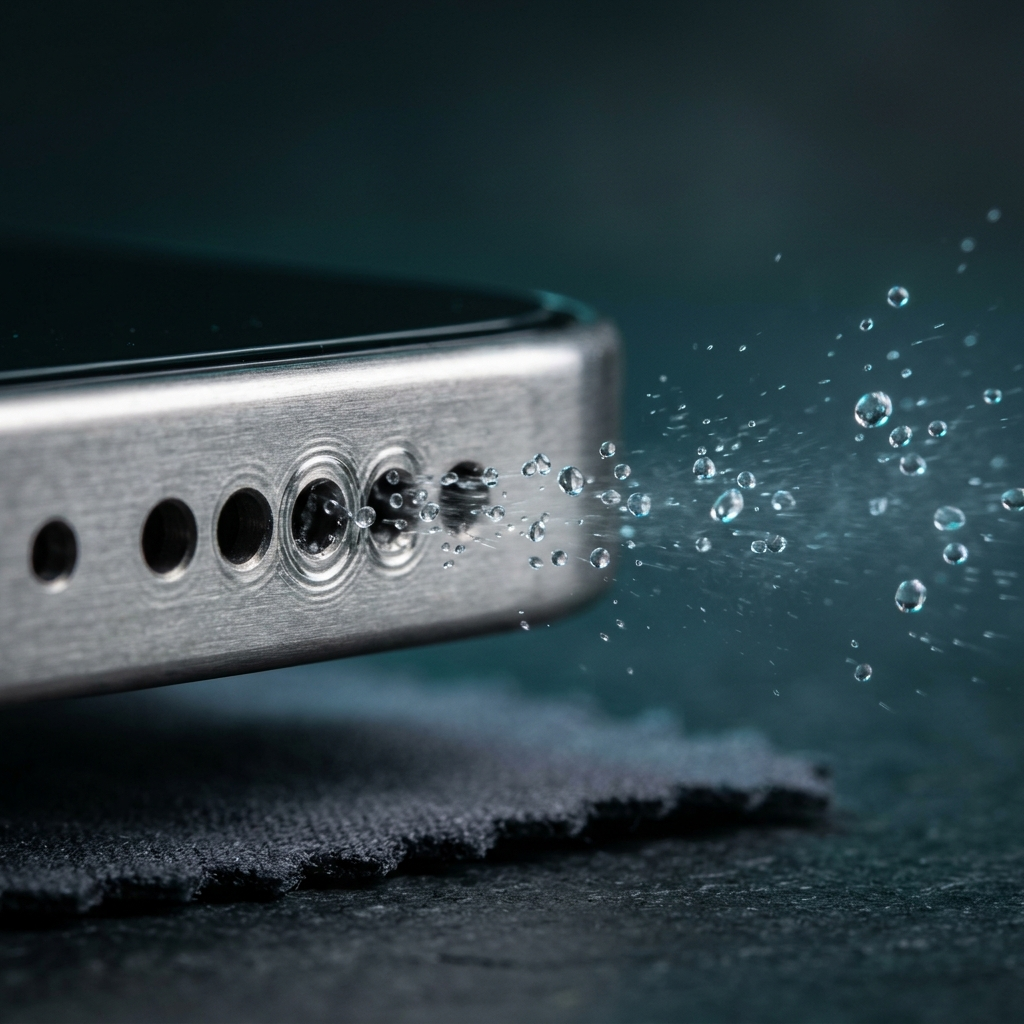
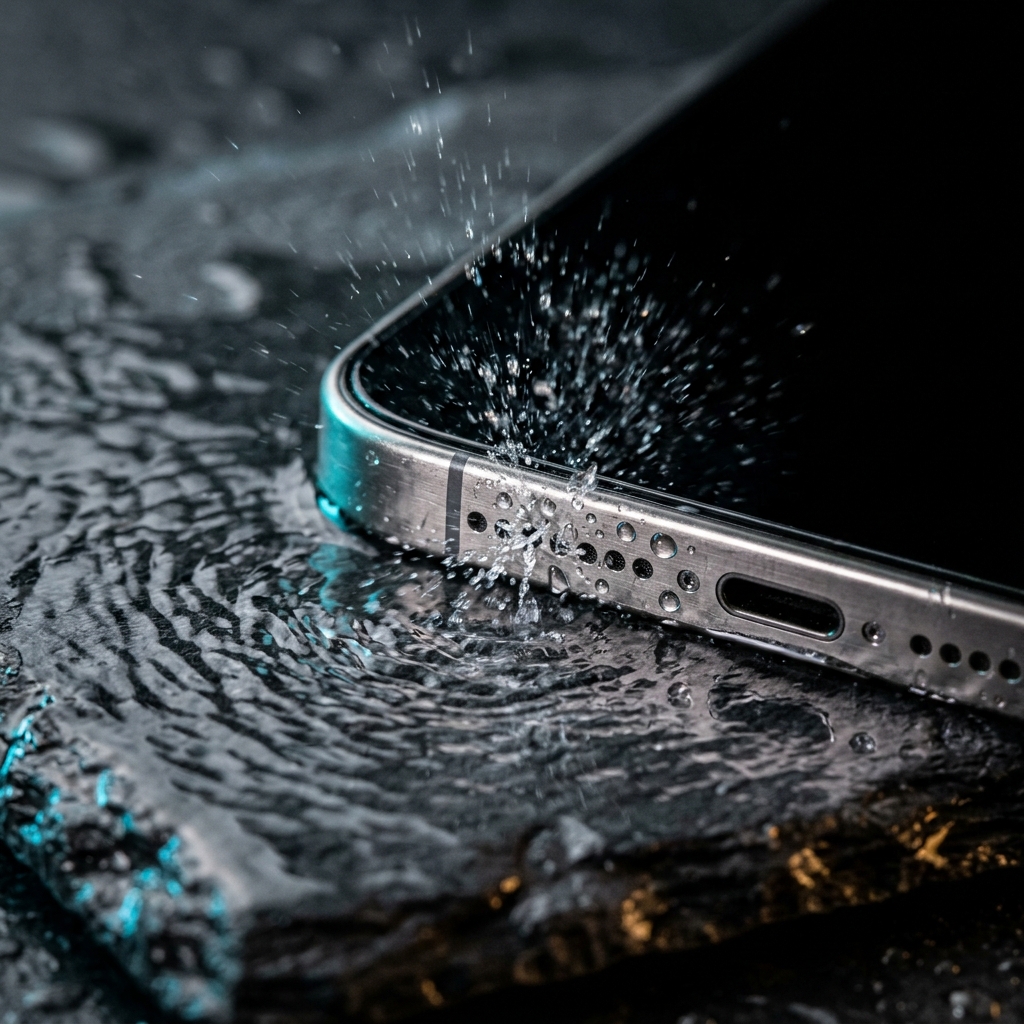
How to Remove Fine Dust from Android Speaker Holes Safely
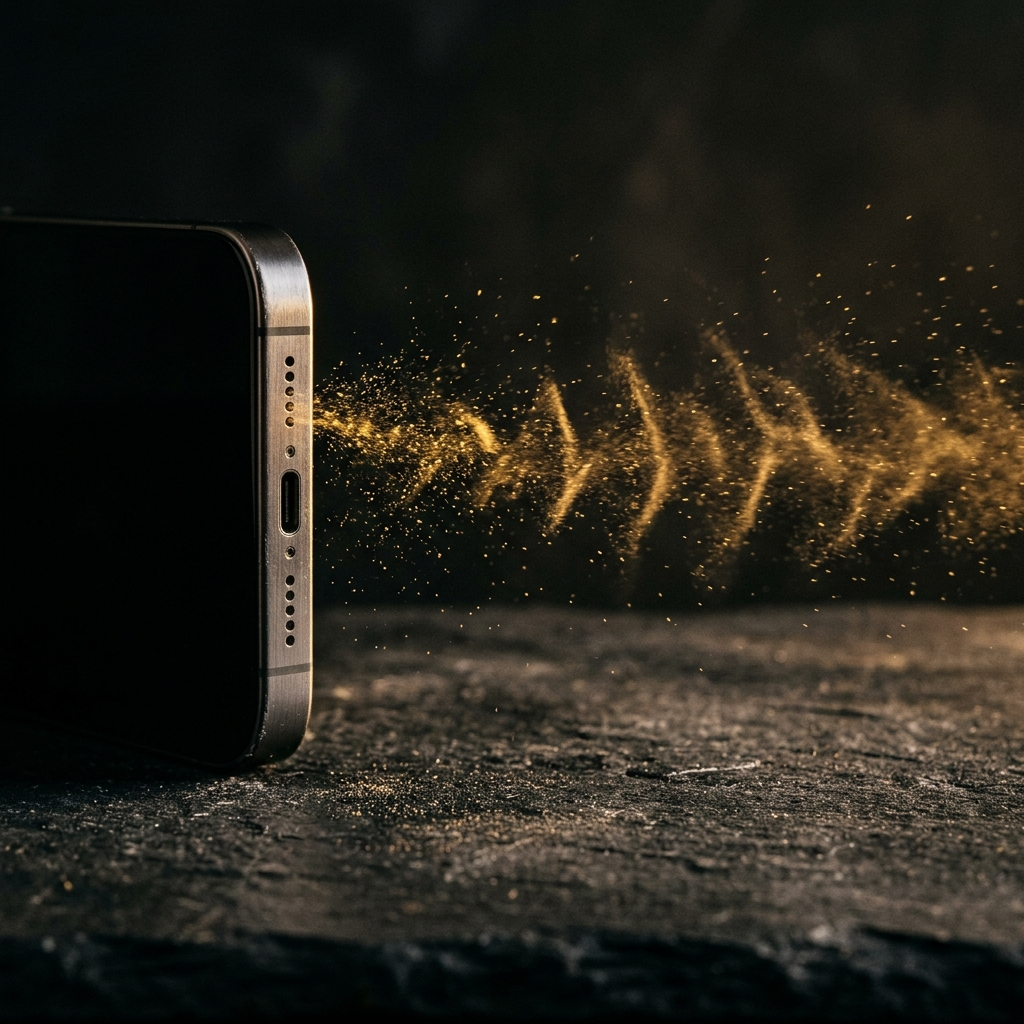
To remove fine dust from Android speaker holes safely, combine physical acoustic displacement using targeted low-frequency audio waves with gentle external brushing. Sound waves help dislodge particles settled near the mesh from the inside out, while a dry, soft-bristled brush clears displaced debris from the exterior grille. Avoid compressed air, sharp tools, or liquids, which can puncture the speaker membrane or force debris deeper into the enclosure.
The Anatomy of Android Speaker Enclosures and Dust Accumulation
Modern Android smartphones use compact acoustic modules near the frame edges. These chambers project sound through micro-perforated grilles or fine mesh screens. While these grilles block larger debris and splash moisture, fine particulate matter can still settle into the openings.
Pocket lint, mineral dust, and skin particles gradually accumulate inside these small openings. Normal temperature changes during charging and use, combined with ambient humidity, can cause dry dust to cling to the protective mesh and dampen sound.
Key takeaway: Obstructions typically form on the protective mesh rather than inside the driver, making safe external cleaning effective when addressed early.
Why Traditional Cleaning Methods Can Harm Your Device
When phone audio sounds muffled, users often reach for common household items that can damage hardware. Understanding how fragile speaker components are helps prevent unnecessary repairs.
Compressed Air Canisters
Canned air delivers high pressure that exceeds the physical tolerances of smartphone speakers. Spraying air directly into speaker ports can tear the thin diaphragm, damage water-resistant seals, or drive particles past the acoustic barrier into the device.
Needles, Safety Pins, and Metal Tools
Metal probes present a high risk of puncture. A needle or pin can easily pierce the fine mesh covering the driver, permanently compromising ingress protection and dust resistance.
Adhesive Putty and Tack
Cleaning putties and gels can leave residue inside fine speaker perforations. Under normal device operating heat, these residues can soften, spread, and block sound output.
Key takeaway: Safe speaker maintenance relies on non-invasive agitation rather than pressurized air, liquids, or hard metal tools.
Using Acoustic Vibration: The Science of Low-Frequency Sound Waves
The safest way to clear dust from an acoustic chamber is to push it outward. Sound travels as mechanical air vibrations. When a speaker diaphragm moves, it shifts air through the acoustic port.
The Speaker Cleaner: Water Eject app uses this principle by playing specific, loud, low-frequency sound waves around 165 Hz. This frequency produces strong physical cone vibrations designed to shake loose water and dust from the speaker enclosure.
At approximately 165 Hz, the speaker diaphragm moves in wide oscillations. These vibrations create rapid air shifts within the chamber, helping detach dry particles clinging to the interior side of the grille.
Key takeaway: Low-frequency sound physically vibrates the speaker, helping dislodge trapped particles without requiring internal or abrasive tools.
Step-by-Step Guide: Safely Cleaning Android Speaker Grilles
Follow these conservative steps to clear dust without risking damage to speaker membranes or seals.
- Inspect the speaker under good lighting: Check the grilles with a lamp or flashlight to see whether they have surface dust or heavier buildup.
- Gently brush the exterior: Hold a soft, clean nylon brush (such as a clean, soft-bristled toothbrush) at an angle. Gently sweep across the speaker openings to remove loose surface lint. Do not press bristles into the holes.
- Run Speaker Cleaner: Water Eject: Turn the phone so the speaker faces downward, allowing gravity to assist. Open Speaker Cleaner: Water Eject, raise media volume, and run the low-frequency cleaning sound.
- Let the cycle complete: Allow the tone to play through its cycle while keeping the speaker pointed downward as vibrations loosen particles.
- Wipe away loosened debris: Gently wipe the frame with a clean, dry microfiber cloth or sweep the area with your soft brush to clear any expelled particles.
- Test audio playback: Play a voice recording or familiar audio track to confirm that playback is clear.
Key takeaway: Point the speaker openings downward during cleaning so loosened dust falls away from the phone.
Preventative Habits to Keep Speaker Ports Clear
Routine care prevents heavy dust buildup and helps maintain clear sound over time. Simple habits reduce how often you need to clean your speaker ports.
- Keep pockets clean: Regularly clear out lint and grit from pockets or bags where you store your device, or use a protective case that covers bottom ports in dusty environments.
- Run maintenance cycles periodically: Playing low-frequency tones periodically helps dislodge dust before it binds to the speaker mesh.
- Limit exposure to steam: Avoid keeping your phone in steamy bathrooms, as excess moisture can cause fine dust to cake against the grille.
- Place on clean surfaces: Set your phone on clean, dry surfaces rather than directly on dusty counters or workshop tables.
Key takeaway: Regular, gentle upkeep prevents dust from compacting against the speaker mesh and preserves audio clarity.
Conclusion
Cleaning Android speaker grilles does not require sharp tools or harsh treatments. Combining gentle surface brushing with low-frequency audio from Speaker Cleaner: Water Eject helps loosen and clear trapped dust safely. Simple, non-invasive maintenance keeps your phone's speaker ports clear and helps protect delicate internal components.
Frequently Asked Questions
Yes. Playing loud, low-frequency sound waves around 165 Hz causes the speaker cone to vibrate rapidly, generating air movement that helps loosen and expel dust particles from the chamber.
Applying liquids directly into speaker holes is not recommended. Solvents can weaken the adhesives holding the acoustic mesh or damage protective moisture barriers.
Compressed air canisters release high pressure that can tear fragile speaker diaphragms or push dust deeper into the phone housing.
A gentle dry brushing and an acoustic vibration cycle performed periodically or whenever sound feels muffled is usually enough to prevent heavy dust accumulation.