Create & launch
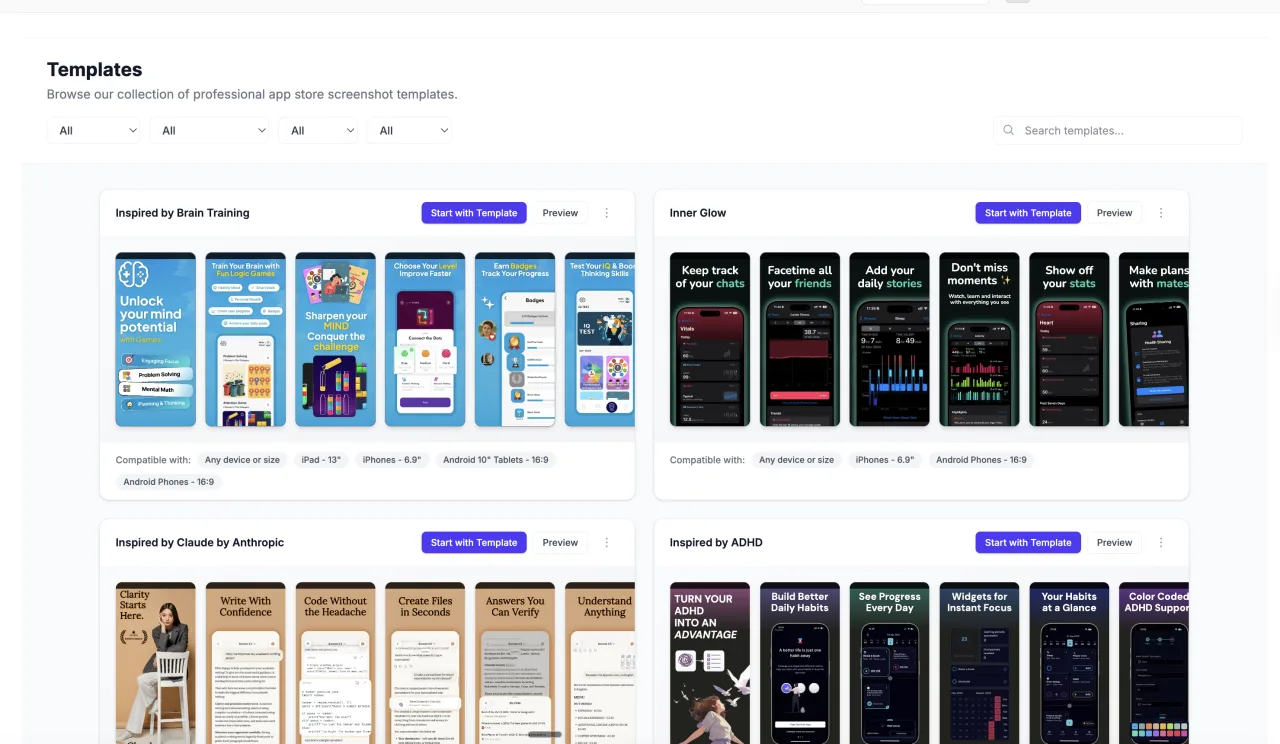
Screenshot Studio
Create polished app store screenshots with device frames, flexible layouts, localized captions, and export workflows.
From your first store screenshot to the audience you build. Explore 29 focused products that work together.
29 products
Create polished app store screenshots with device frames, flexible layouts, localized captions, and export workflows.
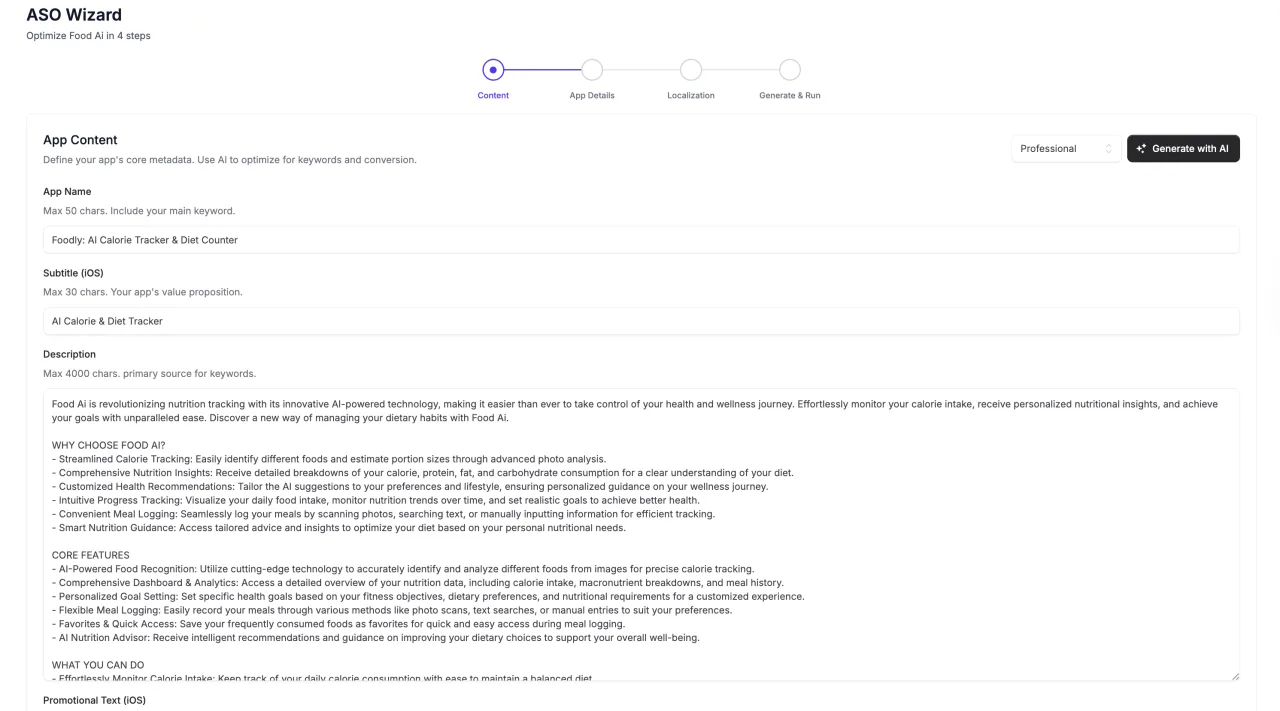
Prepare app store copy, organize localization, and review AI-assisted metadata in a focused ASO workspace.
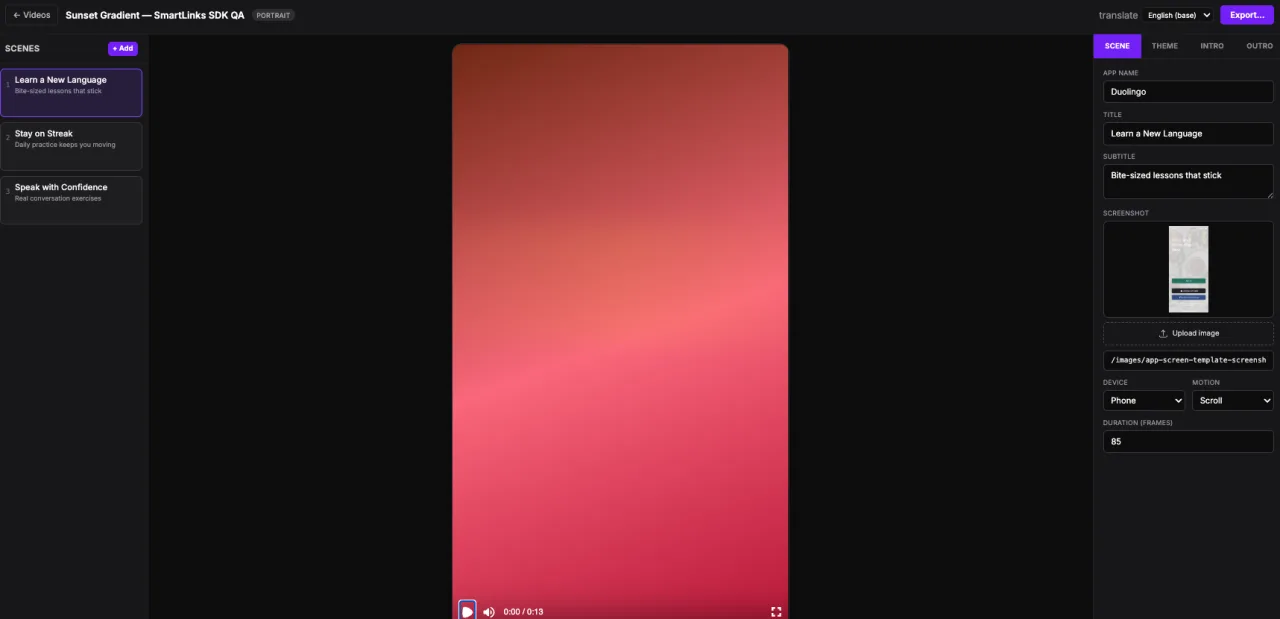
Build app promo videos from scenes, screenshots, and captions.
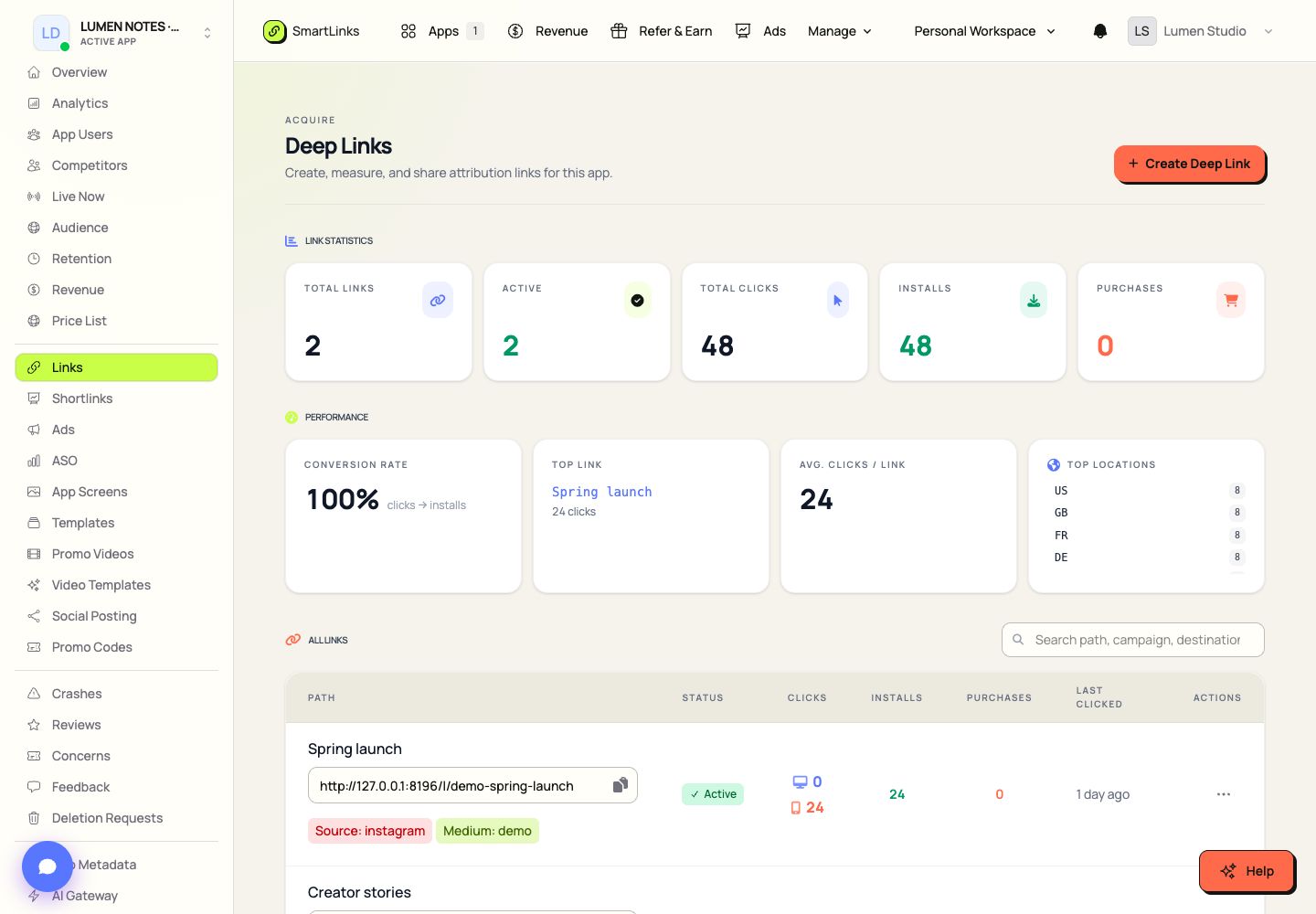
Create app links that route people to the right mobile experience or download page.
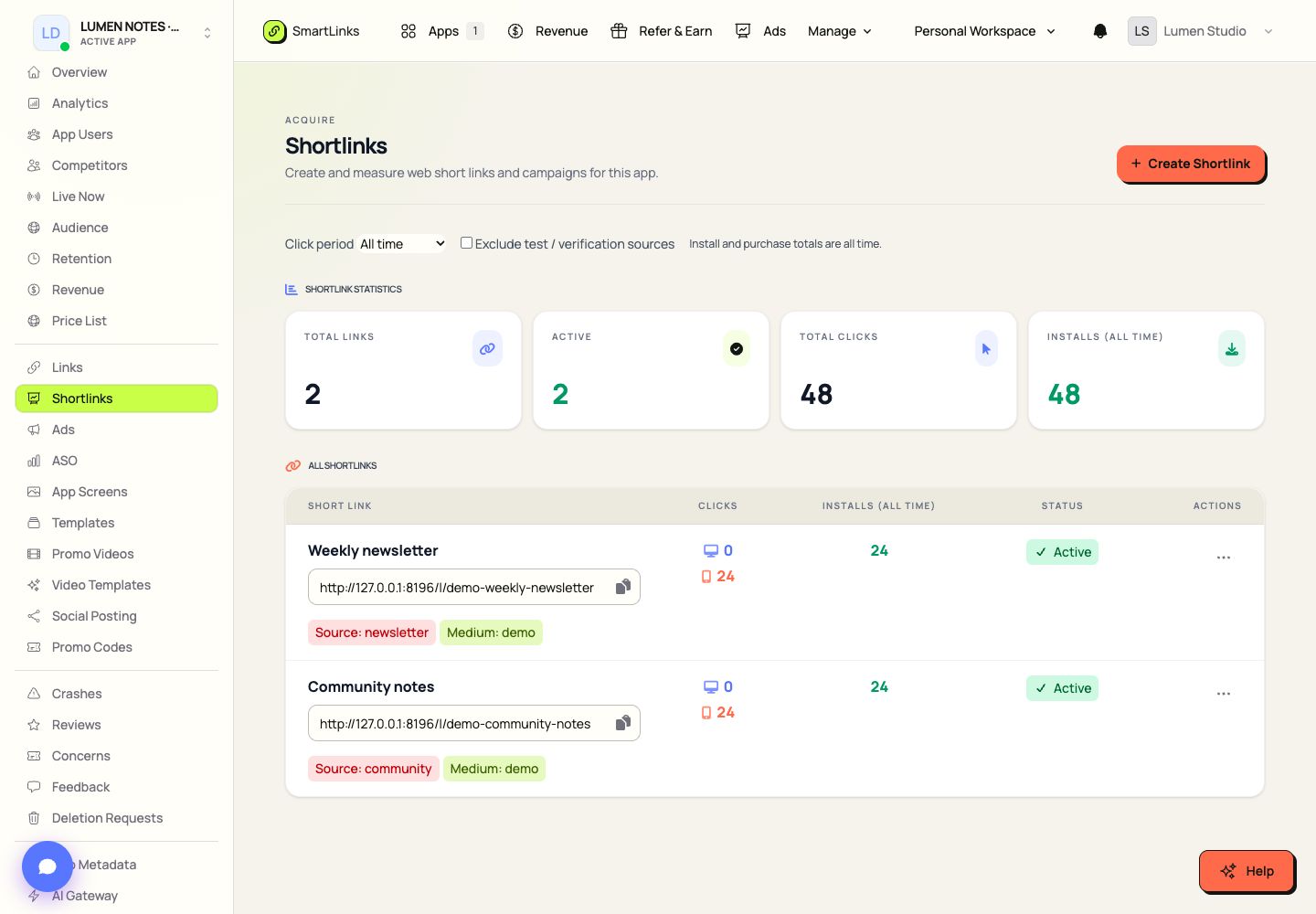
Organize short links and campaign destinations for launches, creators, and offline materials.
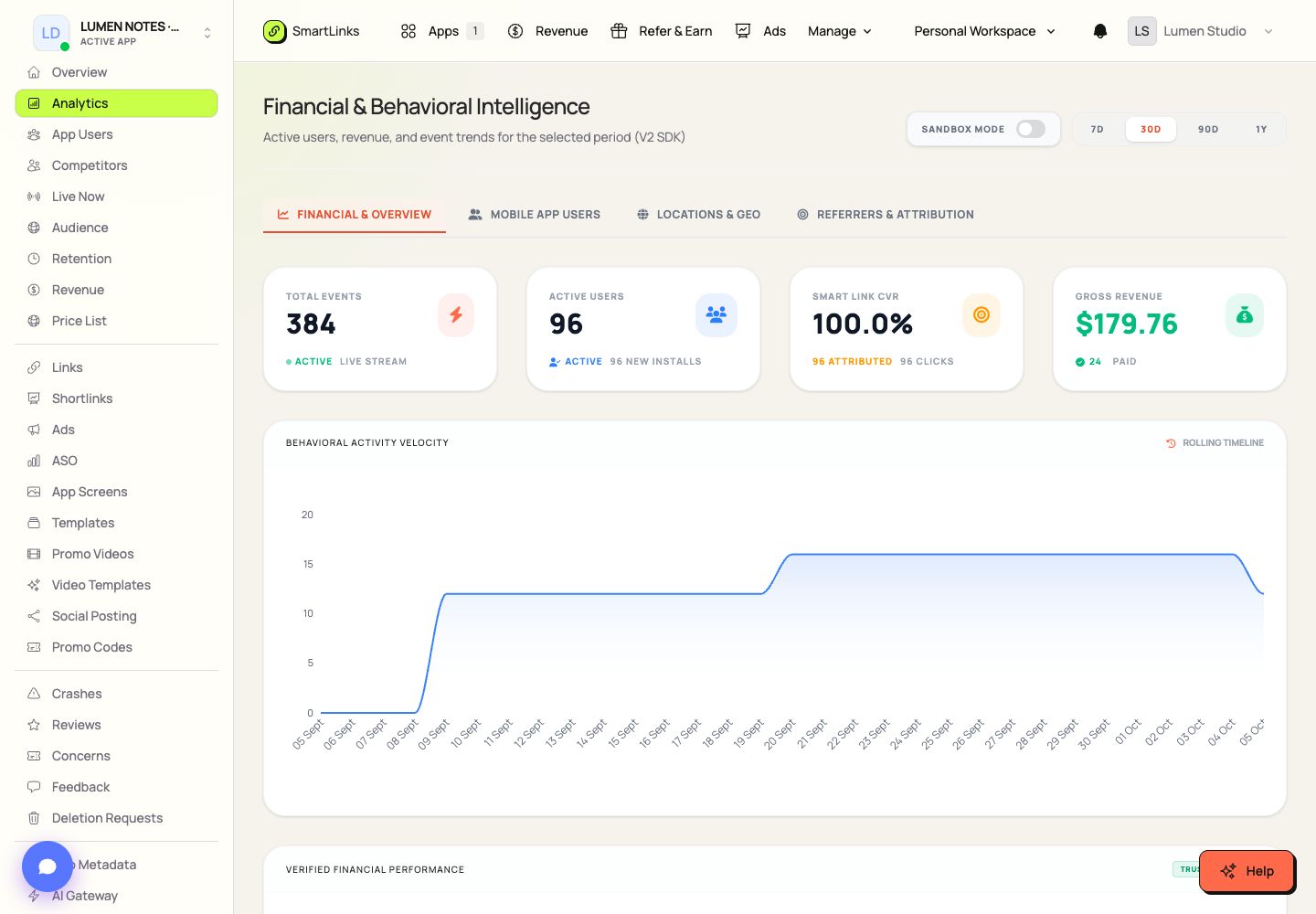
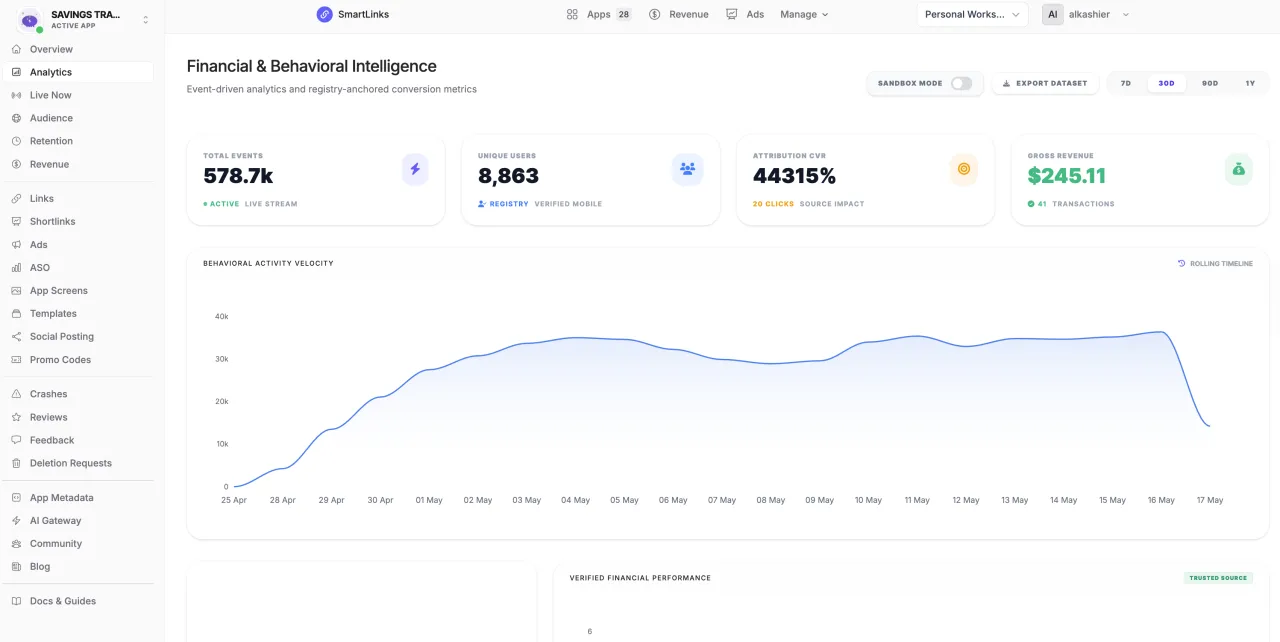
Explore app events, user behavior, funnels, and traffic sources in a dedicated analytics workspace.
Inspect recent app activity in a focused live view.
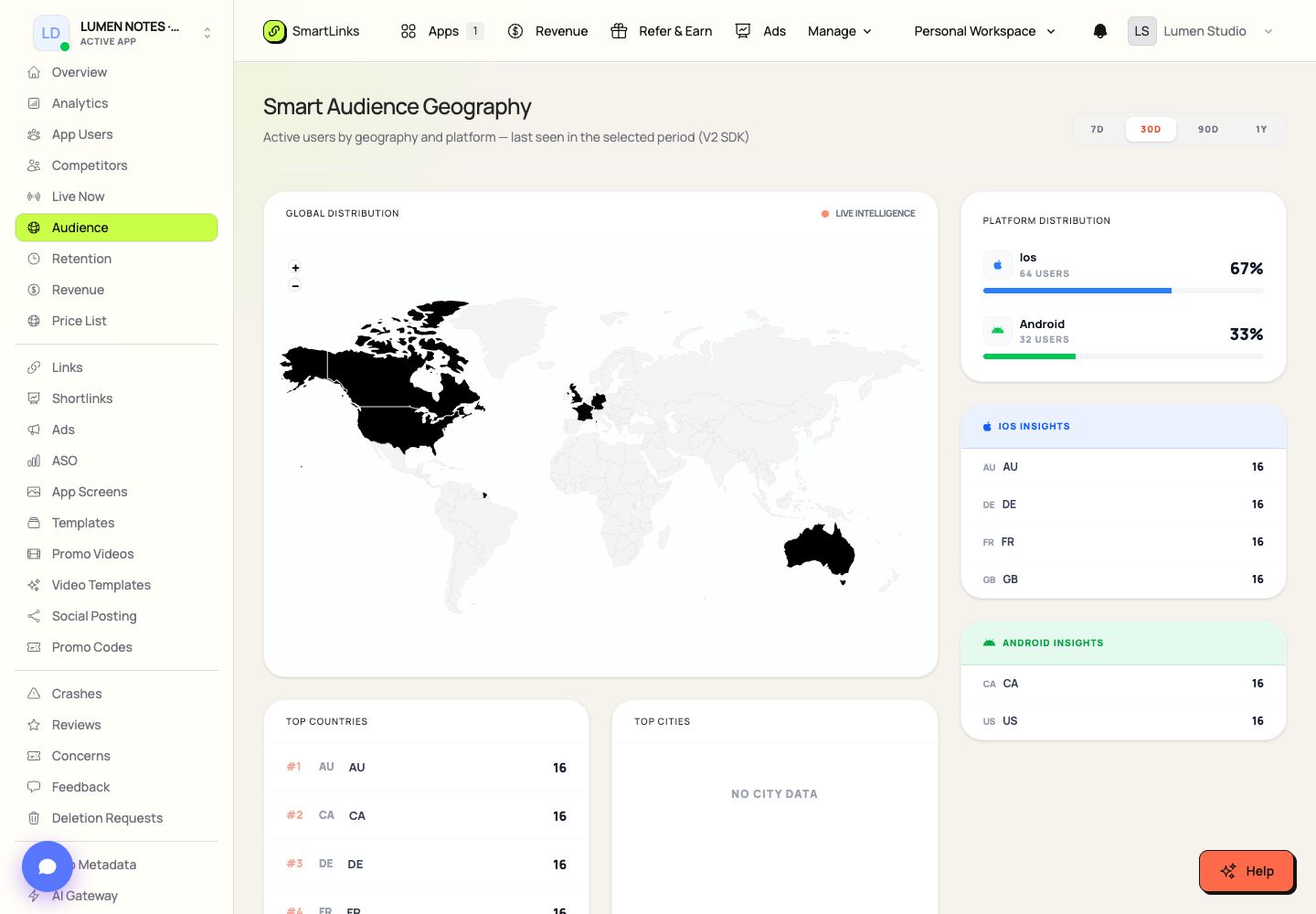
Explore audience geography and platform distribution for your app.
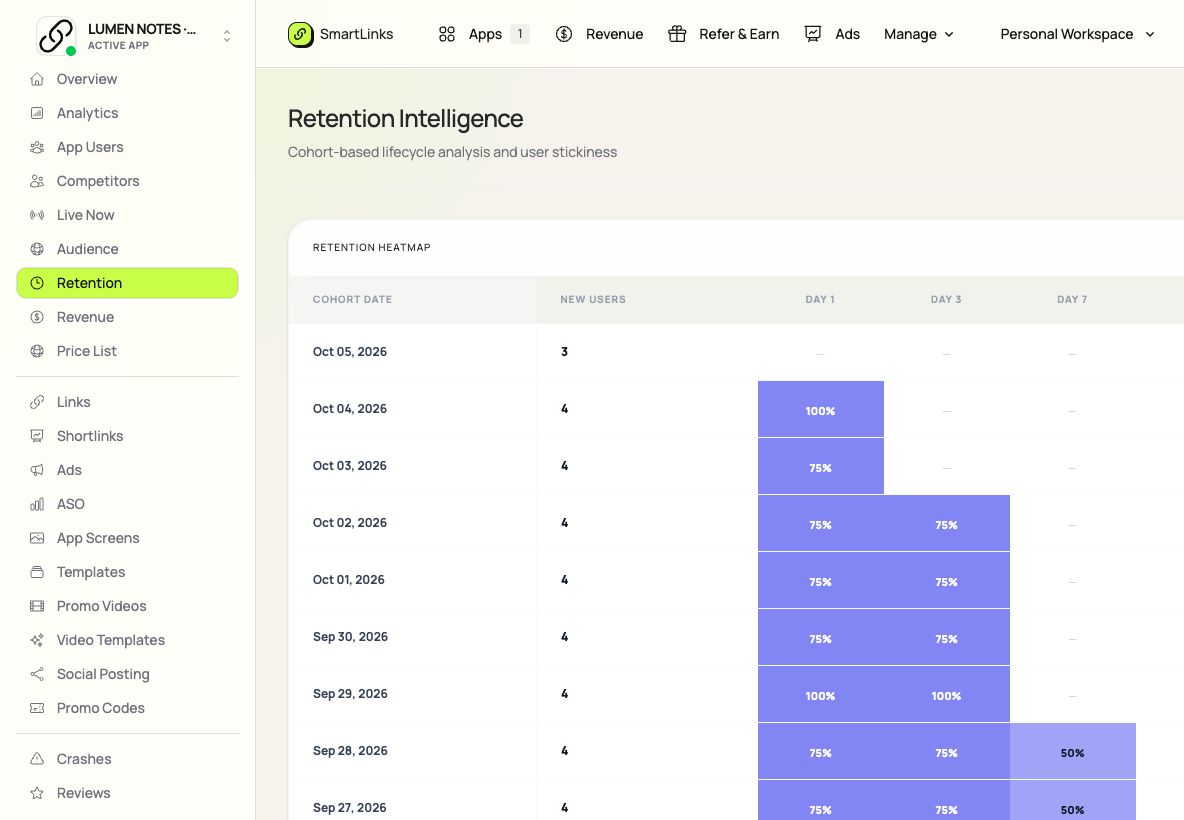
Read app retention cohorts and returning-user activity in a dedicated workspace.
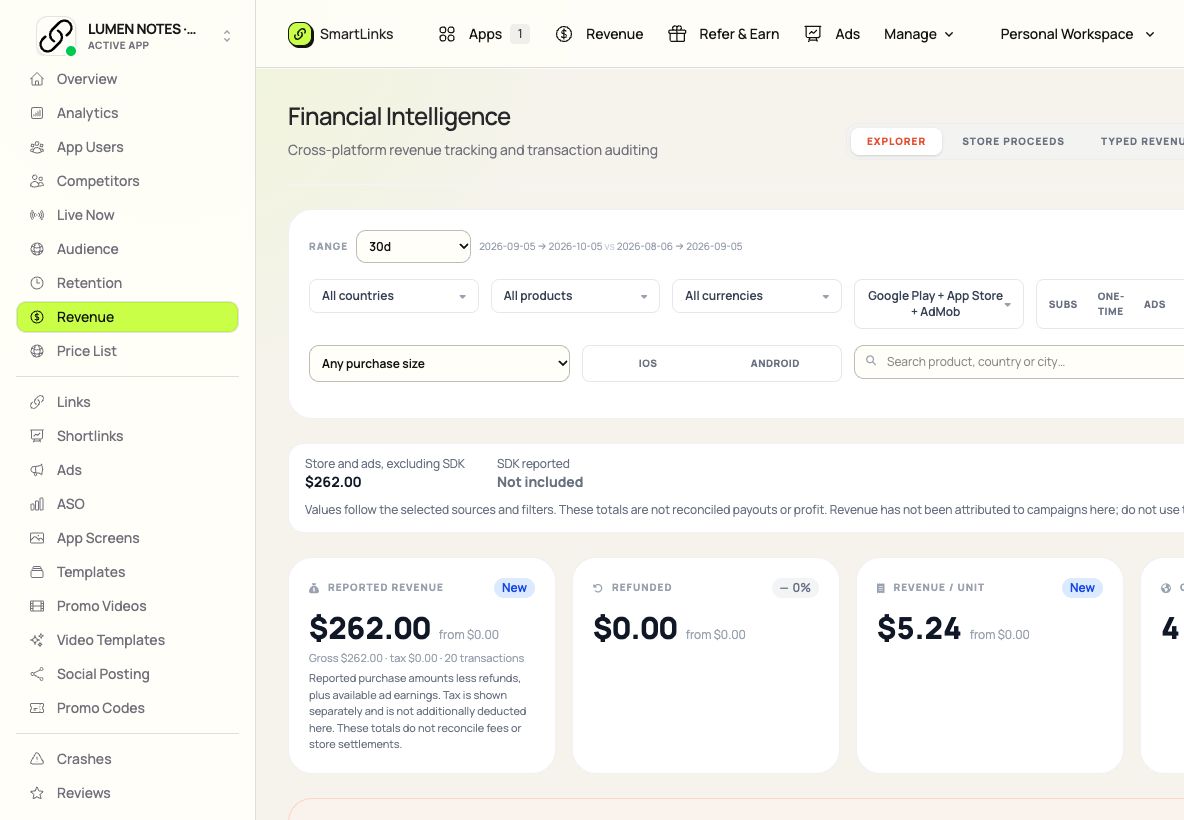
Review connected store proceeds, purchases, subscriptions, refunds, and advertising reports.
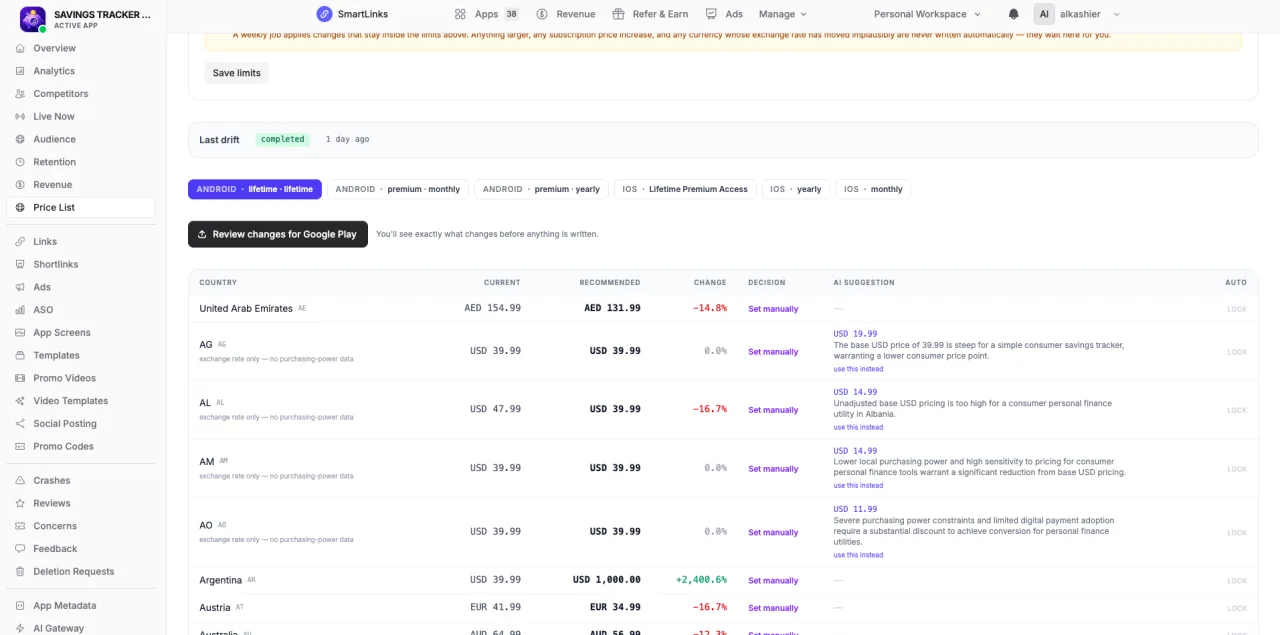
Sync app store prices, explore country differences, and prepare reviewed changes.
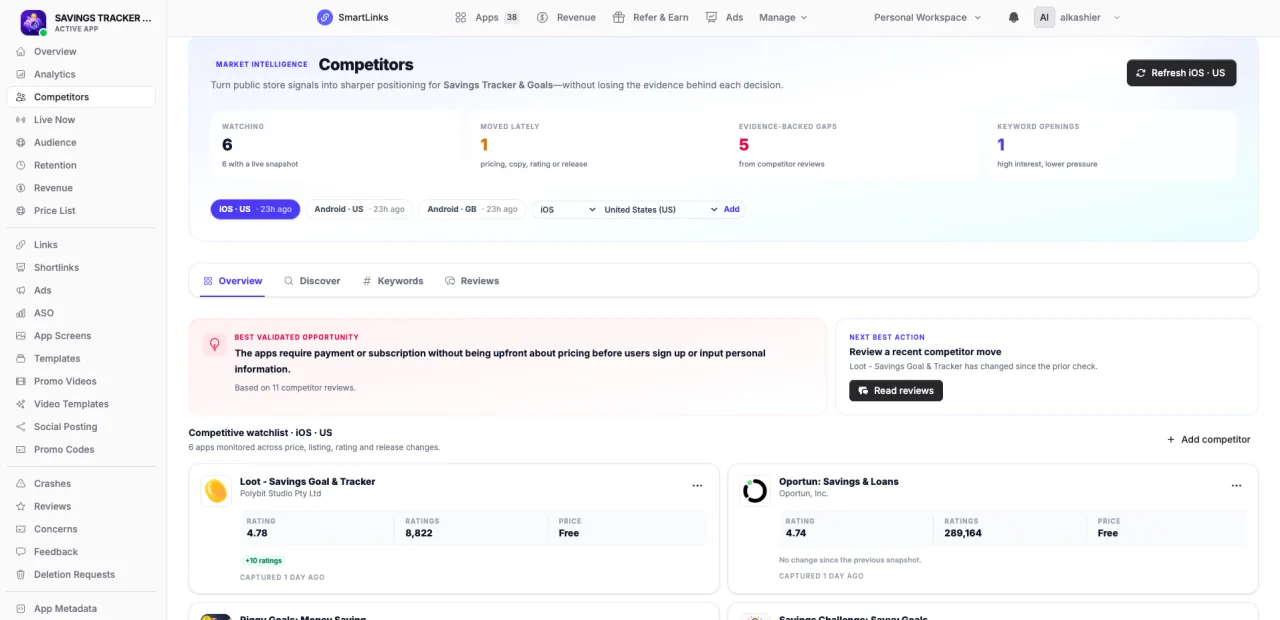
Track competing apps and explore keyword opportunities in selected markets.
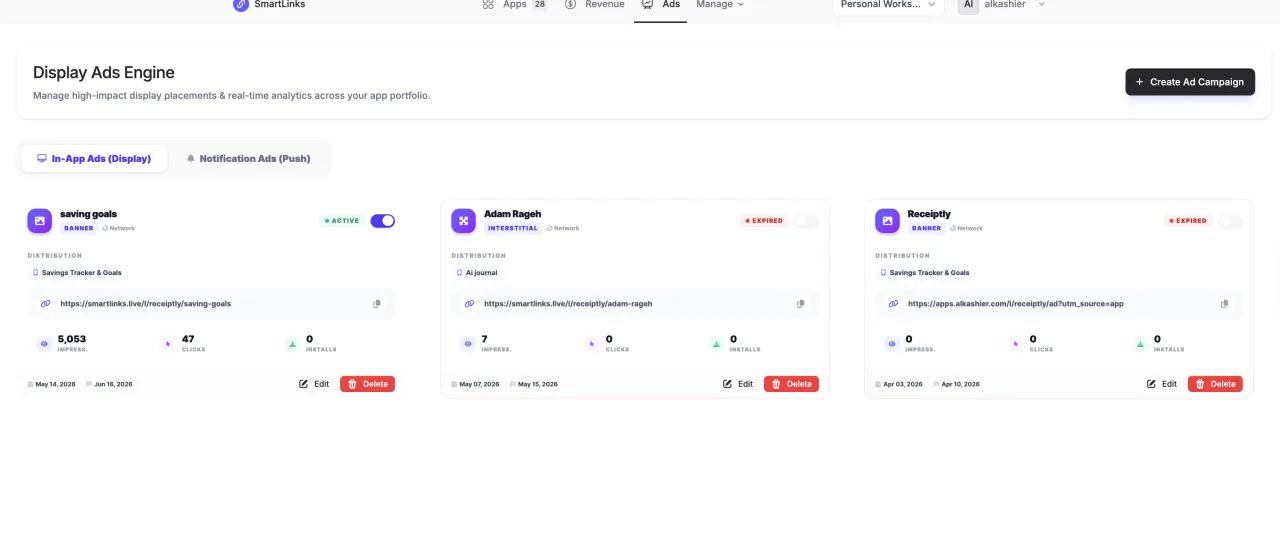
Manage supported app advertising workflows, creative assets, and connected campaign tools.
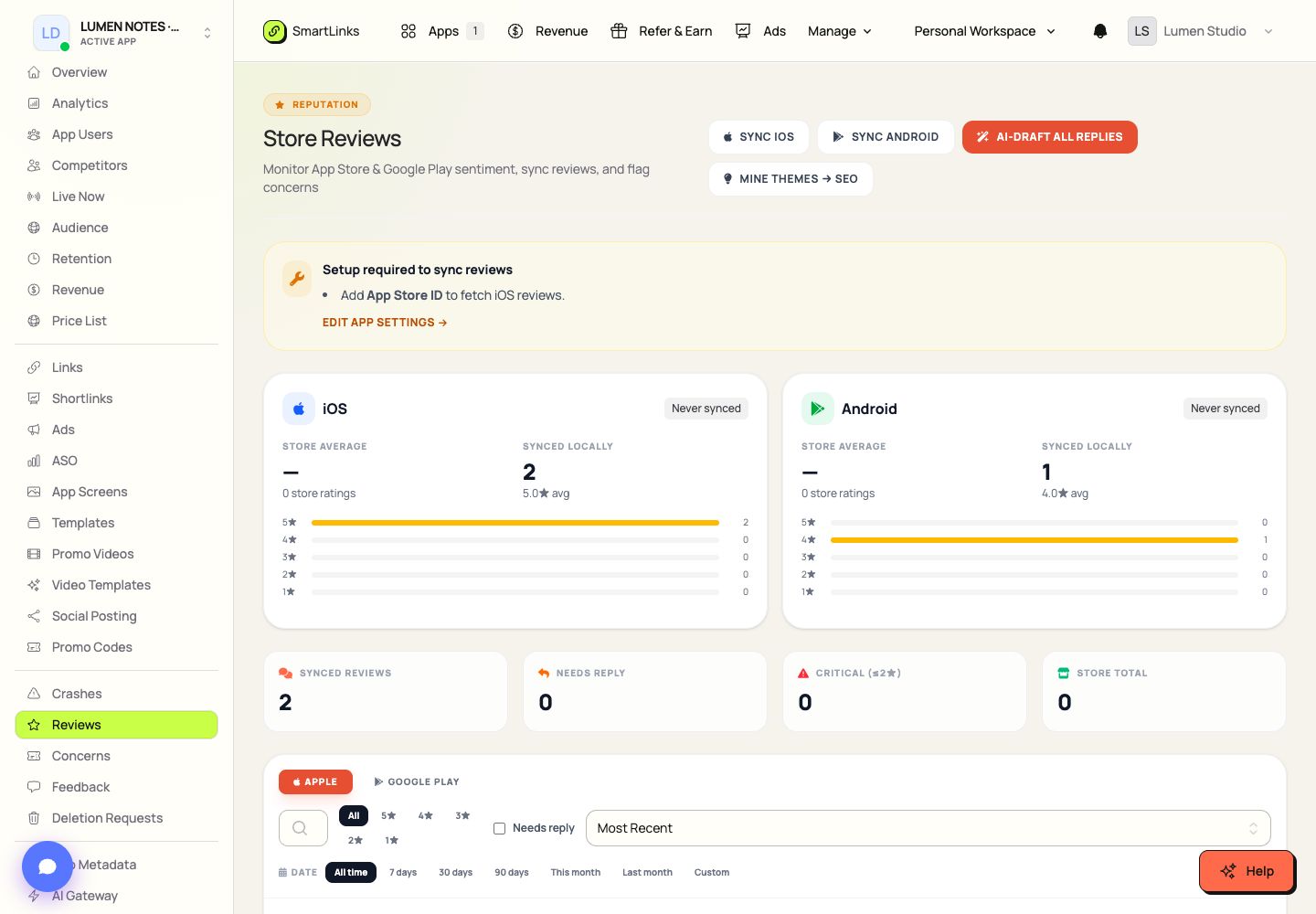
Bring connected app store reviews into a focused inbox.
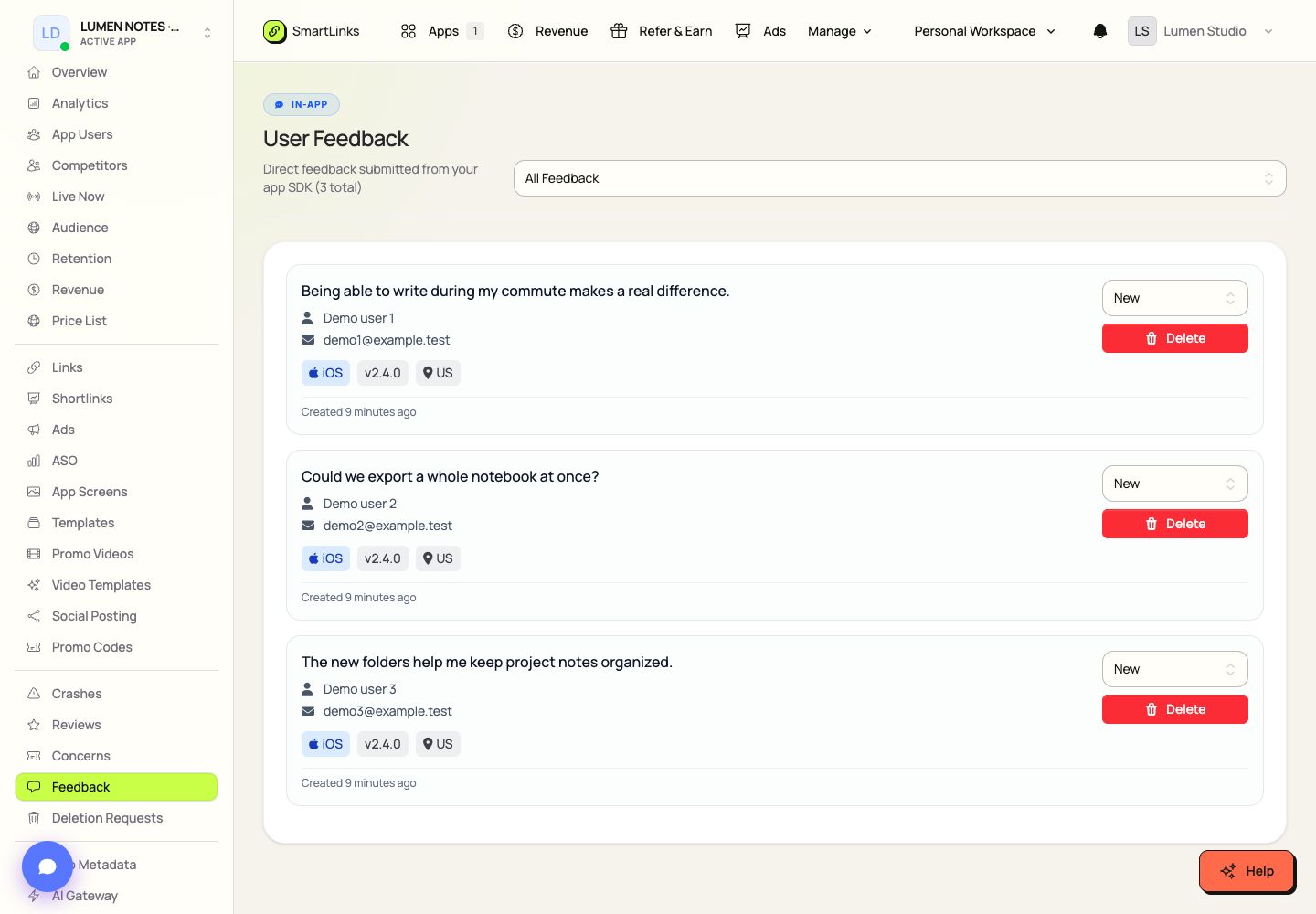
Collect in-app messages through SmartLinks integrations and triage them in an app-specific inbox.
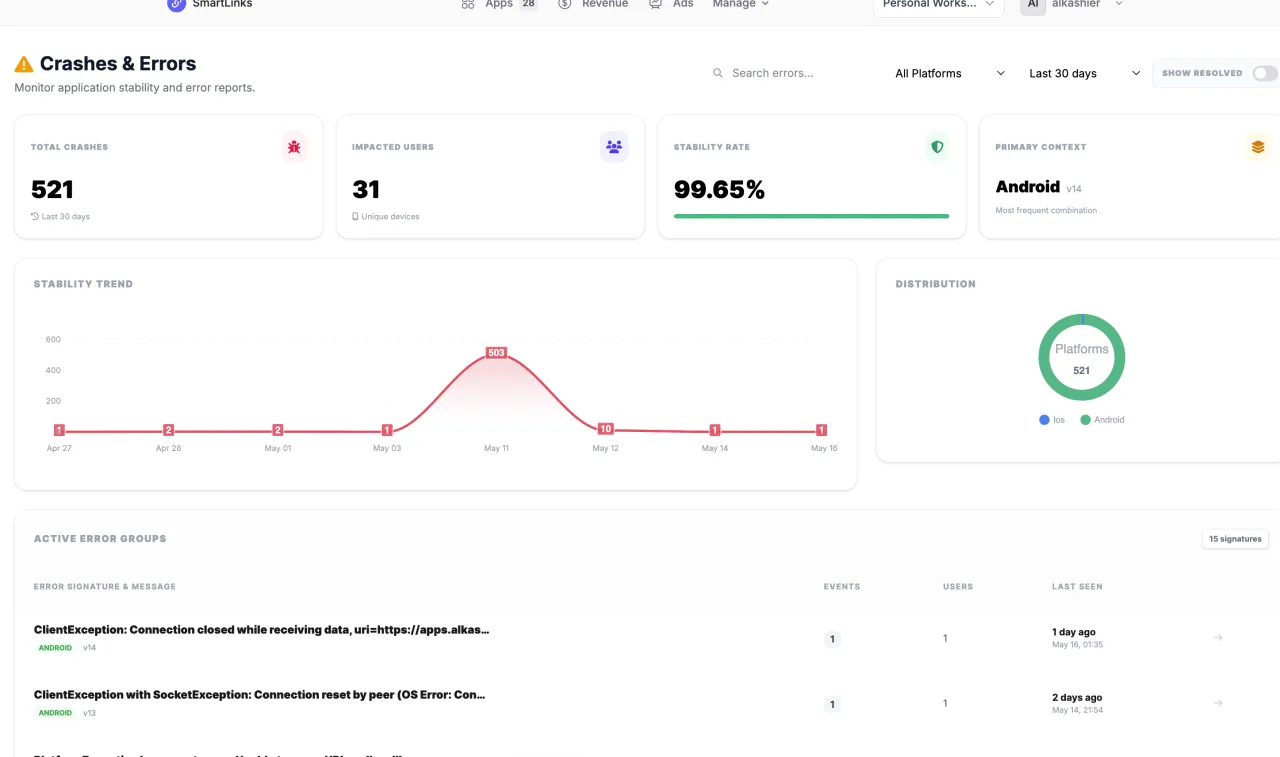
Inspect reported app crashes and errors in a dedicated quality workspace.
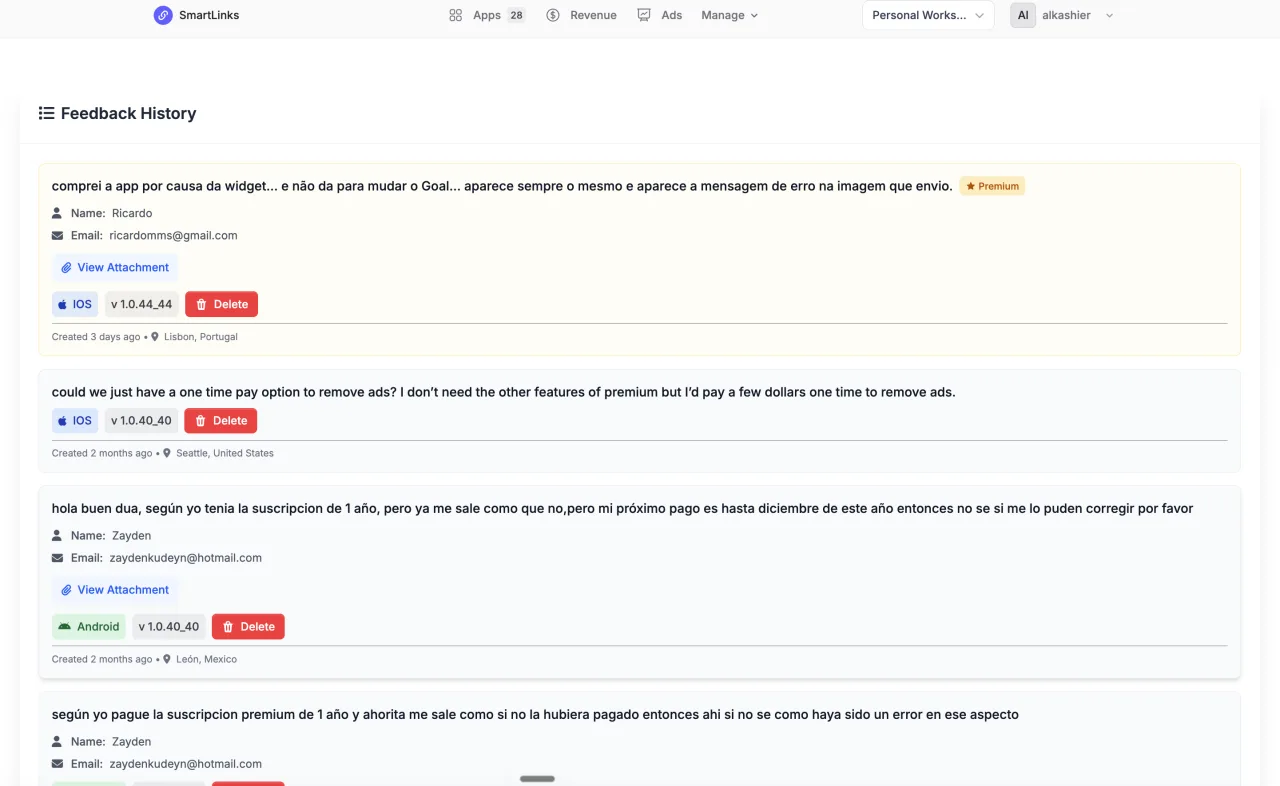
Turn reviews and feedback into prioritized concerns.
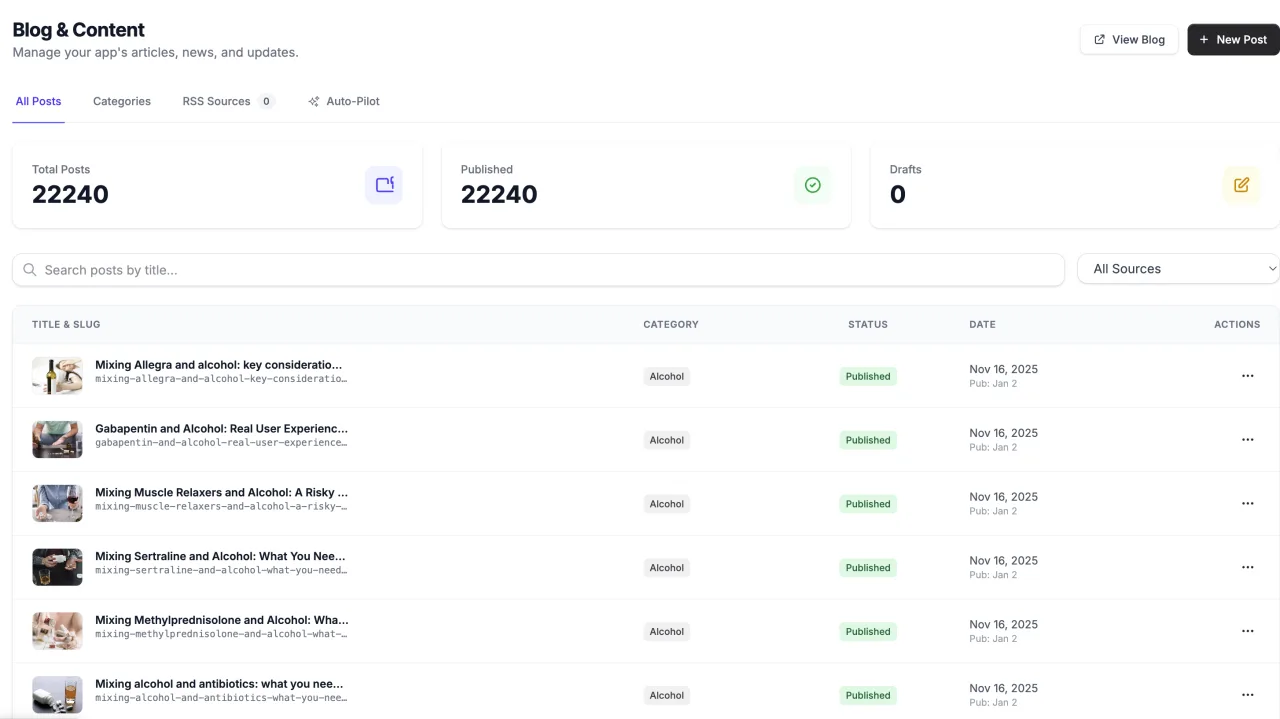
Create app blog posts, organize categories, and manage translations and publishing automation.
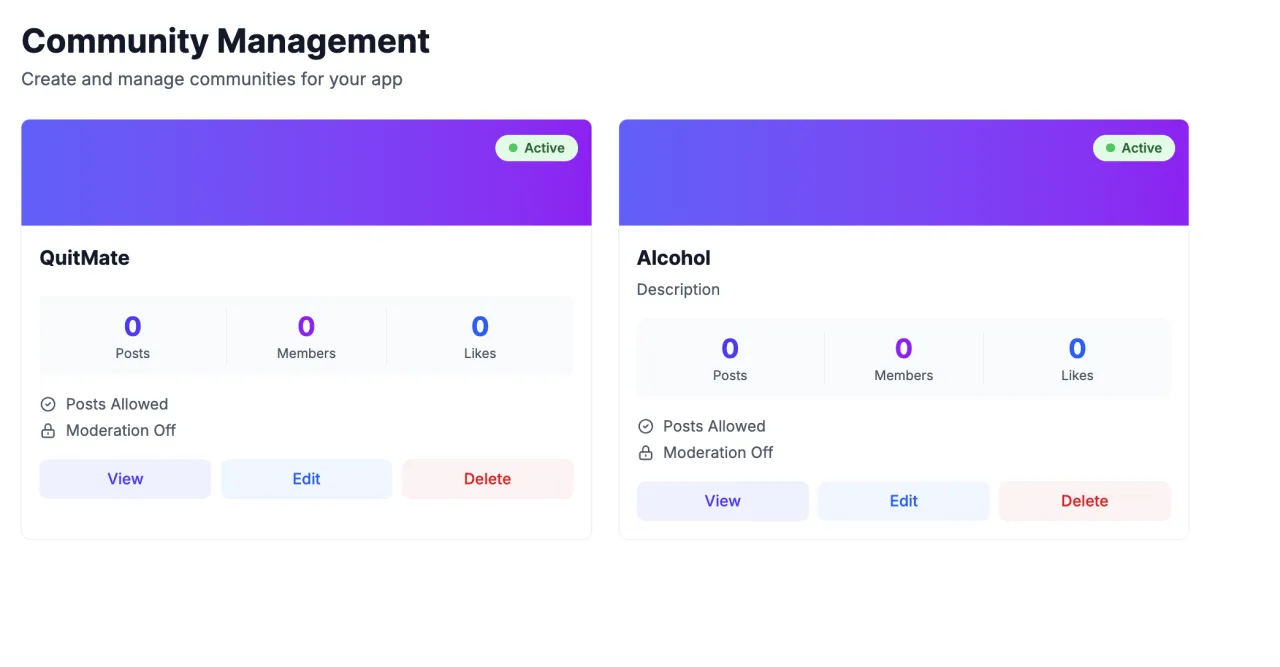
Create a community around your app and manage its posting and moderation controls.
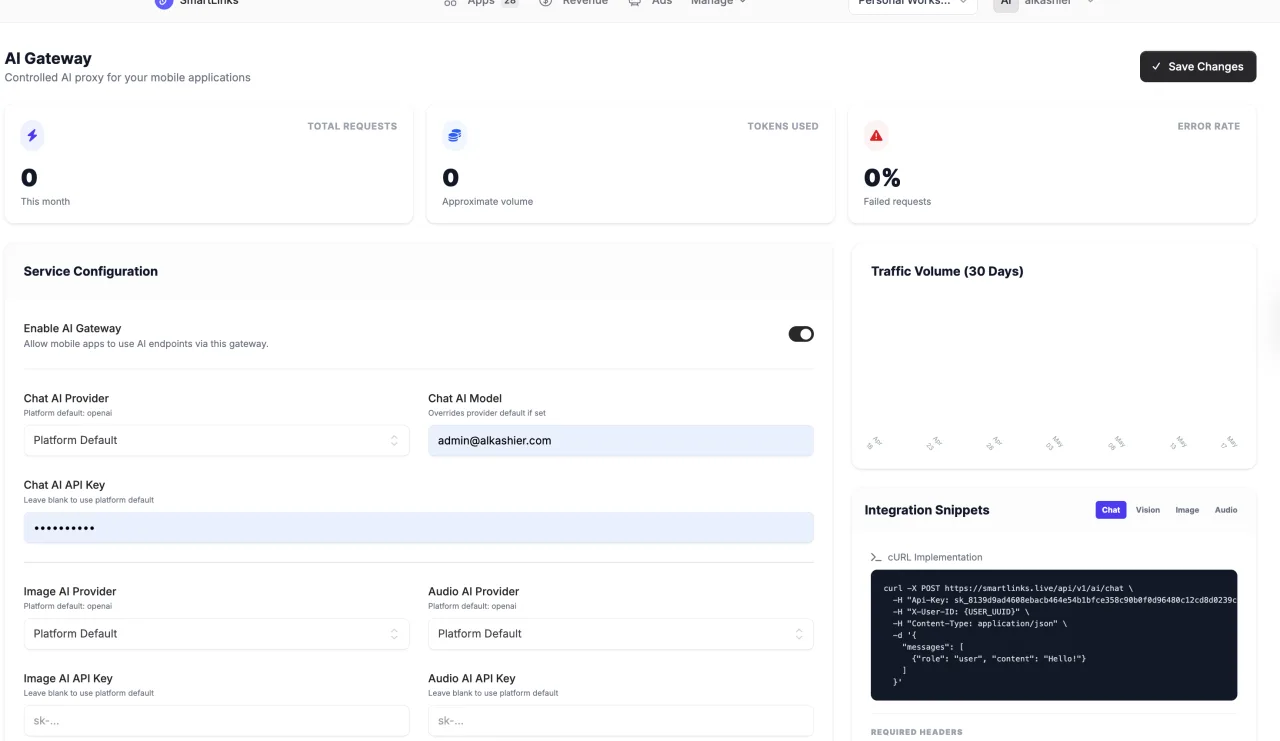
Configure supported AI providers, model routing, usage limits, and request testing.

Create and manage in-app access codes with explicit limits and expiry.
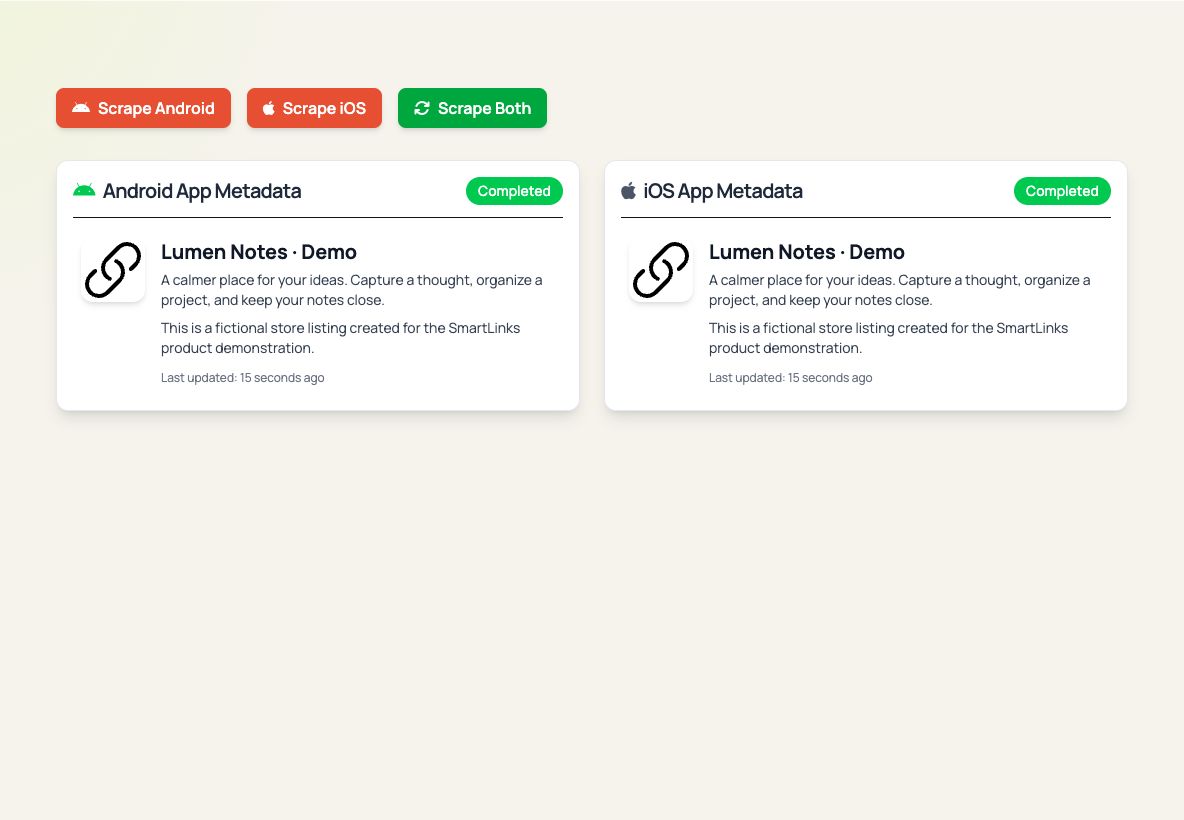
Review connected app store metadata and maintain the identity behind your workflows.

Review incoming app data-deletion requests and track their status.
Manage scoped API keys and use SmartLinks SDK and API documentation to connect app workflows.
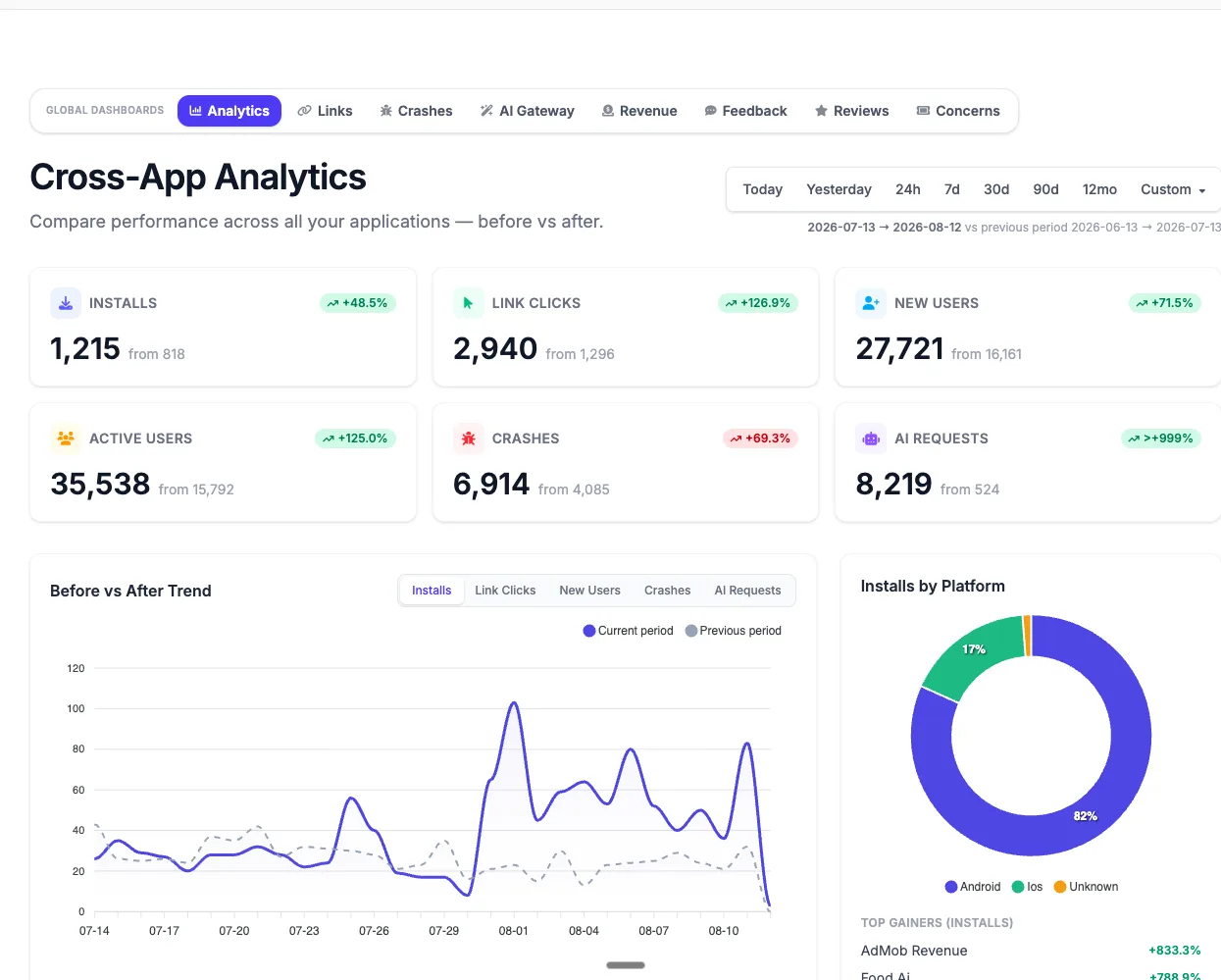
Organize apps and move into their connected workspaces.
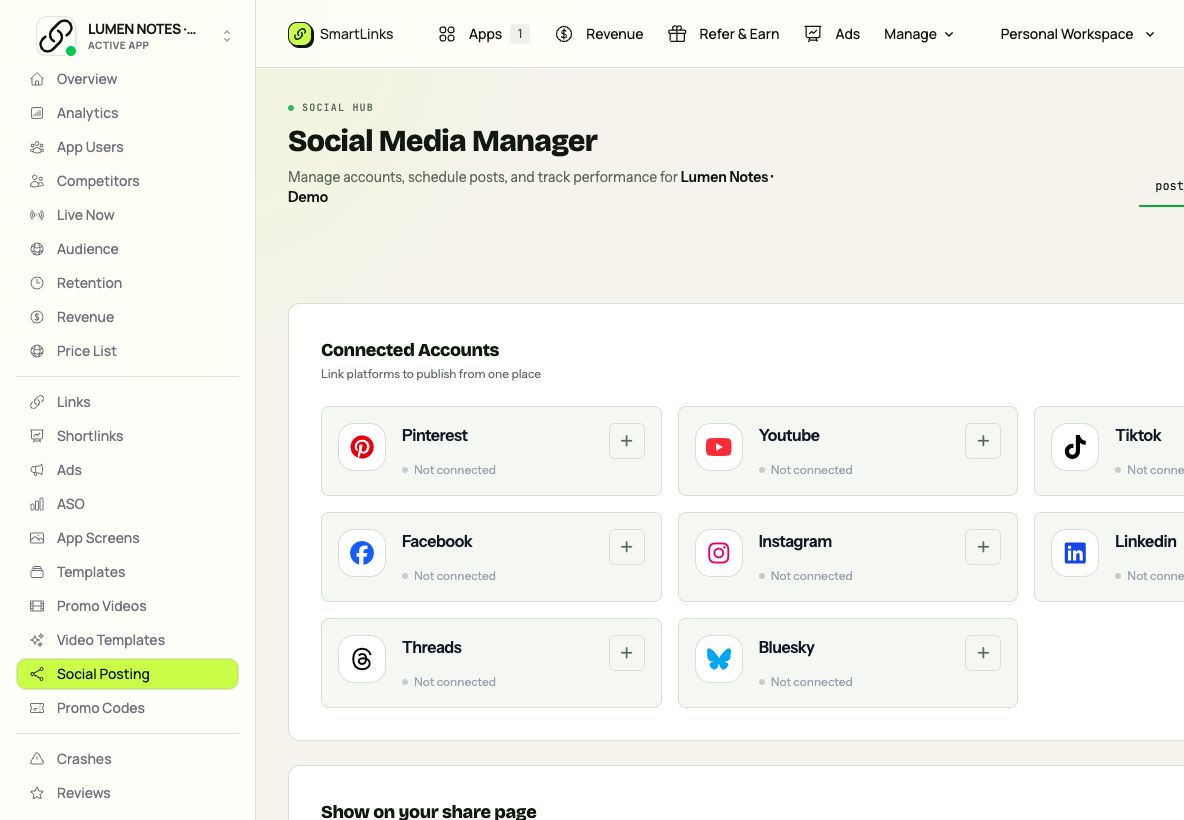
Create, schedule, and manage social posts across supported connected platforms.
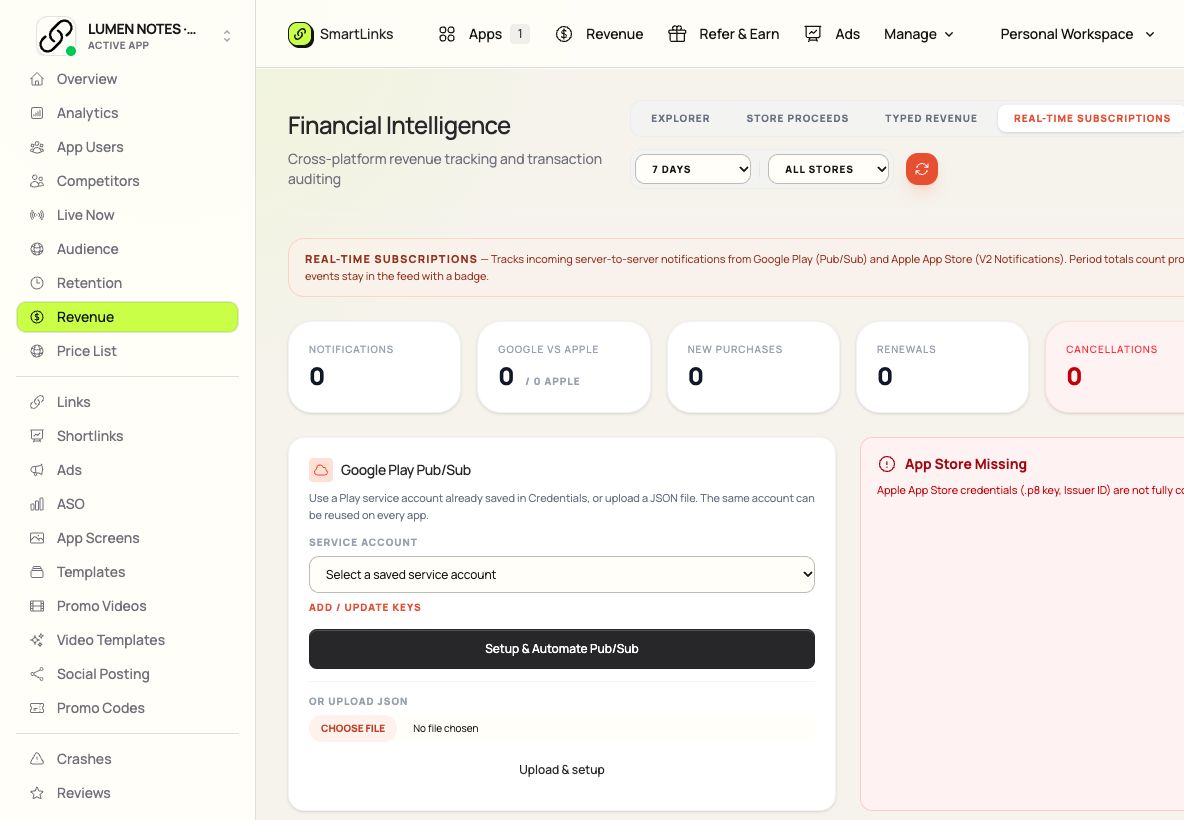
Inspect subscription purchases, renewals and cancellations from Apple and Google store notifications.
Review imported store proceeds, source coverage and financial report details.
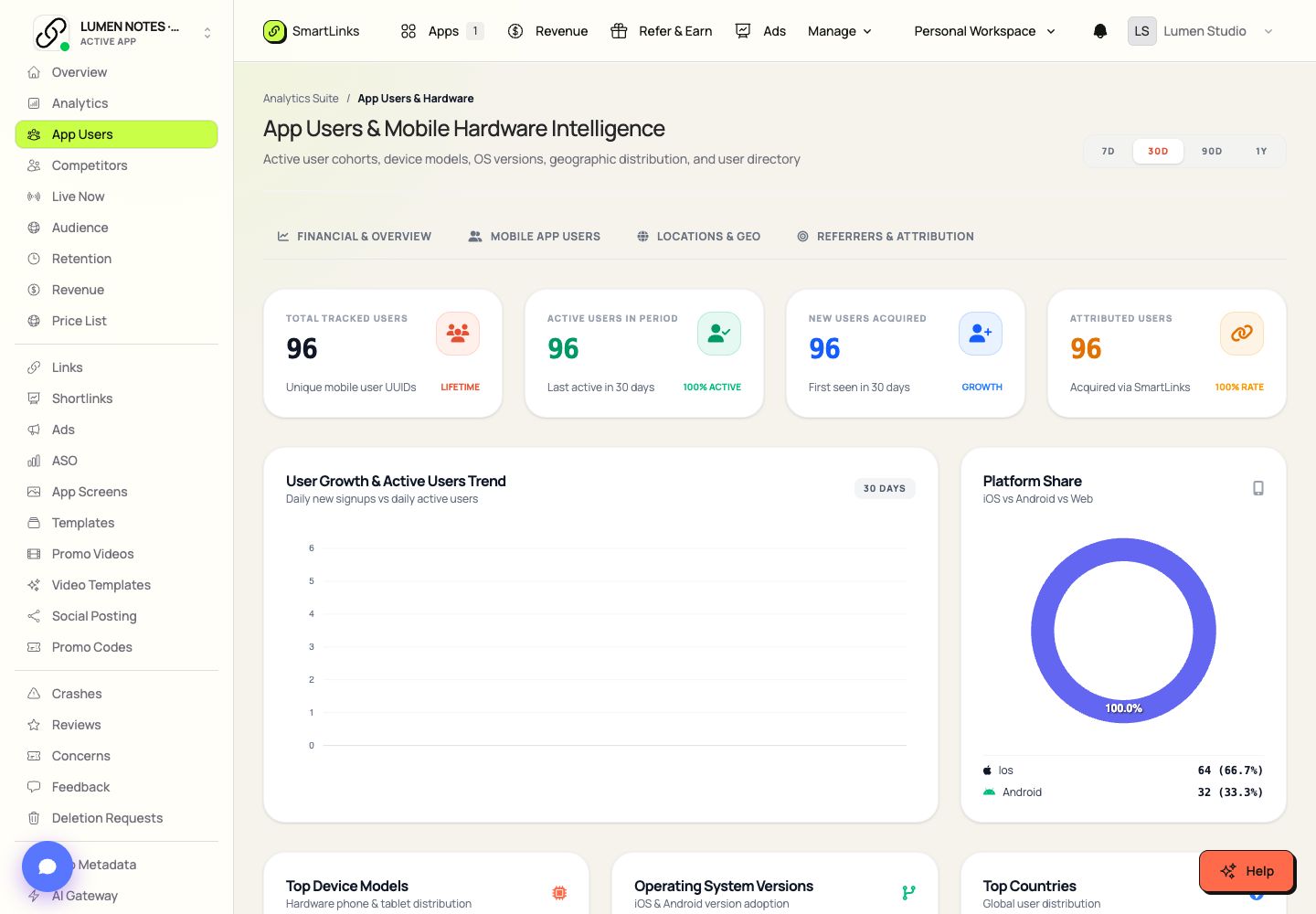
Search SDK users and inspect their available activity and acquisition context.
No products match those filters. Try a different term or explore the full collection.
Start with one good idea.
Keep every next step connected.
Your account, apps and team stay connected across the collection.