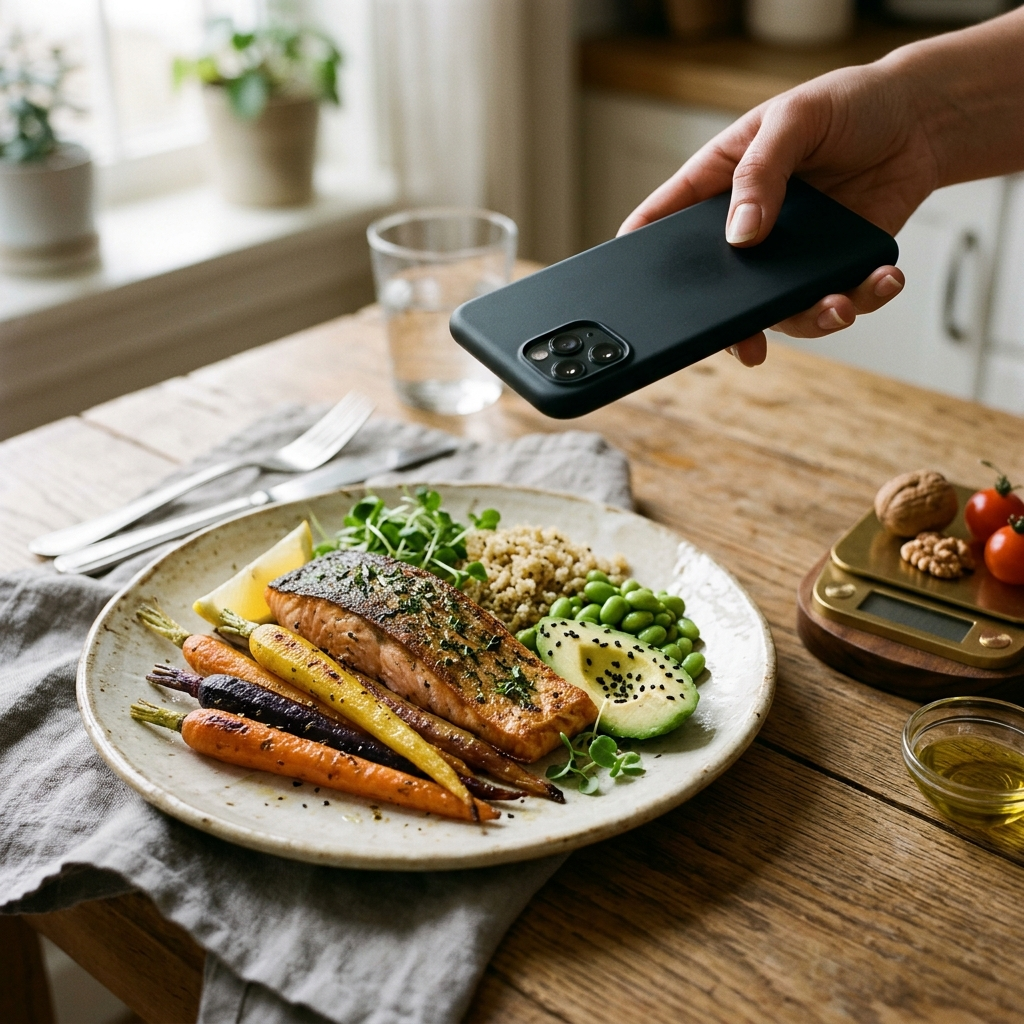
How to Track Macros for Home-Cooked Meals Using AI
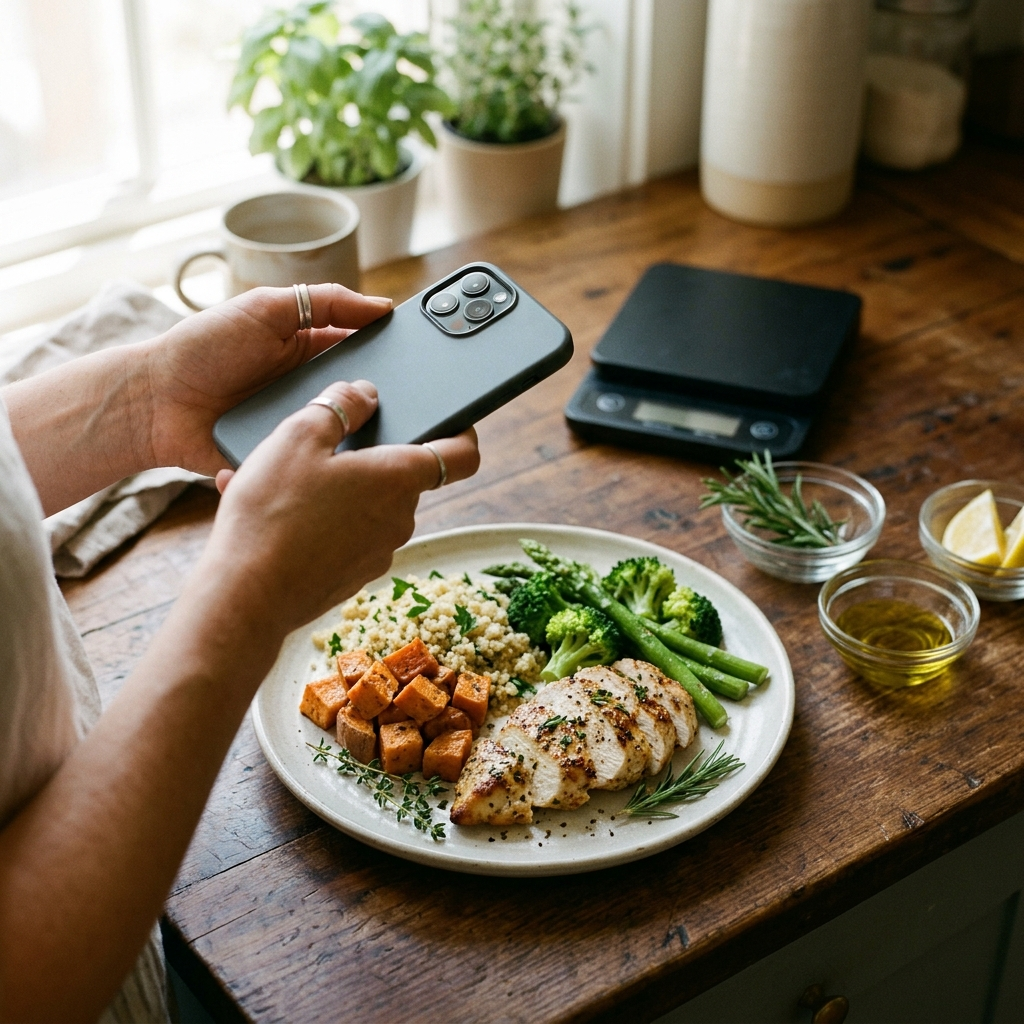
Tracking macronutrients for home-cooked meals requires breaking down prepared dishes into accurate amounts of protein, carbohydrates, and fats. With AI nutrition tools like Foodly: Calorie & Macro Log, you can photograph your plate to identify foods, estimate portions, and log nutritional values without entering individual recipe ingredients by hand.
The Core Friction of Tracking Home-Cooked Food
Home cooking gives you control over ingredients, but it complicates nutritional tracking. Unlike packaged groceries with standardized nutrition facts and barcodes, home-cooked dishes vary in density, moisture loss, and preparation methods. Logging a homemade chicken stir-fry manually requires weighing raw ingredients, measuring cooking oil, calculating vegetable portions, and dividing the cooked batch into individual servings.
This manual workflow often leads to tracking fatigue. Many home cooks stop tracking macros because continuous data entry disrupts meal preparation and dining. When logging becomes inconvenient, consistency drops, resulting in missed entries and incomplete nutritional data.
Artificial intelligence simplifies meal logging by converting photos of plated food into structured macronutrient entries. By automating food identification and portion estimation, visual logging reduces manual effort while maintaining steady dietary records.
How AI Vision Analyzes a Plate of Home Cooking
Foodly uses machine learning models to identify individual foods from a meal photo. When you take a picture of your plate, the app analyzes visual cues such as shape, texture, and color to separate distinct items like grilled chicken, rice, and roasted vegetables.
Once items are detected, the app performs two key functions:
- Food Identification: Recognizes individual food types across the plate.
- Portion Estimation: Estimates portion volume and serving weight.
The app then pairs these estimated portions with nutritional data to calculate protein, carbohydrate, fat, and total calorie totals, eliminating the need to search for every ingredient individually.
Understanding and Using Confidence Scores
Visual recognition models generate estimates based on image clarity and item visibility. To help you evaluate when an automated estimate is reliable, Foodly displays a confidence score with each analysis.
Clear plating produces higher confidence scores. A meal with distinct portions—such as salmon, jasmine rice, and asparagus—has clear boundaries, making it easier for the model to classify items accurately. Mixed dishes like stews, curries, and casseroles tend to receive lower confidence scores because key ingredients are submerged or blended together.
Use the confidence score to decide how much verification an entry needs:
- High Confidence: Quickly review the totals and confirm the entry.
- Moderate Confidence: Check the primary protein and carbohydrate portions before saving.
- Low Confidence: Review the itemized breakdown and adjust portion sizes or ingredients.
Best Practices for Capturing Accurate Meal Photos
Photo quality directly affects portion and item identification. Following consistent photo habits helps improve logging accuracy.
Use these guidelines when taking meal photos:
- Use Good Lighting: Take photos under bright overhead or natural light to minimize heavy shadows that obscure portion depth.
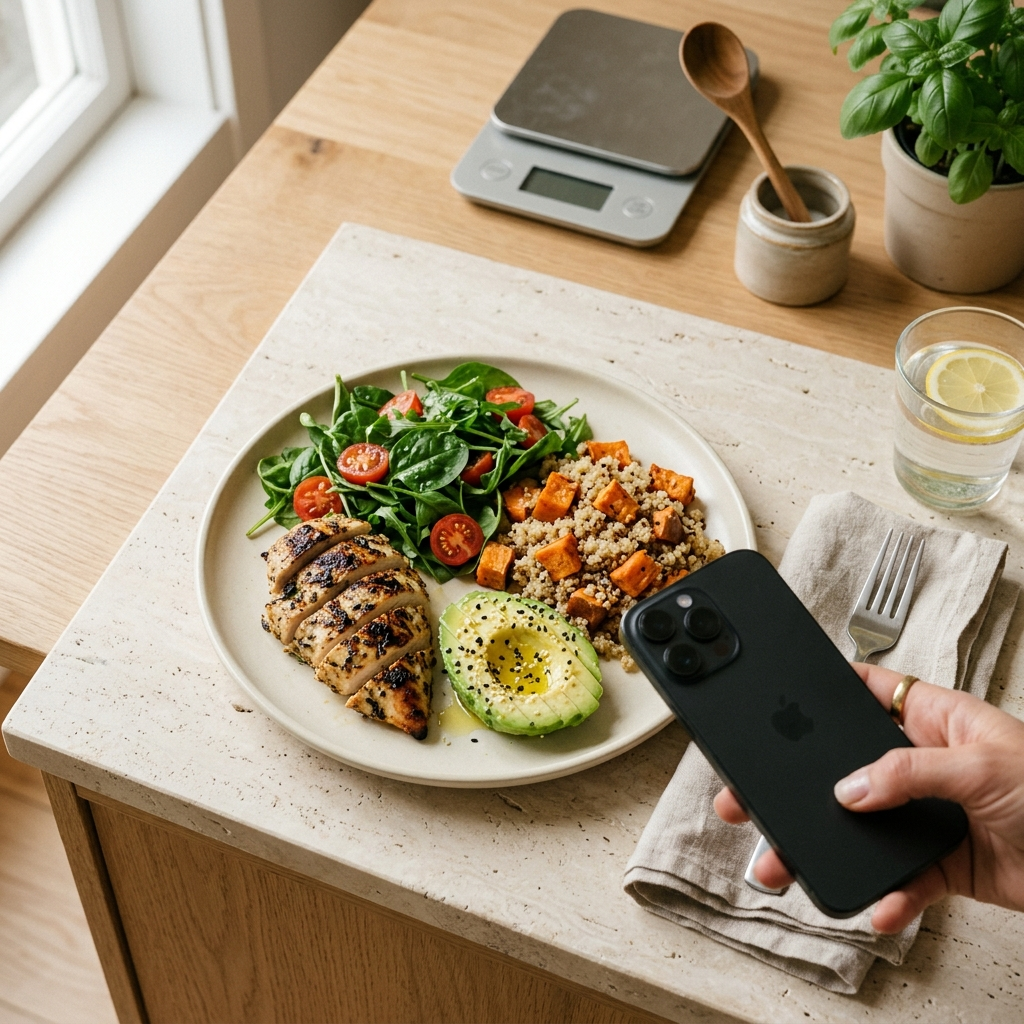
- Shoot at an Angle: Holding your phone at roughly a 45-degree angle captures both surface area and height, which helps the model evaluate portion volume.
- Separate Components: When possible, keep grains, proteins, and sides separated on the plate so boundaries remain visible.
- Use Standard Dishware: Consistent plate sizes provide a visual reference that aids portion estimation.
These practices help ensure photo estimates align closely with your actual serving sizes.
Managing Hidden Fats and Recipe Modifications with Manual Override
Cooking fats are the most common source of tracking error in home-cooked meals. Oils, butter, sauces, and marinades absorb directly into ingredients, making them difficult to detect through a camera. A tablespoon of cooking oil adds roughly 14 grams of fat and 120 calories, but may only leave a light sheen on vegetables.
To keep macro logs accurate, use Foodly's manual override feature. After the app generates an initial breakdown, you can review and edit individual values before saving the entry to your daily log.
Adjust your entries using these steps:
- Account for Cooking Fats: If you cooked vegetables in butter or oil, review the fat line and add the measured amount if it was not detected.
- Refine Meat Cuts: If you used a specific ground meat blend or leaner cut, adjust the entry to reflect the package details.
- Update Known Weights: If you weighed an ingredient on a food scale, enter that exact weight to calibrate your entry.
Manual adjustments combine the convenience of automated recognition with your direct knowledge of the recipe.
Analyzing Weekly Trends on Your Dashboard
A single day's intake provides limited insight, whereas weekly trends offer a clearer picture of your nutrition habits. Consistently logging your meals builds an objective record of your intake over time.
Foodly summarizes your logged meals in an analytics dashboard that displays daily calorie targets, macro ratios, and weekly averages. These charts help you identify patterns, such as lower protein intake during busy weekdays or higher fat totals from recurring recipes.
Review your dashboard weekly to check:
- Whether your daily protein intake aligns with your targets throughout the week.
- Whether cooking fats are pushing your total fat intake above your planned limits.
- Whether your calorie distribution matches your training and recovery schedule.
Reviewing trend data helps you make practical adjustments to your meal planning and cooking habits.
Streamlining Your Kitchen Routine
Tracking home-cooked meals does not have to mean weighing every scrap or abandoning macro goals altogether. By using Foodly to capture meal photos, checking confidence scores, and adjusting hidden ingredients when needed, you can log meals efficiently. Photograph your plate, review the macro breakdown, make any necessary adjustments, and keep your nutrition tracking consistent.
Frequently Asked Questions
The app analyzes the meal photo to identify distinct foods and estimate portion sizes, then uses nutritional data to calculate protein, carbohydrate, fat, and calorie totals.
Because oils and butter absorb into food and are hard to detect visually, review the initial breakdown and use the manual override feature to add the amount of cooking fat used.
Mixed dishes are harder for visual models to segment. Check the confidence score provided by the app, and manually adjust portion sizes or ingredients if key components are hidden.
A kitchen scale provides exact gram measurements, but photo tracking reduces logging friction. You can also adjust photo estimates with exact scale weights whenever needed.