Best Noom Alternative for Photo Calorie Counting: Foodly Review and Analysis
For individuals seeking an alternative to Noom that prioritizes visual meal tracking over daily curriculum lessons, Foodly: Calorie & Macro Log offers a targeted solution. Combining automated photo recognition with direct macronutrient calculations and confidence scoring, Foodly replaces manual database searching with camera-based logging. This system provides rapid nutritional feedback while allowing users to maintain full oversight of their dietary records.
The Friction of Manual Food Logging and Curriculum-Heavy Apps
Standard calorie counting often requires users to dissect complex dishes into individual components, weigh each item, and search text databases. While Noom popularized a structured behavioral modification program with color-coded food groupings (green, yellow, and orange), the primary logging workflow remains manual. Searching for multi-ingredient home-cooked meals or restaurant entrees frequently leads to logging fatigue.
When nutritional tracking becomes tedious, logging consistency declines. Users may skip snacks, underreport meals, or abandon logs entirely. Visual food tracking reduces this administrative burden by using computer vision to identify foods from a photo rather than requiring manual database queries.
- Manual logging demands sustained attention that can disrupt daily routines and social dining.
- Text-based databases frequently contain duplicate or unverified community entries, complicating intake totals.
- Behavioral coursework may not suit users who already understand their nutritional targets and simply need an efficient logging utility.
Automated Photo Recognition: How Foodly Solves Visual Meal Tracking
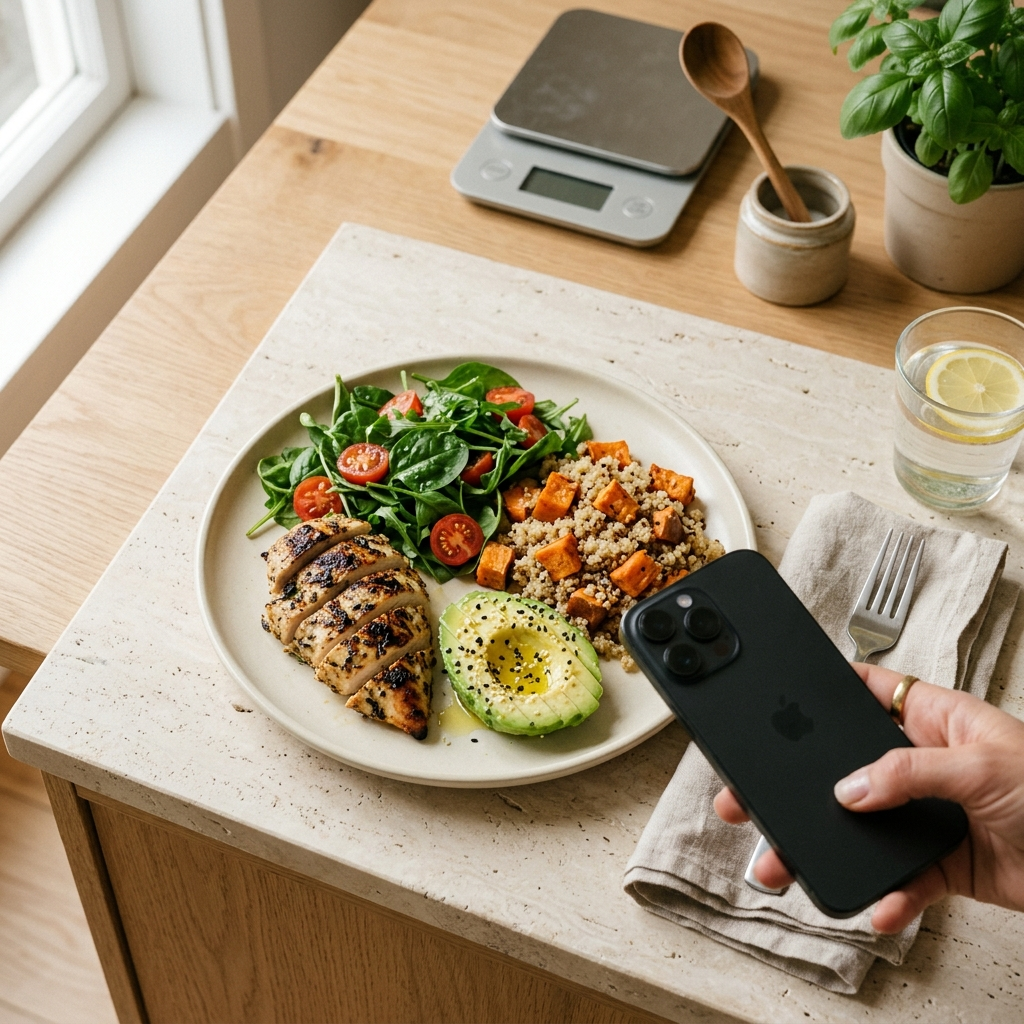
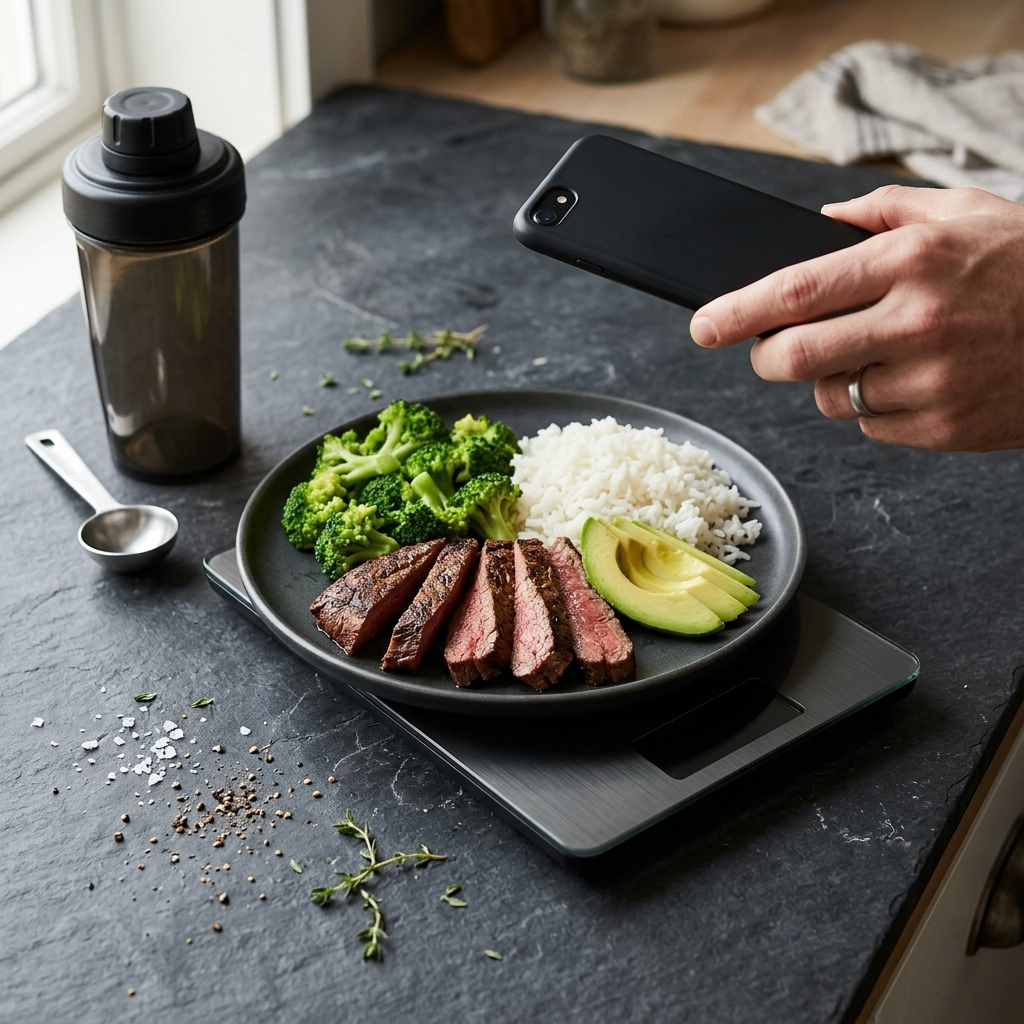
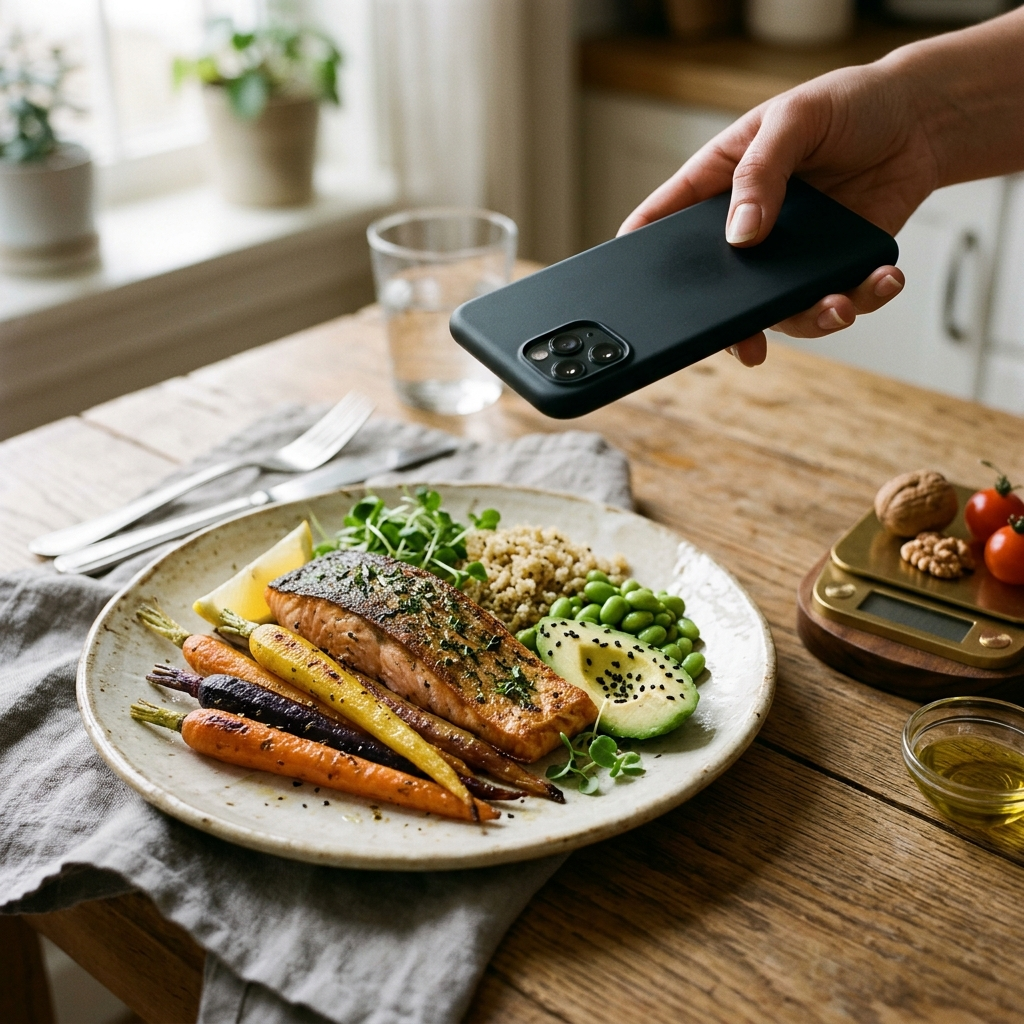
Foodly centers its tracking experience on image recognition to analyze prepared dishes, fresh produce, and packaged foods directly from a photo. When a user captures an image of a meal, the application identifies visible ingredients, estimates portion sizes, and generates a nutritional breakdown of calories, protein, carbohydrates, and fats.
A practical challenge in food computer vision is resolving ambiguity. Mixed dishes, opaque sauces, and variable portion depths present estimation variables. Foodly addresses these factors through transparent confidence scoring and manual override options.
Transparent Confidence Scoring
Foodly assigns a confidence level to its meal predictions rather than presenting estimates as definite values. This metric indicates when a dish consists of easily distinguishable components—such as grilled chicken breast with steamed broccoli—or when a composite dish, like a casserole or curry, requires user verification.
Manual Override for Data Integrity
Automated recognition serves to accelerate data entry rather than replace user discretion. Once visual analysis populates a meal card, users can adjust serving sizes, remove misidentified items, or add unseen ingredients such as cooking oils. This hybrid workflow ensures logs reflect actual intake accurately.
Detailed Macronutrient Analysis Beyond Basic Calorie Budgets
Many weight-management programs focus primarily on caloric deficits, often treating all calories equally. However, managing satiety, preserving lean muscle mass, and maintaining energy levels require visibility into macronutrient distribution. Foodly calculates specific gram totals for protein, carbohydrates, and dietary fats alongside overall calories.
Macronutrient metrics provide context that standalone calorie counts lack. For example, two 500-calorie meals produce different satiety profiles if one consists mainly of refined carbohydrates and the other delivers substantial protein and fiber. Foodly presents this data visually to help users evaluate meal composition quickly.
- Protein Monitoring: Tracks amino acid intake to support muscle maintenance and recovery.
- Carbohydrate Management: Monitors carbohydrate intake to help manage energy availability and dietary targets.
- Healthy Fat Allocation: Measures dietary fat intake to ensure adequate essential fatty acids for biological function.
Dashboard Analytics: Monitoring Real-Time and Longitudinal Progress
Consistent nutritional management requires clear feedback. Foodly presents daily and historical data through a centralized dashboard that tracks calorie intake against remaining daily budgets. As meals are photographed and confirmed throughout the day, the remaining balance updates in real time.
Beyond single-day logs, Foodly compiles data into weekly trend charts. Progress often varies day to day due to schedule shifts, activity levels, or fluid balance. Reviewing multi-day intake patterns and macro distributions helps users evaluate longer-term trends.
- Real-time budgets display remaining caloric allowances dynamically after each logged item.
- Visual macro breakdowns show how daily totals align with designated nutritional targets.
- Interactive trend charts display weekly consistency without requiring manual calculation.
Step-by-Step: Setting Up an Efficient Photo-Logging Workflow
Transitioning from a text-heavy tracker like Noom to a camera-based application requires minor adjustments to the logging routine. To achieve consistent data accuracy with minimal friction, follow this standard sequence:
- Complete Personalized Goal Calibration: Input biological baselines, such as age and activity level, during initial onboarding to establish target calorie and macronutrient guidelines.
- Capture Clear Reference Photos: Position your device directly above your plate in adequate lighting to help the software distinguish individual food items and boundaries.
- Review the Confidence Rating: Check the confidence score assigned to each detected item to assess whether adjustments are necessary.
- Apply Quick Adjustments: Use the manual override interface to refine estimated portion sizes or log non-visible items, such as cooking oils or dressings.
- Confirm and Track: Save the meal to update your daily dashboard balance immediately.
Comparing Program Philosophies: Noom vs. Foodly
Choosing an appropriate tracking tool depends on whether you prefer behavioral coaching or an efficient nutritional logging utility. The two applications address dietary tracking differently:
- Core Focus: Noom emphasizes behavioral modification, daily curriculum readings, and color-coded dietary classifications. Foodly focuses on streamlined meal entry via photo recognition and macronutrient tracking.
- Data Entry Style: Noom relies on keyword searches and manual database selection. Foodly operates as a camera-first application with manual verification tools.
- Metric Depth: Noom highlights total calories and color-category distributions. Foodly tracks total calories, protein, carbohydrates, fats, and dynamic weekly trends.
- Daily Time Commitment: Noom requires time to complete daily educational modules. Foodly is structured for rapid logging, allowing users to record meals in seconds.
Conclusion: Choosing the Right Solution for Your Nutritional Goals
If you prefer structured behavioral lessons and daily educational content, Noom remains a viable option. However, if manual logging feels inefficient and you prefer visual tracking paired with macronutrient analytics, Foodly offers a practical alternative. By using photo recognition, confidence scoring, and structured dashboard metrics, users can maintain nutritional records without unnecessary logging friction.