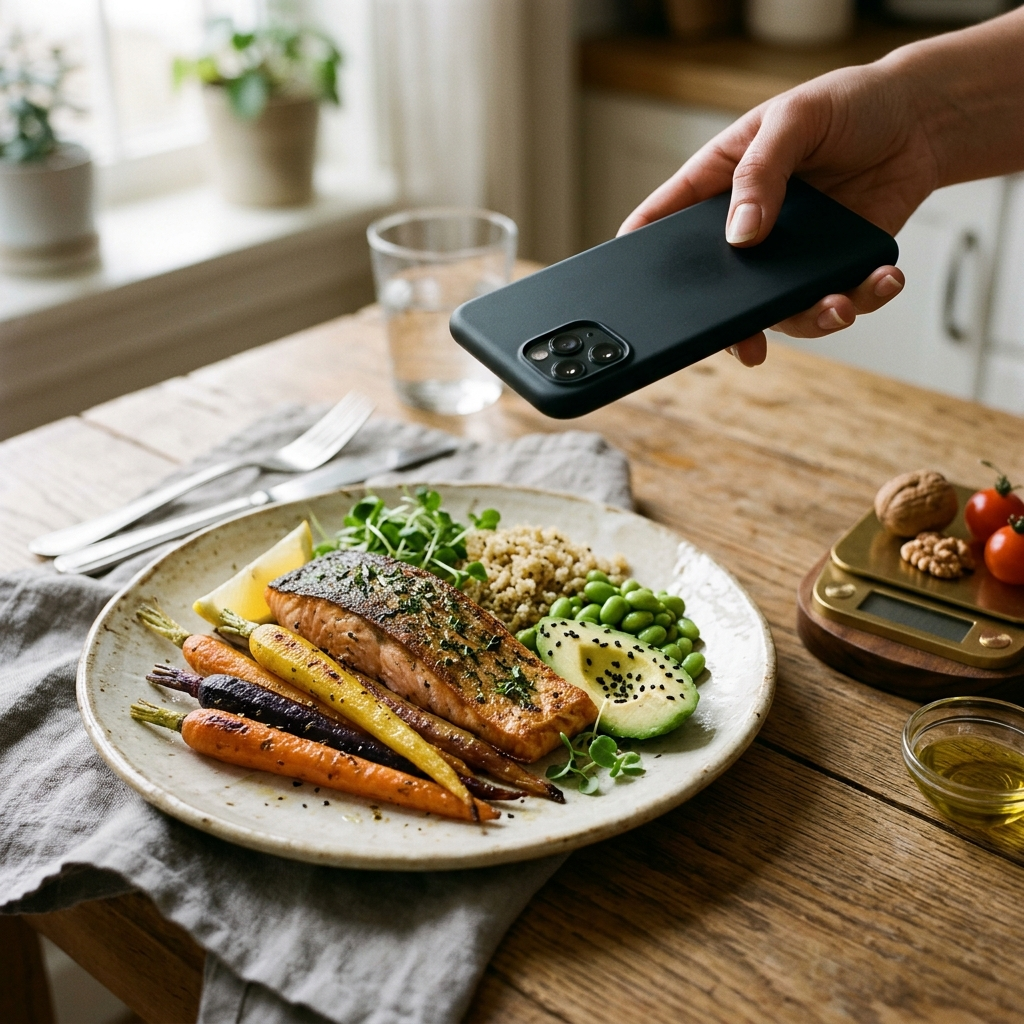
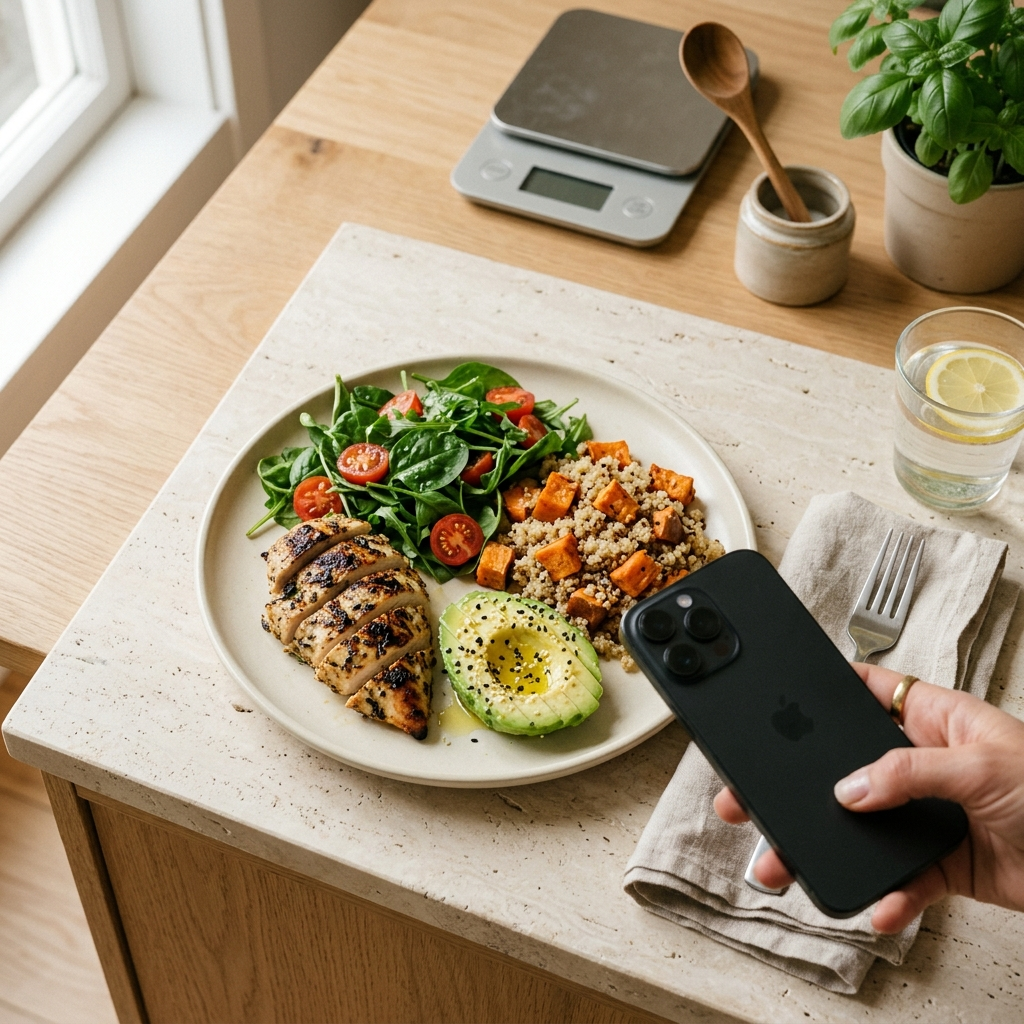
How Food Recognition AI Estimates Calories from Meal Photos
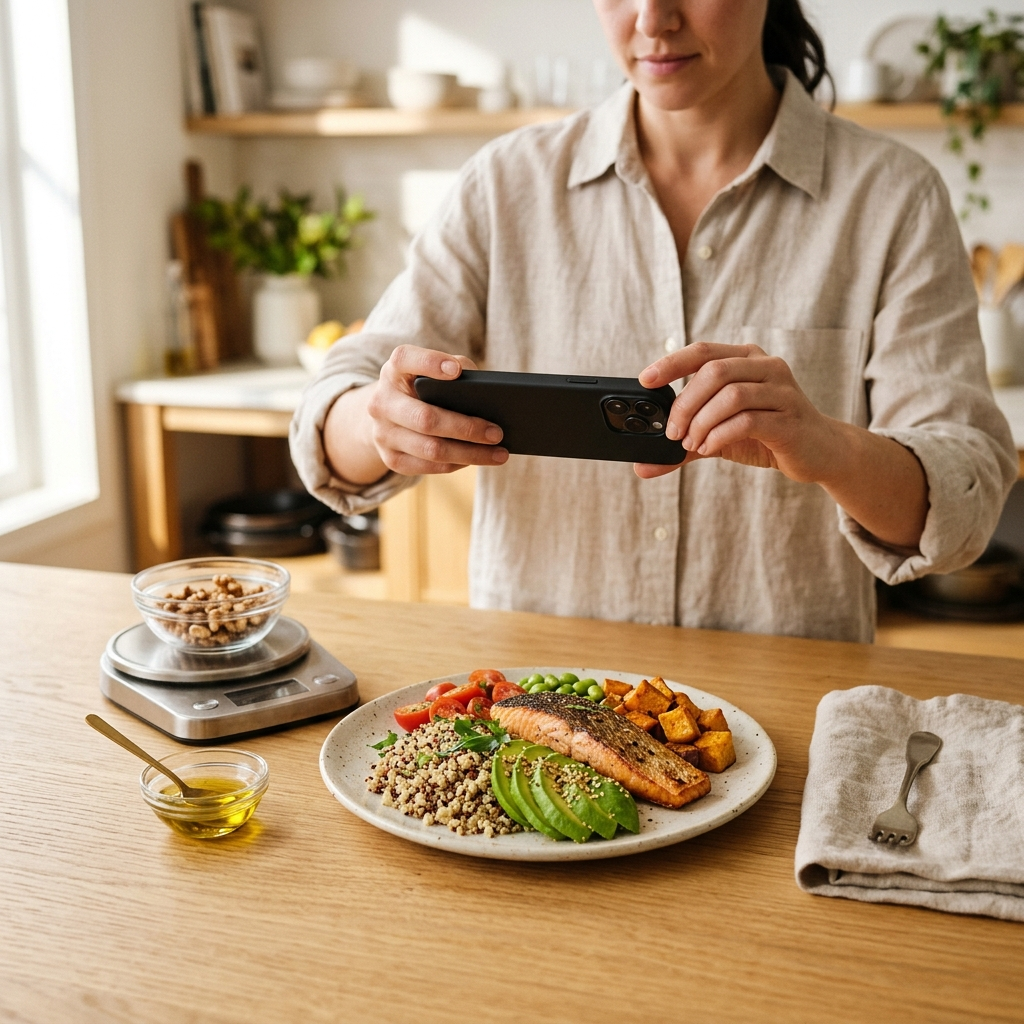
Food recognition AI estimates calories from photos through a four-stage process: segmenting distinct meal components, identifying specific foods, estimating portion volume, and cross-referencing values with nutritional databases. In apps like Foodly: Calorie & Macro Log, this pipeline converts a single meal photo into an immediate breakdown of calories and macronutrients.
The Core Challenge of Traditional Calorie Tracking
Dietary logging often fails because manual entry is tedious and subject to estimating errors. Judging whether a portion of rice is 150 or 250 grams by sight alone introduces discrepancies that can derail nutrition goals. Foodly addresses this issue by replacing manual guesswork with automated photo analysis, allowing users to log meals in seconds.
Understanding how computer vision interprets food helps users take better photos and evaluate logged estimates. Although automated analysis reduces logging friction, computer vision relies on visual probability rather than direct physical measurement. Photo-based estimation establishes an efficient baseline that benefits from occasional user verification.
Step 1: Semantic Segmentation and Boundary Detection
The analysis begins when a user submits a meal photo in Foodly. Before identifying ingredients, the algorithm distinguishes food from background elements such as plates, utensils, and table surfaces using semantic segmentation.
The system separates the image into distinct regions, defining contours around each food item. For a meal of grilled chicken, broccoli, and mashed potatoes, the algorithm isolates each component independently. Key functions of this step include:
- Background isolation: Excluding dishware and tabletop surfaces from calculations.
- Boundary demarcation: Differentiating touching or overlapping items, such as sauce covering a protein.
- Regional mapping: Assigning pixel boundaries to each item for subsequent volume estimation.
Cleanly separating meal components prevents caloric values of distinct ingredients from combining inaccurately.
Step 2: Food Identification and Classification
Once boundaries are set, neural networks classify each segmented region. Trained on diverse culinary images, these models evaluate color, texture, surface sheen, and shape to match each area with a known food profile.
Food classification carries challenges unique to cooking. For instance, raw, sautéed, and puréed spinach exhibit entirely different visual characteristics, while two visually identical broths may have vastly different fat and sodium profiles. Foodly manages this ambiguity through confidence scoring: items with clear visual markers receive higher confidence scores, while ambiguous items signal that user review may be helpful.
Visual classification identifies foods by visible surface patterns, paired with a confidence rating that indicates when user confirmation is recommended.
Step 3: Depth Mapping and Volumetric Portion Estimation
Identifying an item as roasted salmon is only part of the calculation; determining its nutritional value requires estimating portion size. Because standard smartphone cameras capture two-dimensional images, the system approximates three-dimensional volume through geometric modeling.
Algorithms estimate volume by analyzing perspective, spatial cues, and relative scale against nearby reference points like plates and standard flatware. These references allow the system to infer the height and depth of each item.
To convert calculated volume into mass, the system applies ingredient density factors. For example, a cubic centimeter of cooked rice weighs more than a cubic centimeter of leafy greens. Density reference tables translate volume into grams, establishing the weight needed for nutritional calculations.
Step 4: Nutritional Database Mapping and Macronutrient Breakdown
After estimating the weight of each component, the app references verified nutritional databases. The identified food and its estimated weight are matched against laboratory-tested nutrient profiles to compute total calories and macronutrients: protein, carbohydrates, and fats.
In Foodly, this calculation updates the user's daily log, dashboard, and remaining calorie target. The macro breakdown displays how the meal fits into daily nutrition goals. Key outputs include:
- Calorie calculation: Computing total energy based on grams of protein, carbohydrates, and fats.
- Macronutrient distribution: Providing clear visual proportions to track daily targets.
- Meal aggregation: Consolidating individual plate items into a single log entry.
Database mapping connects physical volume estimates with verified nutritional data.
Step 5: The Role of Manual Review and Human-in-the-Loop Verification
Visual recognition models cannot detect ingredients that are not visible, such as cooking oils, butter in sauces, or hidden fillings. A salad dressed with two tablespoons of oil looks nearly identical to a dry salad, but contains significantly more calories.
Because cameras cannot capture concealed ingredients, Foodly includes a manual override feature. Users can adjust portions, change food selections, or add uncaptured cooking oils. Useful practices for accurate logging include:
- Shoot at an angle: Capturing photos at roughly a 45-degree angle provides both surface area and depth information.
- Use adequate lighting: Clear lighting reveals surface textures that help identify specific foods.
- Account for cooking fats: Manually log dressings, butter, and oils that are not visible.
- Review low-confidence items: Check Foodly's confidence indicator to confirm items that may be ambiguous.
Pairing automated visual recognition with quick manual checks provides the most reliable nutritional records.
Conclusion
Food recognition AI simplifies nutrition logging by segmenting plate components, identifying foods, estimating portion volumes, and calculating calorie and macro totals automatically. By removing the friction of manual data entry, Foodly: Calorie & Macro Log makes consistent tracking practical. Combining automated scanning with simple manual adjustments provides a steady, accurate approach to managing daily nutrition.
Frequently Asked Questions
Foodly uses visual perspective, relative scale from surrounding reference objects like dishware, and depth cues to approximate 3D volume, which is then converted to estimated mass using food-specific density tables.
Visual recognition cannot detect invisible oils, emulsified fats, or dissolved sugars. Foodly provides manual override controls so users can add these uncaptured ingredients to maintain accurate calorie totals.
Foodly provides a confidence score for each identification. If an item is misidentified or shows lower confidence, you can manually adjust the food selection or portion size before saving your log.