Best FatSecret Alternative with AI Meal Recognition: Foodly Review
For users seeking an alternative to FatSecret that replaces manual database lookups with automated visual logging, Foodly: Calorie & Macro Log offers a direct solution. Foodly uses food photo analysis to detect meal items, estimate portions, and calculate macronutrients. This reduces the friction of daily logging while allowing manual adjustments to maintain data accuracy.
The Friction of Legacy Food Trackers
FatSecret established a reliable baseline for digital food logging with its community database and barcode scanner. However, traditional text search requires users to break down every meal into individual ingredients, select serving sizes from lists, and record multiple entries per meal.
This manual workflow often leads to tracking fatigue, especially with restaurant meals or home-cooked dishes where individual ingredients are mixed together. Over time, high tracking effort causes missed entries and inconsistent habits. Image-based meal recognition addresses this issue by identifying foods directly from a photograph.
Automated Meal Recognition: How Foodly Works
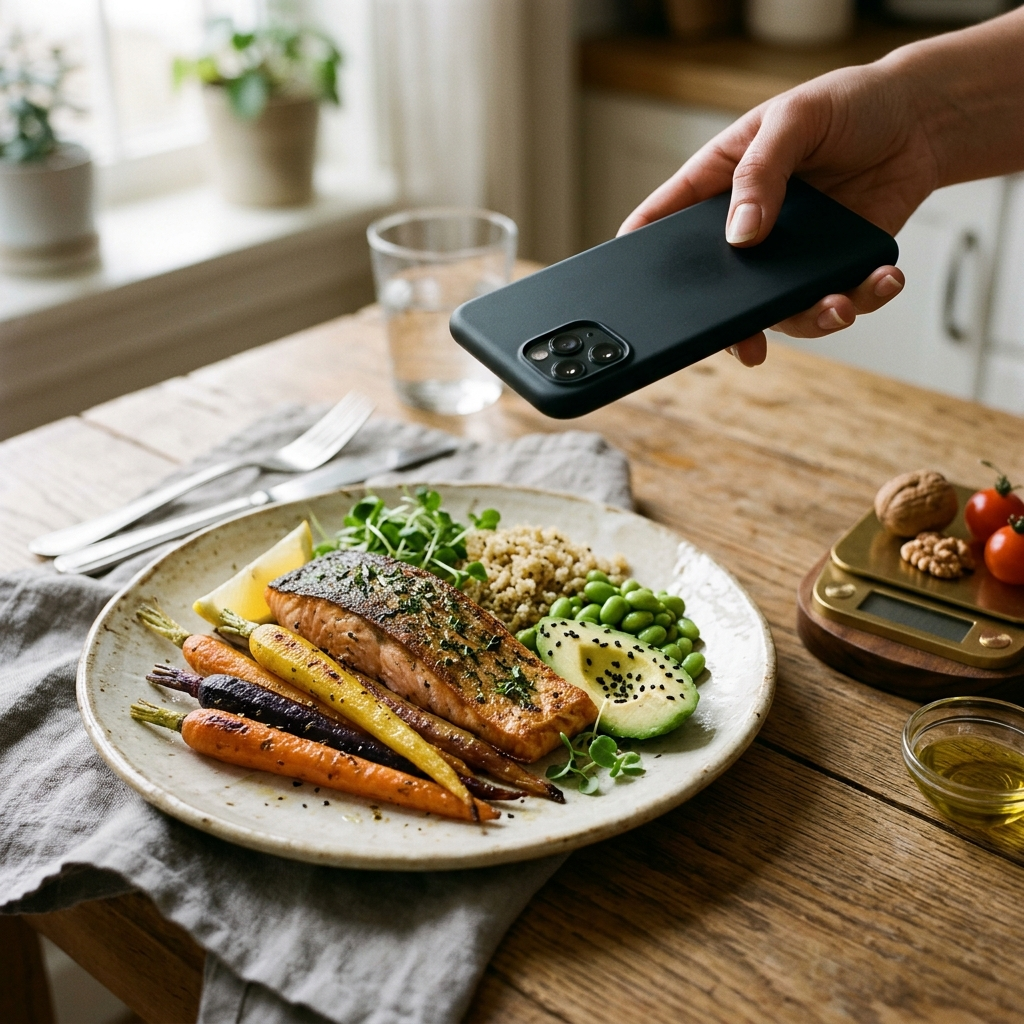
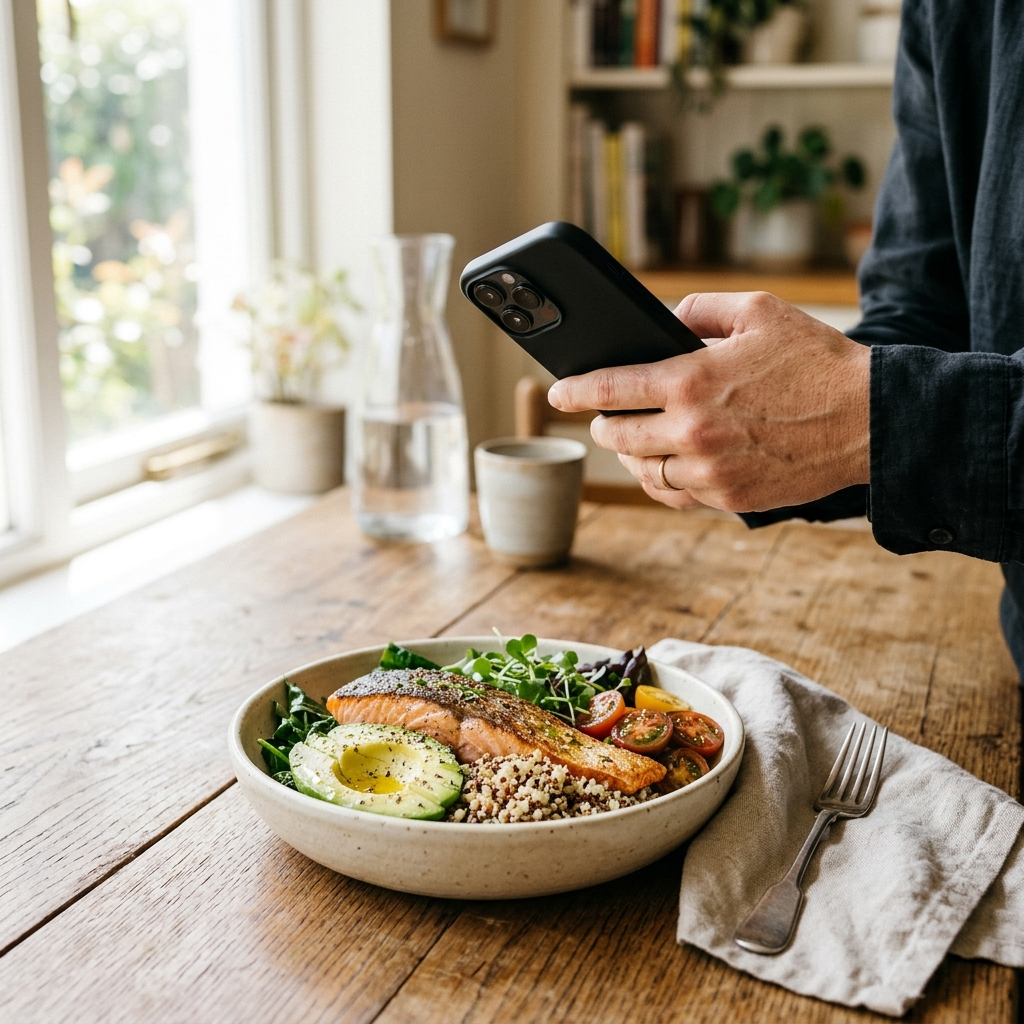
Foodly streamlines nutrition tracking through photo analysis. Instead of searching through database entries, you take a photograph of your meal.
The app evaluates the image to identify distinct items, estimate portion volumes, and generate an immediate breakdown of calories, protein, carbohydrates, and fats. This approach converts meal photos into nutritional data without manual keyword entry.
Key characteristics of this workflow include:
- Speed: Log complete meals in seconds instead of entering individual ingredients manually.
- Visual Context: Recognize multi-item plates without searching for each food separately.
- Portion Estimation: Generate baseline serving estimates based on visual assessment.
Maintaining Accuracy with Confidence Scoring and Manual Controls
A practical concern with automated nutrition tools is portion accuracy. Ingredients like cooking oils, dressings, and obscured items cannot always be detected visually. Foodly accounts for this through a two-part review system.
First, the app assigns confidence scores to its visual estimates, indicating the certainty level for each detected item. Second, it provides a manual override feature. If an item shows low confidence or if you have exact portion measurements from food prep, you can adjust quantities, swap ingredients, or update nutritional values directly.
This combination offers the speed of automated scanning while giving users full control over log accuracy.
Comprehensive Macronutrient and Trend Analytics
Tracking nutritional habits requires reviewing data over time rather than focusing solely on single meals. Foodly organizes daily entries into structured dashboards and visual reports.
The primary dashboard tracks real-time calorie intake against your daily allowance. Alongside calorie totals, dedicated displays show the distribution of protein, carbohydrates, and fats. These breakdowns help users managing specific macronutrient targets, such as higher protein intake or reduced carbohydrates.
Foodly also provides weekly trend charts to illustrate intake patterns over time. These visualizations highlight logging consistency, weekday-versus-weekend variations, and overall progress toward your personal targets.
Step-by-Step: Transitioning from Manual Logging to Visual Tracking
Transitioning from a manual logger like FatSecret to photo-based logging requires minimal adjustment. Follow these steps to log meals effectively:
- Define Personal Parameters: Complete onboarding by entering your age and baseline goals to set your daily calorie and macronutrient targets.
- Frame Meals Clearly: Take photos in clear lighting and ensure the full plate is visible to support accurate food identification.
- Check Confidence Scores: Review the detected items and note confidence levels, particularly on layered or mixed dishes.
- Apply Manual Adjustments: Use the manual override to fine-tune portion sizes or include non-visible ingredients, such as added oils.
- Monitor Weekly Trends: Check the analytics dashboard regularly to review macronutrient distribution and evaluate progress against your goals.
Evaluating Foodly as Your Daily Tracker
Legacy tools like FatSecret remain useful for individuals who prefer manual entry and barcode scanning. However, users looking to streamline daily logging will find photo-based tracking significantly faster. Foodly combines instant photo recognition with explicit manual controls and weekly analytics to balance logging efficiency with tracking precision.
Frequently Asked Questions
While FatSecret relies primarily on manual text searches and barcode scanning, Foodly analyzes meal photos to automatically identify foods and estimate portion sizes from an image.
Yes. Foodly provides confidence scores for its estimates and includes a manual override option, allowing users to modify ingredients, adjust portion sizes, and update nutrition details.
Yes. Foodly tracks calories alongside protein, fats, and carbohydrates, supported by daily progress dashboards and weekly trend charts.