Planta vs PictureThis: Comparing Plant Care Features and Diagnostics
Choosing between Planta and PictureThis depends on whether you need routine task tracking or rapid plant identification. Planta emphasizes scheduled care, such as watering reminders and light tracking, while PictureThis focuses on immediate species identification from photos. However, neither application is designed primarily to resolve complex diagnostic problems, such as distinguishing between environmental stress, pest activity, and fungal disease.
The Core Difference: Routine Management vs Botanical Identification
Planta is structured around ongoing plant maintenance. It alerts users when to water, mist, fertilize, or repot based on general species profiles and user-reported room conditions.
PictureThis operates as a camera-first identification tool. It matches plant photos against an extensive visual database. While it includes general care guides, its primary function is identifying unknown plants rather than managing long-term care routines.
- Planta: Well-suited for indoor growers seeking structured watering schedules and task tracking.
- PictureThis: Practical for hikers, foragers, and gardeners who need quick plant identification in the field.
- Takeaway: Choose Planta for schedule-based houseplant routines, or PictureThis for identifying unknown specimens.
The Diagnostic Gap in General Plant Applications
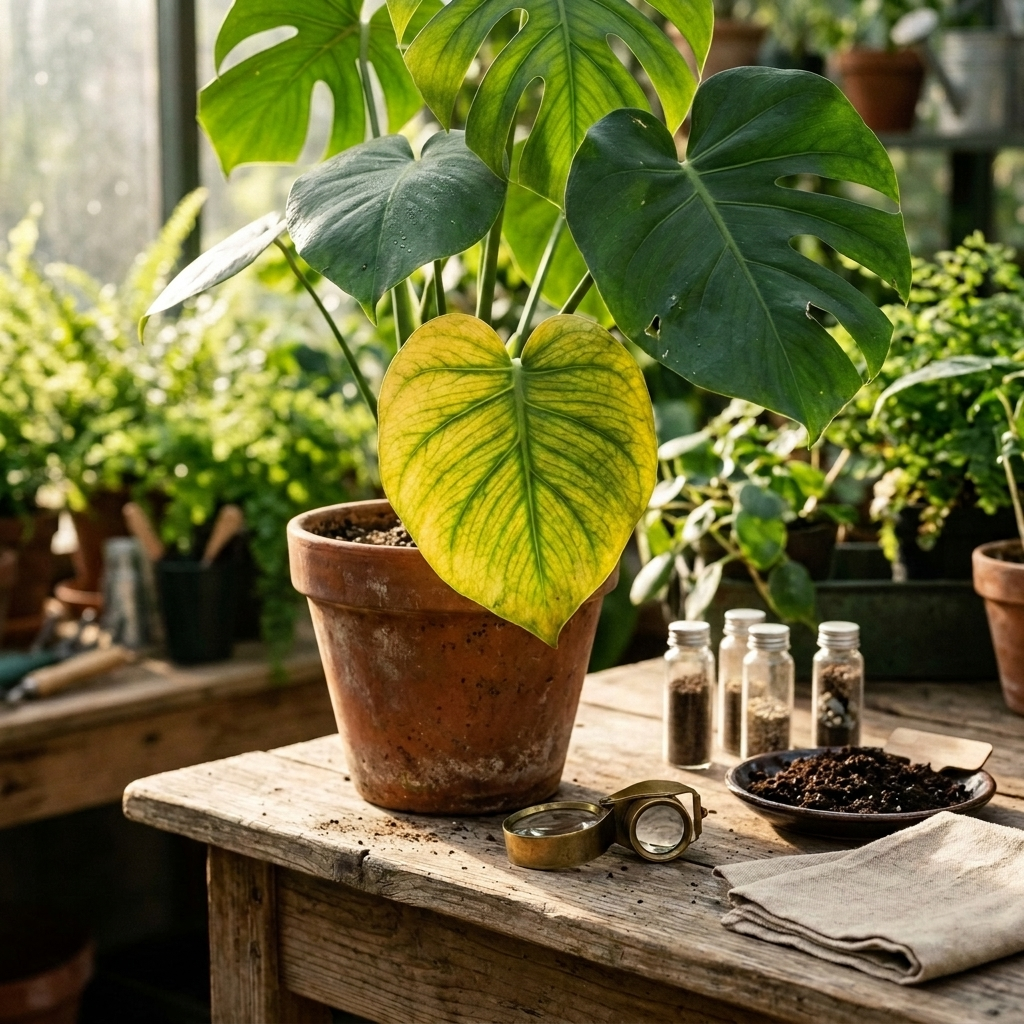
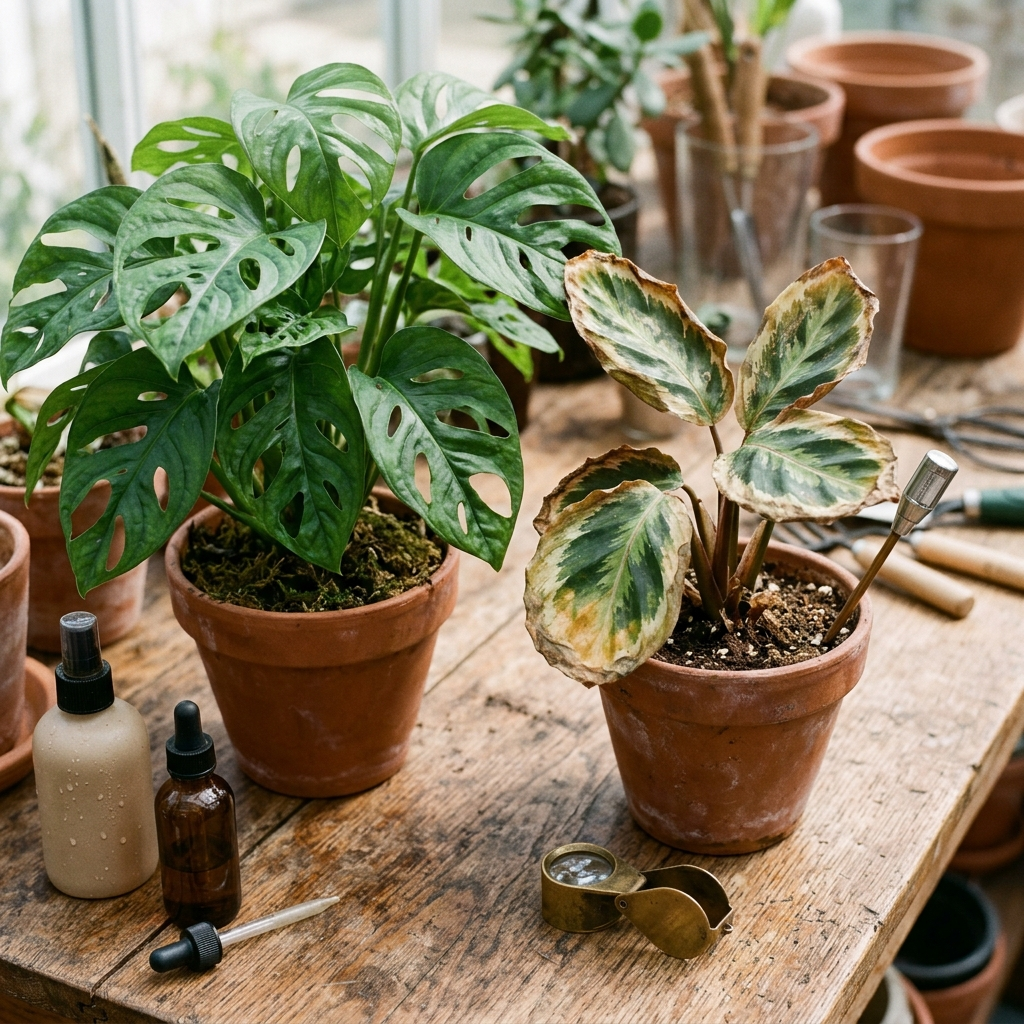
Calendar reminders and species names alone do not resolve plant health problems. Symptoms like yellowing foliage, browning margins, and wilting can stem from multiple, competing causes. A routine watering alert cannot assess whether yellowing leaves reflect overwatering, root rot, or a nutrient deficiency.
Relying solely on fixed care schedules during plant distress can worsen damage. Increasing watering for a fungal issue or fertilizing stressed roots often causes irreversible decline. Effective intervention requires evaluating visible symptoms directly from stems and leaves.
Dedicated health assessment tools focus specifically on this problem. Plant Doctor: Plant Care evaluates photos to detect diseases, pests, nutrient deficiencies, and environmental stress. Rather than relying solely on calendar presets, it provides step-by-step treatment and prevention instructions designed for home gardeners.
- Symptom Ambiguity: Different physiological problems frequently produce similar symptoms on common houseplants.
- Timing Risk: Following fixed care intervals during an active pest infestation allows pests to multiply.
- Takeaway: Identification and schedules are useful baselines, but treating declining plants requires symptom diagnosis.
Evaluating User Experience and Daily Usability
Planta requires ongoing data entry. Users enter room orientations, pot types, and soil properties to configure reminders. For larger collections, logging tasks manually requires consistent effort.
PictureThis requires minimal initial setup. Users photograph a specimen and review the returned identification. However, the interface frequently presents prompts to purchase a paid subscription during standard use.
When diagnostic help is needed without high upfront costs, reviewing accessibility and pricing structure is important. Plant Doctor: Plant Care provides a daily free diagnosis allowance for routine checks, alongside an optional PRO upgrade that removes ads and enables unlimited diagnoses.
- Planta: Higher initial setup effort, detailed data logging, and structured organization for multi-room collections.
- PictureThis: Minimal setup, rapid photo capture, and frequent subscription prompts.
- Takeaway: Planta suits deliberate routine tracking, whereas photo-based tools prioritize quick, on-demand answers.
Photography Quality: The Key to Accurate Care and Diagnosis
Regardless of the application you choose, automated evaluations rely on image clarity. Obscured details, blurriness, or poor lighting reduce the accuracy of plant identification and symptom detection.
To obtain reliable results from plant care applications, follow standard capture practices:
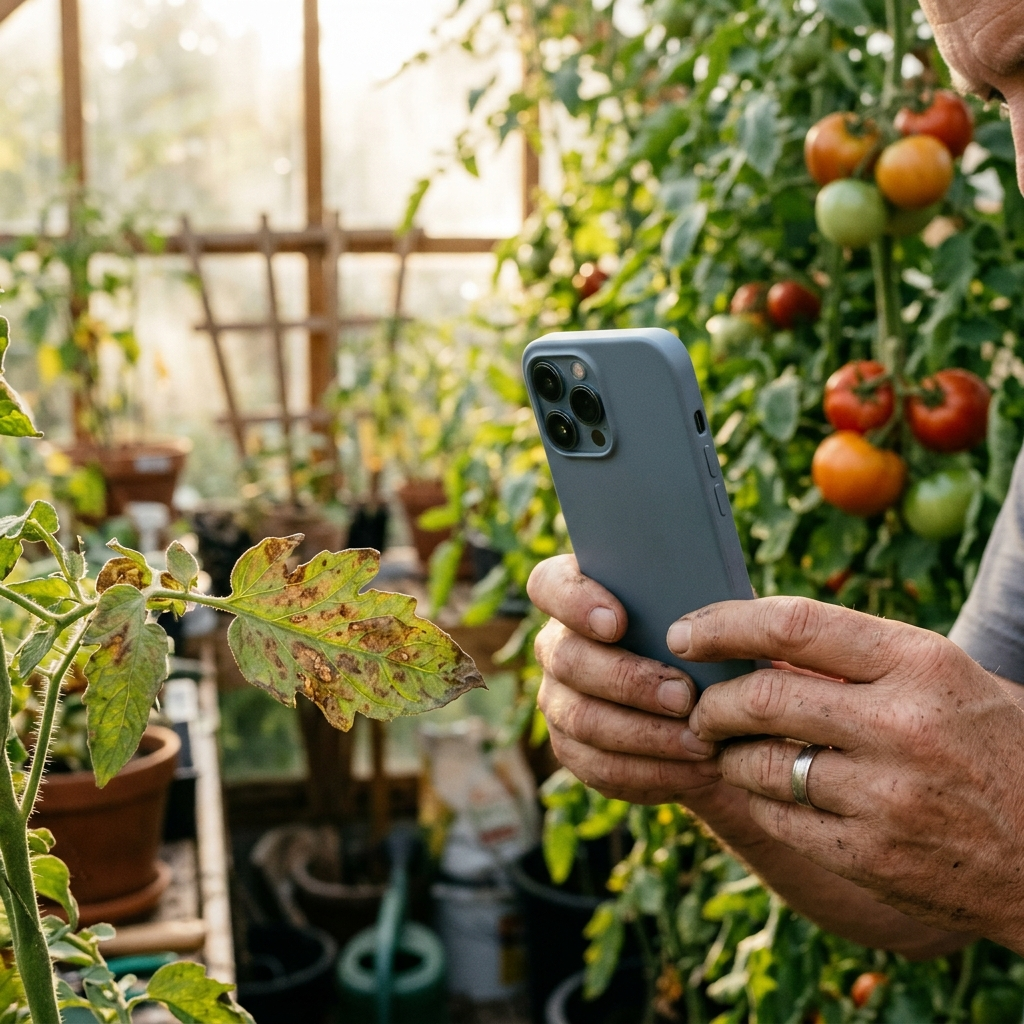
- Use Natural Light: Avoid direct camera flash, which creates glare and conceals subtle fungal or leaf discoloration. Photograph plants in bright, indirect natural light.
- Focus on the Affected Margin: Frame the boundary where healthy tissue meets discolored or damaged areas, where diagnostic indicators are most distinct.
- Check Leaf Undersides: Inspect and photograph the undersides of leaves and leaf junctions, where pests like spider mites and scale insects often cluster.
- Capture Context and Close-Ups: Take an overall photo showing the pot and plant posture, followed by clear close-ups of damaged foliage.
- Takeaway: Clear, well-lit photos focused on affected plant tissue yield more dependable identification and diagnostic results.
Troubleshooting Common Plant Symptoms: Diagnostic Checklist
Before altering care routines based on automated reminders, check your plant for observable physical symptoms:
- Soft, Yellowing Lower Leaves: Often indicates oversaturated soil and poor root aeration. Pause watering and evaluate container drainage.
- Dry, Brittle Leaf Margins: Commonly points to low humidity or mineral accumulation from tap water and over-fertilizing.
- Fine Webbing or Stippled Foliage: Indicates spider mite activity. Isolate the plant and rinse foliage or apply insecticidal soap.
- Powdery White Coating: Characteristic of powdery mildew, an environmental fungal issue associated with stagnant air and moderate temperatures.
Clear instructions are essential when treating plant problems. Plant Doctor: Plant Care is available in 10 languages with full right-to-left (RTL) support, ensuring home gardeners can follow treatment steps accurately.
- Takeaway: Inspect physical plant symptoms directly before following scheduled care reminders.
Conclusion: Selecting the Right Tool for Your Garden
Planta provides a structured system for home growers who want calendar-based care reminders. PictureThis serves outdoor enthusiasts who need quick botanical identification. However, when a plant shows signs of decline, scheduling and identification alone do not solve the problem.
Supplementing standard care routines with diagnostic tools like Plant Doctor: Plant Care helps bridge this gap. By evaluating photos for pests, diseases, nutrient issues, and environmental stress, you can apply appropriate treatments before damage becomes severe.
Frequently Asked Questions
Planta is generally more practical for beginners who need help maintaining care routines, as it provides structured watering and care reminders. PictureThis is better suited for users whose main goal is identifying unknown plants.
Both apps include basic health features, but their core designs focus on care schedules and botanical identification. Dedicated diagnostic tools like Plant Doctor: Plant Care focus on identifying pests, diseases, and nutrient deficiencies with step-by-step treatment advice.
Calendar reminders rely on estimated intervals rather than real-time soil moisture. Seasonal changes, pot materials, and ambient humidity affect evaporation, meaning fixed schedules can lead to overwatering if the soil remains wet.
Photograph plants in bright, indirect natural light without flash. Focus on the border between healthy and damaged tissue, and capture close-up images of leaf undersides where pests and fungal symptoms often appear.