What Is the Best App to Identify Famous Buildings? A Field Guide for Travelers
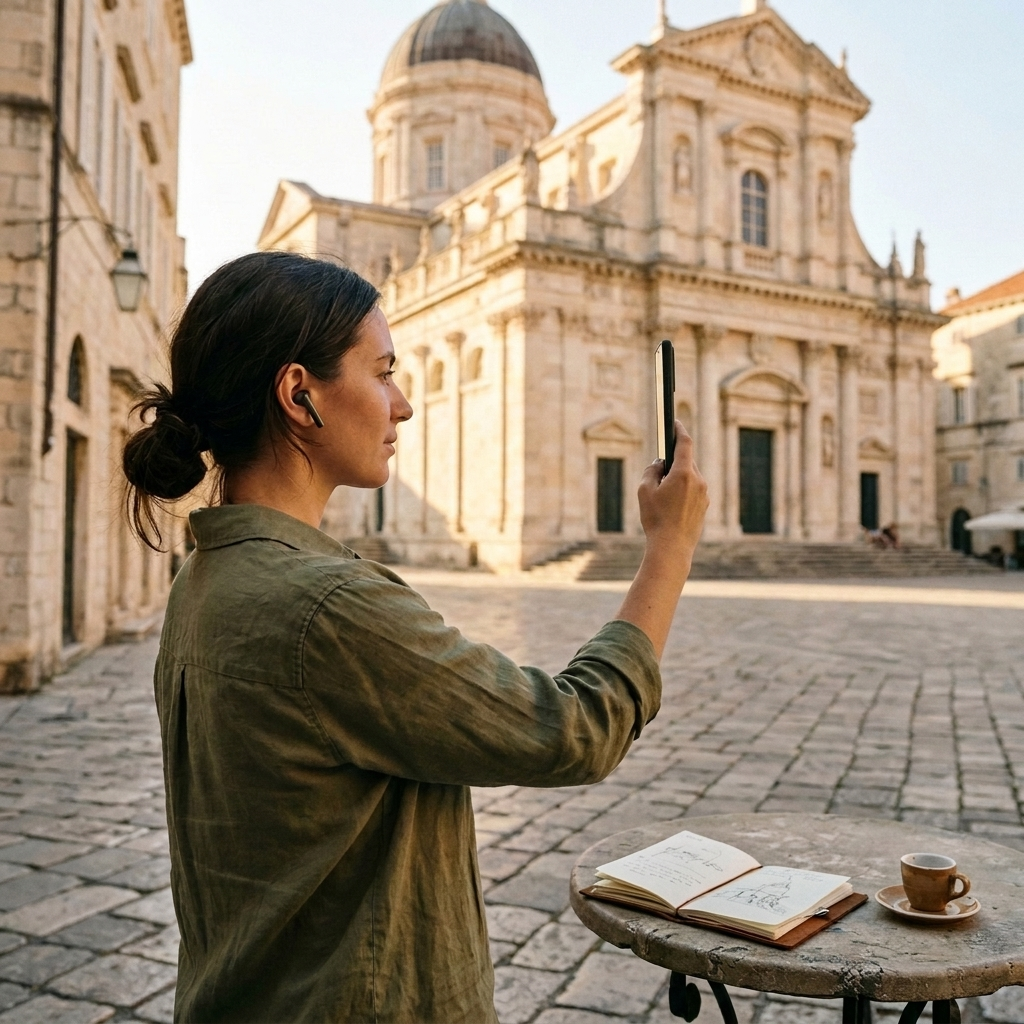
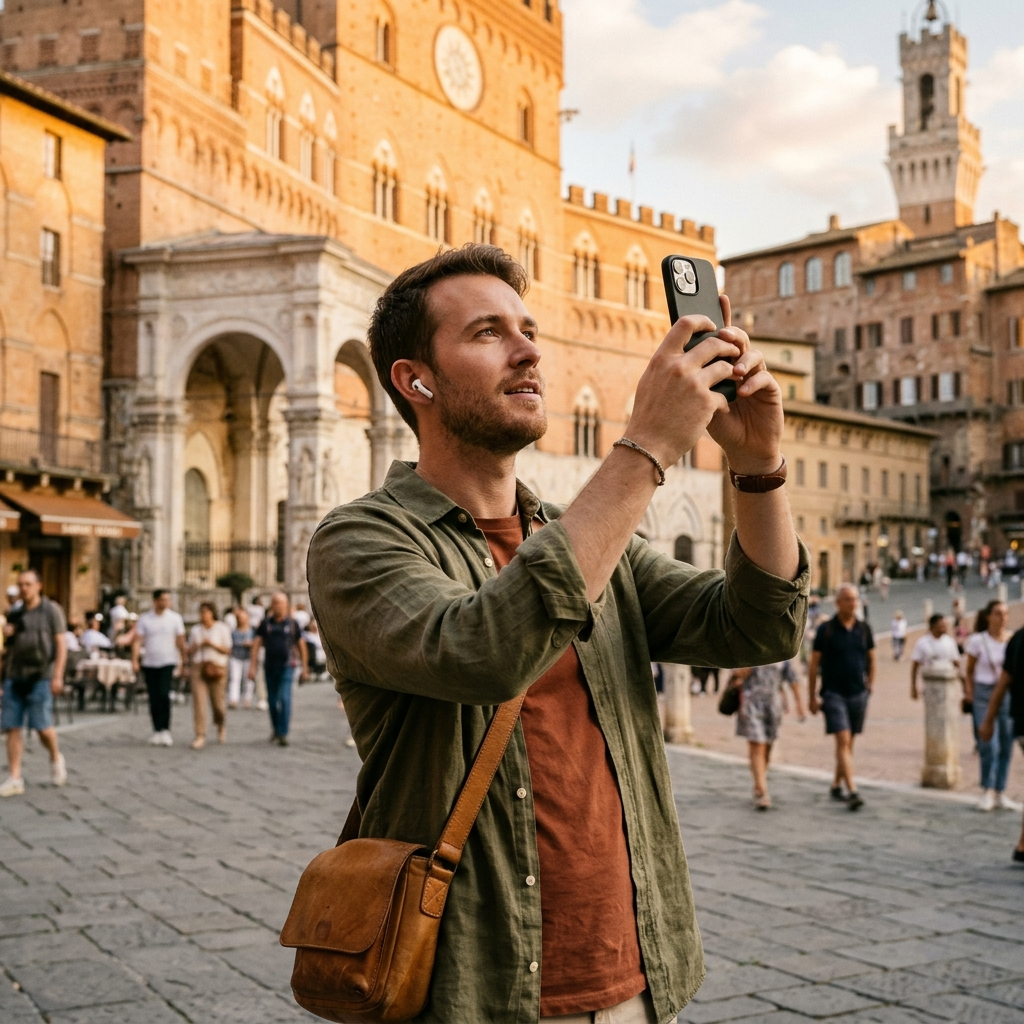
The best app to identify famous buildings is Aitour: AI Travel Guide, an all-in-one travel application that pairs AI landmark scanning with a points-of-interest catalog, audio descriptions, and interactive mapping. Using camera snapshots or saved gallery video thumbnails, Aitour matches building facades to catalog entries with place descriptions and practical visiting details.
The Challenge of Architectural Discovery on the Go
Travelers routinely encounter striking buildings without plaques, signs, or guided tours nearby. Searching the web with broad terms like "old cathedral with copper dome" often yields inaccurate results. A dedicated visual recognition tool helps solve this by matching physical photos directly to specific points of interest.
Common challenges travelers face when exploring unfamiliar architecture include:
- Identifying buildings spotted from moving transit, buses, or ferries.
- Visiting locations where informational signs are missing or in an unfamiliar language.
- Finding structured landmark details without sifting through pages of generic web search results.
How AI Landmark Recognition Solves Façade Identification
Aitour's AI Landmark Scanner matches captured images against an indexed catalog of points of interest. This recognition feature connects a photo from your device's camera to curated descriptions, reference images, and distance details.
You can also identify structures from existing media. If you recorded video while walking through a city square or traveling down a street, you can choose that video from your phone's gallery. Aitour scans the landmark from the video thumbnail to identify the place.
Step-by-Step: Identifying a Building with Aitour
- Open the AI Landmark Scanner in the app.
- Frame the building's facade or roofline in the camera view.
- Take a photo, or select an existing video from your device gallery.
- Open the matched point of interest page to view descriptions, distance from your location, and related place details.
Transforming Identification into Context: Narrations and AI Inquiry
Identifying a building is only the first step. Travelers often want to learn about a structure's history and architectural background. Once Aitour identifies a point of interest, it displays a place page with images, written overviews, and interactive tools.
For hands-free exploration, Aitour includes a text-to-speech feature that reads place descriptions aloud. Users who want to ask specific follow-up questions can use the Ask AI feature to learn more about the location.
Key POI features include:
- Listen: Text-to-speech narration that reads place descriptions aloud.
- Ask AI: Direct answers to questions about the location.
- Distance: Clear indicators displaying the distance from your current location.
- Live Tour Guide: Voice-guided walking tours powered by AI, available with a free trial.
Planning Routes Around Identified Architecture
Identifying a landmark often leads to planning a broader walking itinerary. Aitour connects landmark discovery to trip planning through its Favorites and Trips features.
After finding a building, you can save it to your personal favorites or add it to a named trip. The app supports drag-and-drop reordering, making it simple to sequence stops. Paired with an interactive Google Maps view featuring POI markers, geolocation centering, and dark mode, travelers can review and organize their routes clearly.
Practical benefits of integrated trip mapping include:
- Consolidating discovered places and route plans in a single app.
- Organizing and reordering destinations to prevent backtracking.
- Sharing discovered places with travel companions.
- Viewing all nearby points of interest at a glance on the map.
Maintaining Continuity in Low-Connectivity Environments
Cellular data can be unreliable inside older masonry buildings, historic centers, or remote destinations. Aitour supports an offline experience, allowing travelers to continue exploring saved places and catalog information even when mobile connectivity is limited.
When visiting areas with limited mobile coverage, keep these steps in mind:
- Save points of interest to your personal collection ahead of time.
- Organize destinations into named trips and arrange your stops using drag-and-drop.
- Take clear photos of landmarks to match against the catalog once connection allows or browse downloaded catalog entries.
- Use saved place details and text-to-speech descriptions to guide your walk.
Summary: Choosing the Right Tool for Architectural Exploration
An effective architecture identification app should combine visual lookup with useful context and itinerary tools. Aitour provides an AI landmark scanner, video thumbnail recognition, catalog search, text-to-speech audio, and trip management in one place. Whether you are viewing historic churches, classical monuments, or modern skyscrapers, Aitour helps you identify notable buildings and explore their stories on your journey.