Best AI Travel Apps for Solo Travelers in 2026: Independent Exploration Guide
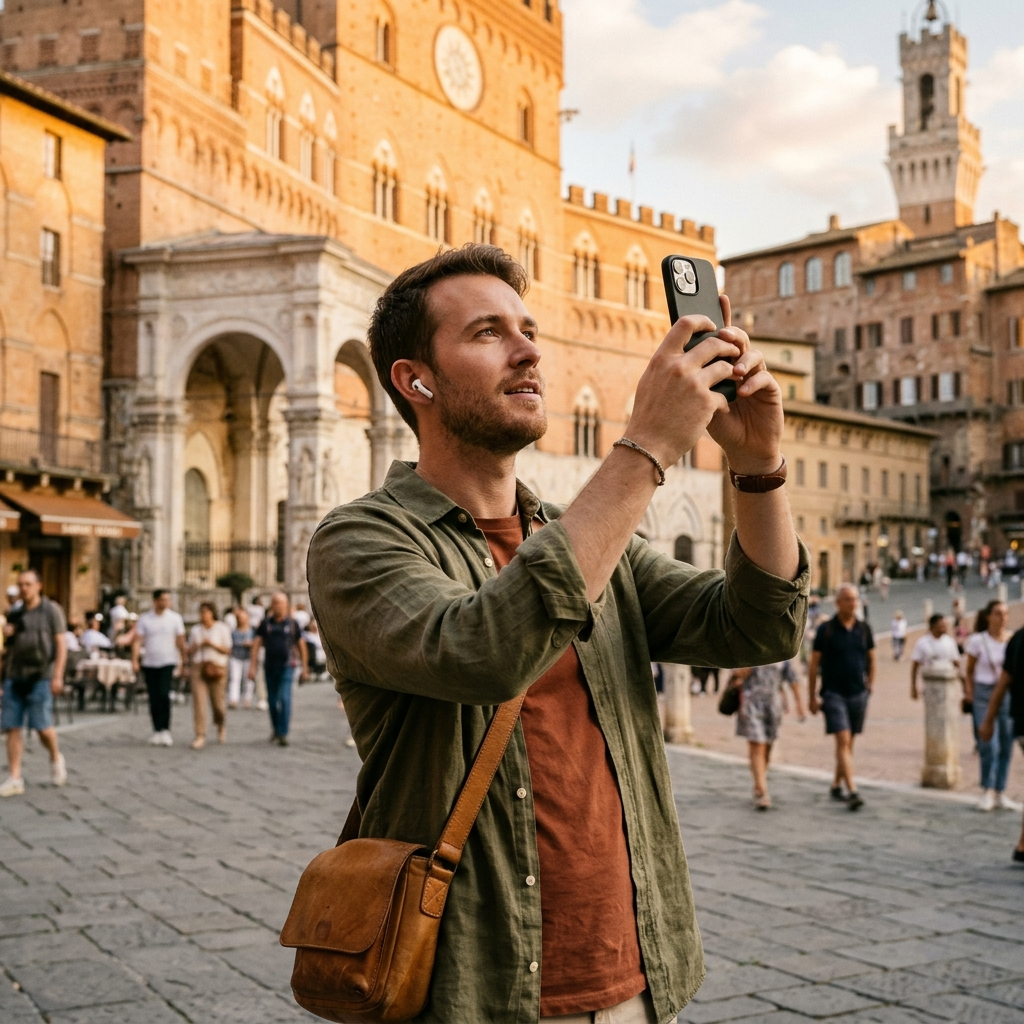
The best AI travel apps for solo travelers in 2026 reduce the friction of independent sightseeing by combining visual landmark recognition, spoken audio guidance, and flexible itinerary planning. Instead of alternating between navigation apps, paper guidebooks, and search engines, solo travelers can use integrated tools like Aitour: AI Travel Guide to understand unfamiliar surroundings in real time. These apps provide immediate historical context, autonomous exploration features, and reliable trip management on a single mobile device.
The Practical Challenges of Independent Sightseeing
Solo travel provides autonomy, but it also presents practical challenges. Navigating unfamiliar historic districts requires situational awareness, yet traditional research often requires reading dense forum threads and long articles while walking. Without a local companion or scheduled tour, confirming whether an unmarked building has historical significance usually involves slow, manual web searches.
Scheduled walking tours also impose rigid timetables and fixed meeting spots, leaving little room for spontaneous detours. Digital travel guides address this limitation by providing location-based details on demand, allowing you to explore at your own pace.
Key Takeaway: Independent sightseeing requires fast contextual information that does not interrupt walking or situational awareness.
Instant Visual Recognition: From Sights to Stories
Visual identification tools simplify how independent travelers interact with unfamiliar monuments, statues, and historic structures. Instead of trying to describe an unknown site in a search bar, travelers can take a photo to identify it immediately.
Aitour includes an AI Landmark Scanner that matches images against a curated catalog of points of interest. The scanner evaluates camera photos or video thumbnails from your gallery, pairs the image with catalog records, and presents the site's history and background. This capability is particularly useful when signage is missing, damaged, or in a language you cannot read.
- Photo Identification: Photograph a facade or monument to pull up catalog details and historical summaries.
- Gallery Video Scanning: Select a recorded video from your gallery to identify landmarks from video thumbnails.
- Catalog-Backed Context: Access indexed point-of-interest entries to review accurate details and stories directly.
Key Takeaway: Visual scanning identifies unfamiliar landmarks quickly without requiring manual keyword searches.
Hands-Free Exploration with AI Voice Tours
Maintaining awareness of your surroundings is essential when traveling alone. Looking down at a screen while navigating crowded streets can be distracting. Spoken audio summaries allow solo travelers to keep their attention on their environment while learning about nearby sites.
Aitour provides a Live Tour Guide feature supported by text-to-speech audio for narrated walking tours. As you browse or approach a point of interest, the app can read descriptions and architectural notes aloud. When specific questions arise, the built-in "Ask AI" function provides direct answers about the location, removing the need to search through external websites.
Key Takeaway: Text-to-speech narration and interactive queries deliver location details while keeping your hands and eyes free.
Dynamic Mapping and Spatial Orientation
Reliable navigation helps solo travelers move efficiently between destinations. General-purpose maps can be cluttered with commercial listings, making it harder to spot cultural and historical sites. A travel-focused interactive map highlights curated points of interest with dedicated markers for faster assessment.
Aitour uses a Google Maps interface populated with point-of-interest markers. Selecting a marker displays a quick preview with the site name, category, and distance from your current location, along with options to view full details and navigate. The map includes dark mode support for lower glare at night, while category filters and full-text search make it easy to find specific museums, landmarks, or parks.
Key Takeaway: Dedicated map markers and distance indicators help solo travelers locate cultural sites without unnecessary visual clutter.
Building and Managing Custom Solo Itineraries
Independent trips often require balancing structured plans with spontaneous changes. Rigid booking schedules can make adjustments awkward, while plain notes apps can become cluttered. Managing stops within a dedicated travel planner keeps daily itineraries organized yet adaptable.
Aitour includes a Favorites and Trips feature to organize destinations. You can save discovered points of interest, group them into named trips, and reorganize the order using drag-and-drop tools. Whether you are planning a half-day walking route or reordering stops due to weather, organizing locations in one place keeps your plan manageable.
- Search or Scan: Find points of interest using camera scanning, video thumbnails, full-text search, or category browsing.
- Save to Favorites: Store locations in your personal collection for quick reference.
- Assemble a Trip: Group saved places into a named trip and arrange the visit order with drag-and-drop reordering.
- Navigate and Listen: View destinations on the map, check walking distance, and play text-to-speech descriptions upon arrival.
Key Takeaway: A drag-and-drop itinerary tool allows you to adjust daily plans without losing track of saved destinations.
Reliable Travel Essentials Checklist for Solo Explorers
Before heading out for a day of independent sightseeing, verify that your mobile setup supports steady, uninterrupted use:
- Check Offline Access: Confirm your app supports offline functionality so you can access saved information in areas with limited cellular coverage.
- Bring Compact Earbuds: Pack lightweight earphones to listen to narrated descriptions and walking tours comfortably.
- Carry a Portable Battery: Camera scanning, screen time, and GPS navigation draw power; bring a dependable battery pack.
- Group Stops in Advance: Organize top-priority destinations into named trips beforehand so you can adapt your route quickly while on the move.
Key Takeaway: Setting up itineraries and checking device readiness before leaving your accommodation prevents common navigation and battery delays.
The Future of Independent Travel
AI-assisted travel apps help solo travelers manage the logistics of independent sightseeing. By combining visual landmark scanning, spoken descriptions, on-demand answers, and route planning within a single tool, modern apps support self-guided exploration on your own schedule.
Aitour: AI Travel Guide provides these capabilities on a mobile device, offering camera identification, narrated tours, and customizable trip lists to help you navigate unfamiliar destinations with confidence.
Frequently Asked Questions
Landmark scanners identify monuments and historical sites from photos or gallery video thumbnails. Solo travelers can quickly view catalog entries, descriptions, and background stories without manual search queries.
Yes. Many travel applications include offline functionality, allowing users to view catalog descriptions and saved trip itineraries in areas with limited or intermittent network coverage.
Static travel apps display fixed text entries and standard maps. AI-supported travel guides provide interactive features such as text-to-speech audio descriptions, narrated walking tours, and on-demand answers about specific points of interest.