Best Rick Steves Audio Europe Alternative for Custom Walking Tours
Travelers seeking a custom alternative to Rick Steves Audio Europe need narration that adapts to spontaneous routes rather than fixed linear tracks. The AI tour guide app pairs visual landmark scanning and interactive mapping with voice-guided walking tours that you can rearrange to fit your schedule.
The Limits of Static Audio Guides
Rick Steves Audio Europe is a practical choice for classic European itineraries, offering curated historical walks. However, these recordings follow predetermined paths through specific museum galleries and city streets. If you turn down a side street, stop for lunch, or arrive at a site out of sequence, the audio track loses context.
When weather forces a route change or a crowded square blocks a planned path, linear audio requires constant pausing, rewinding, and manual orientation. A flexible alternative lets you explore landmarks in any order you choose.
- Fixed guides require adherence to a narrator's physical route.
- Linear tracks cannot answer follow-up questions about specific details.
- Skipping or reordering stops requires manual scrubbing through audio files.
Custom Route Building and Trip Management
Instead of following a single preset path, you can organize your own route. In the AI tour guide app, you can browse a catalog of points of interest in grid or list views, run full-text searches across names, descriptions, and categories, and view locations on a Google Map with POI markers.
The Favorites and Trips feature lets you create named trips and add destinations. A drag-and-drop interface lets you reorder stops as your plans change. Each point of interest page displays the distance from your current location, helping you plan your walking route between stops.
- Search places by name, description, or category, or use recent searches.
- Save places to your favorites and organize destinations into named trips.
- Reorder stops with drag-and-drop controls and manage or delete trips as needed.
Real-Time Identification with Landmark Scanning
Traditional travel guides cannot identify unmarked landmarks unless you already know what to search for.
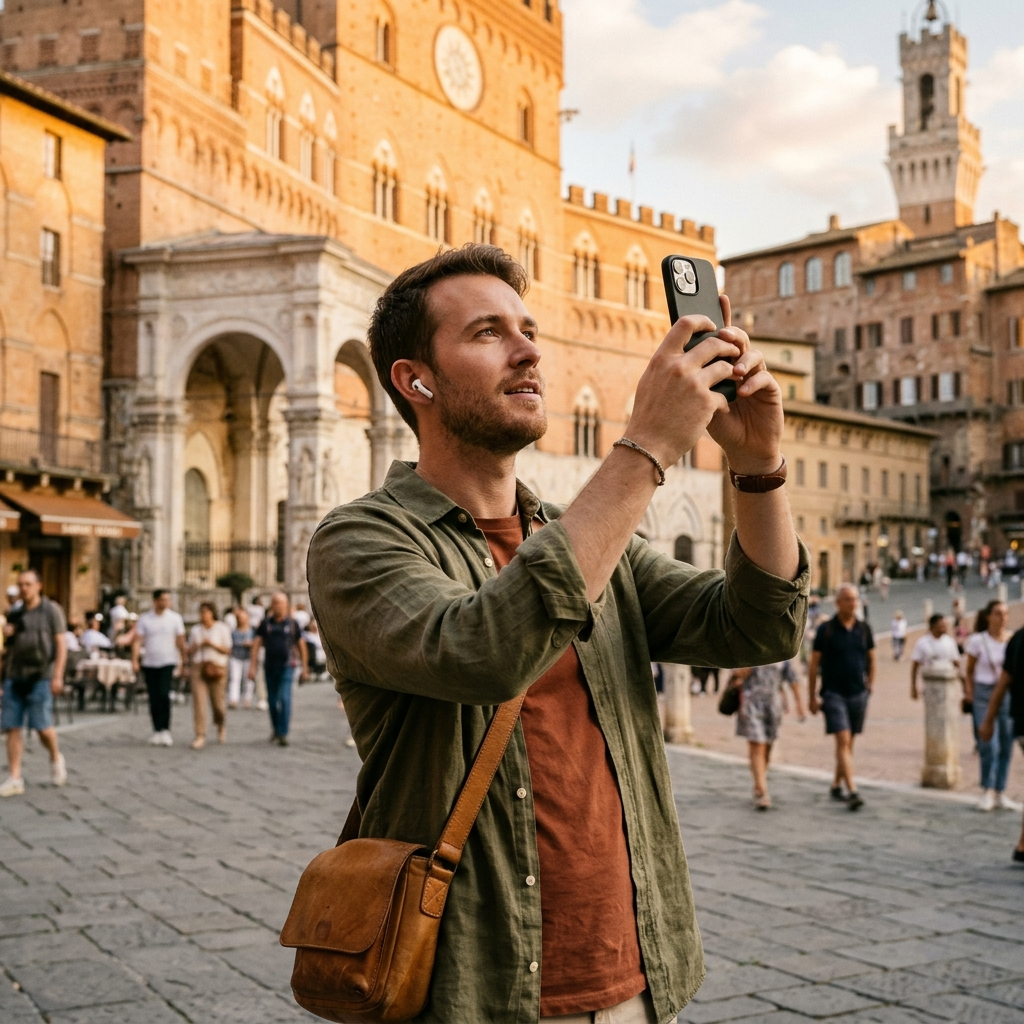
AI tour guide addresses this with its AI Landmark Scanner. When you take a photo of a landmark, the app matches the image to a point of interest in the catalog. You can also select a video from your gallery to recognize a landmark from its thumbnail. Once matched, you can go directly to the place page for details, stories, and audio playback.
- Open the scanner and take a photo of a landmark, or choose a video from your gallery.
- Let the AI recognition match the image to a point of interest in the catalog.
- Open the matched place page to read details, check your distance, or listen to the description.
Interactive Narration and Contextual AI Inquiries
Traditional audio guides deliver a fixed script regardless of your specific interests. If a recording mentions a detail without further explanation, you have to search elsewhere for context.
In AI tour guide, point of interest pages include text-to-speech playback that reads descriptions aloud, alongside an Ask AI feature. If a description prompts a question about the place, you can ask AI directly on the page. For walking routes, the Live Tour Guide feature provides hands-free, voice-guided tours powered by AI, with a free trial available for every user.
- Listen to place descriptions aloud with text-to-speech.
- Use Ask AI on point of interest pages to get answers about the place.
- Explore hands-free with narrated walking tours, or read place pages with images and descriptions.
Offline Reliability and Practical Field Workflow
Limited connectivity in busy or historic areas makes offline access useful during walking tours.
AI tour guide works offline so you can continue exploring without an active connection. The Google Map view also includes marker previews, dark mode support, and options to check your location and refresh the map.
- Create a named trip and add points of interest from the catalog.
- Check the map to view all points of interest, tap markers for quick previews, and see distances from your location.
- Use offline support to continue exploring when connectivity is unavailable.
- Use the landmark scanner to identify unfamiliar landmarks from photos or video thumbnails along your route.
Selecting the Right Audio Guide for Your Trip
Rick Steves Audio Europe works well for travelers who prefer a preset, linear walk through major European sights. However, if you prefer custom trips, visual landmark recognition, and on-page Q&A, AI tour guide offers tools built for self-directed routes.
By combining a Google Map with POI markers, photo and video-thumbnail landmark recognition, drag-and-drop trip lists, and voice-guided tours, AI tour guide lets you adjust your route while listening to descriptions at your own pace.