Autio vs Aitour: Choosing the Best Audio Guide App for Road Trips
Choosing between Autio and Aitour for road trips comes down to whether you prefer passive, location-triggered storytelling or interactive exploration with landmark identification. Autio provides pre-recorded audio vignettes keyed to geographic coordinates, whereas Aitour pairs spoken place descriptions with visual landmark scanning, voice-guided tours, and custom itinerary planning. For travelers seeking a tool that identifies unfamiliar sights alongside spoken details, Aitour offers greater versatility.
The Core Difference in Road Trip Audio Guidance
Road trip audio apps extend beyond standard travel podcasts by incorporating location context. Autio centers on short cultural histories that trigger automatically along major driving routes. Its catalog uses scripted narratives covering regional folklore, history, and geography.
Aitour functions as an interactive discovery guide. Rather than relying solely on pre-scripted coordinates, it combines an AI landmark scanner, an interactive Google Maps directory, and text-to-speech place descriptions. This setup lets travelers direct their own stops, listen to place summaries, and ask specific follow-up questions about landmarks.
- Autio: Best suited for travelers who prefer continuous, hands-free historical storytelling along established highway corridors.
- Aitour: Best suited for exploratory road trips involving frequent stops, visual landmark identification, and structured itineraries.
Landmark Recognition and Sights Along the Route
A frequent challenge on the road is encountering unfamiliar monuments, historical buildings, or natural features without immediate background context. Autio depends entirely on GPS coordinates matching an existing entry in its catalog. If an unlisted sight appears, the app provides no way to identify it.
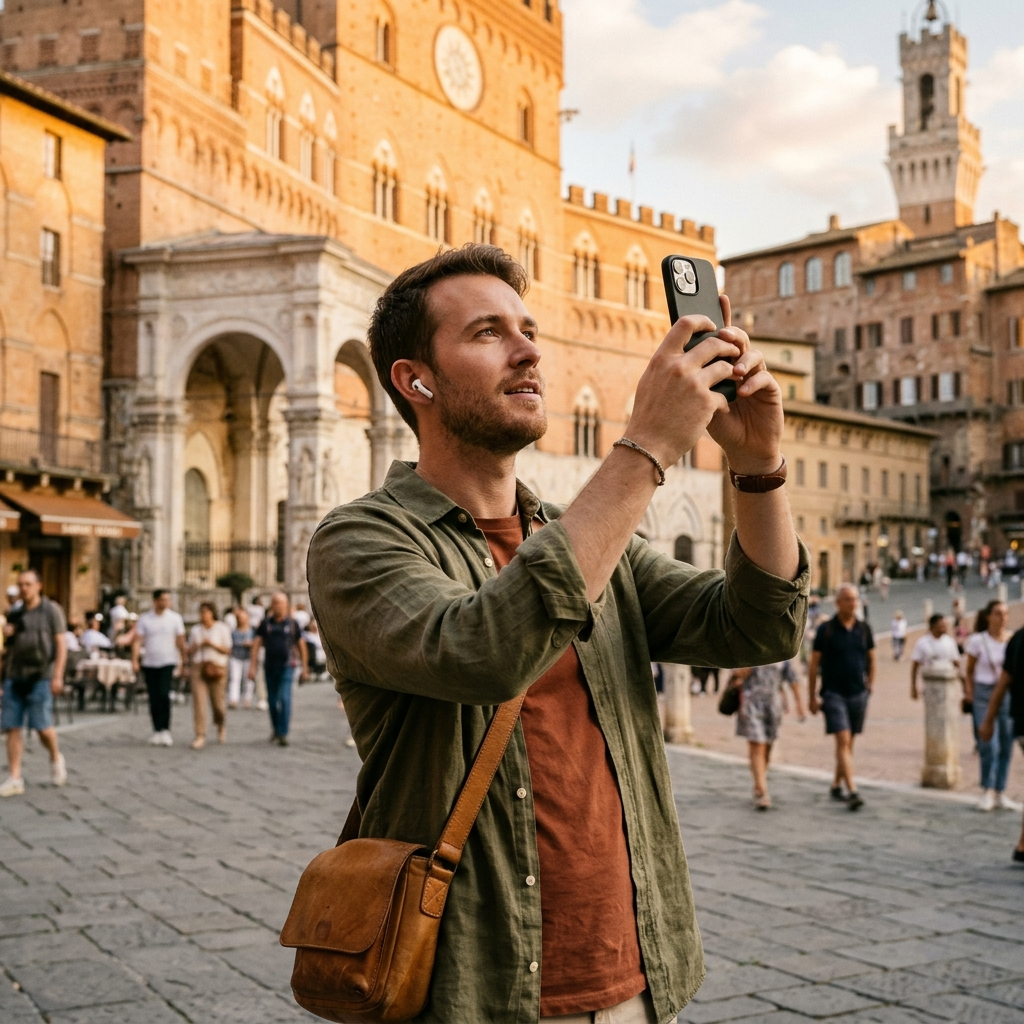
Aitour addresses this through visual recognition. When stopping at an overlook or driving through a historic district, travelers can photograph a landmark to retrieve its identity and background. Users can also select a saved video from their gallery to identify landmarks from video thumbnails.
- Photo identification: Capture a photo to identify unfamiliar monuments and architecture immediately.
- Video recognition: Select a gallery video to recognize landmarks from recorded clips.
- Catalog integration: Matched landmarks link directly to place details, stories, and text-to-speech audio.
Spoken Content: Curated Narration vs Interactive Inquiries
The listening experience differs between the two apps. Autio delivers curated, scripted audio clips that run three to four minutes, covering regional anecdotes, biographies, and local trivia. The playback is linear, without an option to query specific details.
Aitour combines text-to-speech place descriptions with an interactive question-and-answer feature. From any place profile, users can listen to descriptions read aloud or tap Ask AI for additional context on topics such as architecture or local history. Aitour also includes a Live Tour Guide mode that delivers voice-guided narration during walking tours.
- Locate a destination: Search the catalog by name, category, or map marker.
- Start audio playback: Tap Listen to hear place descriptions read aloud via text-to-speech.
- Ask follow-up questions: Use Ask AI to clarify historical context or site details.
- Switch to walking tours: Turn on Live Tour Guide mode to follow voice-guided narration on foot.
Route Organization and Itinerary Management
Multi-stop road trips require structured route planning. Autio operates primarily as a driving audio companion, offering limited tools for organizing multi-day itineraries or reordering waypoints.
Aitour includes trip-planning tools within its main interface. Users can save individual points of interest to personal collections, organize them into named trips, and reorder destinations using drag-and-drop controls. Each point-of-interest page also displays the distance from your current location to aid navigation decisions.
- Named trip planning: Group destinations into custom itineraries by day or region.
- Drag-and-drop reordering: Rearrange stops as travel schedules change.
- Distance tracking: Check the distance from your current location directly on each place profile.
- Sharing tools: Share saved places directly with travel companions.
Connectivity and Map Navigation
Road trips often cross rural areas with inconsistent cellular coverage, making offline usability an important requirement. Drivers need accessible maps and destination information regardless of signal strength.
Autio allows users to download regional audio files ahead of travel for offline playback. Aitour also supports offline exploration, keeping catalog data and saved places accessible without a continuous data connection. For driving navigation, Aitour uses an interactive Google Maps view with point-of-interest markers, preview cards, location refreshing, and dark mode support for night driving.
Road Trip Preparation Checklist
- Download offline data: Save destination profiles and trips before traveling through low-coverage areas.
- Mount your mobile device: Keep the device secure and accessible for map viewing and photo capture at stops.
- Organize itineraries: Arrange waypoints into named trips in advance to limit adjustments while driving.
- Enable dark mode: Use dark mode in the map view to reduce screen glare during evening travel.
Summary and Recommendation
Your choice between Autio and Aitour depends on your travel format. For passive, hands-free storytelling along major highway routes, Autio offers structured, studio-style audio clips. For travelers who want an all-in-one tool to identify landmarks with a camera, ask AI-assisted questions, follow voice-guided walking tours, and manage multi-stop itineraries, Aitour provides the broader feature set.