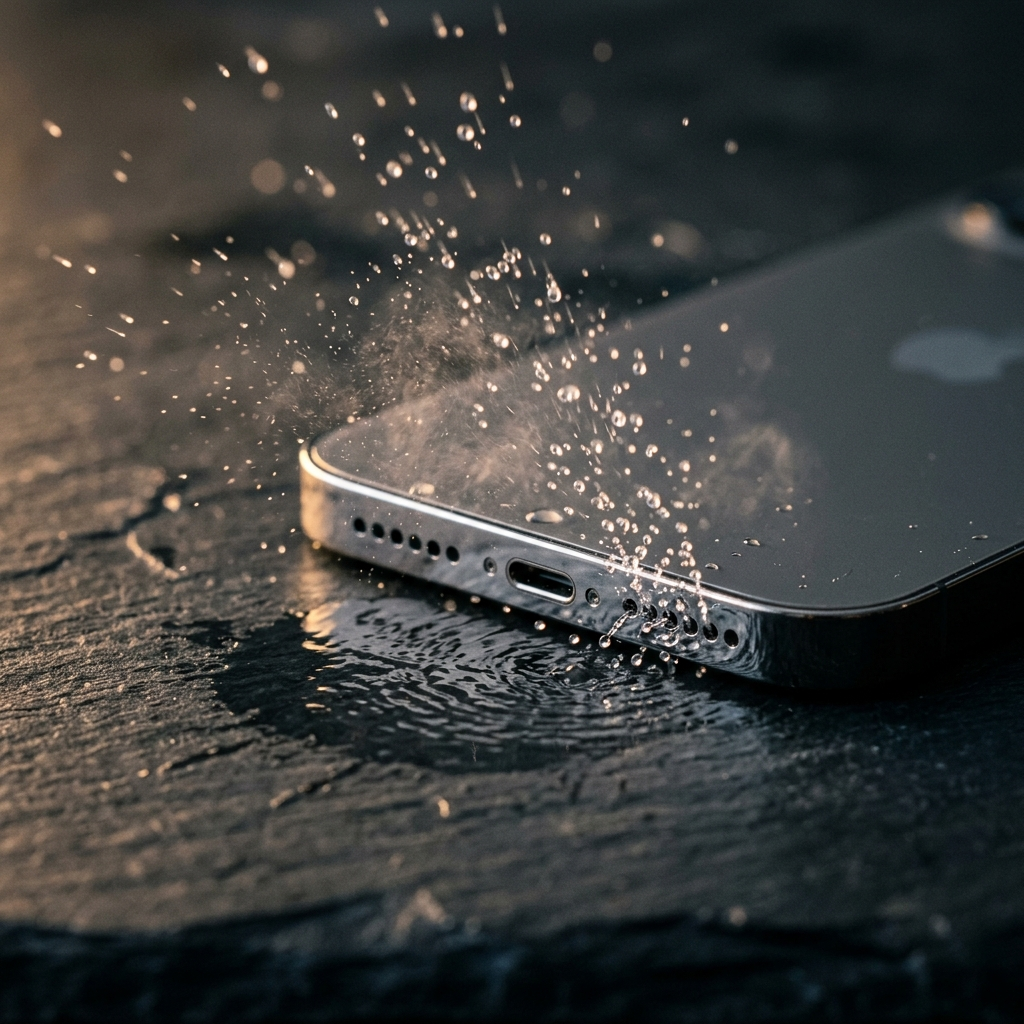
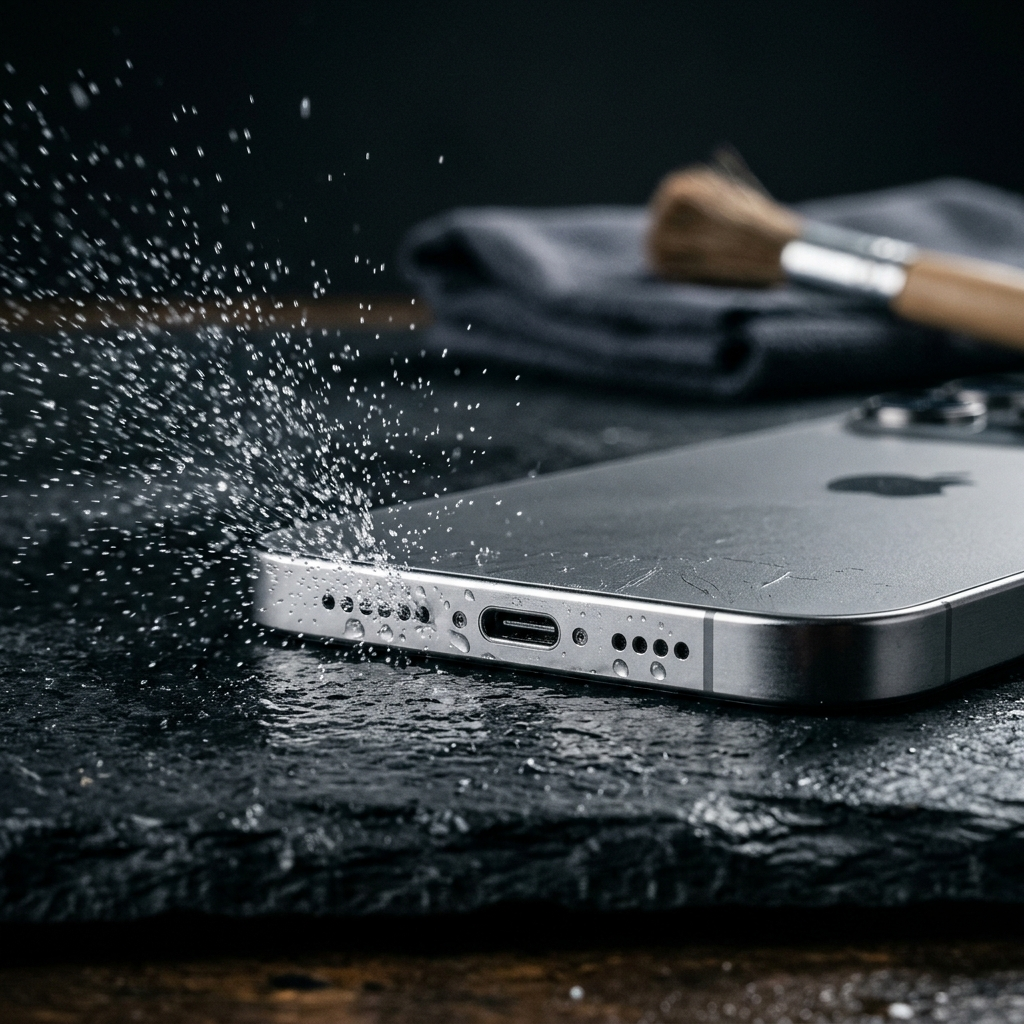
Immediate Action Plan for Liquid Exposure in Mobile Phone Speakers
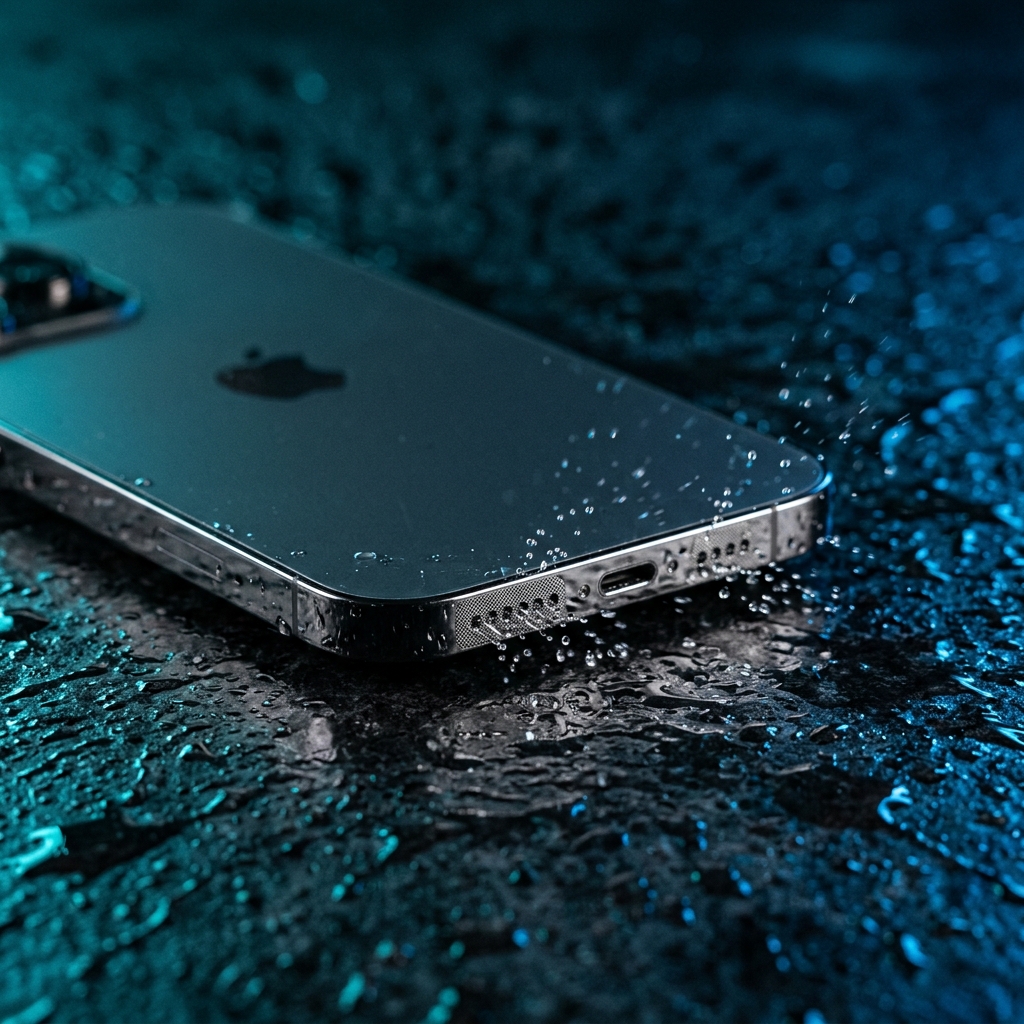
When liquid enters a mobile phone speaker port, turn off the device immediately, position it upright with the speaker facing downward, and gently dab excess moisture with a lint-free cloth. Avoid inserting objects into the speaker grille or applying heat sources like hairdryers, which damage internal waterproofing seals and delicate acoustic membranes.
Understanding the Vulnerability of Acoustic Components
Modern smartphones feature water-resistance ratings such as IP67 or IP68. However, these ratings test static pressure rather than dynamic liquid ingress through open acoustic channels. Microscopic speaker membranes vibrate rapidly to move air, allowing surface tension to trap water droplets in fine mesh grilles. Left untreated, trapped liquid dampens sound waves and causes corrosion on internal copper coils and solder points.
- Water resistance relies on mesh membranes and rubber gaskets that degrade over time.
- Surface tension causes water drops to bridge tiny openings in the speaker mesh.
- Trapped moisture distorts frequency response and muffles audio output.
Immediate Protocols: Step-by-Step Triage
Executing the correct sequence within the first five minutes minimizes the risk of short circuits and permanent transducer degradation. Follow this triage checklist when exposure occurs.
- Power Down: Turn off the smartphone immediately to eliminate active electrical currents across wet circuitry.
- Remove Accessories: Remove protective cases and external attachments that trap moisture against port openings.
- Drain via Gravity: Hold the device with the speaker grille pointing down and tap the side gently against your palm to dislodge large droplets.
- Dry the Surface: Wipe exterior surfaces using a clean microfiber cloth to absorb free surface liquid.
Common Misconceptions and Dangerous Practices
Several popular home remedies accelerate physical hardware damage or worsen liquid ingress. Technical experts caution against methods that introduce heat, pressure, or particulate matter into sensitive port assemblies.
Submerging a wet phone in dry rice introduces starch residue and dust into small ports, which can mix with water to form conductive sludge. Direct heat from hairdryers or heat lamps degrades thermal adhesives and warps synthetic acoustic diaphragms. Compressed air canisters exert high static pressure, driving liquid past protective internal rubber gaskets deeper into the logic board assembly.
High-Risk Actions to Avoid
- Do not insert cotton swabs, toothpicks, or paper towels into the speaker cavity.
- Do not apply thermal tools or high-velocity airflow directly to port openings.
- Do not plug in charging cables until all internal channels are completely dry.
Technological and Mechanical Drying Methods
Once surface water is removed, moisture trapped inside speaker micro-cavities must be evacuated. Passive evaporation in a dry, ventilated room with desiccant packets (such as silica gel) is the safest physical method. Allowing 24 to 48 hours of airflow across a tilted phone gradually reduces humidity levels inside port recesses.
In addition to passive desiccation, physical acoustic vibration can dislodge liquid droplets trapped by capillary action behind the grille. Specific low-frequency audio waves oscillate the speaker diaphragm to break surface tension and eject droplets outward without heat or physical contact.
Long-Term Damage Assessment and Prevention
After completing the drying process, inspect the speaker's acoustic clarity. Play a balanced audio clip across various frequency bands to check for crackling, volume reduction, or harmonic distortion. Persistent muffled sound indicates either residual moisture within the chamber or permanent chemical corrosion of the diaphragm assembly.
Preventative steps include replacing older protective cases with liquid-resistant seals and avoiding exposure to chlorinated, saline, or sugary liquids, which leave conductive residue after water evaporates. Non-water liquids require professional ultrasonic cleaning of internal component surfaces.
Conclusion
Responding effectively to a wet phone speaker requires immediate power reduction, gravitational drainage, and patient drying. Avoid high-heat sources and compressed air, which convert simple port moisture into severe board-level damage. For rapid liquid ejection from the acoustic mesh, specialized software tools like the Speaker Cleaner app utilize targeted sound waves around 165 Hz to physically vibrate remaining moisture out of the port.
Frequently Asked Questions
No. The concentrated heat from a hairdryer can warp delicate speaker diaphragms and melt internal waterproofing adhesives, while forced air can push water deeper into the device.
No. Rice is an inefficient desiccant that introduces fine dust and starch into port grilles, creating a paste that can clog speakers and foul internal connections.
Low-frequency sound waves around 165 Hz cause the speaker membrane to vibrate rapidly. This physical movement forces air through the grille mesh, breaking surface tension and pushing trapped droplets outward.