Complete Guide to Mobile Device Utilities for Smartphone Care and Hardware Maintenance
Smartphone maintenance requires a systematic routine of software management, storage hygiene, and non-invasive acoustic care. By pairing built-in operating system settings with targeted utilities like Speaker Cleaner—which plays low-frequency sound waves around 165 Hz to dislodge debris—users can preserve component performance without resorting to damaging physical intervention.
The Core Challenges of Long-Term Smartphone Care
Modern mobile devices combine sensitive electronic sensors, miniature speaker diaphragms, and fine acoustic meshes within compact enclosures. Over months of routine handling, these components encounter persistent environmental stressors, including fine dust, pocket lint, accidental splashes, and residual moisture. While external surfaces are easily wiped clean, speaker grilles and acoustic openings remain difficult to reach safely.
When dirt or liquid enters these grilles, audio output becomes muffled or distorted. Attempting to clear these ports with metallic pins, compressed air canisters, or cotton swabs often compacts the debris further or punctures delicate acoustic membranes. A structured approach to smartphone maintenance relies instead on non-destructive tools that address both software stability and hardware cleanliness.
Primary Sources of Audio Mesh Contamination
- Aerosols and fine particulate: Atmospheric dust settles across exterior port openings during daily transit.
- Moisture entrapment: Humid environments, sweat, or accidental surface splashes leave water droplets suspended across protective mesh openings.
- Friction transfer: Fabric lint from pockets adheres to natural skin oils deposited near speaker outlets.
Acoustic Ejection: Using Frequency-Based Utilities for Speaker Ports
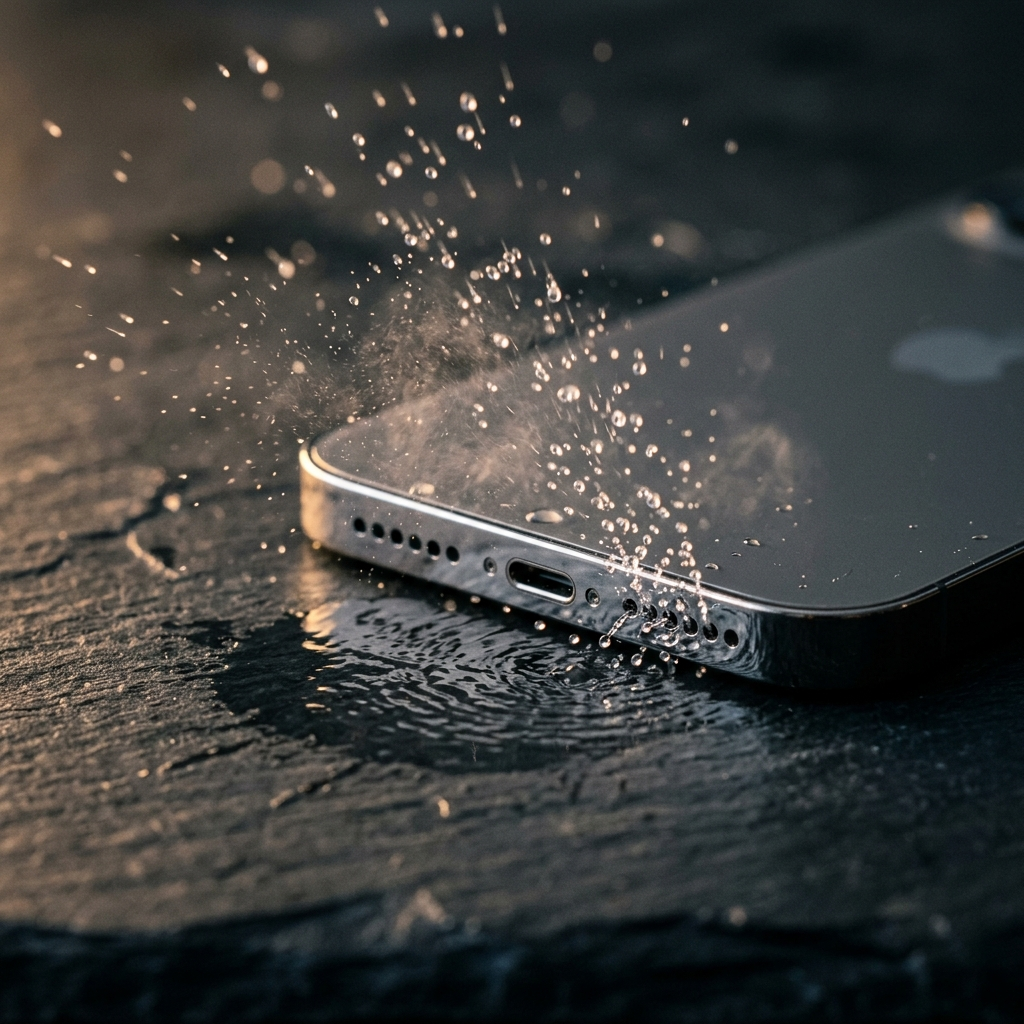
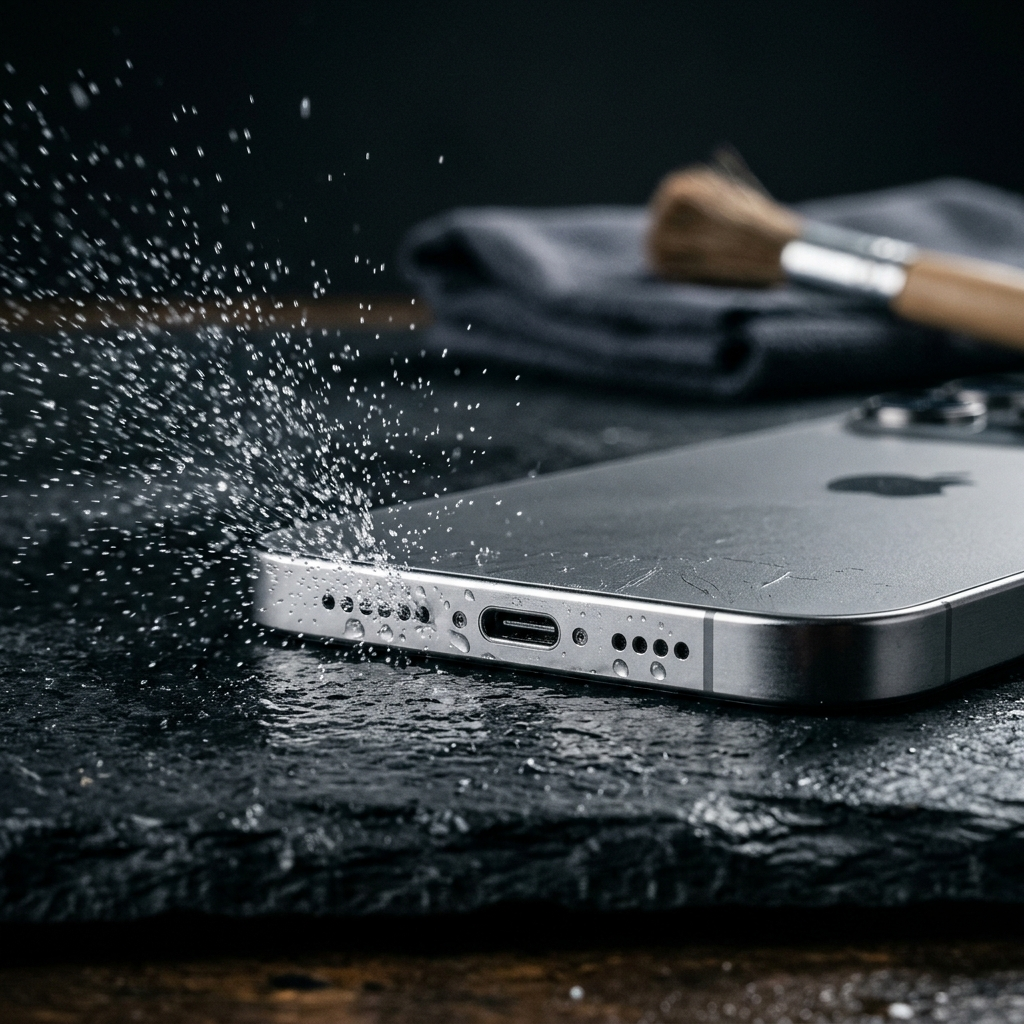
Debris and liquid trapped in speaker grilles present a unique mechanical challenge: they adhere through surface tension and static contact. Dedicated acoustic utilities, such as Speaker Cleaner, address this by generating loud, low-frequency sound waves around 165 Hz. At this frequency, the speaker cone vibrates with sufficient excursion to move air, helping vibrate droplets and loose particulate outward through the acoustic channel.
This method avoids the hazards of physical intrusion. By allowing the phone's native speaker to act as an active mover of air, the acoustic port clears from within. Because sound waves produce rapid alternating pressure cycles, moisture films break their surface tension against the mesh barrier and disperse away from internal components.
Best Practices for Acoustic Cleaning
- Disconnect all external audio accessories, including wired headphones and Bluetooth speakers, to ensure playback routes through the built-in speakers.
- Set the device media volume to maximum output so the speaker diaphragm produces adequate movement.
- Position the phone vertically with the speaker grille facing downward, allowing gravity to assist the ejection of dislodged moisture or particles.
- Run the cleaning cycle in Speaker Cleaner and wipe away any ejected moisture or residue from the phone's exterior using a clean, lint-free microfiber cloth.
Storage Hygiene and Cache Management Utilities
Hardware longevity benefits from steady system resource availability. Operating systems continuously generate temporary cached files, preview assets, and system logs. When local storage nears full capacity, system responsiveness can degrade, resulting in noticeable latency during routine operations.
Native storage management settings provide reliable ways to identify unnecessary downloads, duplicate media, and oversized cache reserves. Regularly auditing these items ensures the file system retains sufficient free space for background operations and regular software updates.
- Analyze local storage usage: Review apps consuming substantial local storage and clear temporary app caches directly within operating system settings.
- Offload inactive media: Move older videos and large photo libraries to external storage or cloud services to preserve local storage headroom.
- Monitor free space thresholds: Maintain at least fifteen to twenty percent unallocated storage capacity to support smooth system operation.
Battery Health and Thermal Regulation Routines
The chemical longevity of lithium-ion batteries directly influences the usable lifespan of a mobile device. Excessive heat is a primary contributor to accelerated capacity loss, often caused by running demanding tasks while charging or operating inside thick, insulating cases. Built-in system battery menus help identify unusually high power consumption before excessive wear occurs.
Modern mobile operating systems include built-in charging protection settings that slow or pause charging past certain thresholds, such as during overnight charging. Pairing these settings with prudent charging habits protects battery health and reduces heat exposure for nearby hardware components.
Key Battery Maintenance Steps
- Enable built-in optimized or adaptive battery charging options within device settings.
- Avoid running resource-heavy tasks or continuous video streaming while connected to high-wattage fast chargers.
- Remove thick protective cases during prolonged charging sessions to dissipate radiant heat effectively.
Physical Exterior Upkeep and Safe Cleaning Protocols
Routine maintenance should protect the oleophobic coatings and ingress seals built into the phone. Harsh chemical solvents such as pure acetone, household bleach, or aggressive window cleaners strip the protective fluoropolymer layer that prevents fingerprint smudging on display glass. Safe physical maintenance uses light mechanical action paired with chemically gentle supplies.
For exterior surfaces, a soft microfiber cloth lightly dampened with water or a seventy percent isopropyl alcohol wipe provides clean surfaces without harming adhesive gaskets. When clearing ports, acoustic tools like Speaker Cleaner should precede any light external brushing, ensuring that settled material is loosened before an exterior wipe-down.
- Avoid pressurized air: High-pressure air can rupture delicate water-resistant membranes and force grit deeper into microphone and speaker ports.
- Never use conductive tools: Metal probes risk shorting exposed charging pins or scratching protective plating.
- Dry completely before charging: If a phone is exposed to liquid, ensure all ports are completely dry before plugging in a wired charging cable.
Comprehensive Smartphone Care Checklist
A consistent maintenance schedule helps prevent small issues from developing into hardware problems. Use the following structured checklist on a regular monthly basis to keep internal and external components working properly.
- Acoustic clearing: Run Speaker Cleaner around 165 Hz to dislodge settled dust and liquid droplets from speaker grilles.
- Storage audit: Clear unnecessary application caches and remove unused apps through system settings.
- Battery review: Check battery health indicators and ensure built-in charging protection settings are enabled.
- Surface sanitation: Wipe down display glass, camera lenses, and body seams with a clean, lint-free microfiber cloth.
- Backup verification: Verify that essential user files, photos, and device backups have completed successfully.
Sustaining Mobile Hardware Integrity
Maintaining a smartphone in good condition does not require complex technical procedures or invasive tools. By combining native system settings for storage and battery management with targeted utilities like Speaker Cleaner for acoustic maintenance, users can keep their devices functioning smoothly. A disciplined, non-invasive maintenance routine protects delicate internal components, maintains audio clarity, and extends the operational life of the device.