Complete Guide to Mobile Device Utilities for Smartphone Care
Smartphone maintenance requires a combination of routine software hygiene and safe hardware care. While built-in operating system diagnostics monitor internal storage and battery consumption, specialized utility applications address physical components such as speaker grilles without risking hardware damage. Establishing a regular maintenance routine with verified tools helps maintain device responsiveness and protects delicate internal parts.
The Growing Importance of Preventive Hardware and Software Maintenance
Modern smartphones house acoustic membranes, rechargeable batteries, and compact connectors in tightly sealed enclosures. Water-resistance ratings help protect devices from accidental splashes, but they do not stop dust, lint, or moisture from lodging in speaker openings. Over time, trapped debris can muffle sound and retain moisture.
Users attempting to resolve muffled audio often resort to mechanical cleaning methods that risk permanent damage. Poking wooden toothpicks, metal pins, or cotton swabs into speaker openings can easily puncture the fine protective mesh beneath the grille. In addition, unverified utility apps that request access to sensitive personal data offer no physical cleaning benefit. Safe device care relies on non-invasive, targeted procedures.
Key takeaway: Avoid inserting physical objects into speaker grilles; sound-based expulsion offers a safer method for clearing delicate acoustic ports.
Acoustic Maintenance: Clearing Debris and Moisture Safely
A smartphone speaker produces audio through the rapid movement of a flexible diaphragm. When liquid gets inside the speaker cavity, surface tension holds fluid droplets against the mesh, muffling sound output and causing distortion. Left untreated, trapped moisture can degrade speaker performance or cause internal corrosion.
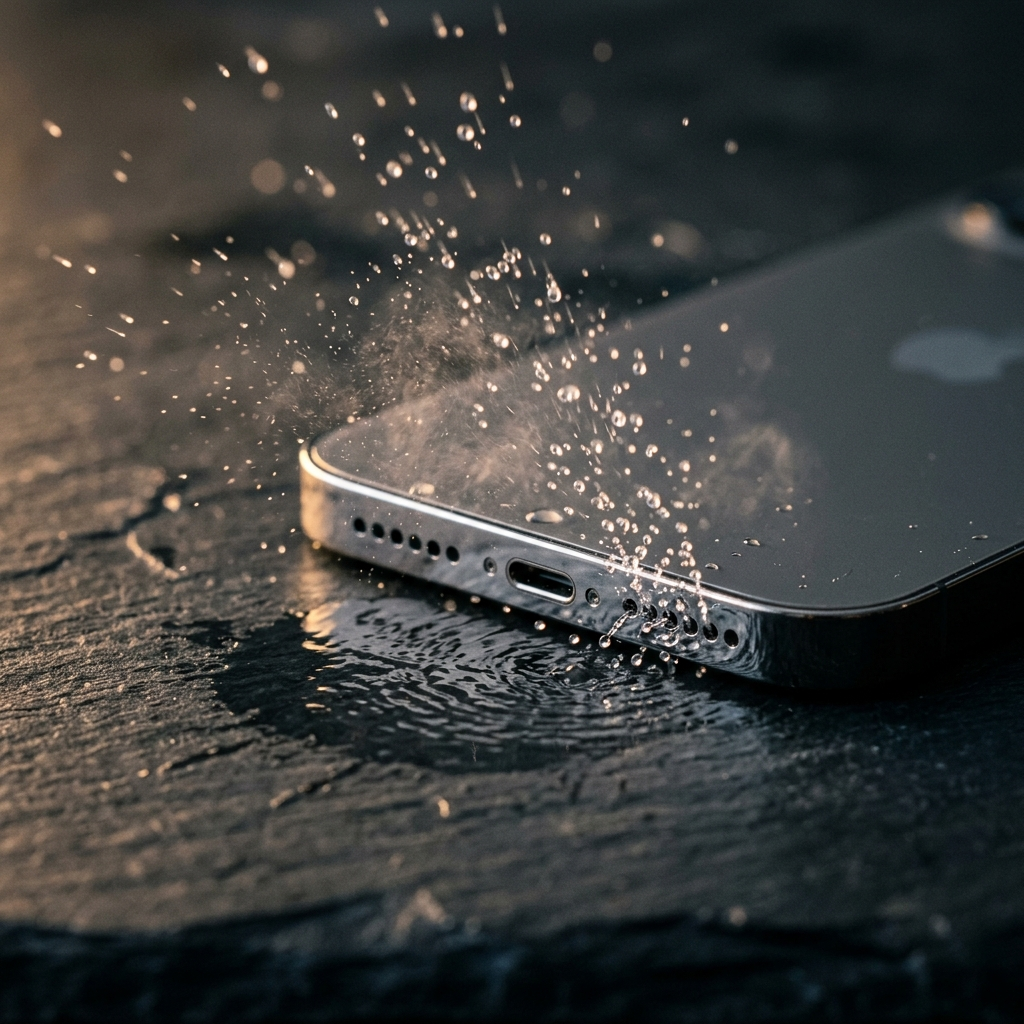
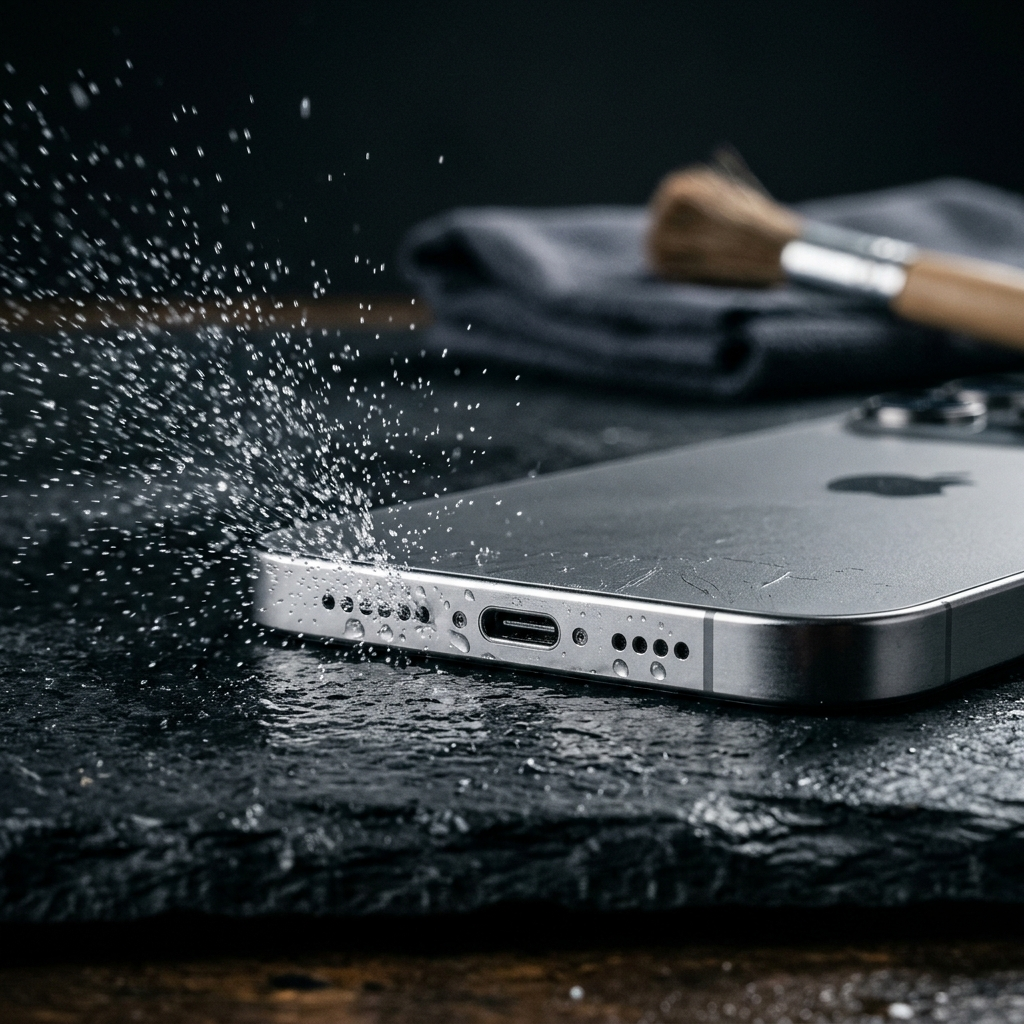
Acoustic utilities like Speaker Cleaner resolve this physical problem without mechanical tools. The app plays loud, low-frequency sound waves tuned to approximately 165 Hz. These low frequencies produce rapid air pressure shifts inside the speaker chamber, causing the diaphragm to vibrate vigorously. This kinetic motion breaks the surface tension of water droplets and loosens dry particulate matter, expelling them through the speaker grille.
When to Deploy Acoustic Cleaning Utilities
- Direct liquid exposure: Promptly after retrieving a phone exposed to water or high humidity.
- Muffled audio playback: When call audio or media playback sounds faint or distorted after outdoor use.
- Routine dust clearing: Periodically as preventive care to clear dry dust before moisture binds it to the speaker mesh.
Key takeaway: Low-frequency sound waves dislodge surface liquid and debris without risking physical damage to delicate speaker membranes.
Core Operating System Utilities for Internal Stability
Routine software upkeep helps maintain system responsiveness and overall hardware efficiency. Unchecked background processes and accumulated temporary files can increase processor activity and battery drain. Using built-in operating system controls keeps devices running efficiently without the need for unverified task killers or memory cleaners.
Both iOS and Android provide native settings for managing storage, monitoring battery consumption, and reviewing app activity. Specialized third-party utilities should complement these built-in controls rather than duplicate system-level tasks.
Essential Software Maintenance Protocols
- Clear temporary application data: Periodically remove accumulated cache files from browser and streaming apps to free storage space.
- Review background app permissions: Turn off background activity for apps that do not need to run continuously.
- Monitor battery health: Follow manufacturer recommendations for charging habits to reduce long-term battery degradation.
Key takeaway: Rely on native operating system tools for storage and battery management rather than unverified third-party cleaning apps.
Step-by-Step Protocol: Managing Accidental Moisture Exposure
When a phone comes into contact with liquid, prompt and deliberate action prevents lasting component damage. Avoid folk remedies such as burying the phone in uncooked rice, which introduces fine starch particles into openings and does not actively clear water trapped behind speaker seals.
The Moisture Expulsion Procedure
- Power down and disconnect: Unplug charging cables and power accessories to reduce short-circuit risks.
- Dry exterior surfaces: Wipe the exterior chassis, seams, and glass with a dry, lint-free cloth. Avoid aggressive shaking, which can push droplets farther into openings.
- Position the device: Place the phone flat with the primary speaker grille facing downward to assist drainage.
- Run an acoustic utility: Open Speaker Cleaner and start the sound cycle at high volume. The low-frequency 165 Hz vibrations will help push trapped liquid outward through the downward-facing grille.
- Wipe and inspect: Gently wipe away expelled moisture from the exterior frame with a dry cloth, then check audio clarity with a test sound or phone call.
Key takeaway: Prompt surface drying paired with low-frequency sound expulsion helps remove trapped liquid without risking seal damage.
Distinguishing Legitimate Utilities from Invasive Apps
App stores feature many utility tools, making it important to evaluate permissions carefully before installation. Legitimate utilities address focused hardware or diagnostic tasks and request only the permissions necessary to perform their function. An application that asks for access to contacts, photo libraries, or location data to play an audio tone or test hardware should be avoided.
Trustworthy maintenance utilities clearly explain how their features work. Acoustic ejection relies on basic acoustic principles—vibrating air to displace trapped fluid—rather than vague performance claims. Always inspect permissions before installing: an acoustic speaker utility only requires audio playback capabilities and volume control.
Key takeaway: Choose utilities that focus on transparent physical functions and request only the permissions necessary for their stated role.
Building a Sustainable Smartphone Care Routine
Maintaining smartphone reliability does not require daily intervention or complicated tools. A simple routine combining built-in operating system checks with targeted hardware care preserves both operational performance and physical components over time.
Use specialized utilities only when specific needs arise. When dust reduces speaker clarity or moisture causes audio distortion, Speaker Cleaner uses targeted 165 Hz vibrations to dislodge obstructions safely. Paired with sensible charging habits and periodic software cleanups, focused utilities help keep your device operating reliably.