Best Mobile Device Utility Apps for iPhone in 2026: Essential Hardware and System Tools
The most practical mobile utilities for iPhone in 2026 prioritize targeted hardware care, accurate battery metrics, and local storage management over broad utility suites. Specialized applications such as Speaker Cleaner—which emits focused, low-frequency sound waves around 165 Hz to vibrate water and dust out of a speaker—reflect a move toward targeted physical maintenance. Combining focused diagnostic and maintenance tools helps preserve device performance without unnecessary system overhead.
The Shift Toward Specialized Hardware Utilities
Recent iOS updates have integrated many general utilities once common in the App Store, including basic flashlight controls, document scanners, and unit converters. As a result, third-party utility development has shifted toward physical component care and focused system maintenance. Users rarely need generic utility dashboards that duplicate native iOS controls.
Modern utility apps instead target common hardware vulnerabilities: speaker mesh clogs, liquid ingress, and storage buildup. Physical components remain susceptible to daily wear regardless of IP water-resistance ratings. Water-resistant seals can degrade over time from exposure to steam, temperature shifts, and routine handling. When moisture or lint collects in an iPhone speaker grille, volume drops and audio quality declines.
Key Takeaway: Choose utilities that address physical maintenance and specific diagnostics rather than apps that duplicate native iOS features.
Acoustic Maintenance: How Low-Frequency Sound Clears Speaker Ingress
Moisture and particulate accumulation in speaker enclosures are frequent issues for smartphone users. Surface tension can trap liquid droplets in the small apertures of the speaker grille, preventing them from draining naturally. Using heat or compressed air to dislodge moisture can damage speaker membranes or force liquid past internal seals.
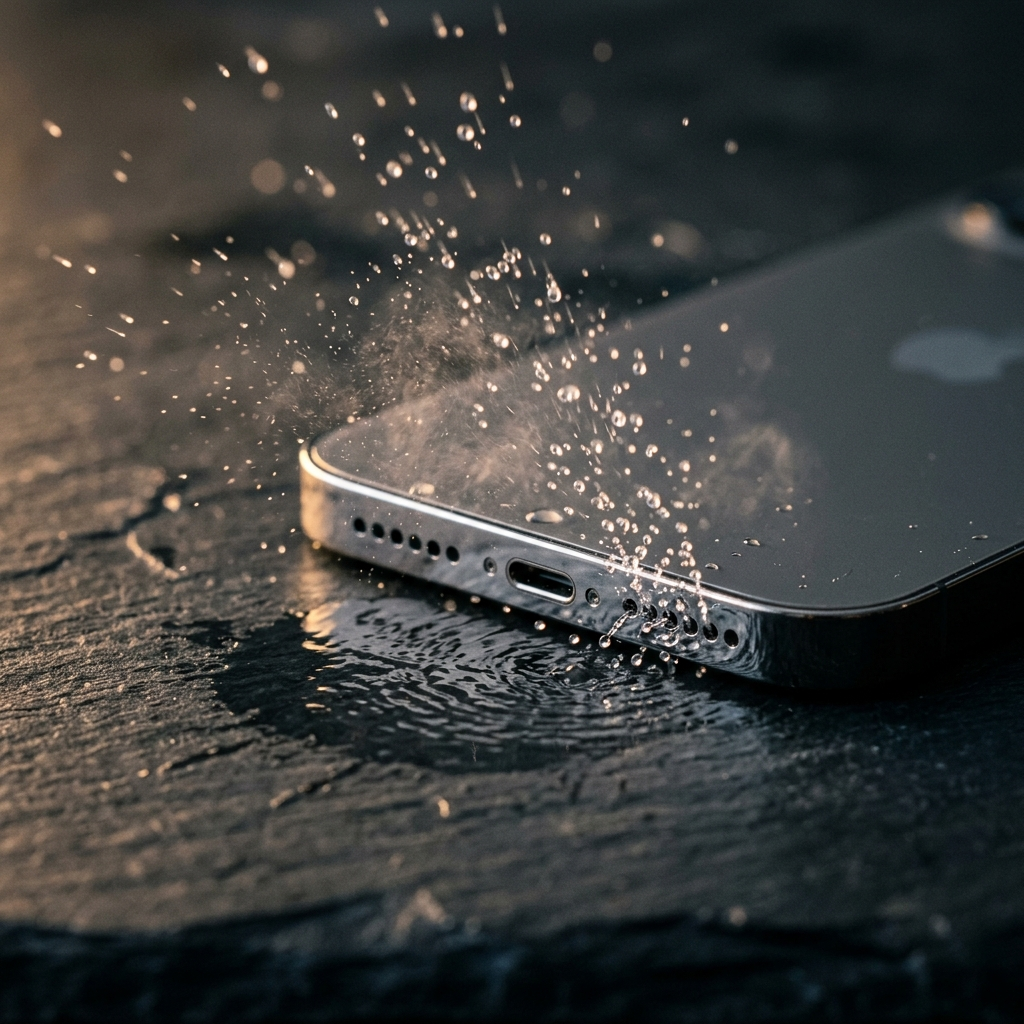
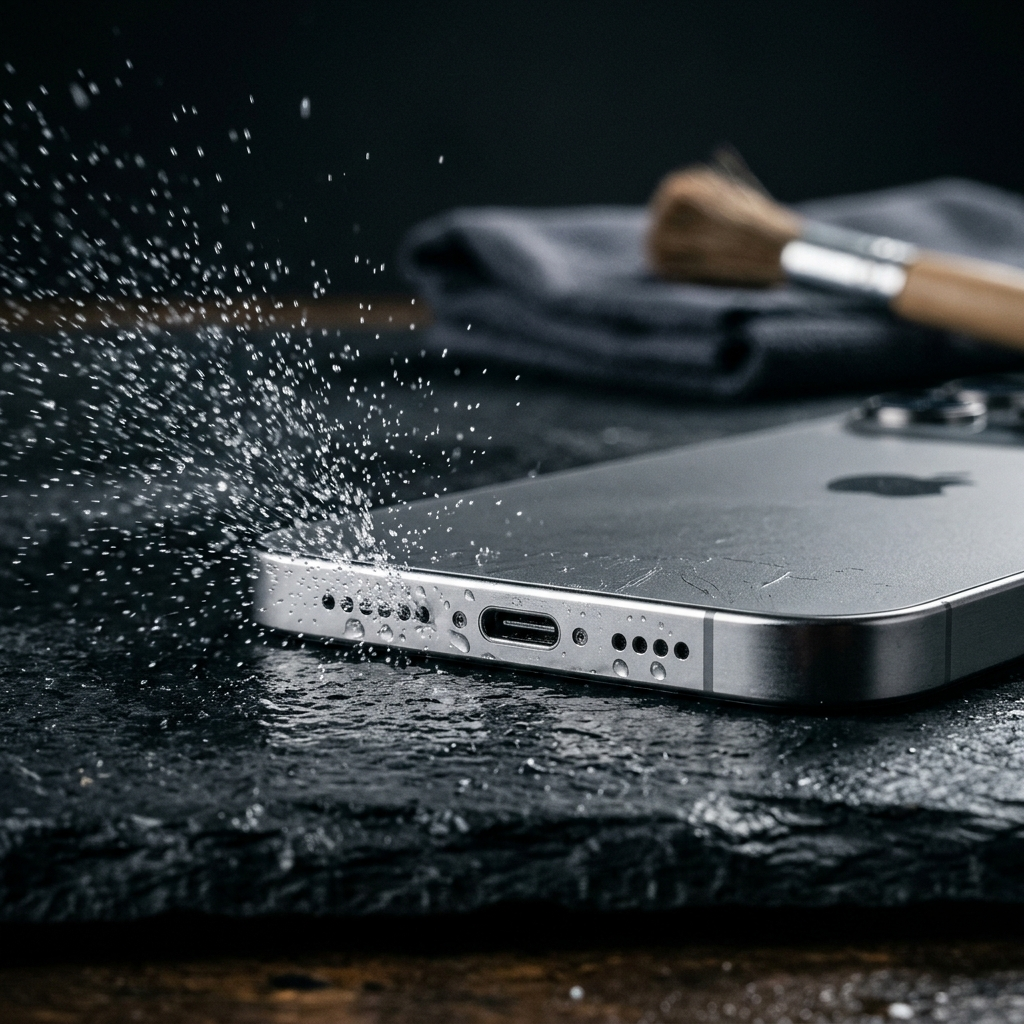
Acoustic displacement offers a non-invasive alternative. Apps like Speaker Cleaner play loud, low-frequency sound waves calibrated to roughly 165 Hz. This frequency produces physical vibration in the speaker diaphragm and acoustic chamber, breaking the surface tension of trapped liquid and pushing water droplets and loose dust outward through the grille.
- Resonant Frequency Matching: Sound waves near 165 Hz produce sufficient physical vibration from compact smartphone speakers.
- Air Pressure Displacement: Rapid cone movement creates alternating air pressure behind the grille, helping dislodge water and fine particles.
- Membrane Safety: Controlled acoustic tones operate within normal mechanical operating limits, avoiding the hazards of physical probes or pressurized air.
Key Takeaway: Calibrated low-frequency audio clears moisture and dust using safe internal vibration rather than risky external force.
Core Categories of Must-Have iPhone Utilities in 2026
A practical iPhone utility setup relies on a few focused tools for specific tasks. Dedicated apps minimize background resource usage while providing dependable utility when needed.
1. Acoustic and Physical Hygiene Utilities
Physical maintenance apps are valuable to keep on hand for immediate use after fluid exposure. Having an acoustic ejection tool like Speaker Cleaner installed lets you clear speaker grilles right after rain exposure or accidental splashes, before trapped moisture leaves residue behind.
2. Local Storage and Duplicate Management
Solid-state drive performance and system responsiveness decline as storage nears capacity. Dedicated media management tools scan local libraries for duplicate photos, repetitive burst shots, and oversized videos. Reliable tools let users review items manually before deleting files.
3. Battery Health and Power Diagnostics
While iOS displays general battery health, dedicated power tools help monitor charge cycles, operating temperature, and discharge trends during heavy workloads. Tracking energy draw helps identify demanding processes and encourages consistent charging routines.
4. Network Analysis and Signal Verification
Specialized network utilities measure local latency, evaluate Wi-Fi channel congestion, and identify signal dead zones in home or office environments. These tools help isolate connectivity bottlenecks beyond standard speed tests.
Key Takeaway: Assemble a lean utility collection focused on acoustic cleaning, storage management, battery tracking, and network checks rather than all-in-one software suites.
Standard Protocol: Evicting Water and Dust with Speaker Cleaner
When an iPhone is exposed to splashes or fine dust, using an acoustic clearing cycle promptly can prevent persistent muffled sound. Use the following steps to clean the speaker openings:
- Dry External Surfaces: Wipe the phone exterior with a clean, lint-free cloth, ensuring charging ports and speaker grilles have no standing water on the surface.
- Position the Device: Hold the iPhone upright or tilted slightly forward, with the speaker grilles facing downward toward a dry cloth so gravity helps guide expelled droplets away from the phone.
- Set Volume to Maximum: Turn media volume to maximum so the speaker produces sufficient vibration to dislodge trapped particles and liquid.
- Run the Cleaning Tone: Open Speaker Cleaner and play the low-frequency cleaning tone (around 165 Hz) through its full cycle.
- Inspect and Repeat if Necessary: Check the grille for expelled moisture, wipe it dry, and repeat the cycle if the audio still sounds muffled.
Key Takeaway: Position the speaker downward and run calibrated low-frequency sound at full volume to effectively dislodge trapped water and debris.
Physical Device Care: Practices to Avoid
Improper cleaning methods can cause permanent damage to internal components and void device warranties. Avoid these common troubleshooting mistakes:
- Do Not Insert Physical Objects: Pins, toothpicks, and needles can puncture the fine acoustic mesh behind the speaker grilles, allowing debris and moisture direct access to internal components.
- Avoid Compressed or Canned Air: High-pressure air can rupture delicate water-resistant membranes and force moisture deeper into the device enclosure.
- Do Not Use Uncooked Rice: Raw rice releases starch dust and small fragments that can lodge inside charging ports and speaker openings, forming stubborn blockages when exposed to moisture.
- Avoid Direct Heat: Hair dryers and heat guns can weaken waterproof adhesives, warp display components, and damage the battery.
Key Takeaway: Avoid physical tools, excessive heat, and compressed air; rely on safe acoustic vibration and natural drying instead.
Maintaining iPhone Performance and Longevity
Keeping an iPhone working reliably requires combining sensible hardware habits with lightweight utility apps. Software cannot resolve neglected physical maintenance: clogged speaker grilles muffle audio, trapped moisture risks internal corrosion, and full storage degrades overall system fluidity.
Using focused tools like Speaker Cleaner alongside regular device care helps maintain clear audio and protects hardware reliability throughout the life of the phone.
Frequently Asked Questions
Speaker Cleaner plays low-frequency sound waves around 165 Hz at high volume. The resulting vibration moves the speaker diaphragm and acoustic chamber, breaking the surface tension of trapped water droplets and ejecting them through the grille openings.
No. When calibrated around 165 Hz, the sound waves operate within standard excursion parameters for smartphone speakers. Unlike physical probes or compressed air, acoustic vibrations clean the grille without applying hazardous mechanical stress.
Because modern iOS updates handle most general utility functions natively, third-party value has shifted toward focused tools—such as acoustic cleaners, local file deduplicators, and detailed battery diagnostic apps—that perform specific tasks without background bloat.
Wipe the exterior dry with a clean cloth, tilt the phone so the speaker openings point downward, and run a low-frequency acoustic cleaning tool like Speaker Cleaner to vibrate trapped moisture out of the speaker enclosure.