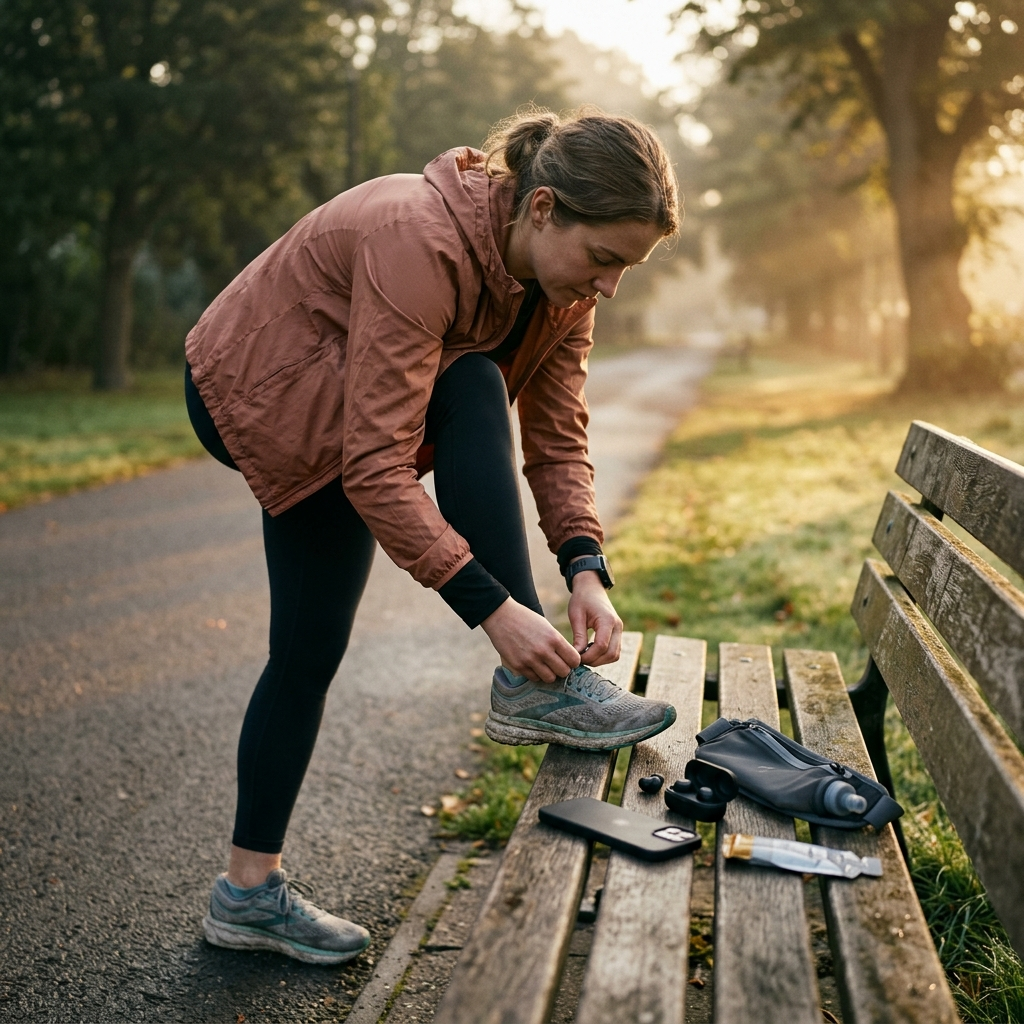
Best Runkeeper Alternative for Simple GPS Run Tracking

For runners seeking a straightforward Runkeeper alternative focused on reliable GPS tracking rather than unnecessary features, Runly: Running Tracker offers a clean, practical option. It provides live workout metrics, route tracking, and structured training plans without cluttered menus or social feeds.
The Growing Need for Simplicity in GPS Running Trackers
Many established running applications have grown from simple workout tools into complex platforms filled with social feeds, public challenges, and commercial promotions. While extensive platforms appeal to some runners, they can add unnecessary friction for those who simply want to record a workout. Starting a run should not require dismissing ads or navigating dense navigation menus.
A GPS tracker's core purpose is straightforward: acquire a location signal, record route coordinates, calculate pace and elapsed time, and display clear workout data. When an app prioritizes secondary features over these basics, users face unnecessary setup steps and interface clutter. For runners seeking a more focused tool, a streamlined tracker keeps the emphasis on consistency and training.
Takeaway
A running app should support your workout routine without adding unnecessary interface friction.
Evaluating Runly as a Focused Runkeeper Alternative
Runly focuses on essential tracking functions and gradual habit building. Rather than relying on public leaderboards, the app centers on personal progress through live workout data, route tracking, and goal setting.
The app displays primary workout metrics in an easy-to-read layout:
- Route and Distance: GPS tracking maps your route and records total distance.
- Pace and Running Time: Live pace and time tracking help you manage effort throughout your run.
- Calories and Steps: Recorded step counts and estimated calorie burn provide an overview of your session's output.
By presenting tracking controls immediately upon launch, Runly lets runners start recording without delay.
Takeaway
Runly delivers essential GPS metrics directly, keeping the experience simple and accessible.
Structured Guidance Without Interface Friction
Runners often rely on legacy apps like Runkeeper for structured training. Moving to a simpler tracker does not have to mean losing guided workouts. Runly includes built-in training programs paired directly with GPS tracking.
The app provides structured plans for different fitness levels:
- Beginner Running: Gentle walk-and-run workouts designed to help new runners start safely.
- Couch to 5K: Gradual run-walk intervals to build endurance toward continuous running.
- 10K Training: Progressive sessions designed for intermediate distances.
- Half Marathon and Marathon Programs: Structured schedules focused on longer-distance preparation.
These programs use guided audio coaching to deliver interval prompts through your headphones. Verbal cues such as "Start running," "Recovery walk," and "Workout complete" guide workouts so you do not need to check your phone while running.
Takeaway
A streamlined interface can still support structured progression through audio cues and step-by-step training plans.
Building Consistency Through Habit Tracking and Progress Metrics
Developing a consistent running habit often comes down to steady routine rather than irregular high-intensity efforts. Many apps attempt to motivate runners through public comparisons, which can feel discouraging. Runly focuses instead on personal accountability and measurable routine tracking.
The app includes several tools to help maintain a regular routine:
- Daily Streaks: Track consecutive active days to encourage daily consistency.
- Weekly Goals: Set realistic targets for weekly mileage and workout frequency.
- Motivation Reminders: Schedule notifications to help keep workouts on track.
A dedicated progress section displays performance history over time. Runners can review weekly distance, pace changes, total runs, longest run, and calories burned to monitor progress across weeks and months.
Takeaway
Tracking personal streaks and weekly targets offers practical motivation without the pressures of a public social feed.
Practical Steps: Transitioning to a Streamlined Tracking Setup
Switching to a new tracking app is a good time to confirm your device settings for consistent GPS logging. Use this checklist to set up reliable recording:
- Check Location Permissions: Ensure the app is set to allow location access while in use or running in the background to avoid tracking interruptions when the screen is off.
- Review Battery Settings: Mobile operating systems may close background apps to conserve power. Ensure background tracking is permitted in your device settings.
- Test Audio Settings: Check audio coaching volume before starting a session to ensure voice alerts are audible.
- Choose an Initial Training Plan: Select a plan aligned with your current fitness, such as a beginner walk-run routine or a basic weekly distance goal, before increasing mileage.
Takeaway
Checking basic device permissions and setting an initial goal ensures reliable tracking from your first run.
Conclusion: Choosing the Right Tool for Your Mileage
The right running app depends on your training priorities. If your routine relies on community forums, public feeds, or extensive social sharing, broader platforms may fit your preferences. However, if you want to record routes, track pace and distance, follow guided coaching, and build a consistent routine, a simpler app is often more effective.
Runly balances accurate GPS tracking, audio-guided coaching, and habit-tracking tools in a clean interface, helping runners stay focused on steady, everyday progress.