How to Track Grocery Spending Automatically Using Receipt Scanners
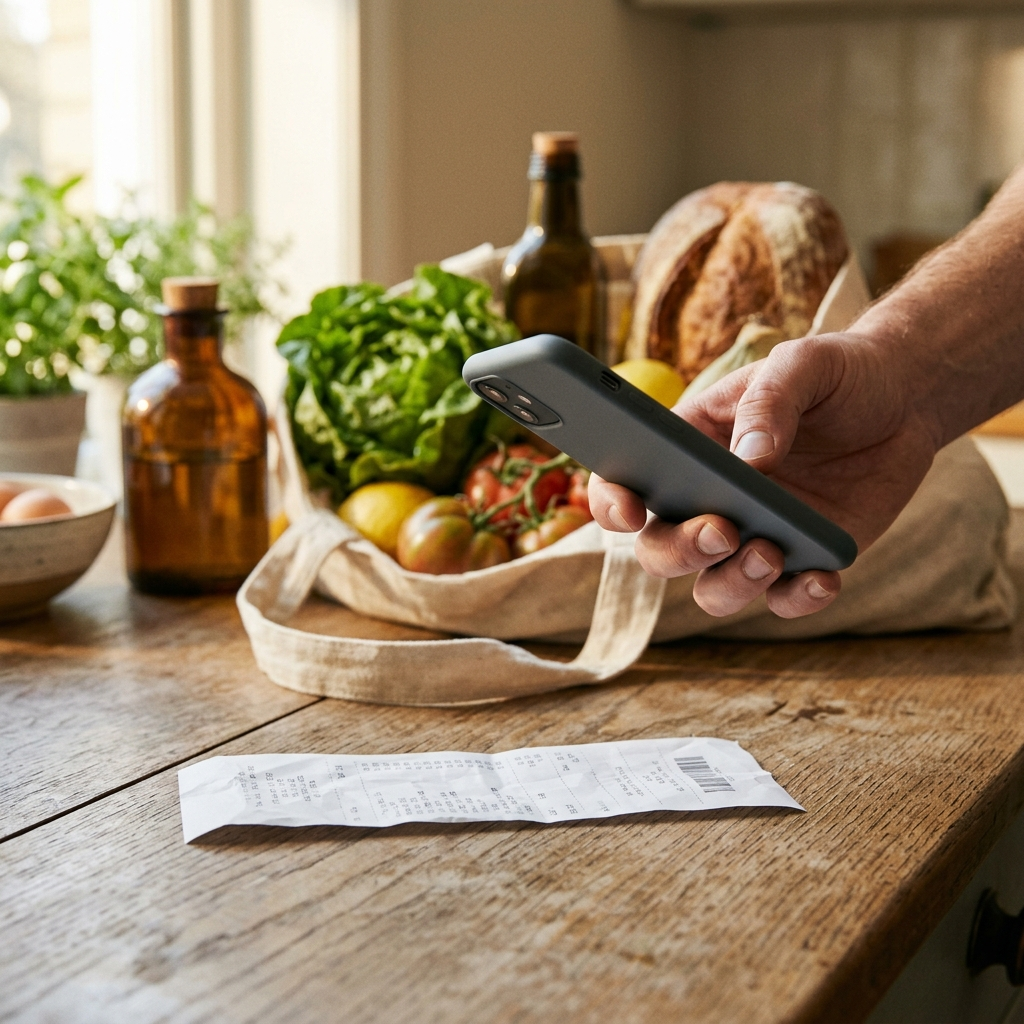
You can track grocery expenses automatically by scanning paper receipts to extract transaction totals, merchant names, and purchase dates. Using an app like Receiptly: Receipt Scanner, you photograph each receipt, verify the extracted details, and assign the entry to a grocery category. Over time, these records compile into monthly summaries and spending charts that show your actual store spending without manual spreadsheets.
The Practical Challenge of Monitoring Grocery Expenses
Grocery spending fluctuates from week to week based on sales, household needs, and store selection. When shopping across supermarkets, discount stores, and specialty markets, keeping track of total food expenses can quickly become disorganized.
Traditional tracking methods require saving physical paper receipts or entering purchase amounts into a spreadsheet. Paper receipts fade, wrinkle, or get lost, while manual entry is time-consuming and prone to omissions. Missing even a few shopping trips distorts your monthly spending totals.
Scanning receipts at the point of purchase offers a more reliable alternative. Converting paper receipts into digital records shortly after shopping creates an accurate purchase history with minimal manual effort.
How Optical and AI Receipt Extraction Works
Receipt scanning apps use optical character recognition and machine learning models trained on retail receipts. When you photograph a grocery slip, the scanner identifies key transaction details from the image.
Receiptly extracts three primary data points: the merchant name, the purchase date, and the total amount paid. Instead of typing transaction data manually, the app converts text and numbers from the receipt photo into editable fields.
However, automated extraction can make mistakes. Supermarket receipts present several scanning challenges:
- Print quality: Faded thermal paper, faint ink, or misaligned text.
- Visual clutter: Creases, return policies, barcodes, and loyalty program details.
- Complex layouts: Store coupons, itemized discounts, tax lines, and multiple subtotals.
Because automated extraction is not error-free, review the extracted information against the physical receipt before saving your record.
Step-by-Step Workflow for Capturing Grocery Receipts
A consistent capture routine prevents backlogs and ensures complete records:
- Capture the full receipt: Place the receipt on a flat surface with clear lighting. Ensure the store name at the top and the final total at the bottom are visible in the camera frame.
- Check the merchant name: Verify that the app captured the correct store name rather than secondary text or promotional slogans.
- Verify the purchase date: Confirm the extracted date matches the transaction date rather than an order number or cashier code.
- Confirm the total: Compare the extracted total with the final amount paid on the receipt, ensuring store discounts or coupons did not lead to an incorrect subtotal.
- Assign a category: Select a grocery or household category before saving the verified record.
Reviewing the details takes only a few seconds and prevents discrepancies in your records later.
Organizing Food Purchases with Categories and Searchable Archives
Capturing totals is the first step in tracking expenses; categorization provides necessary context. A single broad category may not show how your grocery budget breaks down across different types of purchases.
Consider setting up distinct categories to separate routine staples from other food spending:
- Primary Groceries: Weekly staples, produce, and routine pantry essentials.
- Bulk Shopping: Larger purchases from warehouse clubs.
- Specialty Markets: Purchases from bakeries, butchers, or farmers markets.
- Quick Trips: Fill-in purchases and convenience store stops.
- Household Goods: Non-food essentials such as cleaning and paper supplies.
Receiptly saves these records in a searchable history. You can search past transactions by store name or date range to verify past purchases or review price changes, protecting your records against fading thermal receipts.
Evaluating Spending Trends Using Charts and Monthly Summaries
While individual receipts capture transaction details, managing your budget requires an aggregate view. Over time, spending charts and monthly summaries turn saved receipts into clear spending trends.
Monthly summaries total your categorized entries to show how much you spent on groceries during a given period. This overview helps you evaluate:
- Total spending on groceries and household items over the past month.
- Spending changes during holidays, entertaining, or bulk shopping trips.
- The share of spending at standard supermarkets versus specialty food retailers.
Spending charts illustrate changes across months. If total grocery expenses increase, your searchable receipt history allows you to review past transactions to determine whether higher store visits or larger individual purchases caused the shift.
Best Practices for Maintaining Reliable Expense Records
To maintain consistent and accurate records over time:
- Scan receipts promptly: Digitize receipts shortly after shopping to avoid lost or damaged slips.
- Flatten receipts before photographing: Smooth out folds and creases to ensure all text remains legible.
- Review app features and terms: Some features may require an in-app purchase. Review available features and terms in the app before purchasing.
- Conduct a monthly review: Check your monthly summaries at the end of each month to reclassify uncategorized entries and confirm record accuracy.
A clear capture routine keeps your expense records organized and accurate without unnecessary administrative work.
Conclusion
Using a mobile receipt scanner simplifies tracking grocery expenses. By capturing receipts promptly with Receiptly, confirming extracted details against the paper original, and organizing purchases into categories, you maintain accurate records without manual data entry. Regularly reviewing your monthly summaries and spending charts provides clear visibility into your grocery spending habits.