How to Log Food Calories by Taking a Picture in 2026
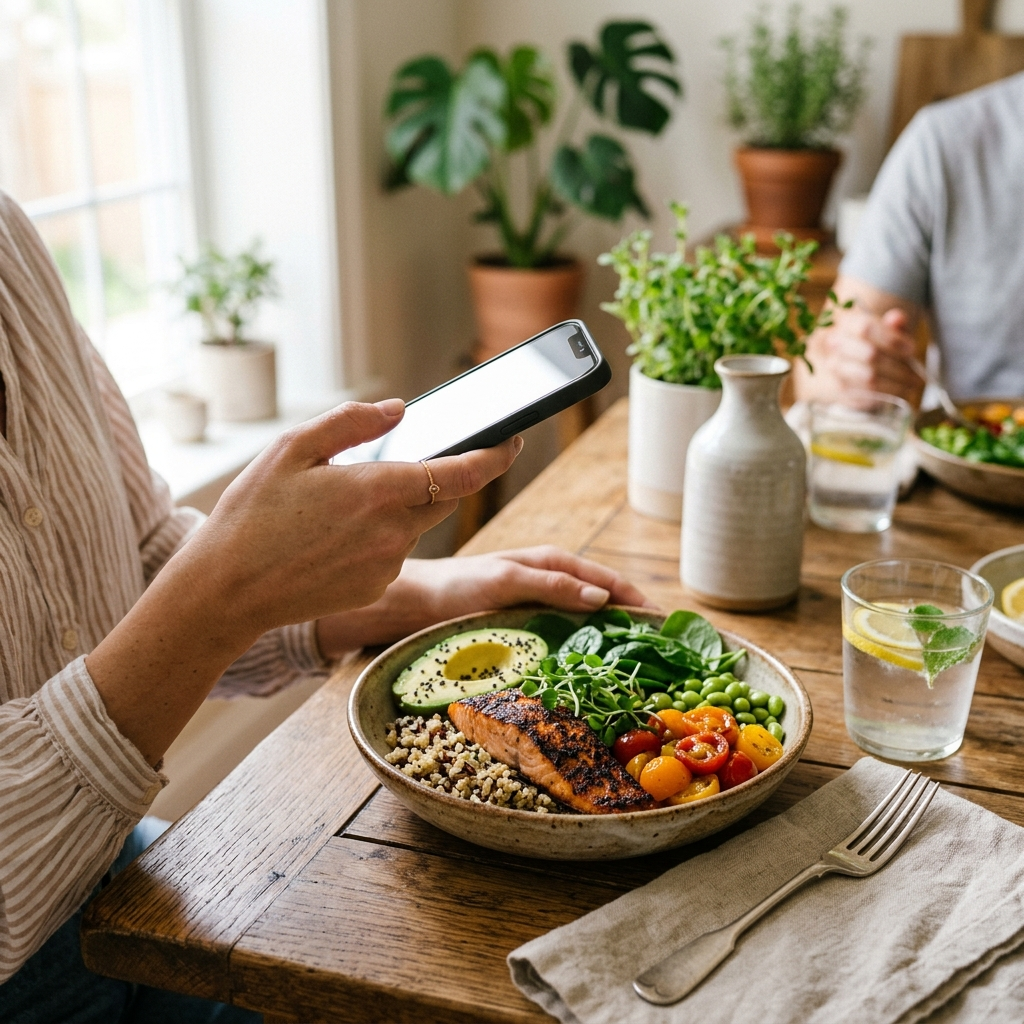
Logging food calories by taking a picture allows you to record meals without entering ingredient data manually. Using an AI-enabled nutrition tracker like Foodly, you photograph your plate, review the identified items and portion estimates, adjust any discrepancies, and save the entry to your daily log. This workflow automates nutritional calculations while preserving manual control over the final record.
The Core Challenges of Traditional Dietary Tracking
Manual calorie counting often fails because of daily friction. Searching databases, typing ingredient names, and estimating portion weights interrupt meals and consume significant time. As a result, many users abandon tracking within a few weeks.
Visual logging replaces text searches with a single photo. While early food-recognition models struggled with mixed ingredients and angled perspectives, modern trackers combine image analysis with confidence scoring and manual adjustment tools. This ensures logging remains fast while giving users the tools to maintain dietary accuracy.
Step-by-Step: Capturing Accurate Food Data with Foodly
A clear photograph improves initial food recognition and reduces the need for subsequent edits.
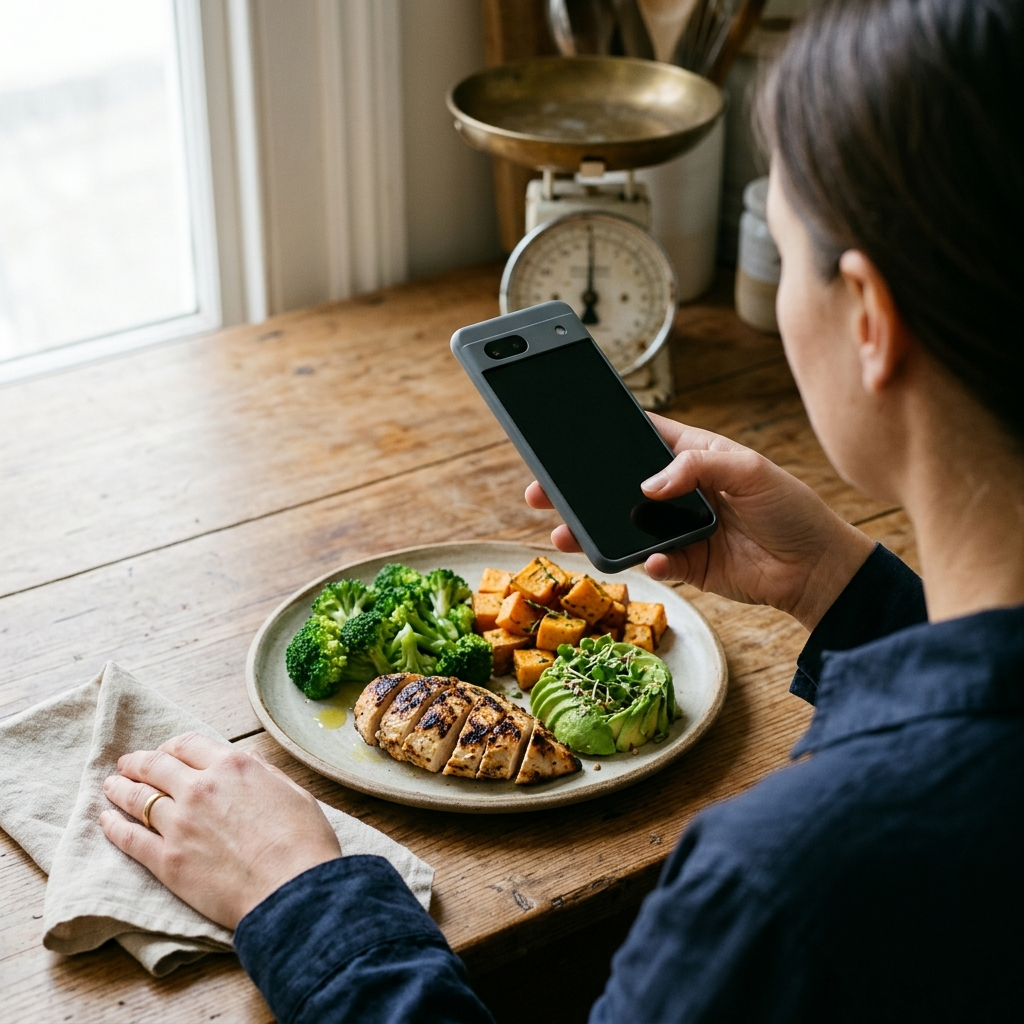
- Frame the entire plate: Hold your phone directly above the meal at a 45- to 60-degree angle to provide sufficient perspective for portion estimation.
- Use balanced lighting: Avoid harsh shadows and strong backlighting that obscure textures and colors.
- Keep components visible: When practical, arrange mixed sides so that individual food items are visible rather than covered.
- Review the AI breakdown: Examine the detected ingredients, estimated calories, and macronutrient totals (protein, carbohydrates, and fats) generated by Foodly.
- Apply manual overrides: If an item or portion is incorrect, edit the entry before saving it to your log.
Consistent photo framing leads to more reliable initial estimates and quicker confirmations.
Understanding AI Confidence Scores and Verification
Photo logging serves as a baseline that you verify before saving. Foodly provides confidence scores alongside its estimates to indicate the model's certainty for each item.
- High-confidence items: Distinct whole foods—such as grilled chicken breast, baked potatoes, and sliced fruit—produce high scores and rarely require correction.
- Moderate-confidence items: Mixed preparations like casseroles and stews carry lower certainty because internal ingredients remain obscured.
- Low-confidence items: Pureed soups, complex sauces, and restaurant meals warrant closer review.
When an item displays a lower confidence score, check the breakdown and use the manual override feature to account for unseen ingredients like butter or cooking oil.
Managing Portion Estimation and Mixed Dishes
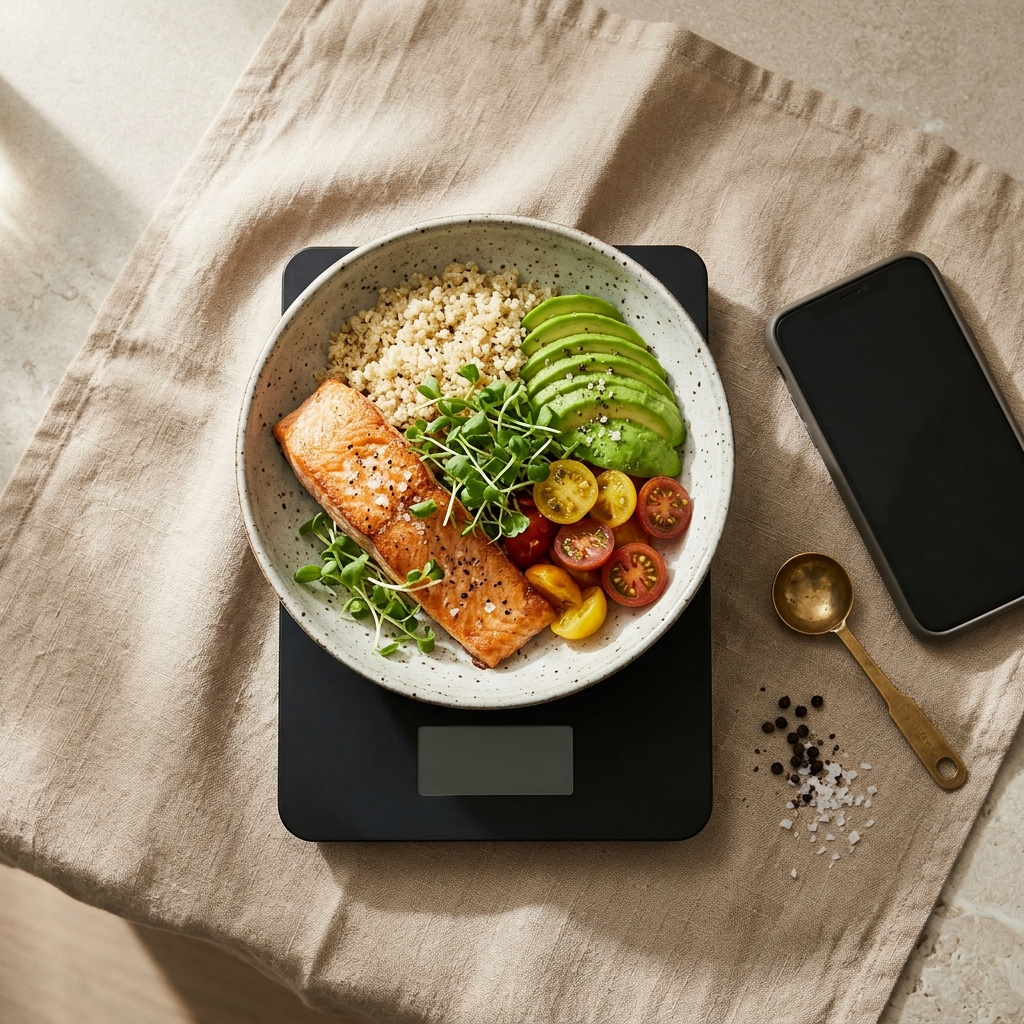
Calculating portion volume from a two-dimensional image remains challenging because physical density varies by food type. For instance, a cup of steamed broccoli contains far fewer calories than a cup of seasoned rice, despite taking up similar visual space.
To maintain precise records, check Foodly's estimated portion sizes against standard references before saving. If an estimate differs from what was served, adjust the portion amount in the app. Over time, reviewing these estimates helps calibrate your perception of standard serving sizes.
Connecting Meal Snapshots to Daily Nutritional Targets
Photo entries provide the most value when integrated into an ongoing tracking system.
Foodly logs each photo directly to a centralized dashboard, updating your daily caloric intake against your personalized target in real time. The app also tracks the distribution of protein, carbohydrates, and fats. In addition, interactive weekly trend charts show recurring nutritional patterns over time, helping you make informed adjustments based on logged history.
Best Practices for Consistent Daily Logging
Consistent tracking depends on simple, repeatable habits.
- Photograph before eating: Take the photo as soon as the meal is served to capture complete portion sizes.
- Log unphotographed items promptly: When unable to take a photo, use quick manual entry right away rather than trying to recall details later.
- Review weekly trends: Evaluate seven-day averages on the dashboard to assess progress across regular dietary cycles.
- Keep profile targets current: Update your age and health goals in your profile so baseline targets remain accurate.
Pairing photo capture with regular dashboard reviews creates a sustainable, low-friction tracking routine.
Frequently Asked Questions
Foodly analyzes your meal photo, detects food items, estimates portion sizes, and calculates calories and macronutrients automatically.
Use Foodly's manual override feature to edit the ingredient name, change the portion size, or add missing items before saving the entry.
Visual recognition evaluates visible ingredients, so concealed fats receive lower confidence scores. Review those items and add cooking oils manually when necessary.
Yes. Foodly breaks down each analyzed meal into calories, protein, carbohydrates, and fats, syncing the data with your dashboard and weekly trends.