Health and Nutrition Tech Guide: How to Automate Diet Tracking
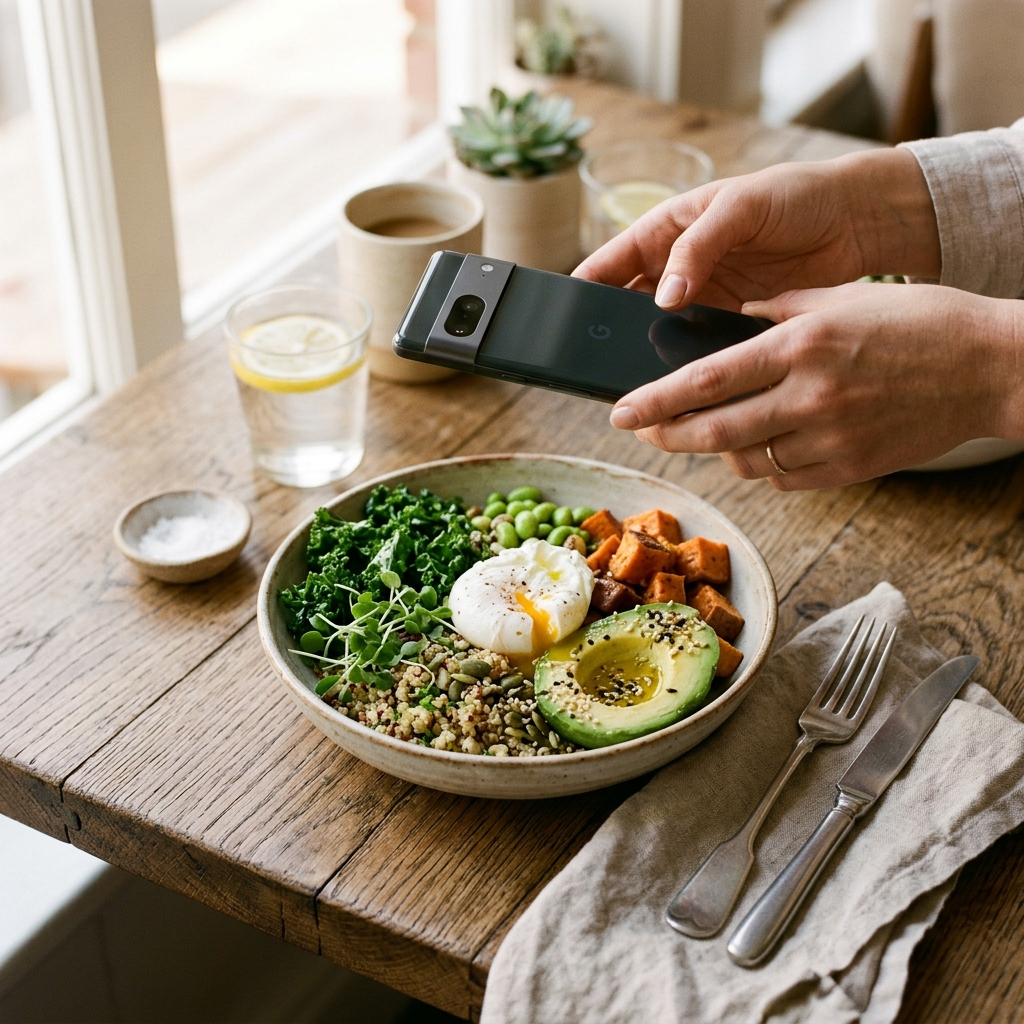
Automating diet tracking replaces manual weighing and text search with image recognition that identifies meal components and estimates macronutrients from photographs. Using an automated tracker such as Foodly: Calorie & Macro Log allows you to record meals quickly, review AI-generated estimates against visible portions, and maintain a consistent nutrition log with minimal friction.
The Friction of Traditional Diet Logging
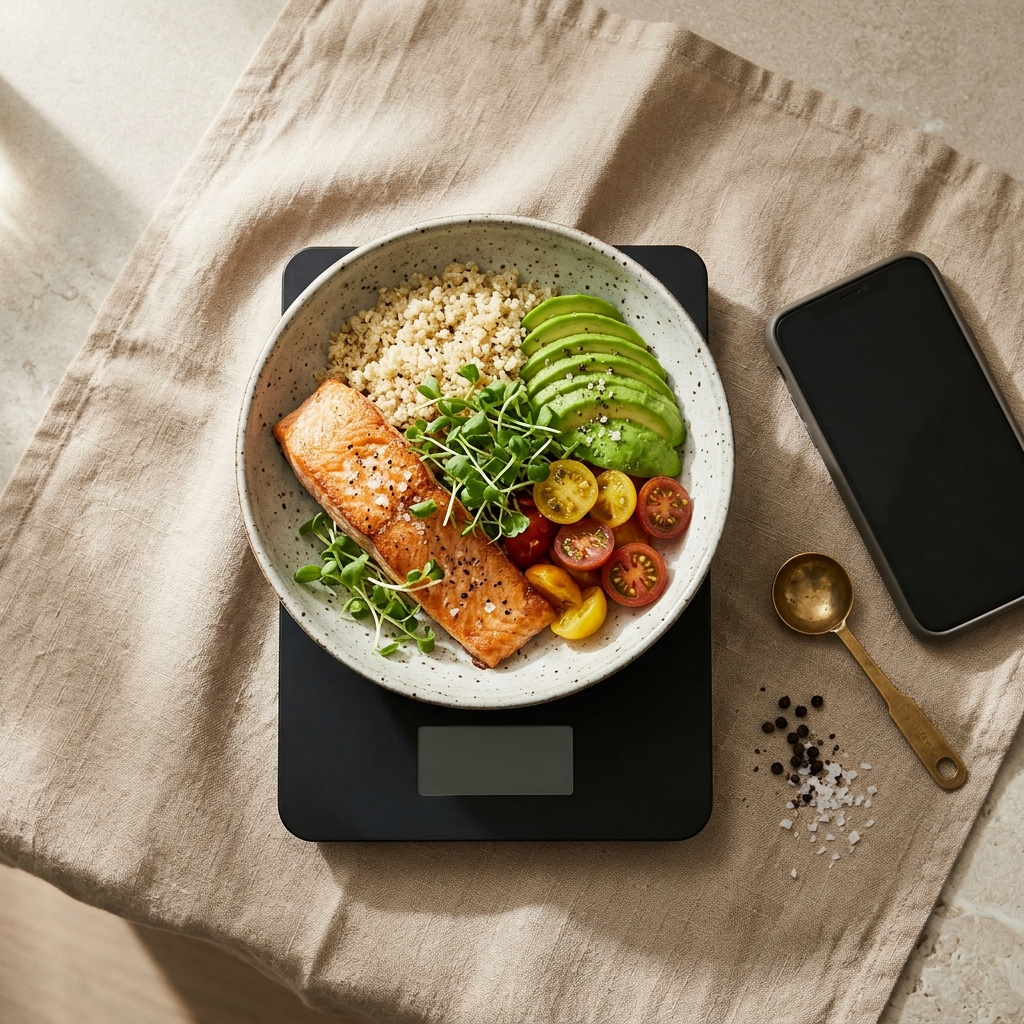
Dietary tracking often fails due to measurement fatigue rather than a lack of intent. Traditional logging requires weighing separate ingredients, searching extensive databases with conflicting entries, and manually inputting measurements multiple times per day. Over time, this administrative burden frequently leads to missed entries and abandoned tracking routines.
Incomplete records reduce the reliability of nutritional insights. Automating data capture narrows the gap between preparing a meal and logging it, establishing a sustainable process for daily tracking.
Understanding Computer Vision in Nutrition
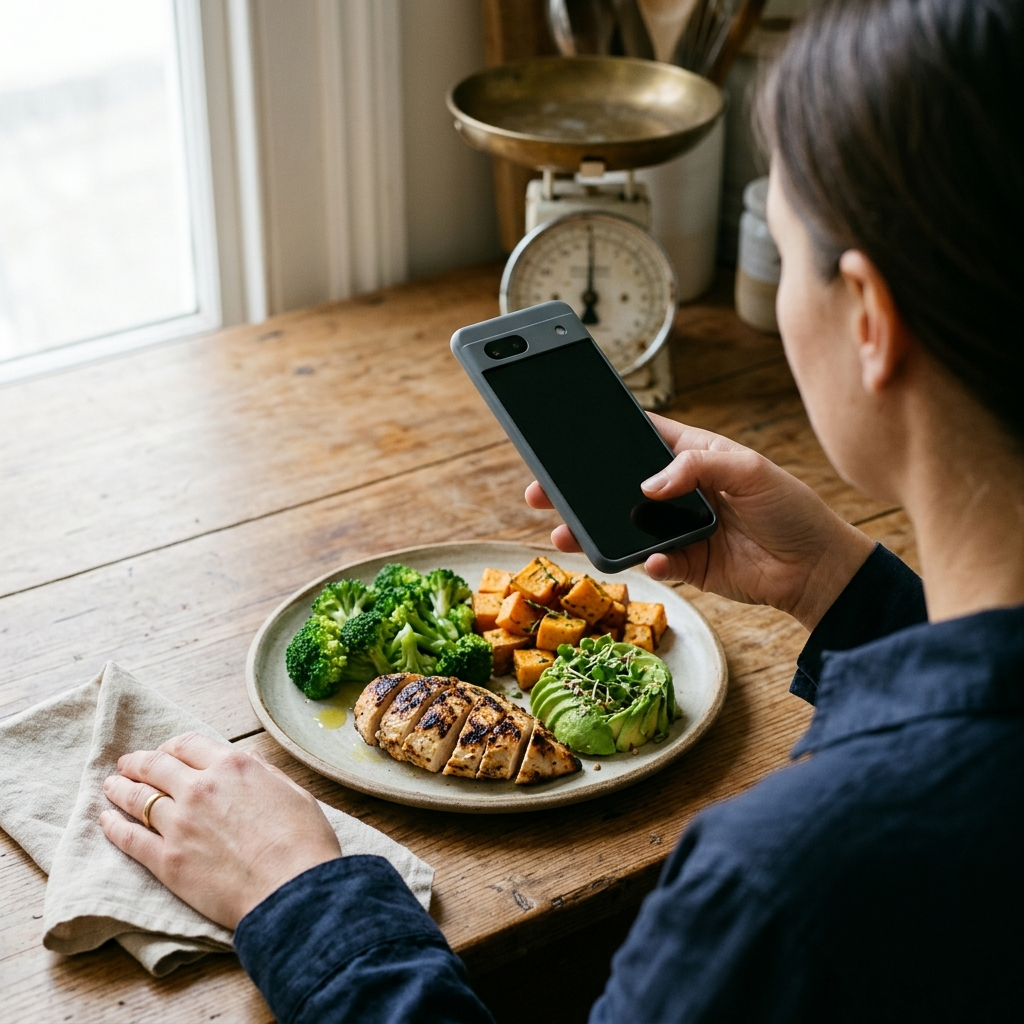
Automated nutrition trackers use image recognition models trained on food datasets. When you photograph a meal, the system examines visual elements—such as color, texture, shape, and relative scale—to detect the items on the plate.
Foodly uses this visual analysis to generate structured nutrition profiles. The app identifies food items, estimates portion volumes, and calculates total calories, protein, carbohydrates, and fats. Because lighting and plating vary, the app assigns a confidence score to each detection. This indicator shows how reliably an item was classified, highlighting entries that may require manual review.
Key Takeaway
- Image recognition reduces manual database searches while keeping intake records complete.
- Confidence scoring flags items that require user verification.
Step-by-Step Workflow for Automated Meal Logging
Consistent results from automated tracking depend on clear capture habits. Use the following workflow when logging meals with Foodly:
- Frame the Meal Clearly: Capture the plate from an overhead or 45-degree angle in adequate lighting so all major components are visible.
- Review the Instant Analysis: Check the identified foods and the resulting breakdown of calories, protein, carbohydrates, and fats.
- Check Confidence Scores: Review items with lower confidence ratings, such as blended dressings or covered sauces.
- Apply Manual Overrides When Needed: Adjust portion sizes or ingredient names to reflect preparation factors invisible to the camera, such as cooking oils or hidden additions.
- Save the Entry: Confirm the entry to update your real-time daily calorie balance and macro totals.
Key Takeaway
- Consistent photo angles and lighting improve recognition accuracy.
- Pairing automated detection with manual adjustments produces reliable nutritional data.
Analyzing Trends Through Centralized Dashboards
Recording meals is only the first step; ongoing utility comes from analyzing long-term intake. Foodly consolidates daily logs into an interactive dashboard that tracks your current consumption against your daily targets.
Rather than evaluating individual meals in isolation, review weekly trend charts. Weekly data accounts for normal daily variation and reveals sustained patterns, such as low protein intake or recurring caloric spikes on specific days. This summary allows you to adjust dietary habits based on documented intake patterns.
Key Takeaway
- Weekly trend charts highlight broader dietary patterns across several days.
- Real-time intake tracking helps monitor remaining calories throughout the day.
Personalizing Dietary Targets
Nutritional needs vary based on individual physiology and health objectives. Establishing customized targets during onboarding ensures that daily goals align with your specific requirements.
Foodly calculates your daily caloric thresholds and macronutrient distribution based on these initial inputs. Updating your baseline metrics as your weight or activity levels change keeps your daily targets aligned with your current health goals.
Key Takeaway
- Accurate baseline parameters keep automated dashboards and daily budgets relevant.
- Periodic updates ensure targets reflect changes in routine or body composition.
Building Sustainable Long-Term Logging Habits
While software simplifies data collection, habit consistency determines long-term utility. Automated tracking works most effectively as an ongoing feedback loop rather than a retrospective task.
Log meals immediately after plating instead of compiling them at the end of the day. Immediate logging preserves visual detail, prevents omissions, and maintains an accurate remaining calorie balance for subsequent meals.
Combining Foodly's photo analysis and macro breakdowns with prompt logging habits minimizes tracking effort and provides reliable data to support your nutritional goals.
Frequently Asked Questions
Foodly analyzes meal photographs using image recognition models trained to identify ingredients and estimate portion sizes. The app then references nutritional data to calculate calories, protein, carbohydrates, and fats.
Foodly displays a confidence score for each detection and includes a manual override feature, allowing you to edit portions or ingredient selections before confirming the log.
Daily caloric intake fluctuates naturally. Weekly trend charts smooth out day-to-day variances to reveal sustained patterns in macronutrient balance and total intake.