Best MyFitnessPal Alternative with Instant Camera Scanner: Foodly Review
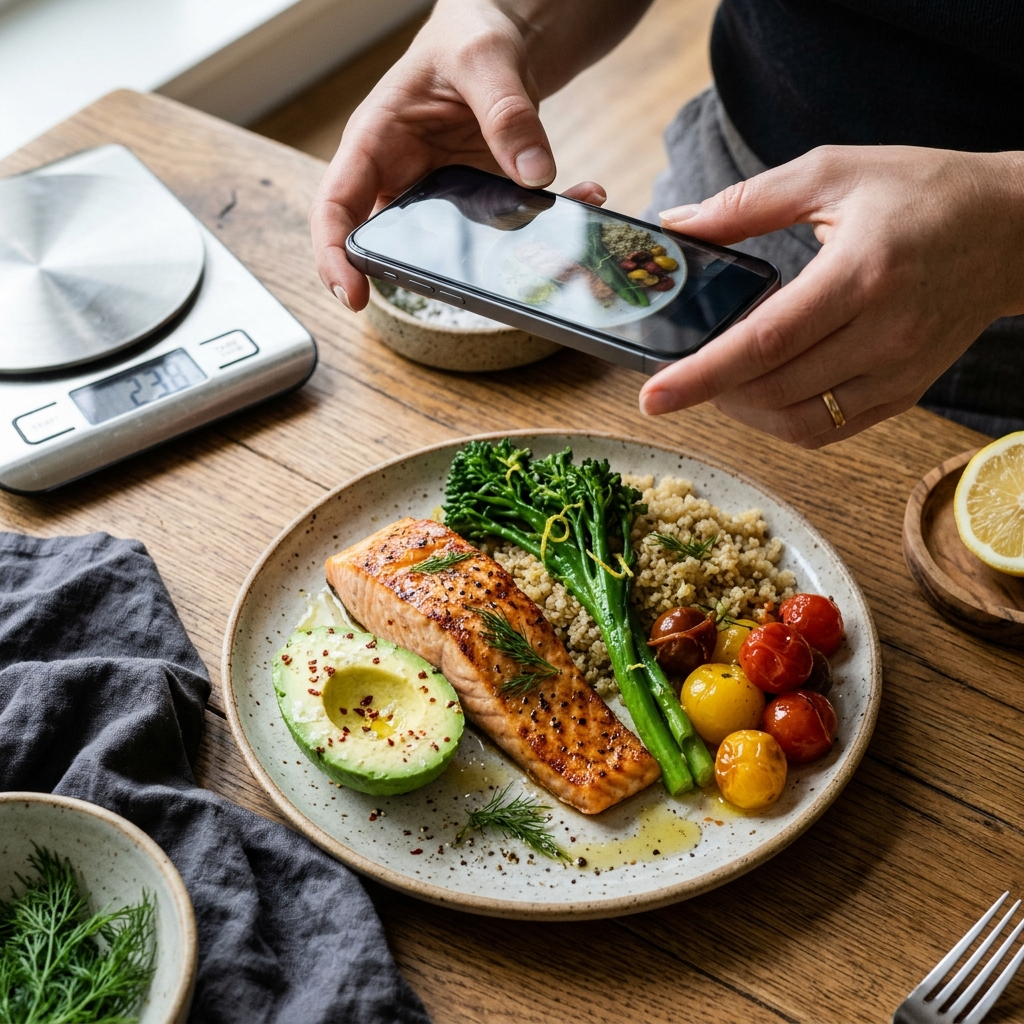
For users seeking an alternative to MyFitnessPal that replaces manual text searches with photo recognition, Foodly: Calorie & Macro Log provides a practical solution. The app uses an instant camera scanner to analyze meal photos, identify food components, estimate portions, and calculate macronutrients. This camera-led workflow minimizes the administrative effort that often leads users to abandon manual nutrition logs.
The Core Friction of Traditional Nutrition Logging
Standard calorie-tracking apps depend on manual database queries. Users must search for each ingredient, filter through varying user-submitted entries, and convert serving measurements before saving a meal. For mixed dishes such as salads, stews, or restaurant plates, this administrative process makes consistent logging difficult.
This friction directly hinders adherence. When recording a meal takes several minutes, users frequently delay entries, rely on memory hours later, or stop logging altogether. A camera scanner identifies items and estimates portions at mealtime, capturing dietary data before details are forgotten.
Key takeaway: Reducing logging time from minutes to seconds helps maintain accurate, long-term dietary records.
How Foodly Uses Computer Vision for Food Recognition
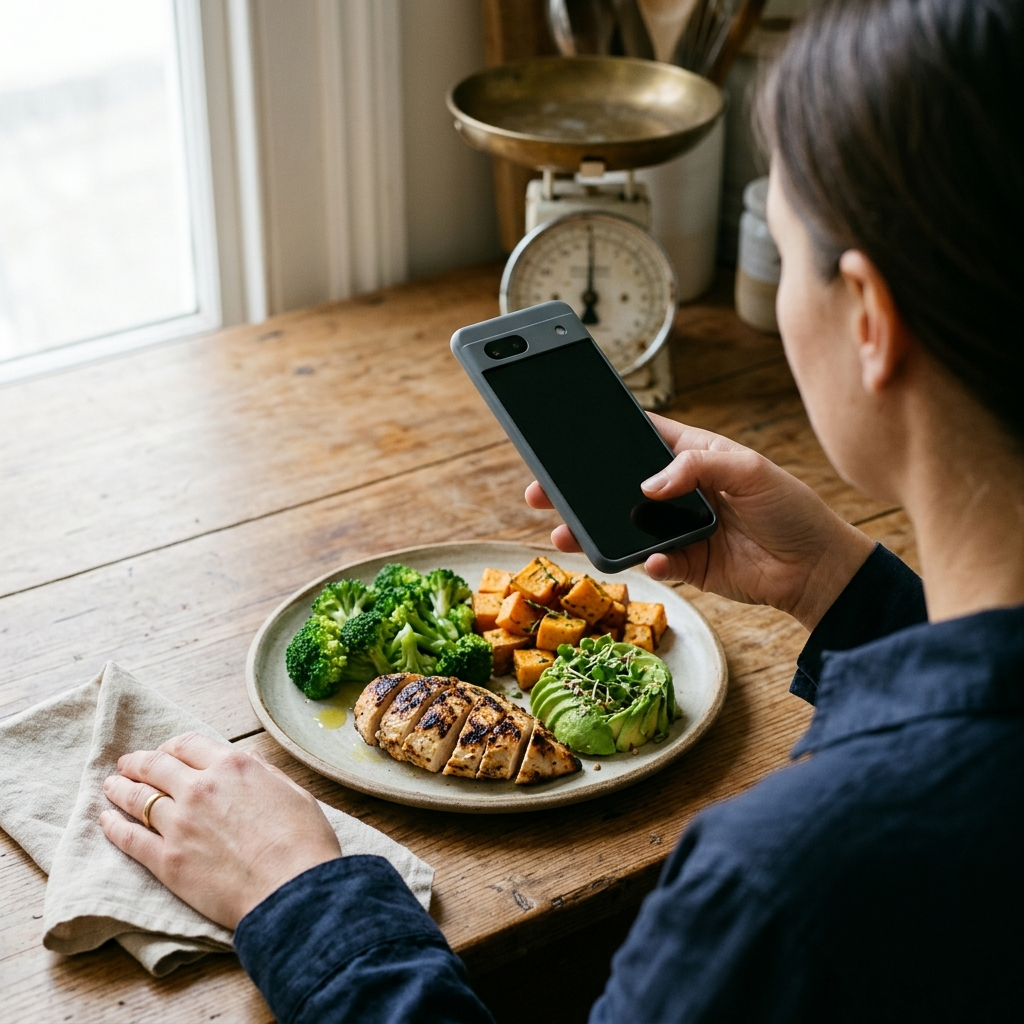
Foodly records meals through photo analysis rather than text search queries. When a user captures a photo of a meal, the integrated recognition system evaluates the visual items on the plate, detecting distinct components such as proteins, carbohydrates, vegetables, and fats.
Following item identification, the system calculates calories and macronutrients—protein, fats, and carbohydrates—based on estimated portion volumes. Instead of searching individually for grilled chicken, brown rice, broccoli, olive oil, and avocado, a single photo generates a baseline log entry.
Key takeaway: Multi-component photo recognition processes complex meals in one step, removing the need for repetitive database searches.
Maintaining Accuracy with Confidence Scoring and Manual Adjustments
Automated visual analysis requires verification, particularly for obscured ingredients such as cooking oils, dressings, or hidden fillings. Foodly pairs its automated recognition with confidence scoring and manual adjustment tools.
Transparent Confidence Scores
Each scan assigns a confidence level to its estimates. When clear lighting and plate arrangements allow distinct recognition, the system reflects high confidence. When an item is visually ambiguous, a lower confidence score alerts the user to verify the entry rather than rely on an unconfirmed estimate.
Granular Manual Overrides
Users retain full control over logged meals. If the camera detects lean beef when butter was added during cooking, the user can adjust the fat total or serving size within the interface. This hybrid approach combines automated photo analysis with direct user oversight.
Key takeaway: Use camera scanning to generate an immediate initial draft, then apply manual adjustments to reflect exact preparation details.
Long-Term Dietary Management via Dashboard Analytics
Capturing accurate meal data is most valuable when it informs consistent habits. Foodly organizes logged nutrition data into an analytical dashboard:
- Real-Time Calorie Budgeting: Tracks current intake against daily calorie targets to maintain dietary balance.
- Macronutrient Distribution: Displays the balance of protein, carbohydrates, and fats to monitor intake against fitness targets.
- Weekly Trend Analysis: Aggregates logging data into interactive charts to highlight weekly patterns and macro consistency.
- Goal Progression: Evaluates daily intake against personalized objectives established during onboarding, such as weight maintenance or body composition targets.
Key takeaway: Structured data displays convert individual meal logs into clear behavioral patterns over time.
A 4-Step Checklist for Optimal Food Scanning
To ensure high recognition accuracy with Foodly, follow these standard practices when capturing meals:
- Ensure Direct Lighting: Avoid heavy shadows that obscure textures or hide distinct ingredients.
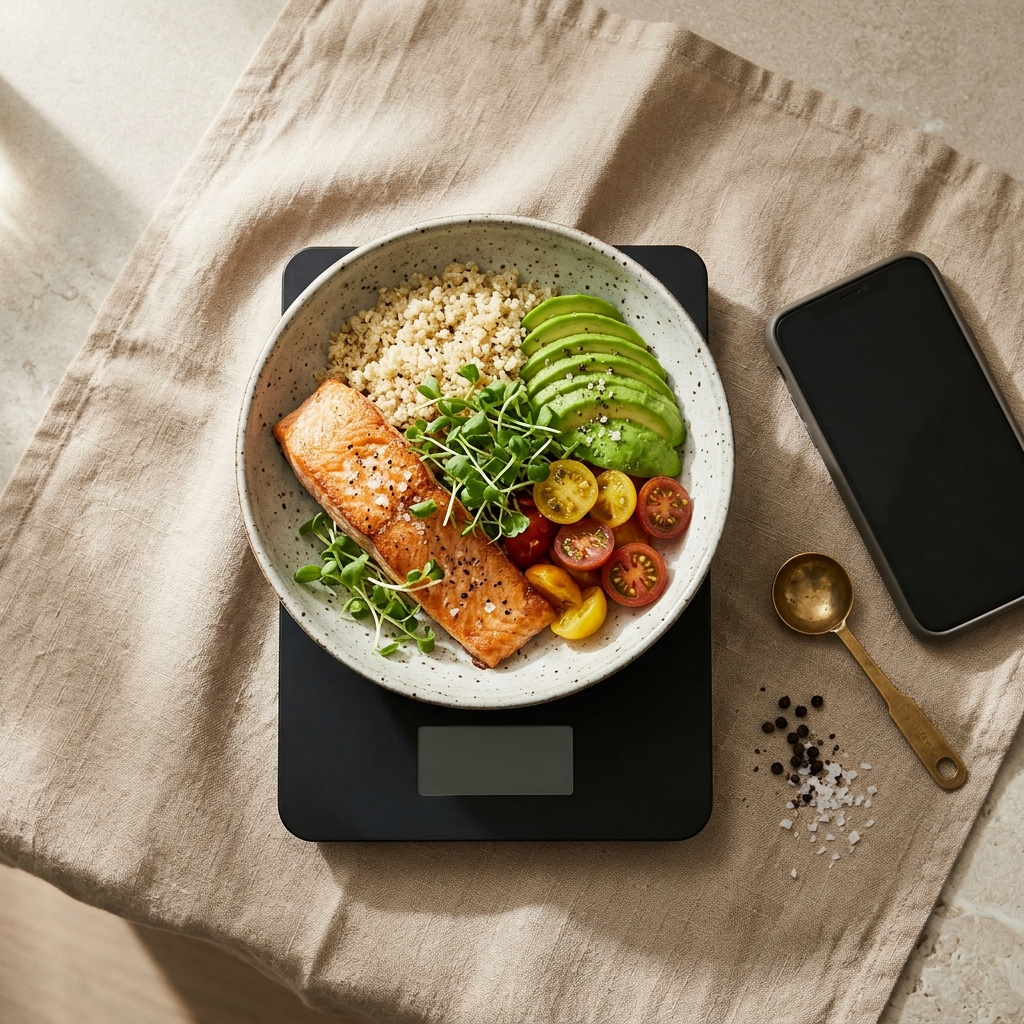
- Capture the Entire Plate: Frame the photo from an overhead or 45-degree angle to capture the boundaries and depth of each portion.
- Check the Confidence Score: Review the initial readout to confirm that all visible components were correctly identified.
- Adjust for Hidden Ingredients: Use manual overrides to add dressings, cooking fats, or beverages not visible on the plate.
Key takeaway: Clear photo framing combined with brief manual verification delivers consistent nutritional data.
Conclusion: Choosing the Right Tool for Sustainable Tracking
Foodly serves as an effective alternative to traditional trackers like MyFitnessPal by eliminating repetitive manual searches. Combining instant camera scanning, clear confidence ratings, user overrides, and structured trend tracking, the app enables reliable nutrition logging without database maintenance overhead.
Frequently Asked Questions
While barcode scanners require packaged foods with printed UPC codes, Foodly's camera scanner analyzes prepared meals, home-cooked dishes, and restaurant plates directly from photos.
Yes. Foodly provides manual adjustment tools that let users modify portions, edit recognized items, or adjust macronutrient values immediately after scanning.
Yes. The scanner estimates calories, protein, carbohydrates, and fats, displaying real-time macronutrient balances on the dashboard.
Foodly identifies multiple food items within a single image and assigns confidence scores to each detected component, allowing users to verify composite dishes quickly.