Mobile CI/CD Pipeline Architecture: Complete Guide (2026)
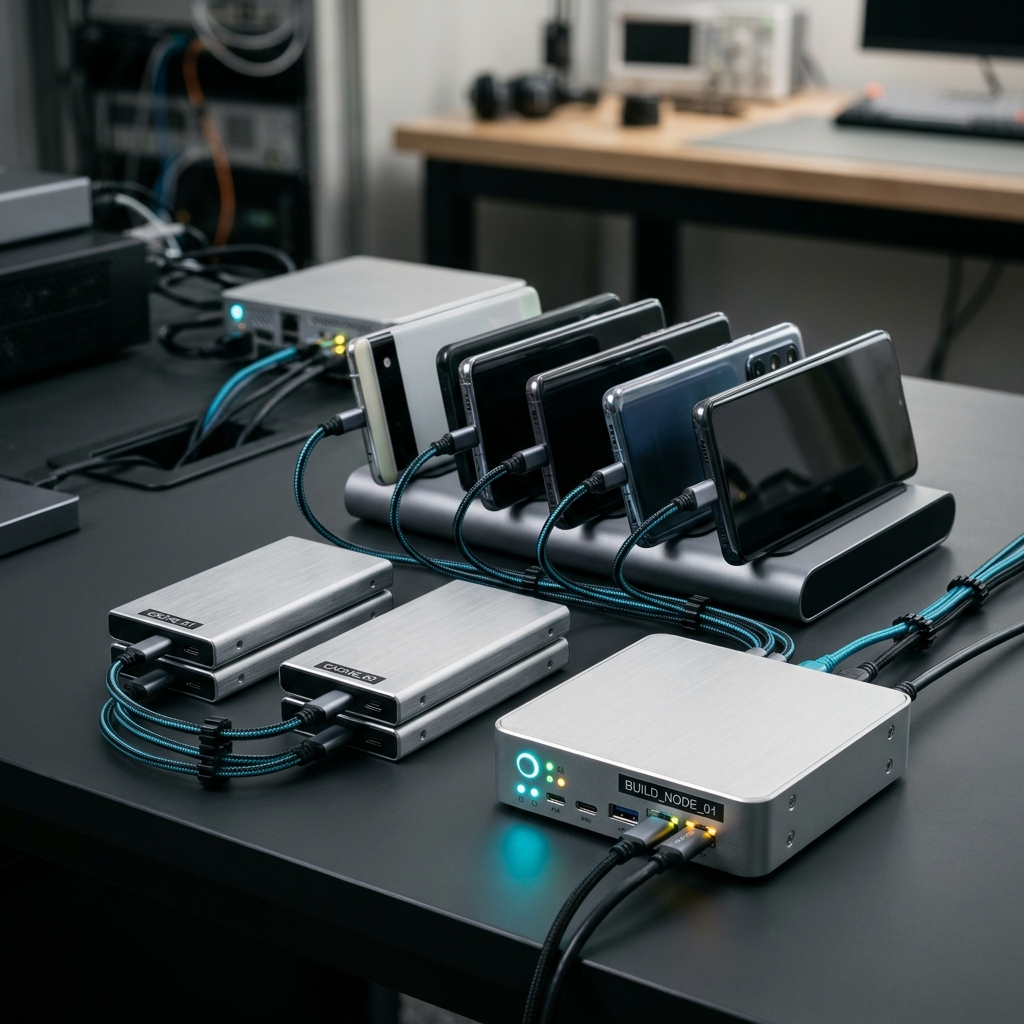
A modern mobile CI/CD pipeline architecture automates the building, testing, and distribution lifecycle across iOS, Android, and cross-platform targets like Flutter. By linking version control triggers to cloud runners, automated test execution, and app store deployment services, teams eliminate manual build bottlenecks and shorten release cycles. Operating this architecture effectively requires real-time monitoring of build metrics, unified artifact management, and disciplined environment variable configuration.
The Core Dilemma: Why Mobile Pipelines Still Break While Web Succeeds
Web developers deployed twenty times while you were waiting for Xcode to resolve a single provisioning profile. Mobile engineering presents unique challenges that generic server continuous integration tools frequently struggle to handle. Between platform fragmentation, platform-specific code signing ceremonies, and unpredictable emulator boot times, mobile pipelines demand dedicated orchestration.
When teams attempt to graft standard web build pipelines onto mobile ecosystems, friction follows. Releases stall because an expired certificate halts deployment, a teammate's commit silently introduces an Android manifest mismatch, or flaky instrumentation tests queue jobs indefinitely. Mobile continuous integration requires an architecture designed specifically around native build tools, modular build stages, and instant status visibility.
Takeaway: Mobile pipelines fail when treated as generic server scripts; their architecture must address platform-specific signing, multi-platform SDK compilation, and distinct distribution channels.
Architectural Blueprint: Deconstructing the Five Pipeline Stages
An enterprise-grade mobile CI/CD pipeline operates in discrete, sequential stages designed to fail fast and protect deployment targets.
1. Source Control Integration and Triggering
Everything starts when a developer pushes code or opens a pull request. The CI/CD engine detects the event through version control system integrations and spins up an isolated build container or virtual machine matching the platform requirements.
2. Environment Configuration and Dependency Resolution
Before compilation begins, the runner injects secret keys, API endpoints, and platform-specific environment variables. Dependencies are fetched and cached aggressively to prevent network hiccups from failing your build step.
3. Automated Testing and Code Analysis
Quality gates execute here. The pipeline runs unit tests, static code analysis, and linter checks. If unit tests fail, the pipeline terminates immediately, saving compute minutes and providing rapid feedback to the committer.
4. Compilation and Code Signing
The compiler generates platform-specific artifacts: an IPA for iOS, an APK or AAB for Android. Proper credential configuration ensures automated provisioning profiles, keystores, and distribution certificates apply smoothly without manual intervention.
5. Deployment and Artifact Distribution
Final binaries route automatically to internal testers, beta tracks like Google Play Internal Testing or Apple TestFlight, and eventually production storefronts. Build logs and artifacts are preserved for auditability and debugging.
Takeaway: Structuring mobile workflows into isolated stages ensures deterministic builds, isolates points of failure, and conserves expensive compute minutes.
Real-Time Visibility: Monitoring Build Health and Metrics
Configuring a pipeline is only half the battle; tracking its execution is what keeps development moving. A pipeline running blindly in the background often creates silent failures that surface only when a release deadline approaches.
DevOps and mobile engineering teams need actionable oversight to maintain continuous delivery velocity:
- Real-Time Build Notifications: Instant alerts regarding status changes prevent developers from context-switching or constantly refreshing web dashboards.
- Comprehensive Log and Artifact Access: Rapid access to raw build logs makes debugging compilation errors, dependency issues, and failed assertions straightforward.
- Historical Metrics Tracking: Monitoring build durations and failure trends over time highlights regression patterns before they degrade developer productivity.
Using a companion tool like the Codemagic: Build Monitor mobile application allows mobile leads, developers, and DevOps engineers to track build statuses, inspect logs, monitor pipelines, and oversee team workflows directly from their devices on the go.
Takeaway: Continuous monitoring transforms continuous integration from a mysterious background script into an accountable, transparent development loop.
Environment Variables and Role Governance: Security at Scale
As development teams expand across Flutter, Android, and iOS projects, credential sprawl becomes a serious operational risk. Hardcoding signing certificates, keystore passwords, and production API tokens inside source repositories is a common security pitfall.
A resilient pipeline architecture centralizes configuration management. Environment variables must be segmented between development, staging, and production tiers, ensuring debug builds never touch production infrastructure. Concurrently, access governance is critical: team roles and permissions ensure only authorized release engineers or administrators can trigger production deployments or alter sensitive pipeline configuration variables.
Takeaway: Strict variable segregation and granular team role governance protect your release pipelines from accidental credential exposure and unauthorized production builds.
Implementation Checklist: Establishing a Resilient Mobile Pipeline
Follow this checklist when auditing or assembling your mobile continuous delivery pipeline:
- Version Control Triggers: Verify that webhooks correctly map pull requests, main merges, and release tags to corresponding pipeline workflows.
- Dependency Caching: Cache CocoaPods, Gradle dependencies, and Flutter pub packages to accelerate pipeline throughput.
- Automated Test Automation: Enforce mandatory unit and integration test runs before build compilation steps.
- Secure Variable Configuration: Store platform certificates, provisioning profiles, and API tokens securely in dedicated environment variables.
- Centralized Role Permissions: Audit team access to ensure proper separation between contributors and pipeline managers.
- Mobile Status Monitoring: Integrate mobile monitoring tools like Codemagic: Build Monitor to receive notifications and observe build histories in real time.
- Artifact Archival: Ensure successful runs reliably store generated binaries, debug symbols, and release logs.
Takeaway: A standard validation checklist ensures consistent build quality and prevents minor configuration oversights from stopping deployment.
Conclusion: Accelerating Your Mobile Delivery Cycle
Modern mobile CI/CD architecture bridges the gap between raw code and dependable user-facing releases. By designing modular stages, enforcing strict variable management, automating testing, and establishing real-time pipeline monitoring, teams free themselves from manual distribution chores and focus on crafting high-quality applications. Equip your workflow with the right automation and monitoring tools, such as the Codemagic: Build Monitor app, to keep your builds on track wherever you are.
Frequently Asked Questions
A standard mobile pipeline includes source control triggers, dependency resolution, automated testing, compilation with code signing, and artifact deployment to testing tracks or app stores.
Mobile CI/CD requires platform-specific compilation environments, complex code signing with certificates and provisioning profiles, and distribution through third-party app stores rather than direct server deployments.
Real-time monitoring alerts developers to build failures instantly, enables rapid inspection of logs and artifacts, and tracks build durations to prevent productivity bottlenecks.