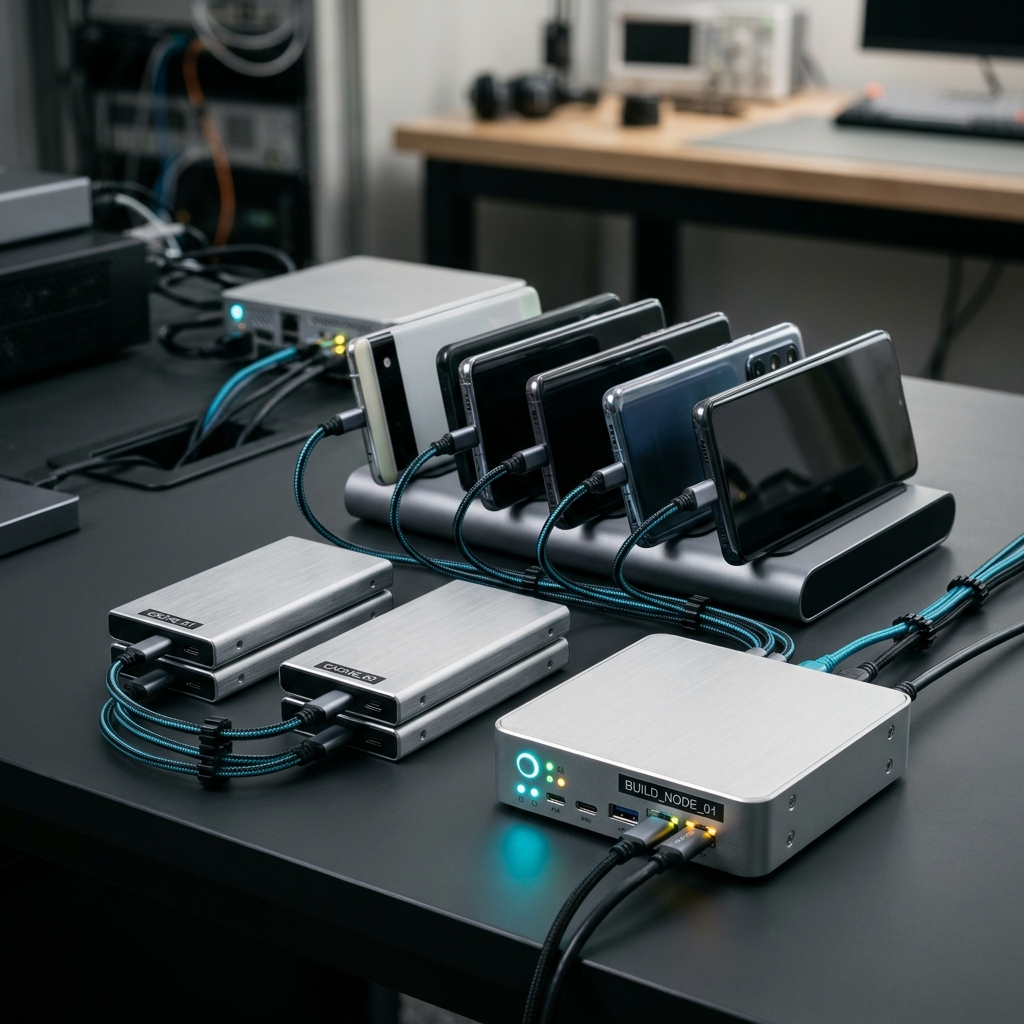
Fastlane vs Codemagic: Automating Mobile App Builds and Pipelines

Fastlane provides an open-source command-line toolkit to script and automate specific mobile build tasks locally or inside custom runners, while Codemagic offers a dedicated cloud CI/CD platform designed to build, test, and deliver mobile apps automatically. Deciding between Fastlane and Codemagic comes down to whether your team wants to maintain custom build infrastructure scripts or rely on a managed mobile CI/CD pipeline integrated with active monitoring tools like the Codemagic: Build Monitor app.
The Growing Pain of Manual Mobile Builds
Every mobile engineer remembers the dread of manual release day: sitting by a workstation, watching Xcode or Gradle crawl through compilation steps, praying certificates have not expired, and manually exporting IPA or APK files for upload. When deadlines loom, manual compilation and testing consume valuable creative engineering hours and invite painful human errors like misconfigured build flavors or missing provisioning profiles.
As mobile teams scale across Flutter, iOS, and Android platforms, having a reliable build automation workflow stops being a convenience and becomes core infrastructure. That is why choosing the right automation strategy—and having mobile visibility into those pipelines—is critical to keeping delivery cycles fast and predictable.
Takeaway: Manual mobile app packaging wastes engineering hours and introduces avoidable human configuration errors.
Understanding Fastlane: Granular Local Scripting
Fastlane has been a staple in the mobile ecosystem for years, functioning as an open-source automation engine configured via Ruby files (such as Fastfile, Appfile, and Matchfile). It breaks complex release workflows into discrete tasks known as "actions" and "lanes" that handle code signing, incrementing build numbers, running unit tests, and uploading binaries to TestFlight or Google Play.
However, Fastlane is an automation utility rather than a complete hosting platform. You still need an environment to execute those scripts—whether that means your personal laptop, dedicated on-premise Mac minis, or a generalized server CI system like GitHub Actions or Jenkins. When native build toolchains or operating systems update, maintaining those local build environments becomes an ongoing maintenance chore.
- Strengths: Highly granular configuration, massive plugin ecosystem, totally open-source, and free to use locally.
- Drawbacks: Requires local runner maintenance, Ruby environment setup, and hands-on infrastructure troubleshooting when dependencies drift.
Takeaway: Fastlane excels at automating task-level scripts on machines you already configure and maintain yourself.
Understanding Codemagic: Fully Managed Mobile CI/CD
Codemagic takes a turnkey cloud platform approach built specifically around mobile engineering workflows. Instead of purchasing dedicated build servers, dealing with macOS virtualization updates, or maintaining complex shell scripts, teams configure pipelines through declarative YAML or intuitive UI settings that build and distribute apps directly from cloud runners.
Because Codemagic is built with mobile in mind, it provides seamless native support for Flutter, iOS, and Android out of the box. Teams can configure settings and environment variables, automate testing across virtual devices, handle complex code-signing profiles, and integrate with version control systems without having to debug macOS host dependencies manually.
- Strengths: Zero infrastructure maintenance, optimized mobile build runners, native Flutter and cross-platform support, and built-in artifact management.
- Drawbacks: Requires relying on cloud infrastructure quotas and third-party hosted runners rather than local bare-metal hardware.
Takeaway: Codemagic eliminates server upkeep by providing an end-to-end, hosted mobile CI/CD pipeline ready out of the box.
Can Fastlane and Codemagic Work Together?
A common misconception is that teams must strictly pick one tool and abandon the other. In reality, Fastlane and Codemagic often complement each other inside mature DevOps workflows.
Teams frequently leverage existing Fastlane lanes inside Codemagic pipelines to execute customized steps like screenshot generation or metadata syncing, while letting Codemagic handle the heavy lifting: cloud runner provisioning, version control webhooks, artifact storage, and team permission controls. This hybrid approach gives developers the flexibility of custom Ruby scripting alongside the peace of mind that comes from managed cloud infrastructure.
Takeaway: You can run Fastlane commands inside Codemagic pipelines, combining custom task automation with scalable cloud hardware.
Staying in Control with Codemagic: Build Monitor
Automating builds in the cloud solves the infrastructure bottleneck, but it introduces a new practical question: how do you know what is happening once you push code and walk away from your desk? Waiting on a critical hotfix build while away from your computer can feel like staring into a void.
This is where mobile pipeline visibility bridges the gap. By using the Codemagic: Build Monitor app (Codemagic DevOps & CI/CD Manager), mobile engineers and engineering managers can keep their finger on the pulse of every build right from their phone. Rather than sitting tethered to a desktop browser refreshing web dashboards, the app gives you active DevOps control on the go:
- Monitor build status and pipelines: Check in real time whether your branch passed tests or failed during asset bundling.
- Receive real-time notifications: Get instant alerts the moment a build succeeds, breaks, or requires manual approval.
- Access logs and artifacts: Inspect raw build logs directly to diagnose failed steps and locate generated deployment artifacts on the fly.
- Track history and metrics: Review execution trends over time to identify slow tests or pipeline bottlenecks.
- Manage team roles and settings: Adjust project variables, trigger builds, and review permissions across your development team.
Takeaway: Pairing cloud automation with the Codemagic: Build Monitor app ensures your team stays informed without remaining chained to their workstations.
Checklist: Choosing the Right Approach for Your Team
Evaluate your mobile workflow needs using this practical checklist to decide which path aligns best with your delivery roadmap:
- Infrastructure capacity: Does your team have dedicated DevOps engineers available to maintain physical Mac hardware, or do you need zero-maintenance cloud runners?
- Cross-platform focus: Are you delivering cross-platform Flutter or multi-target native projects where standardized cloud environments speed up onboarding?
- Visibility needs: Do you need on-the-go notifications, log review, and build triggers via mobile monitoring tools when releasing off-hours?
- Scripting flexibility: Do you already possess extensive, deeply customized Fastlane lane scripts that you want to preserve inside your hosted CI runner?
- Team collaboration: Do you require structured team roles, permissions, and centralized environment variable management across repos?
Takeaway: Choose Fastlane alone if you want free, self-hosted script execution; adopt Codemagic when your team needs a managed cloud build pipeline with mobile monitoring.
Conclusion: Smarter Builds, Less Stress
Both Fastlane and Codemagic have revolutionized mobile releases by replacing stressful manual builds with reliable automation. Fastlane gives you fine-grained command-line control over local release tasks, while Codemagic delivers an end-to-end cloud platform that removes hardware headaches and scales with your team.
If you are ready to modernize your release workflow, streamline builds across iOS and Android, and monitor your delivery pipelines anywhere with real-time notifications and log access, install the Codemagic: Build Monitor app and take control of your mobile DevOps today.
Frequently Asked Questions
Fastlane is an open-source command-line tool suite designed to automate specific local tasks like code signing and store uploads on your own machines, whereas Codemagic is a hosted, cloud-based CI/CD platform providing dedicated runners, pipeline orchestration, and team management for mobile applications.
Yes, Codemagic supports executing Fastlane lanes directly inside its build pipeline steps, allowing teams to leverage existing custom scripts while benefiting from managed cloud infrastructure and centralized variable configuration.
The Codemagic: Build Monitor app allows developers and DevOps teams to track pipeline statuses, inspect build logs, access build artifacts, manage variables, and receive real-time notifications directly on their mobile devices without needing to stay at a computer.