Smartphone Maintenance Guide: Practical Hardware and Software Care for Longevity
A consistent smartphone maintenance routine balances regular software hygiene with targeted hardware care. Managing storage and charge habits preserves battery performance and system responsiveness, while acoustic tools address physical speaker blockages caused by moisture and debris. Taking practical preventive measures helps maintain performance and prolongs device lifespan.
The Core Challenges of Daily Smartphone Wear
Smartphones endure continuous environmental and operational wear. Dust, lint, and atmospheric humidity collect in speaker meshes and open ports during daily use. Internally, persistent background processes, accumulated application caches, and unmanaged charge cycles can gradually affect processing efficiency and battery longevity.
Hardware issues often develop gradually. A speaker grille muffled by fine particles or trapped moisture degrades audio clarity and places unnecessary strain on the speaker diaphragm. Regular maintenance addresses these buildup issues before audio quality noticeably declines.
Acoustic Ejection: Removing Moisture and Particulates from Speakers
Liquid exposure and fine dust present distinct challenges because inserting physical tools into a speaker opening can tear the protective acoustic mesh. Passive drying methods often leave residue behind, while external heat sources risk damaging internal adhesives and seals.
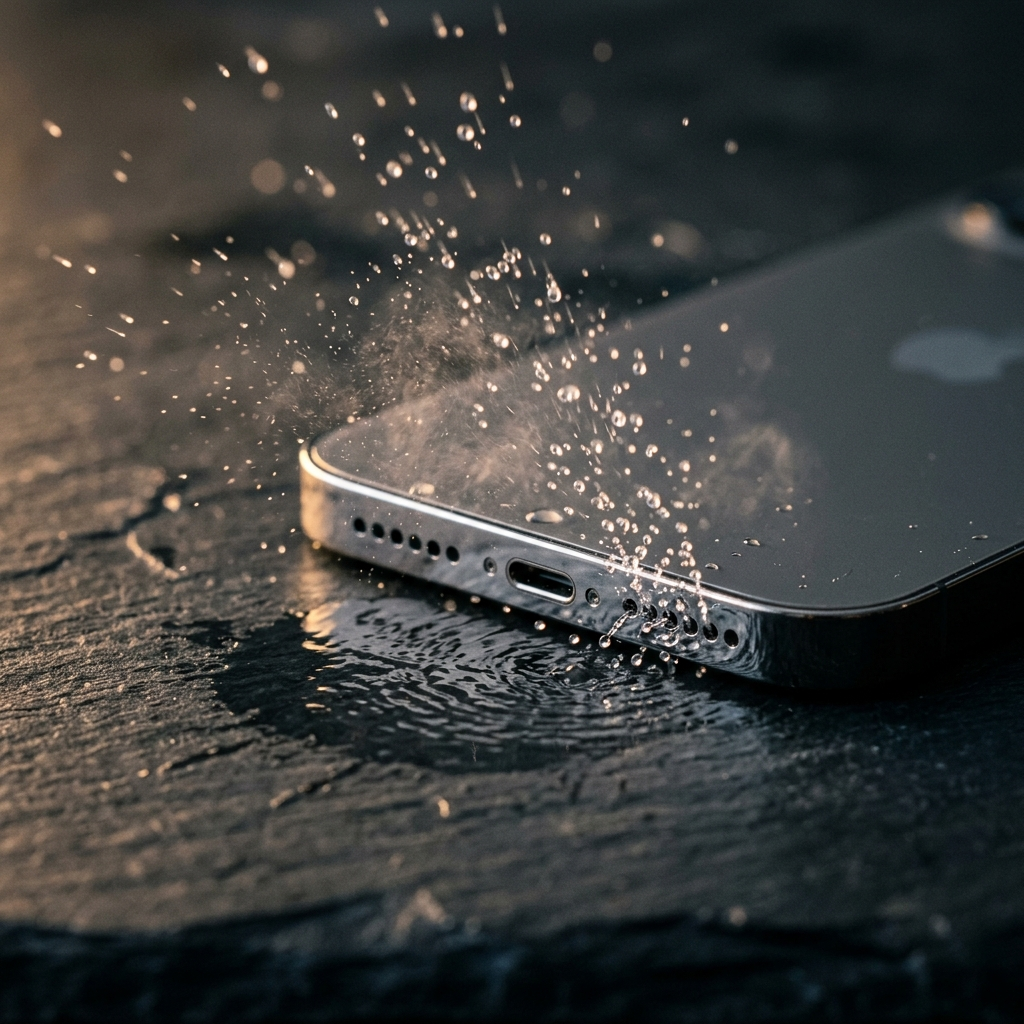
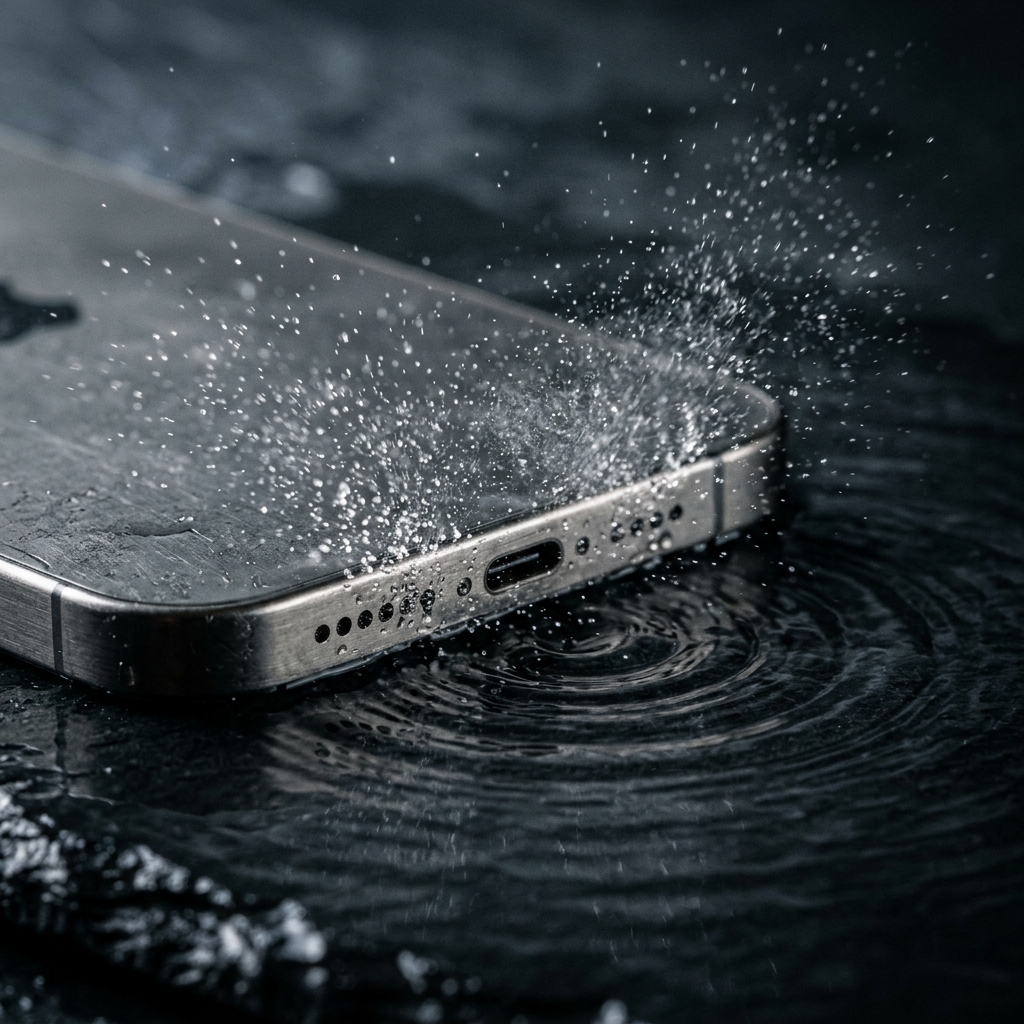
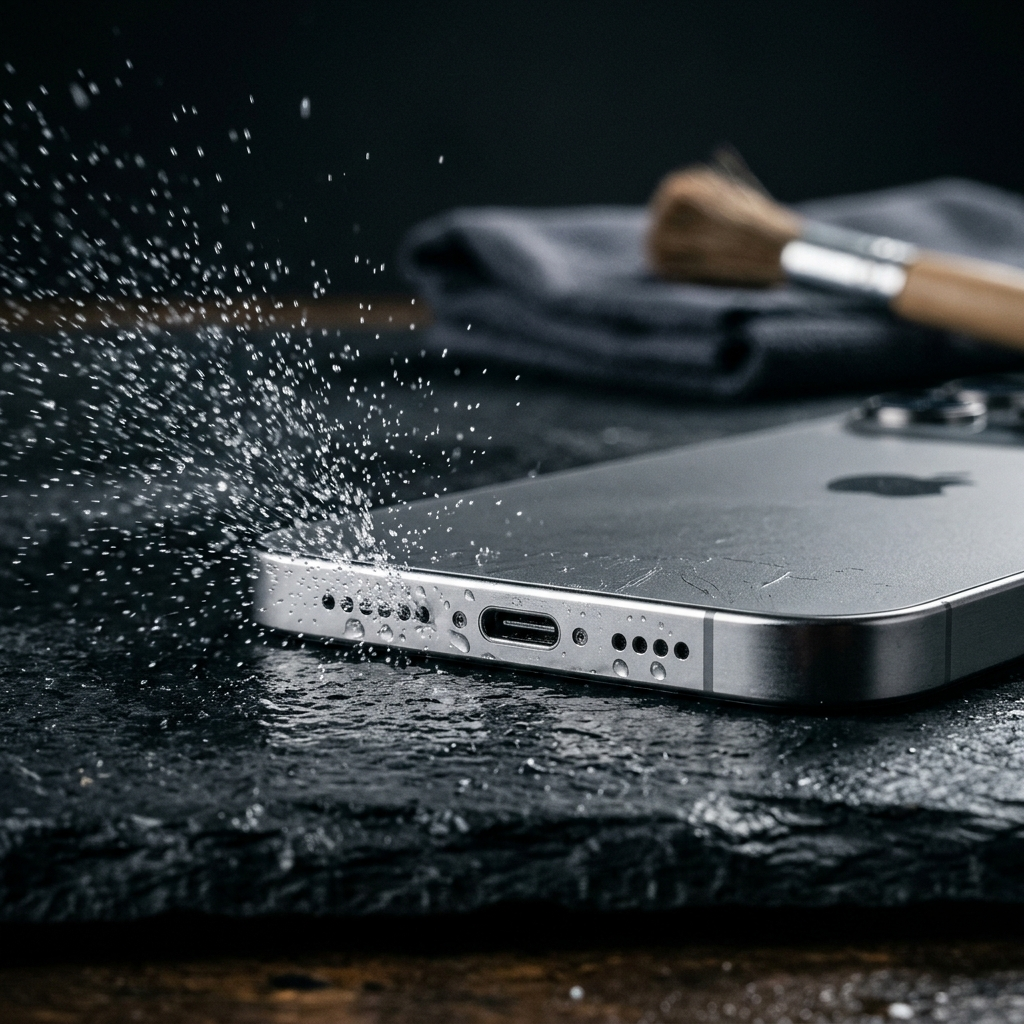
A utility like Speaker Cleaner: Water Eject offers a non-invasive mechanical alternative. By playing loud, low-frequency sound waves around 165 Hz, the application vibrates the speaker diaphragm. These targeted physical vibrations help dislodge trapped water droplets and loose dust from the speaker grille without requiring tools or device disassembly.
Safe Speaker Clearing Protocol
- Disconnect all charging cables and audio accessories immediately after liquid contact.
- Gently blot external surfaces with a clean, dry microfiber cloth.
- Hold or prop the device upright with the affected speaker grille facing downward so gravity assists expulsion.
- Run Speaker Cleaner: Water Eject to play the 165 Hz acoustic tone, allowing sound vibrations to push out moisture or debris.
- Wipe away expelled droplets from the exterior frame and allow the phone to dry completely in a well-ventilated area.
Port Hygiene and External Physical Maintenance
Charging ports and microphone recesses regularly trap compacted lint from pockets and bags. Over time, compressed lint can prevent charging connectors from seating fully and interrupt power delivery.
Cleaning ports requires non-conductive, non-abrasive tools. Use a thin wooden or plastic pick under direct light with light, deliberate contact. Avoid metal needles, safety pins, compressed air canisters, and liquid cleaners, as they can bend contact pins, damage acoustic barriers, or drive debris further inside.
- Inspect ports periodically under direct light to identify accumulated debris.
- Use light, sweeping motions with a non-conductive pick to remove loose lint clumps.
- Clean the screen and chassis with a microfiber cloth lightly dampened with water or a dedicated screen cleaner.
- Do not direct compressed air or high-pressure airflow directly into microphone holes or speaker grilles.
Storage Management and Operating System Optimization
Flash storage requires sufficient overhead to handle wear leveling and temporary system caches efficiently. When available storage becomes critically low, devices can experience noticeable input lag, app crashes, and system stuttering.
Keeping roughly 15 to 20 percent of internal storage free helps maintain stable read and write speeds. Periodically reviewing installed applications and offloading large media files keeps system operations responsive.
- Check storage settings to identify oversized media files and rarely used apps.
- Remove downloaded podcasts, offline videos, and cached maps that are no longer needed.
- Restart the phone weekly to clear temporary cache memory and reset hung background tasks.
- Install operating system updates to ensure your device has the latest performance improvements and security patches.
Battery Preservation: Managing Cycles and Thermal Load
Lithium-ion batteries naturally lose capacity over time through repeated charge cycles and chemical aging. Elevated temperatures and prolonged periods at high voltage states accelerate this wear.
You can reduce strain on the battery by avoiding extreme states of charge when practical. Keeping daily battery levels largely between 20 percent and 80 percent puts less chemical stress on the cell than frequent complete drains and continuous overnight charging at 100 percent.
- Avoid heavy tasks, such as gaming or video recording, while fast charging.
- Remove thick cases during charging if the device becomes warm to the touch.
- Avoid leaving your phone in direct sunlight, hot vehicles, or near direct heat sources.
- Turn on built-in optimized or adaptive battery charging features to limit the time the phone stays at 100 percent overnight.
Comprehensive Monthly Smartphone Maintenance Checklist
A simple monthly checkup keeps small debris and software clutter from turning into persistent performance issues.
- Acoustic Maintenance: Run Speaker Cleaner: Water Eject to vibrate out settled dust or residual moisture from speaker grilles.
- Physical Inspection: Inspect the charging port and speaker openings under light, gently removing lint with a non-conductive pick.
- Storage Audit: Clear unneeded downloads, uninstall dormant applications, and maintain at least 15 percent free storage.
- Battery and Cables: Check native battery health metrics and inspect charging cables for fraying or bent pins.
- System Restart: Reboot the phone to clear transient processes and apply pending system updates.
Consistent maintenance helps protect your device investment. Combining routine storage and battery care with targeted utilities like Speaker Cleaner: Water Eject keeps your phone responsive, clean, and reliable over long-term use.
Frequently Asked Questions
Low-frequency sound waves calibrated around 165 Hz cause the speaker diaphragm to vibrate rapidly. This physical motion helps break the surface tension of trapped liquid and dislodges droplets and loose dust through the speaker grille.
Compressed air releases high-pressure bursts that can tear delicate speaker membranes, force debris further into internal cavities, and risk spraying cold liquid propellant onto sensitive components.
Maintaining approximately 15 to 20 percent free internal storage is generally recommended. This gives the operating system sufficient headroom for temporary file caching, virtual memory, and solid-state wear leveling.
Keeping the battery charge primarily between 20 percent and 80 percent, avoiding excessive heat during charging, and using built-in adaptive charging settings help minimize chemical wear on lithium-ion cells.