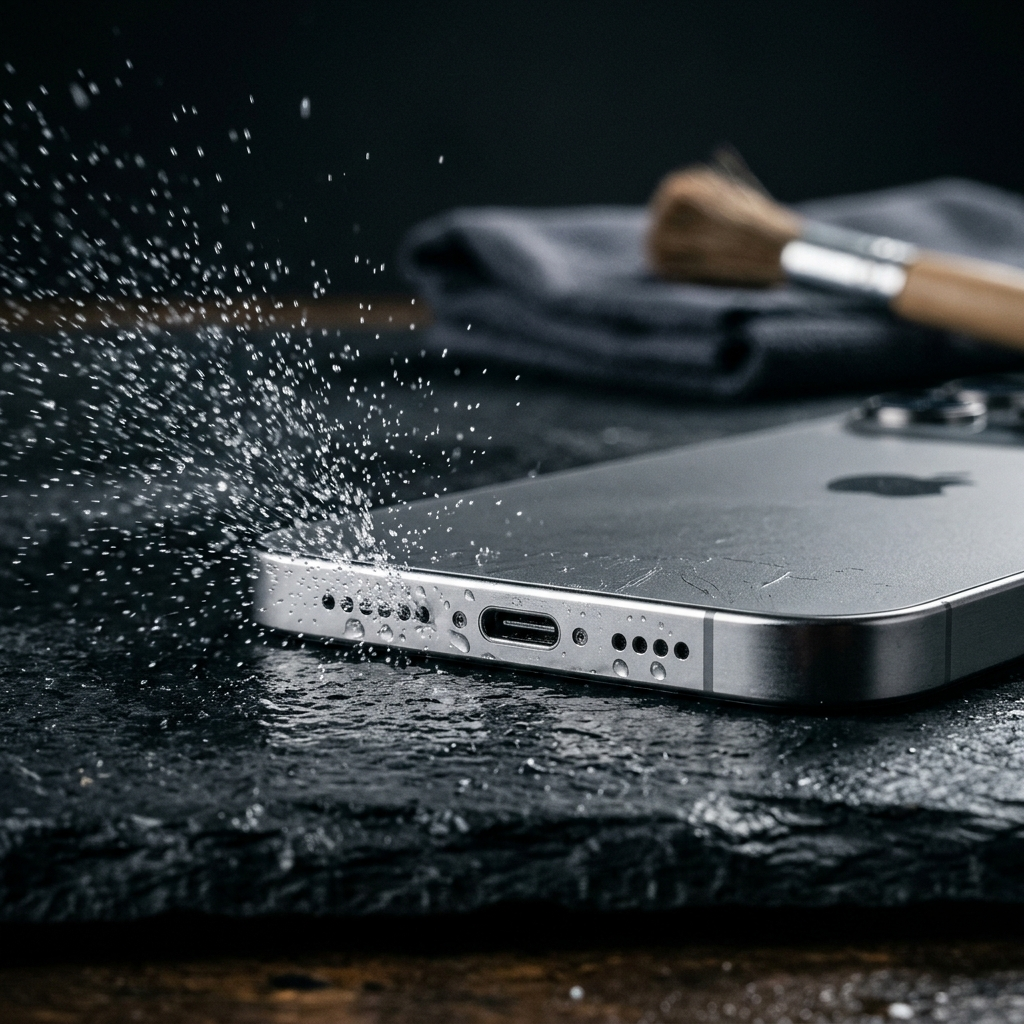
Mobile Utilities to Fix Phone Audio: Ejecting Water and Clearing Speaker Grills
When smartphone speakers sound muffled after exposure to moisture or lint, acoustic utilities offer an effective initial software remedy. Utilities such as Speaker Cleaner: Water Eject play sustained low-frequency sound waves around 165 Hz to physically vibrate trapped liquid droplets and loose particles out of the speaker enclosure. Combining targeted acoustic ejection with proper drying practices clears most non-mechanical dampening without risking physical damage to delicate speaker components.
Understanding Muffled Phone Audio: Moisture vs. Hardware Damage
Audio distortion following accidental splashes or humid exposure usually occurs when surface tension traps liquid across the micro-perforations of the speaker mesh. Even water-resistant devices rated IP68 can retain fluid against the outer acoustic barrier, restricting diaphragm movement and producing crackling, quiet, or muffled sound.
Distinguishing between debris, liquid blockage, and permanent hardware failure is critical before pursuing invasive measures. Debris and surface liquid muffle sound waves mechanically, whereas electrical damage caused by liquid entering internal circuitry typically results in complete silence or persistent buzzing.
Key diagnostic indicators include:
- Muffled or hollow sound: Fluid or lint is resting directly against the outer acoustic mesh.
- Rattling or clicking at moderate volume: Loose particles are trapped in the speaker housing and vibrating against the cone.
- Total loss of audio across all media: Possible internal circuit failure requiring authorized hardware service.
How Acoustic Ejection Utilities Clear Speaker Channels
Acoustic cleaning tools work through resonance and physical displacement rather than general amplification. Utilities like Speaker Cleaner: Water Eject emit a calibrated tone, around 165 Hz, to oscillate the speaker diaphragm and break the surface tension of liquid trapped in compact mobile enclosures.
As the transducer oscillates under this low-frequency load, air pressure inside the speaker chamber builds and discharges rhythmically. This rapid movement pushes accumulated moisture outward through the speaker mesh, where it can be wiped away or left to evaporate safely.
Unlike arbitrary ringtones or standard music files, controlled low-frequency tones maintain consistent vibration without overdriving the speaker coil. This focused vibration safely dislodges both liquid droplets and loose dust resting within the grill openings.
Safe Step-by-Step Protocol for Water and Dust Removal
Using sound wave ejection utilities effectively requires correct device orientation and careful handling. Running the app while holding the device horizontally can shift liquid deeper into internal crevices.
- Dry the exterior: Wipe down the phone chassis, glass, and exterior ports using a clean, lint-free microfiber cloth.
- Orient the device downward: Hold or prop the smartphone so the affected speaker grill faces downward, allowing gravity to assist drainage.
- Raise the media volume: Open Speaker Cleaner: Water Eject and increase the media volume to provide sufficient acoustic energy.
- Run the cleaning cycle: Play the low-frequency sound wave (around 165 Hz) for the duration of the cycle. Repeat if necessary.
- Inspect and blot: Gently dab the speaker grill with the microfiber cloth to capture expelled moisture as it surfaces.
Common Maintenance Errors That Cause Permanent Speaker Failure
Improper cleaning methods frequently turn temporary dampening into irreversible damage. Several common household remedies can ruin delicate internal water-resistant seals and acoustic membranes.
Canned compressed air produces pressure far exceeding the tolerances of mobile speaker assemblies, which can tear the protective mesh. Similarly, probing grills with toothpicks, pins, or cotton swabs punctures acoustic barriers and packs dust deeper into the voice coil.
External heat from hair dryers, ovens, or radiators degrades the adhesive gaskets that seal modern smartphones against liquid ingress. Placing phones in uncooked rice is also counterproductive, as fine starch particles mix with moisture to create a pasty residue that blocks speaker openings.
When Software Utilities Reach Their Limit
Acoustic ejection apps are designed to dislodge movable surface blockages from operational speakers. If audio clarity does not improve after running the low-frequency cycles and allowing the device to dry thoroughly, the problem extends beyond surface liquid or light dust.
Corrosive fluids, such as salt water, pool water, or sugary drinks, cannot be remedied by vibration alone. These liquids leave behind mineral deposits and residues that corrode delicate speaker components over time.
Seek professional service if you observe any of the following:
- Audio remains silent or severely distorted after the device has dried completely.
- The chassis becomes unusually warm near the speaker module during audio playback.
- Distortion persists across external Bluetooth devices or wired headphones, indicating an operating system or audio controller issue.
Maintaining Clear Mobile Audio
Preserving speaker clarity requires prompt action whenever moisture or dust impairs sound quality. Dedicated tools like Speaker Cleaner: Water Eject allow users to safely shake loose trapped moisture from micro-mesh grills before corrosion or permanent distortion occurs. Paired with careful handling and external drying, acoustic ejection serves as a safe and reliable first step for restoring clear phone audio.
Frequently Asked Questions
Acoustic ejection apps play low-frequency sound waves, typically around 165 Hz, that cause the speaker diaphragm to vibrate rapidly. This vibration generates air pressure inside the speaker chamber, breaking the water's surface tension and pushing droplets out through the mesh.
Smartphone speakers are designed to handle output within standard media volume limits. Running calibrated low-frequency tones for brief cleaning cycles operates within safe device parameters and does not harm the speaker hardware.
If audio remains muffled, place the phone in a dry, well-ventilated area with the speakers facing downward to let residual moisture evaporate. If the distortion persists after the device has completely dried, inspect the grill for stubborn debris or contact an authorized service center.