Lifesum vs Cal AI: Which Photo Calorie Tracker Is Better?
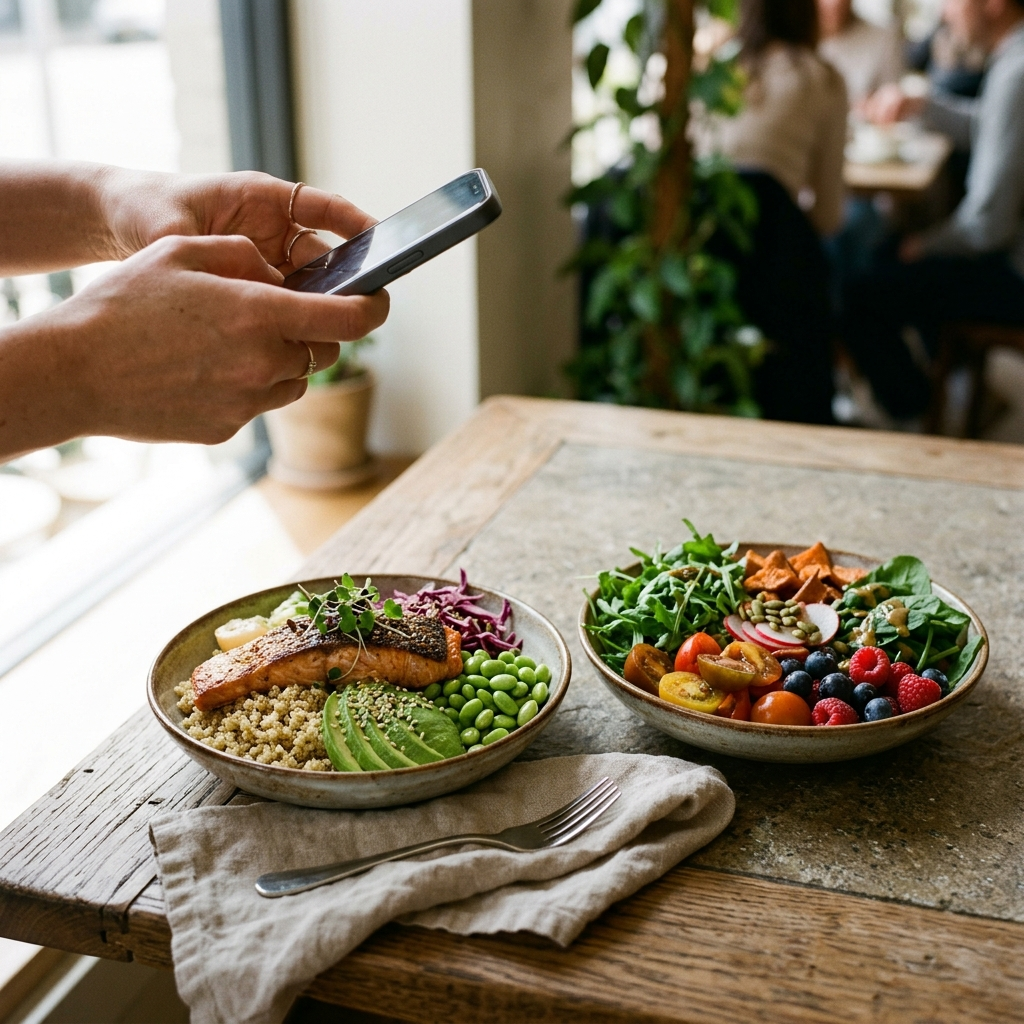
When comparing Lifesum and Cal AI for photo-based calorie tracking, Cal AI emphasizes quick visual estimates from single photos, whereas Lifesum centers on a verified food database supplemented by camera input. Neither platform removes the need to manually adjust portions on complex, multi-ingredient meals. Choosing between them depends on whether you prioritize camera-first logging or structured meal planning.
The Core Trade-Off: AI Speed Versus Database Depth
Nutritional tracking apps increasingly incorporate computer vision alongside traditional barcode scanning and text search, but implementation differs across tools. Cal AI focuses on automated estimation from meal images to minimize logging steps. In contrast, Lifesum was developed as a comprehensive database, recipe catalog, and macro tracking system, later adding photo logging to supplement its core workflow.
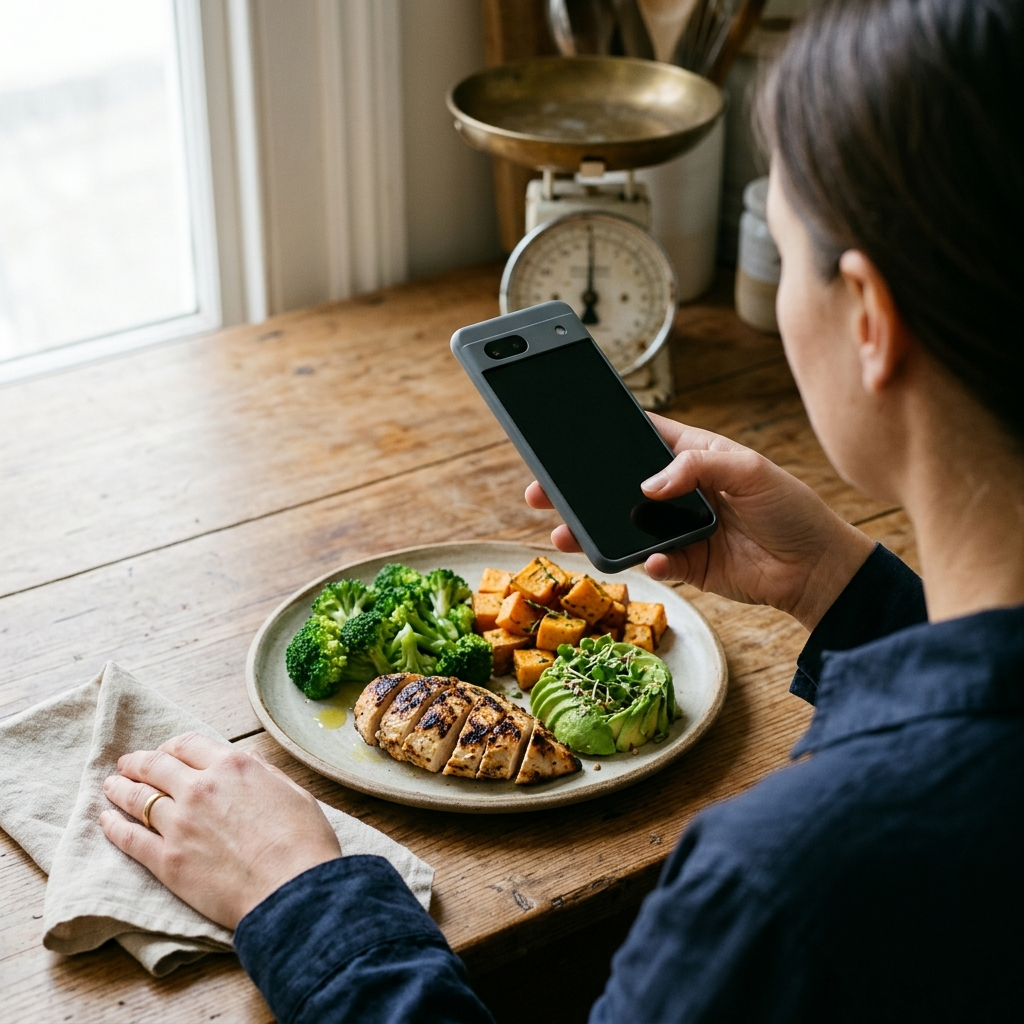
For straightforward meals, such as grilled chicken breast with steamed broccoli, photo recognition typically identifies foods and portions with reasonable accuracy. For mixed dishes, sauces, and casseroles, surface imagery provides limited information. Applications featuring confidence scoring and manual editing—such as Foodly: Calorie & Macro Log—help users spot uncertain estimates and correct portion sizes before finalizing daily entries.
- Cal AI: Camera-first workflow designed for rapid, single-dish visual logging.
- Lifesum: Database-driven platform with structured diet templates, recipes, and detailed nutritional targets.
- Takeaway: Choose Cal AI for simple, visually distinct meals logged quickly; choose Lifesum if your routine centers on curated recipes and structured meal plans.
Portion Estimation Accuracy and Visual Occlusion
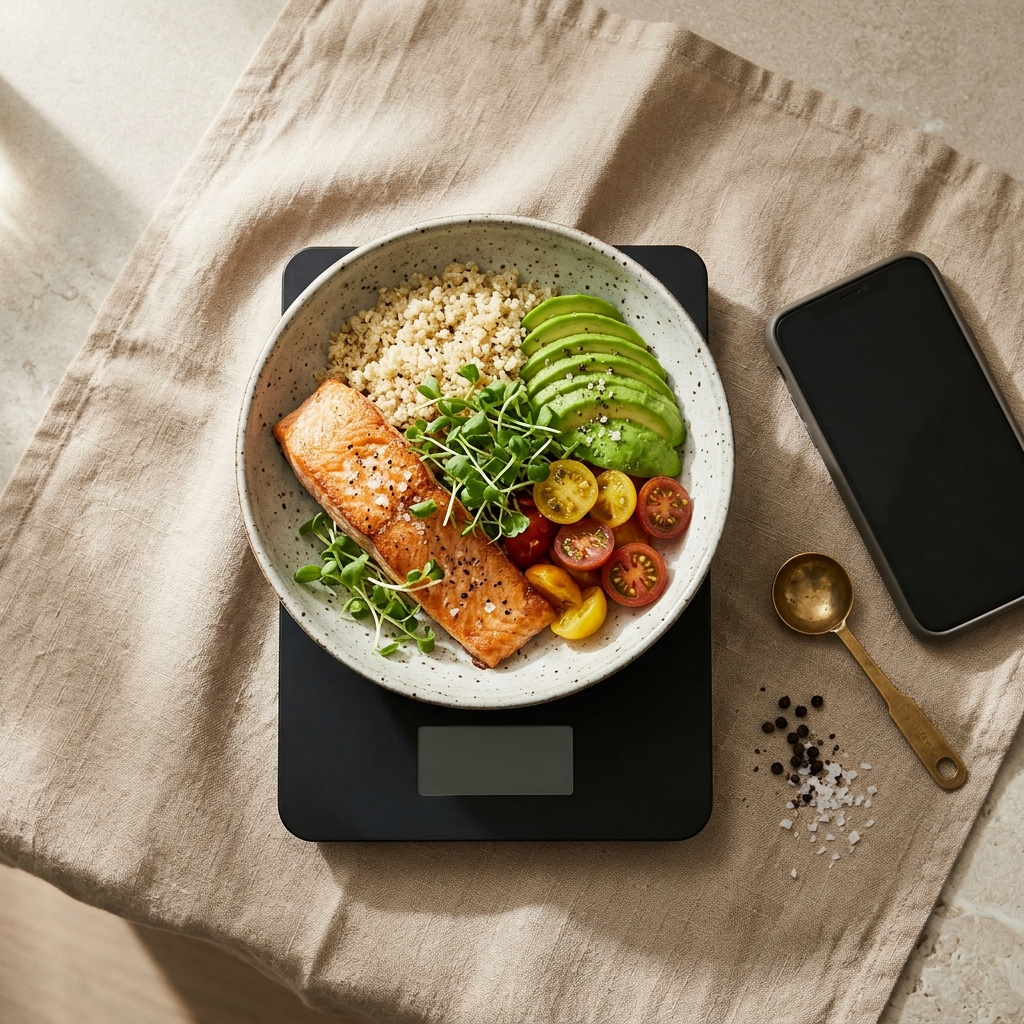
Visual occlusion remains a fundamental challenge in photo nutrition tracking. A photograph cannot determine ingredient density, hidden fats, cooking oils, or added sugars beneath the surface, which introduces portion discrepancies on prepared or restaurant meals.
Cal AI processes images quickly, leaving the user to evaluate whether estimated volumes align with their plate. Lifesum supports cross-referencing against verified regional database entries in grams or ounces. Dedicated AI trackers like Foodly address visibility limitations by pairing macro estimates with smart confidence scores, clarifying when a dish requires manual adjustment.
- Include reference objects: Keep utensils, glasses, or hands partially in frame to provide scale context for the visual model.
- Log cooking fats separately: If an app estimates sauteed or fried dishes using raw baseline values, add an entry for cooking oils or dressings.
- Review macronutrient distributions: Confirm that the estimated protein, carbohydrate, and fat totals correspond to known meal components.
Takeaway: Treat photo estimates as starting points rather than exact measurements. Use platforms that display confidence metrics and allow quick manual adjustments.
Workflow Efficiency and User Experience
Consistent logging requires an interface that fits daily habits. An overly complex entry process often leads to discontinued tracking, whereas excessive automation can introduce unverified data. Cal AI limits friction through a camera-first screen: photograph the plate, inspect detected items, and save the log in few taps.
Lifesum uses a broader wellness dashboard. Logging involves selecting a meal category (breakfast, lunch, dinner, or snack), choosing between text search, barcode scanning, or photo capture, and confirming intake against daily targets. This flow requires more steps per meal but integrates water intake and lifestyle metrics into a single interface.
For users who want automated photo recognition alongside clear daily progress metrics, apps such as Foodly combine image logging with real-time calorie budgets and weekly trend charts without complex navigation.
- Workflow differences: Camera-first designs reduce initial entry time but require careful verification.
- Dashboard scope: Lifesum provides broader habit tracking, whereas Cal AI prioritizes quick individual meal capture.
- Takeaway: Choose the workflow that matches your preferred balance of speed and detailed logging.
Macronutrient Breakdown and Analytics
Tracking macronutrients—protein, carbohydrates, and fats—provides clearer context for fitness and body composition goals than tracking calories alone. Cal AI provides macronutrient breakdowns for logged meals, though its analytics focus primarily on remaining daily caloric allowances.
Lifesum provides targeted macro distributions suited to specific dietary approaches, such as high-protein or ketogenic plans, alongside weekly reporting to monitor nutritional patterns over time.
Comprehensive tracking tools, including Foodly, display visual breakdowns of daily protein, fat, and carbohydrate ratios alongside weekly trend analysis, helping users review overall nutritional balance rather than evaluating intake solely day by day.
- Takeaway: Cal AI is suitable for basic calorie awareness, while users managing specific macronutrient targets benefit from platforms offering visual macro breakdowns and historical trend charts.
Practical Checklist: Evaluating a Photo Calorie Tracker
When selecting an image-based nutrition tracking app, consider the following practical criteria:
- Manual adjustments: Does the app allow you to edit portions, weights, and ingredients after photo analysis?
- Confidence scoring: Does the system indicate how confident it is in its nutritional estimates?
- Nutrient detail: Does the app display clear gram totals for protein, fats, and carbohydrates alongside calories?
- Trend reporting: Does the platform offer daily progress tracking and weekly trend analysis?
- Manual logging options: Can you log foods manually when taking a photo is impractical?
Takeaway: Effective nutrition tracking balances automated visual estimation with transparent confidence metrics and flexible manual controls.
Final Verdict: Which Platform Fits Your Routine?
Cal AI works best for individuals seeking rapid visual estimation for whole, separated foods within a minimal interface. Lifesum is better suited for users seeking a structured dietary dashboard with recipe databases, meal plans, and detailed nutrition tracking.
For users looking for quick photo-based food recognition supported by confidence scoring, macro breakdowns, and weekly trend analysis, Foodly: Calorie & Macro Log offers a practical alternative. Choose the tool that minimizes daily friction while providing the level of control and detail your nutrition plan requires.