Best Receipt Scanner Apps for Personal Expenses in 2026: Evaluation Criteria and Practical Workflows

The best receipt scanner apps for personal expenses prioritize reliable capture of paper receipts, quick verification of extracted dates and totals, and straightforward tools for monthly reviews. Effective expense tracking depends on maintaining clean records through searchable history, categories, and spending summaries rather than relying uncritically on automated extraction.
The Core Challenge of Personal Expense Tracking
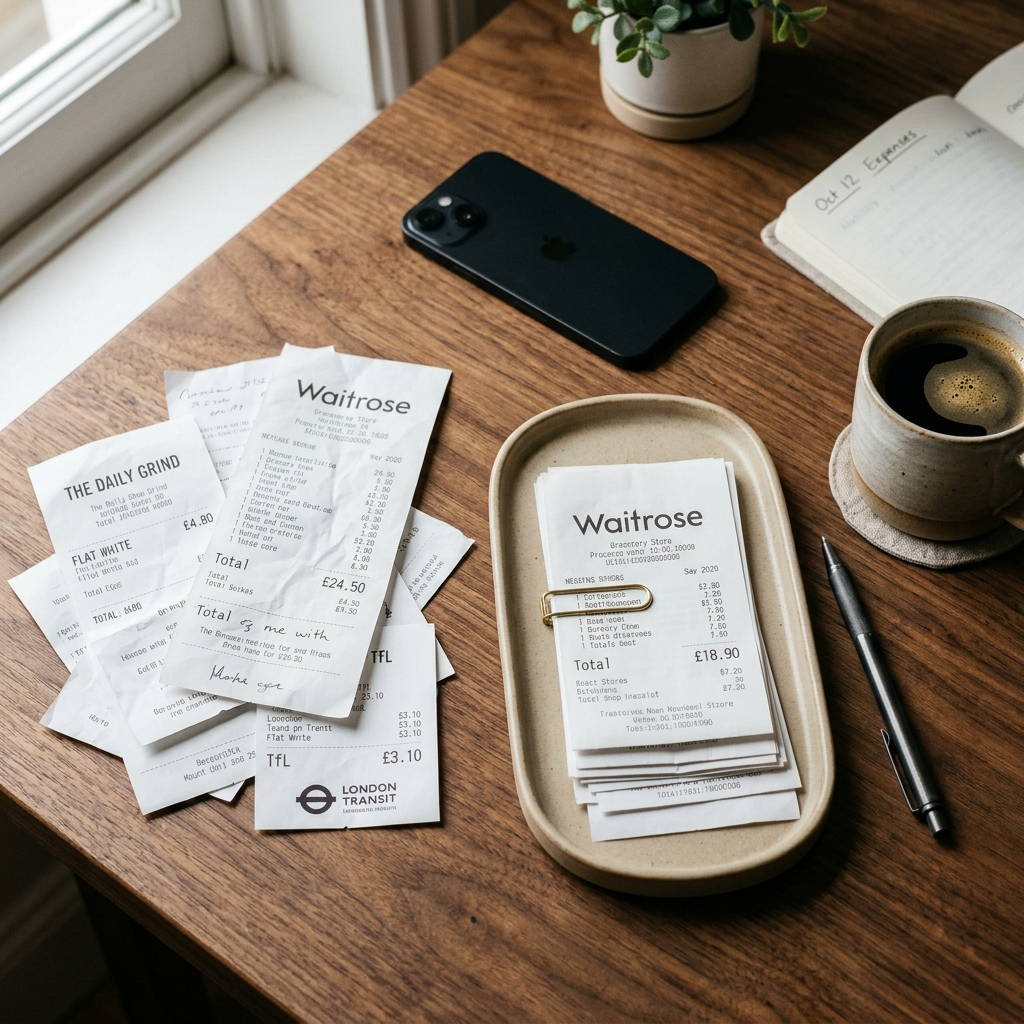
Managing personal finances requires accurate documentation, yet paper receipts fade, create physical clutter, and easily get lost. When logging expenses manually at the end of the month, missing receipts lead to rough estimates and unbalanced budgets. Relying solely on card statements also leaves gaps, as bank line items often obscure specific merchant details and lack itemized purchase context.
Digital receipt scanning addresses this issue by capturing an immediate record at the point of sale. However, mobile scanning can create its own problem: disorganized digital photo libraries. Without consistent categorization and verification routines, an unsorted gallery of receipt photos is as difficult to audit as a physical folder. The primary goal is establishing an organized system that converts image captures into a dependable expense history.
Essential Criteria for Evaluating Receipt Scanner Apps
Selecting a receipt scanner for everyday spending requires assessing how the software handles image capture, automated text extraction, and record organization. Effective personal tools focus on practical workflows rather than complex corporate expense reporting.
Capture Quality and Image Clarity
A dependable scanner must capture legible digital copies across varying lighting conditions. Creased thermal paper, shadows, and low-contrast printing frequently degrade image quality. Applications should provide a clear viewfinder that helps users frame documents cleanly before saving.
Extraction Accuracy and Verification Controls
Optical character recognition and machine learning tools extract merchant names, purchase dates, and monetary totals. Because automated parsers can misinterpret stylized fonts, damaged text, or multi-column layouts, immediate verification controls are essential. The application should display extracted fields alongside the captured receipt image so users can correct values before saving the entry.
Organization and Search Capabilities
A static image folder offers limited everyday utility. Practical receipt management relies on assigning categories and maintaining a searchable history. Locating a transaction by merchant name, date range, or category ensures quick retrieval for returns, warranty claims, or monthly reconciliations.
Key takeaway: Evaluate apps based on capture clarity, straightforward extraction correction, and structured search tools.
Navigating Automated Extraction and Accuracy Limitations
Automated parsers speed up receipt logging by detecting key metadata. However, automated extraction remains subject to errors. Sales tax lines, itemized discounts, handwritten totals, and decorative merchant logos can all introduce discrepancies.
Treating automated extraction as an editable draft rather than a finished record is essential for accurate personal bookkeeping. Taking a few seconds to compare the extracted merchant, date, and final amount against the physical receipt prevents compounding balance errors.
- Merchant names: Confirm whether the tool recorded the consumer-facing store brand, a parent entity, or an internal payment terminal identifier.
- Transaction dates: Ensure receipt timestamps or order numbers are not mistaken for calendar dates.
- Total amounts: Confirm that the software recorded the final balance rather than a subtotal, tax line, or card authorization code.
Key takeaway: Always check extracted values against the original paper receipt before saving an entry.
Structuring Categories and Expense Analysis
Organizing receipts into clear categories turns isolated purchases into a clear view of spending habits. Personal budgets work best with broad, distinct categories such as groceries, home maintenance, transportation, healthcare, and discretionary spending. Overly granular categories often make consistent tracking harder to sustain.
Mobile tools such as Receiptly: Receipt Scanner support this process by pairing categorized entries with visual analysis tools. In Receiptly, users capture paper receipts, review extracted merchant names, dates, and totals, and catalog records into distinct categories. Reviewing spending charts and monthly summaries helps users assess purchasing trends and spot unusual spending without maintaining manual spreadsheets.
A searchable receipt archive also simplifies routine record management. When an item requires a return or a product needs warranty service, finding the original transaction takes only a quick search by merchant or date.
Key takeaway: Consistent high-level categorization paired with visual summaries provides clear visibility into personal spending patterns.
Step-by-Step Daily Workflow for Personal Expense Management
Consistent habits determine whether an expense tracking system succeeds. A structured routine prevents receipts from piling up into an overwhelming backlog.
- Capture promptly: Photograph receipts immediately after purchase or at the end of each day while transactions remain clear in memory.
- Review the extraction: Inspect the extracted merchant name, date, and total directly against the paper receipt, correcting any errors before saving.
- Assign a category: Tag the transaction with an appropriate spending category.
- Audit monthly summaries: Use spending charts and monthly summaries to compare category totals against your budget.
- Maintain the digital archive: Keep saved entries in your searchable history for warranty, return, or tax reference.
Key takeaway: A brief daily capture-and-review habit maintains accurate records and prevents end-of-month backlogs.
Understanding In-App Tiers and Purchasing Options
When choosing a personal receipt scanner, review the pricing model. Many apps provide basic document capture at no initial cost, while certain capabilities require an in-app purchase.
Review the available features and purchase terms directly in the app settings before buying. Evaluate your typical receipt volume and confirm that the included features meet your day-to-day requirements.
Key takeaway: Review in-app purchase terms and feature lists in the app to determine if an upgrade matches your workflow.
Conclusion
Selecting the right receipt scanner for personal expenses comes down to capture reliability and record accuracy. Applications like Receiptly: Receipt Scanner provide a balanced system by combining paper receipt capture, extraction review, categories, searchable history, and monthly spending charts. By verifying automated extractions and maintaining consistent categories, you can build an accurate, organized record of your personal expenses in 2026.
Frequently Asked Questions
Automated data extraction is generally effective on clear receipts, but it can misread faded paper, unusual fonts, or complex layouts. Users should always review and correct extracted merchant names, dates, and totals against the original receipt before saving.
Essential features include legible image capture, verification fields for extracted data, spending categories, a searchable receipt history, and monthly spending summaries.
Bank statements often show abbreviated merchant names and lack itemized details. Scanning paper receipts preserves an exact record of items purchased, taxes paid, and return terms, which is useful for warranties and budget tracking.
Many receipt scanner apps offer core capture features, while specific tools or expanded capabilities may require an in-app purchase. Review the available features and terms inside the app before buying.