SmartGuide vs. Aitour: Which Is Better for City Exploration?
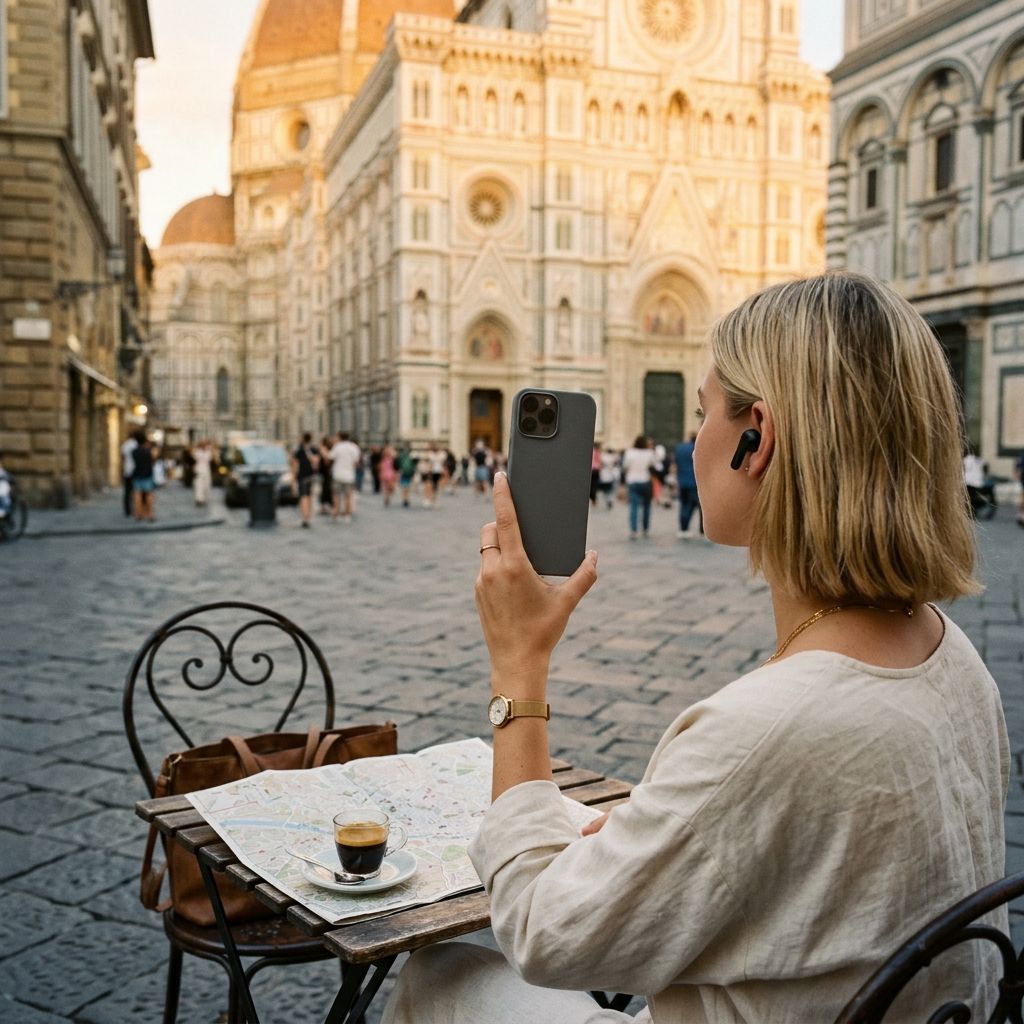
For self-guided city exploration, Aitour suits spontaneous discovery and on-demand visual identification, while SmartGuide centers on pre-recorded audio routes created with tourism boards. If your priority is identifying unfamiliar sights by scanning photos, asking questions about specific landmarks, and organizing custom itineraries on an interactive map, Aitour provides the more adaptable option.
The Core Dilemma in Modern Urban Exploration
Urban travel often balances structure against spontaneity. While pre-recorded walking tours provide reliable historical summaries, they typically adhere to fixed paths that discourage detours.
When you encounter an unmarked monument or an unfamiliar building outside a planned route, traditional audio guides rarely offer context. Choosing between digital travel assistants comes down to how you prefer to navigate a city: along a structured route or by exploring freely.
On-Demand Visual Recognition vs. Curated Route Catalogs
The central difference between these platforms is how they deliver information. SmartGuide relies on geolocated routes, playing audio commentary as you reach designated GPS coordinates. This setup works well on popular historical paths, provided you stay close to mapped waypoints.
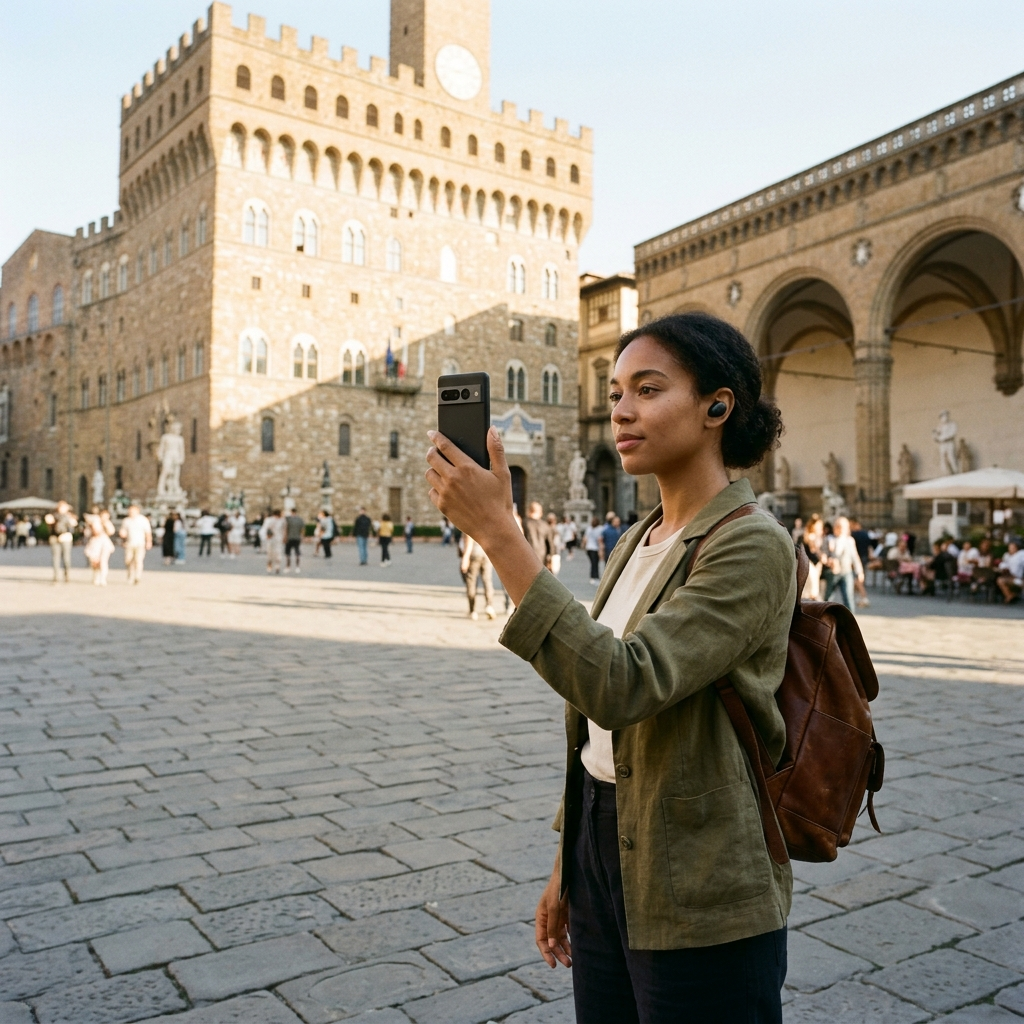
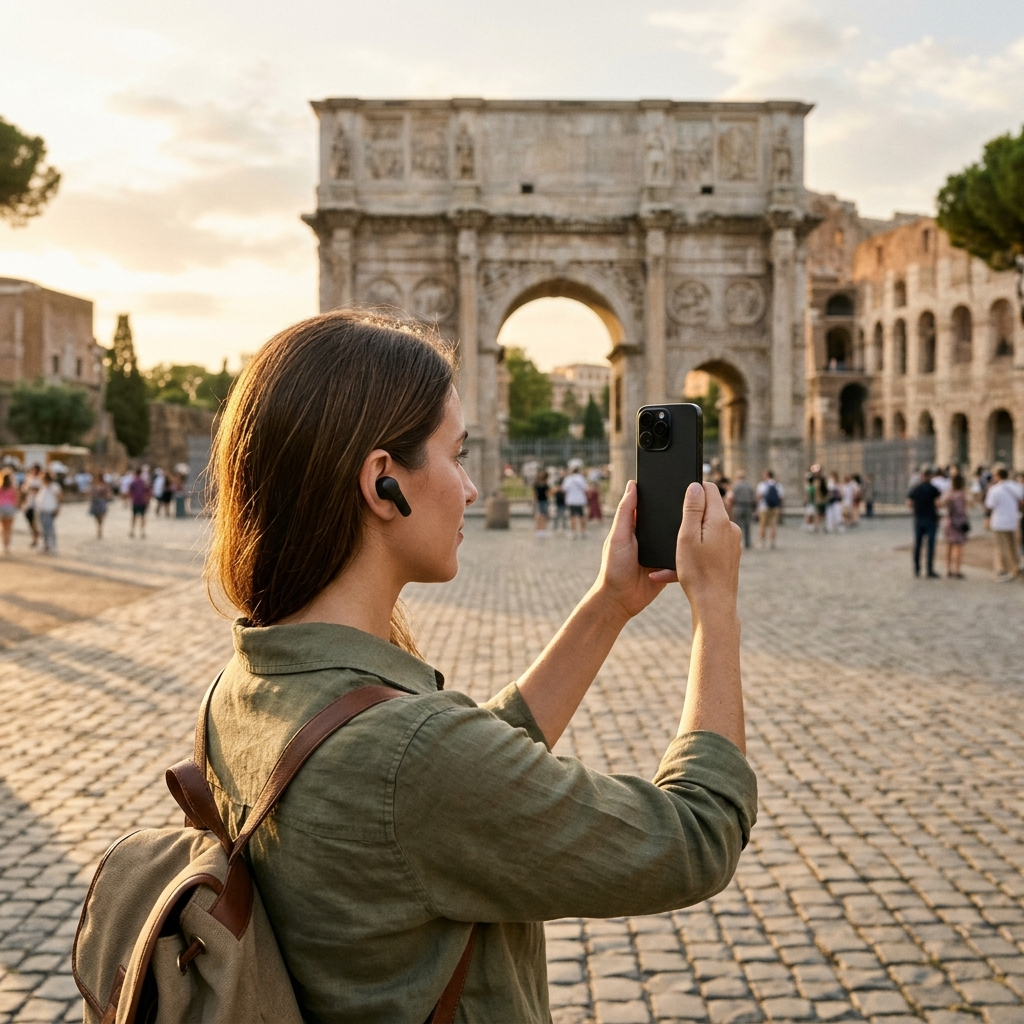
Aitour uses an AI landmark scanner designed for unstructured visual lookups. You can photograph a building, statue, or landmark to identify it within the app's catalog. Aitour can also scan video thumbnails from your device gallery to identify locations recorded earlier in your trip.
Key Differences in Discovery:
- SmartGuide triggers audio commentary along predetermined corridors based on location.
- Aitour combines map browsing with image recognition to identify landmarks during unscheduled stops.
- Visual scanning removes the need to decipher physical plaques or search for foreign place names manually.
Information Depth and the "Ask AI" Layer
Standard travel apps present points of interest (POIs) as static reference cards with text, audio clips, and basic logistical details. SmartGuide delivers curated audio tracks from municipal tourism partners and local guides, but the content is fixed.
Aitour adds interactive elements to each POI page. In addition to text descriptions and text-to-speech narration, an "Ask AI" feature lets you ask specific questions about a landmark—such as architectural details or historical context—without leaving the app to search elsewhere.
Key Differences in Content:
- Pre-recorded scripts provide consistent listening along standard routes.
- Interactive queries let travelers request specific details about sights as questions arise.
- Distance indicators and category filters help keep information relevant to your immediate location.
Route Building, Map Usability, and Dark Mode Support
Clear mapping is essential when walking through unfamiliar neighborhoods. Both applications offer map-based navigation, but they handle route organization differently.
Aitour uses an interactive Google Maps interface with POI markers, location refresh, and dark mode for evening use. Travelers can save landmarks to a personal favorites list, create named trips, and reorganize stops with drag-and-drop controls, making it easy to adjust plans on the go.
Itinerary Management Features:
- Spontaneous Additions: Search by name, description, or category, then add places to an active trip with a tap.
- Sequence Adjustments: Reorder destinations using drag-and-drop to reduce unnecessary walking.
- Interface Options: Turn on dark mode for low-light conditions.
- Place Sharing: Share specific points of interest directly from the detail view.
Offline Readiness and Hands-Free Walking
Poor mobile reception or roaming limits can disrupt navigation in dense urban areas. SmartGuide addresses this with downloadable destination packages that store maps and audio files locally, requiring travelers to plan ahead and manage device storage.
Aitour also supports offline use, allowing travelers to explore without an active cellular connection. Additionally, Aitour offers a live tour guide feature with voice-guided walking tours, narrating place descriptions as you walk so you can focus on your surroundings. A free trial is available to test these features.
Field Usability Considerations:
- Offline access ensures navigation continues without mobile roaming or local data.
- Hands-free audio narration reduces the need to look at your screen while walking in busy areas.
- A free trial allows you to test audio quality and GPS accuracy before committing to a route.
Which Platform Fits Your Travel Style?
Your choice depends on whether you prefer following an established itinerary or navigating independently. SmartGuide is well suited for destinations with established, officially curated walking tours that follow a set path.
Aitour fits flexible, self-directed exploration. With image recognition, conversational AI inquiries, drag-and-drop itinerary editing, and voice-guided tours, it provides immediate context for whatever landmark you encounter.
Frequently Asked Questions
Aitour identifies landmarks by matching camera photos or video thumbnails from your device gallery against its point-of-interest catalog, opening the corresponding place details directly.
Both apps include offline capabilities, allowing travelers to navigate and access information without relying on continuous cellular data or roaming.
Along with text descriptions and text-to-speech audio, Aitour includes an Ask AI feature that lets users ask specific questions about a landmark and receive direct answers within the app.