Best VoiceMap Alternative for On-Demand Audio Tours: Aitour Review and Comparison
For travelers seeking an alternative to VoiceMap for on-demand audio tours, Aitour: AI Travel Guide offers a flexible approach. While VoiceMap provides fixed, pre-recorded audio routes purchased individually, Aitour pairs voice-guided walking tours with visual landmark recognition, an interactive point-of-interest catalog, and custom trip planning.
The Constraints of Traditional Audio Walking Tour Apps
Audio walking apps offer an alternative to large group excursions. Platforms such as VoiceMap rely on GPS-triggered, scripted audio narrations produced by local guides and writers. While scripted storytelling provides structured historical overviews, it presents limitations for flexible itineraries.
First, traditional platforms require following designated routes. If you take a detour or stop at an unlisted site, the audio script stops or falls out of sequence. Second, purchasing tours individually can add up across multi-city trips. Finally, pre-recorded audio files cannot address follow-up questions about specific landmarks or summarize content on request. Independent travelers often need on-demand audio narration that accommodates unplanned stops.
How Aitour Solves On-Demand Exploration
Aitour: AI Travel Guide offers self-guided touring designed for adaptable schedules. Rather than limiting playback to pre-set paths, Aitour provides audio descriptions across its catalog of locations.
1. Live Tour Guide and Narration
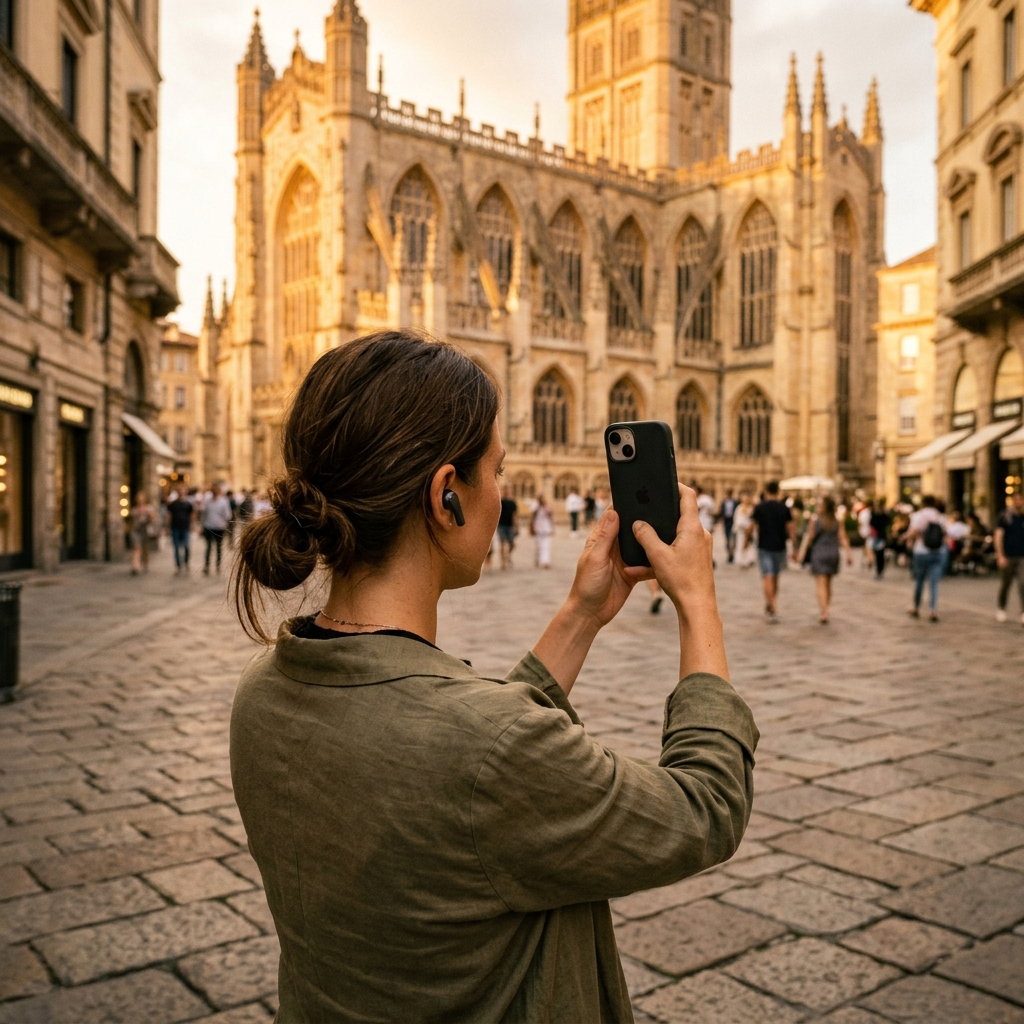
Aitour features a Live Tour Guide powered by AI to provide narrated walking tours hands-free. Users can listen to audio descriptions of their surroundings without needing to monitor the screen constantly.
For individual points of interest, Aitour includes integrated text-to-speech audio on every place page. Selecting the listen option plays descriptions aloud, turning listed locations into self-paced audio stops.
2. Instant Visual Identification with AI Landmark Scanner
Traditional audio guides do not provide details for sites outside their packaged routes. Aitour includes an AI Landmark Scanner to identify places directly:
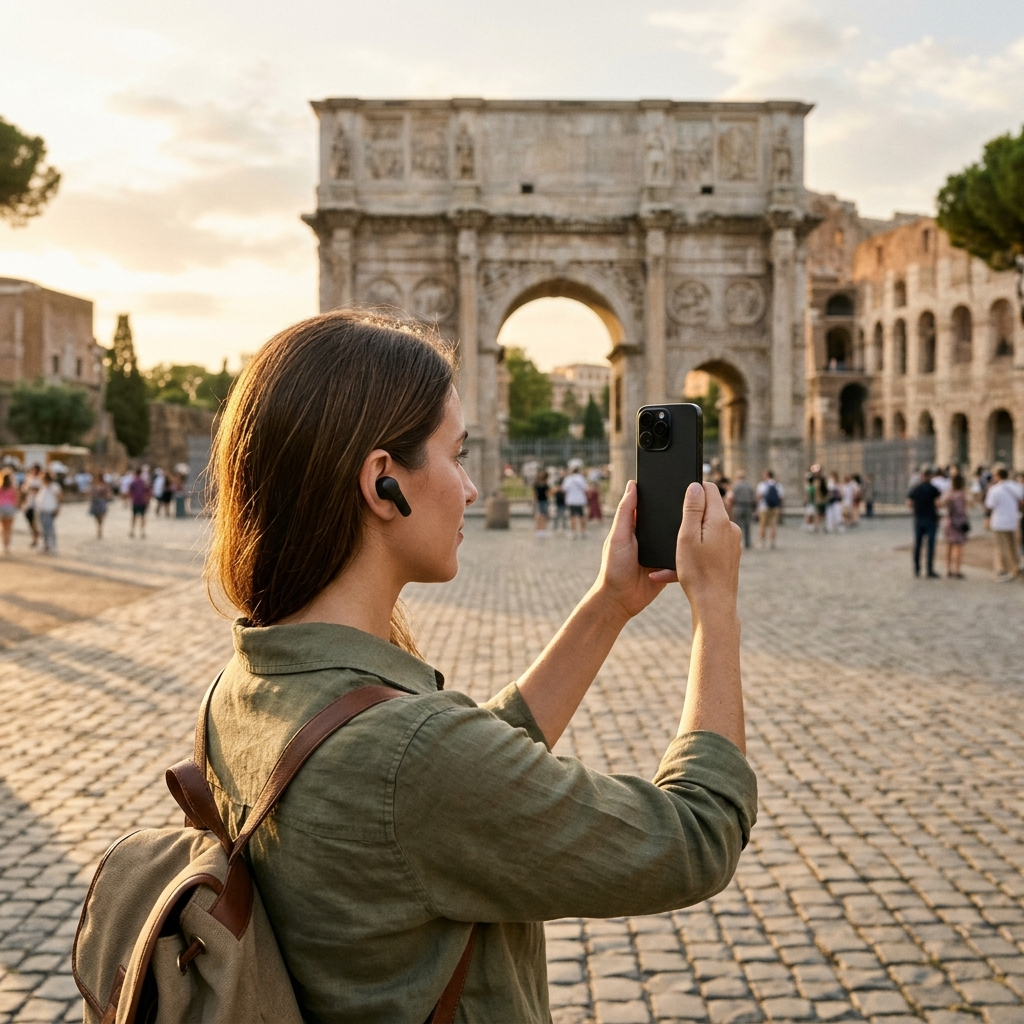
- Photo identification: Take a photo of a landmark to identify it and access its catalog entry.
- Gallery video scanning: Select a saved video from your gallery to match landmarks using thumbnail recognition.
- Direct access to stories: Visual matches open the corresponding point-of-interest page for immediate audio playback and written descriptions.
3. Interactive Inquiry via Ask AI
Scripted audio guides cannot adapt if a recording omits specific details, such as construction history or architectural style. Aitour includes an "Ask AI" feature on each point-of-interest page, allowing travelers to submit questions directly within the app and receive contextual answers.
4. Custom Route Building and Map Navigation
VoiceMap requires following set routes. In contrast, Aitour provides an interactive Google Maps interface displaying nearby points of interest with markers, distance calculations, and dark mode support.
You can organize itineraries by saving locations to favorites, creating named trips, and reordering stops with drag-and-drop controls. This allows you to listen to descriptions for chosen destinations in any order.
Direct Comparison: Aitour vs. VoiceMap
When selecting an audio tour app, practical usability depends on how well the platform fits your travel style. Here is how Aitour and VoiceMap compare across core functions:
- Route Flexibility: VoiceMap requires following a fixed route to align with GPS narration triggers. Aitour supports narrated walking tours as well as self-directed visits across its point-of-interest catalog.
- Landmark Discovery: VoiceMap covers pre-selected route stops. Aitour includes a photo and video scanner that matches landmarks to catalog entries.
- Interactivity: VoiceMap plays fixed audio files. Aitour combines text-to-speech place summaries with an "Ask AI" feature for specific questions.
- Trip Organization: VoiceMap organizes content by individual purchased tours. Aitour supports custom named trips with drag-and-drop reordering, favorites lists, and search filters.
- Connectivity: Both platforms support offline access for traveling without active mobile data.
Step-by-Step: Setting Up an On-Demand Audio Walk with Aitour
To prepare an audio walking tour in Aitour:
- Browse the Catalog or Map: Use the interactive map or search filters to find points of interest near your location or planned destination.
- Build a Custom Trip: Create a named trip under Favorites, add chosen stops, and adjust their order using drag-and-drop.
- Start Live Tour Guide: Launch Live Tour Guide for narrated walking guidance, or tap "Listen" on individual place pages at each stop.
- Scan Unplanned Landmarks: Use the AI Landmark Scanner to photograph unfamiliar monuments and open their details.
- Ask Follow-Up Questions: Use the "Ask AI" prompt on any landmark page to find specific details not covered in the overview.
Conclusion: Choosing the Right Audio Companion
Pre-recorded audio tours established digital walking guides, but flexible itineraries require adaptable tools. Aitour provides hands-free narration, interactive place inquiries, and landmark scanning in a single application. New users can test the features using the included free trial.