AI Travel Guide: Complete Sightseeing and Audio Tour Handbook
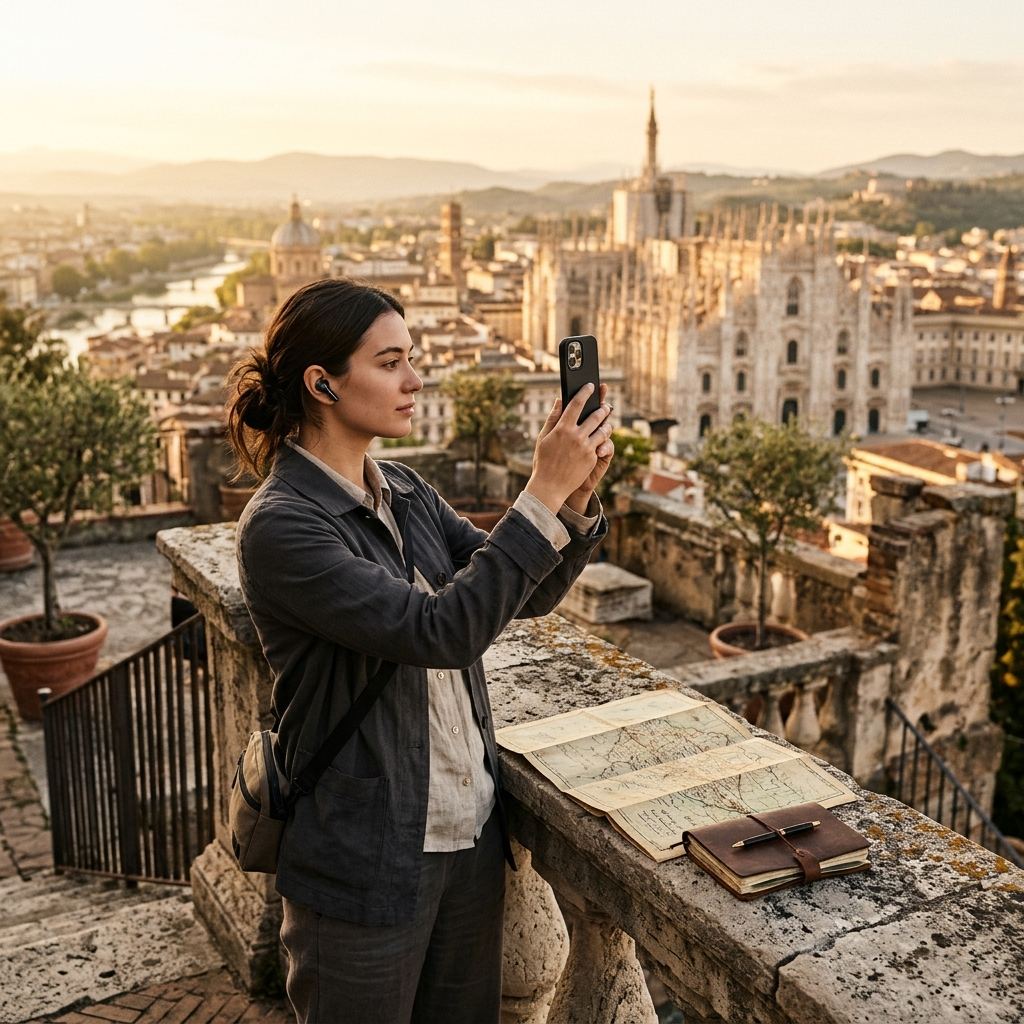
An AI travel guide pairs visual recognition, audio narration, and itinerary tools to help travelers navigate historic landmarks and cultural attractions independently. Rather than relying on rigid group excursions or juggling physical guidebooks, platforms like Aitour provide immediate context, narration, and navigation on a mobile device.
The Core Challenge of Independent Sightseeing
Independent travelers frequently face an information gap when visiting unfamiliar destinations. Print guidebooks are cumbersome to cross-reference while walking, and web searches pull attention away from historical sites while depleting mobile battery. Furthermore, guided group tours require fixed schedules and fixed paces that do not suit every traveler.
Visiting major sites without context often leaves travelers looking at historic structures without understanding their background. A dedicated mobile travel guide resolves this issue by providing visual identification, spoken descriptions, and structured routes on demand, allowing visitors to explore at their own pace.
Instant Recognition: Using Visual AI for Landmarks
Identifying monuments in dense historic districts can be difficult when signage is absent or written in an unfamiliar language. Aitour's Landmark Scanner matches visual inputs directly to points of interest indexed in the catalog.
Camera Capture and Video Analysis
Travelers can identify unknown structures using two capture methods:
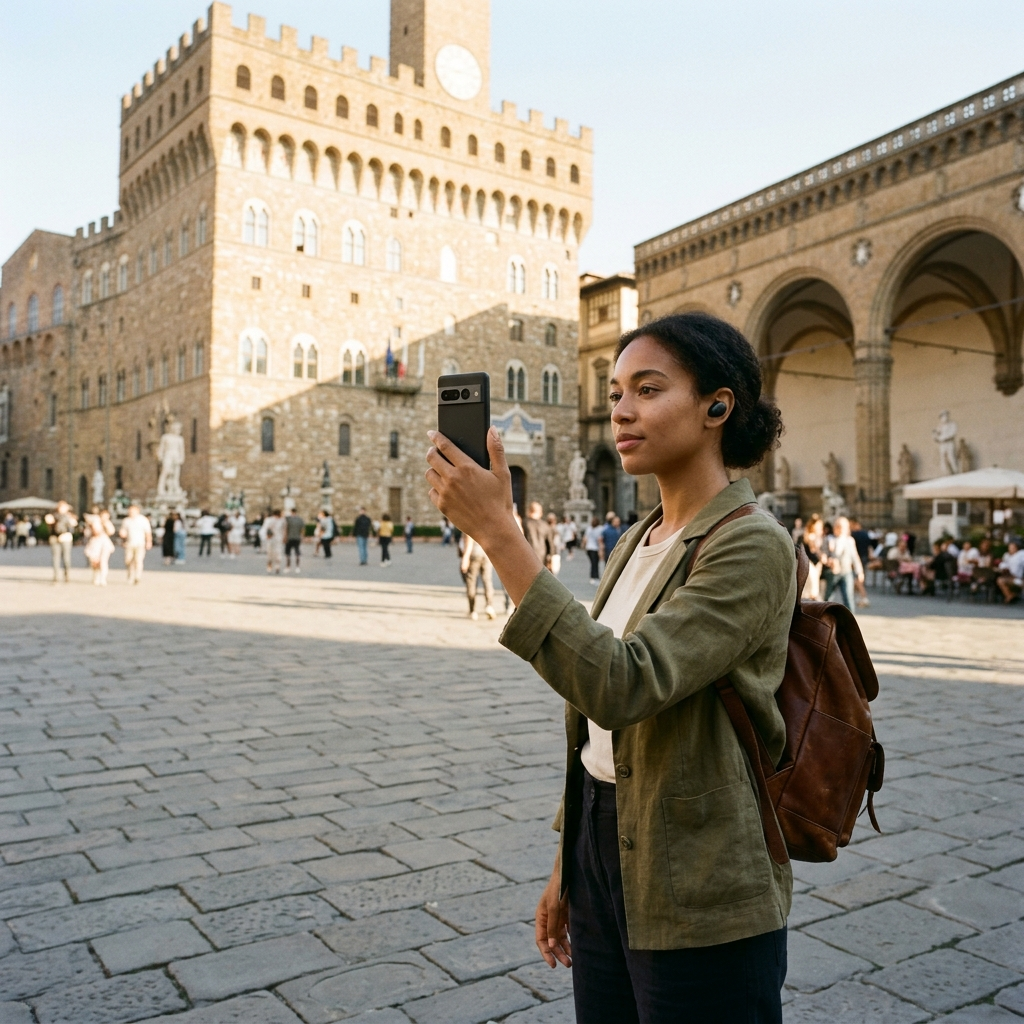
- Direct Camera Capture: Point your device camera at a landmark, building facade, or statue to match the image against the catalog and open its place page.
- Gallery Video Import: When recording footage on the move, select an existing video from your device gallery. The scanner identifies the landmark from the video thumbnail to locate the matching entry.
Once identified, the app opens the landmark's page with historical background, photos, and descriptions.
Hands-Free Exploration with Voice-Guided Audio Tours
Reading mobile screens under direct sunlight can be inconvenient and reduces awareness of your surroundings. Aitour includes voice-guided tours and text-to-speech audio playback so visitors can view sites while listening to descriptions.
Using the Live Tour Guide feature, users can follow narrated walking tours between destinations. For single-site visits, tapping the audio playback button on any place page prompts the app to read descriptions aloud. This hands-free format allows travelers to keep their attention on the destination itself.
Interactive Mapping and Spatial Awareness
Navigating unfamiliar cities requires clear spatial orientation. Aitour integrates an interactive Google Maps interface populated with markers for cataloged points of interest.
Travelers can tap map markers to preview names, photos, and categories before walking to a site. The map view includes current location tracking, a refresh option, and dark mode support for low-light environments. Individual point-of-interest pages also display distance from your current location to help evaluate walking times.
On-Demand Inquiries with Ask AI
Standard recorded audio guides provide static scripts that cannot answer specific questions. On any point-of-interest page in Aitour, travelers can use the Ask AI feature to request additional details.
Users can submit questions about architectural styles, historical timelines, construction background, or cultural significance related to the site. This provides direct answers in context without requiring separate web searches.
Trip Planning: Organizing Custom Itineraries
Spontaneous exploration is more efficient when supported by an organized schedule. Aitour provides trip management tools to arrange discoveries into actionable routes.
- Catalog Exploration: Browse the catalog using full-text search across landmark names, categories, and descriptions, or view recent search queries in grid or list views.
- Bookmarking: Save key locations to a personal favorites list for quick access.
- Trip Creation: Organize saved points of interest into named trips for specific days or neighborhoods.
- Route Ordering: Reorder stops within each trip using drag-and-drop controls to minimize walking distances.
- Sharing: Share individual places with travel companions using native device sharing.
Organizing stops in advance helps travelers plan logical walking routes through busy cities.
Pre-Departure Sightseeing Checklist
To prepare your device before heading out, consider the following steps:
- Pre-screen Key Destinations: Search the catalog in advance, save destinations to favorites, and arrange them into a named trip.
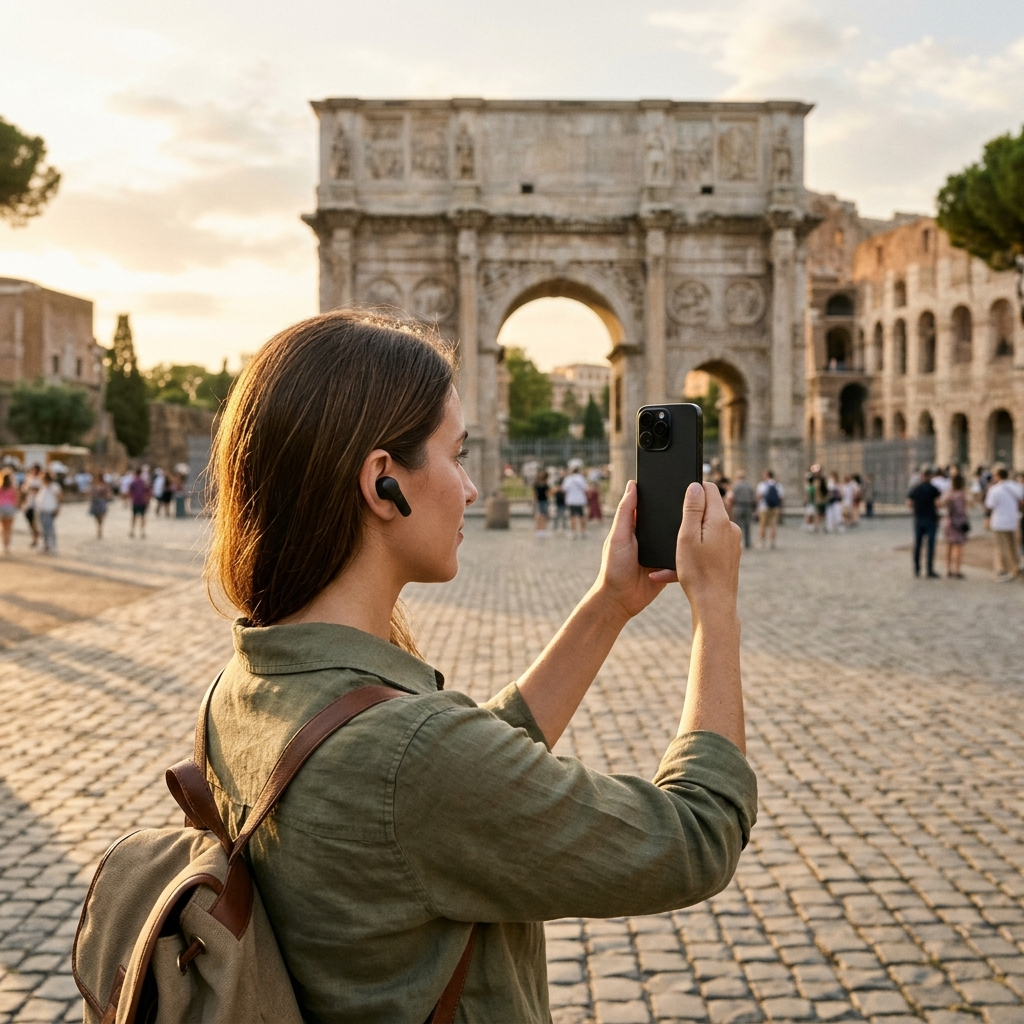
- Pack Proper Audio Gear: Bring lightweight earphones to listen to audio descriptions and walking tours in public spaces.
- Familiarize with Scanning Options: Test direct photo scanning and video gallery selection so you can identify landmarks quickly in the field.
- Switch Display Modes: Turn on dark mode for comfortable map viewing during evening walks.
Conclusion
A mobile AI travel guide reduces the friction of paper guides, inflexible tour schedules, and manual online searches. By combining visual landmark scanning, voice-guided tours, and route management into one application, Aitour supports self-guided sightseeing. Download Aitour to identify landmarks, listen to audio tours, and manage your travel itineraries.
Frequently Asked Questions
Aitour lets users take a photo of a landmark or select a video from their gallery to recognize the location from its thumbnail. The scanner matches the image against the app's catalog to open the corresponding details page.
Yes. The Live Tour Guide feature offers voice-guided walking tours, and individual place pages include text-to-speech playback that reads descriptions aloud.
You can save locations to your personal collection, create named trips, and reorder destinations using drag-and-drop controls.
Yes. Each point of interest page includes an Ask AI feature that allows travelers to ask questions about the place and receive answers directly in the app.